Educational institutions · CRM
Keep every family, class and callback in one record the whole admissions desk can read.
A CRM for a school or institute is a shared record of each enquiring family, from first call to fee payment and re-enrolment, in place of the register, the notepad and personal phone contacts. GullySales sets up a record your admissions desk can keep up, with the fields and stages your admissions actually pass through.
Scope, fee, reporting and term are agreed in writing after we have read your brief and spoken to you.

What CRM means
A CRM is the record where every enquiry, call and quote is kept against a customer, replacing separate notebooks, spreadsheets and memory. GullySales sets up or cleans an existing CRM and reports from it by enquiry outcome rather than by activity logged.
Also for educational institutions
- Lead generation for educational institutions
- Follow-up systems for educational institutions
- SEO for educational institutions
- PPC ads for educational institutions
- Digital marketing for educational institutions
- Reputation management for educational institutions
- Local SEO for educational institutions
- Branding and identity for educational institutions
Sales and marketing for educational institutions, the overview.
Last updated 14 Nov 2026. Rules for this trade differ by state and professional body, and they change. We describe restrictions in general terms, so check the current position with your own council or adviser before you publish anything.
For educational institutions
Where it usually goes wrong, and what we would do.
“Enquiries sit on three phones and a register”
The counsellor saved the parent's number on a personal phone, the front office wrote the visit in a register and the principal jotted a name on a slip. When one of them is absent, the family disappears from view.
“Education pipelines have their own stages”
An enquiry becomes a campus visit, then an application, an entrance test or interview, an offer, a fee payment and a confirmed seat. A generic sales board with won and lost columns hides the stage where families stall.
“Siblings and returning students are admissions you already hold”
A younger sibling, a Class 10 student continuing to Class 11, a diploma student moving to the advanced course: each is in your records. Without a shared record they receive the same cold pitch as a stranger.
“Counsellors leave and the history should stay”
A counsellor who departs mid-season takes the list of promised callbacks along. A shared record keeps each family's history with the institution rather than with the person who happened to answer the phone.
What we do
What we deliver for educational institutions.
The work available for this need. We agree the deliverables and responsibilities for your engagement in writing.
Admission stages set up in your terms
The stages your institution really passes through, from enquiry to fee paid, named the way your desk names them.
Result: Each family shows the next step it is waiting on.
Fields that match the desk
Class sought, board, locality, transport needed, source of enquiry and the person who decides.
Result: Reports can be cut by class and by source.
Old lists brought into one record
The register, spreadsheets and phone contacts gathered together, duplicates merged and consent status noted.
Result: Each family appears once.
Access by role
Counsellors see their own families, the principal sees all, and the accounts office sees fee status only.
Result: Personal details stay with the people who need them.
Task rules for each stage
Each stage creates a task for a named person, such as a call after a campus visit or a document reminder.
Result: No stage is left without an owner.
A season view
One screen showing enquiries, visits, applications and fees paid by class and source.
Result: You can compare this admissions window with the last one from your own records.
How the result is measured
- Enquiries logged in the CRM
- Data completeness
- Reports generated from CRM data
Recorded as a baseline before work starts, so every later report has an honest comparison.
Fields worth keeping
Keep the fields that show where each family stands in the admissions year, and who owes the next call.
- Class or course sought
- Taken by the desk at the first call. It lets the school count enquiries against seats by class and send the right form.
- Board and medium wanted
- Taken from the family. A parent who wants a state board and a school that offers CBSE should be told early, before a visit wastes both sides' time.
- Admission stage
- Set by the desk after each step, from enquiry through visit, form, test, offer and fee paid. It shows the stage where families stall.
- Sibling or alumnus link
- Filled from the school's own records. It marks a family the school already knows, so the callback is warmer and the form is shorter.
- Consent to be contacted and by whom
- Recorded at the first call. It shows which parent agreed, for which number and for which kind of message.
- Owner of the next callback
- One named staff member, with the date. It stops a family sitting between two counsellors.
Who it is for
This is written for these educational institutions.
- Pre-schools and play schools
- CBSE and ICSE schools
- State board schools
- Coaching institutes for competitive exams
- Degree colleges
- Vocational and skill-training institutes
- Ed-tech linked hybrid learning centres
- Multi-branch tutorial chains
Before you decide
When this may not be the right fit.
- The school admits fewer than a few dozen new children a year, so a sheet with a next-call column is enough for now.
- The desk has no one to keep the record current, so the fields would go stale within the first busy week.
- The management plans to load children's marks and health details into the CRM, which holds more than the admissions work needs.
Before you decide
Agree the work. Know how to judge it.
CRM for educational institutions: use these checks to prepare, choose the scope, and review what changes.
Bring the right evidence
List the records your team uses and show how an enquiry becomes an order today. Bring examples of duplicate entries, missing owners, and reports that require manual correction.
Make the scope clear
Agree the stages, required fields, access roles, and integrations before configuring the system. Separate software subscriptions from setup, data work, and training.
Check the work in use
Ask the people who will use the CRM to complete a real handover and find the next action without help. Check that the management report can be traced back to individual records.
Know when to change course
If the process is unclear, buying a more complex CRM adds more places for confusion. Start with the minimum fields and rules the team can use consistently.
These are discussion points, not a fixed package. GullySales confirms the deliverables, responsibilities, fee, and term in writing after reading your brief and speaking with you.
Before we start
What to have ready before the work starts.
The records, access and decisions this work needs from educational institutions. Anything missing is noted in the written scope, with who will supply it.
- The enquiry register and phone contacts
- Bring the register, notepad pages and the lists on the counsellors' phones. Everything that belongs in the record is in them. Contacts held only on a personal phone are listed with the counsellor's help.
- A decision on who can see student data
- A school holds data about children, so decide who may see which fields. The trust is responsible for it, and your adviser should confirm the rules. Until you decide, access is limited to two people.
- The admission stages as the school runs them
- Bring the process: what happens after an enquiry, whether there is a test or interview, when the fee is due. A school with an entrance test has a stage another does not. We build the stages from what you tell us.
- The waitlist and sibling lists
- These lists are admissions you nearly hold. Bring them in whatever form they exist, with the class and year. Without them, the record begins with new enquiries and the earlier families are lost.
How it works
How the CRM work runs
The work itself, in order. How an engagement starts, from your brief to a written scope, is set out on our method page.
- 1
Read the register and the phones together
We sit with the admissions desk and read the paper register, the counsellors' phone contacts and any spreadsheets. You tell us which entries are current and which are old. That conversation shows the fields the record needs.
- 2
Write the admission stages in your terms
With the desk we list the stages an enquiry passes through: enquiry, campus visit, application, test, offer, fee paid, joined. The stage names are the desk's own, written exactly as counsellors say them across the counter, so no one needs to translate. A stage nobody uses is dropped.
- 3
Set up the fields, roles and task rules
We configure the fields the desk needs: class sought, board, locality, who decides, source, siblings. Access is set by role, so a teacher sees what they need and not a family's fee record. For each stage, a task rule tells the desk what to do next.
- 4
Bring the old lists into one record
The register, the waitlist, the sibling list and the spreadsheets are moved into the record, with duplicates merged on your approval. We check a sample against the paper with the desk. The old register stays as it is.
- 5
Hand over with a named owner
We train the desk, name an owner of the record and a second person, and write the stage guide in your words. Later we set the record beside the old register: enquiries logged, visits and fees traced to a source. You judge whether it is kept up.
Where this fits
Three pieces of sales work, in this order.
This work sits inside sales management. A target, a review routine and someone who owns the number.
Step 1
Sales audit
Find where deals are being lost and what to fix first.
Start here if you cannot say where orders are lost.
Step 2
Sales process design
One written way to sell, from first enquiry to repeat order.
Start here if every salesperson sells differently.
Step 3 · you are here
Sales management
A target, a review routine and someone who owns the number.
Start here if the team has targets and no routine.
FAQ
Questions owners ask before they call.
Not here? More answers, or ask on WhatsApp.
Is a spreadsheet enough for a small school?
Which CRM tool do we need?
Who is responsible for student data kept in a CRM?
Can we keep a child's health or learning notes in the CRM?
What happens to the old register after the move?
Can the CRM handle several branches?
How much does it cost?
How long is the contract?
How soon will we see results?
What do you need from us?
From the blog
Further reading for educational institutions.
 5 min read · 6 Oct 2026How families and companies choose between institutesA parent, a student, a candidate and an HR head each pick an institute differently. Who decides, what each checks and what admissions should have ready.
 8 min read · 21 Sept 2026How to advertise to studentsThe student chooses and the parent pays, so you run two campaigns at once. Under eighteen, platforms also limit how you can target them.
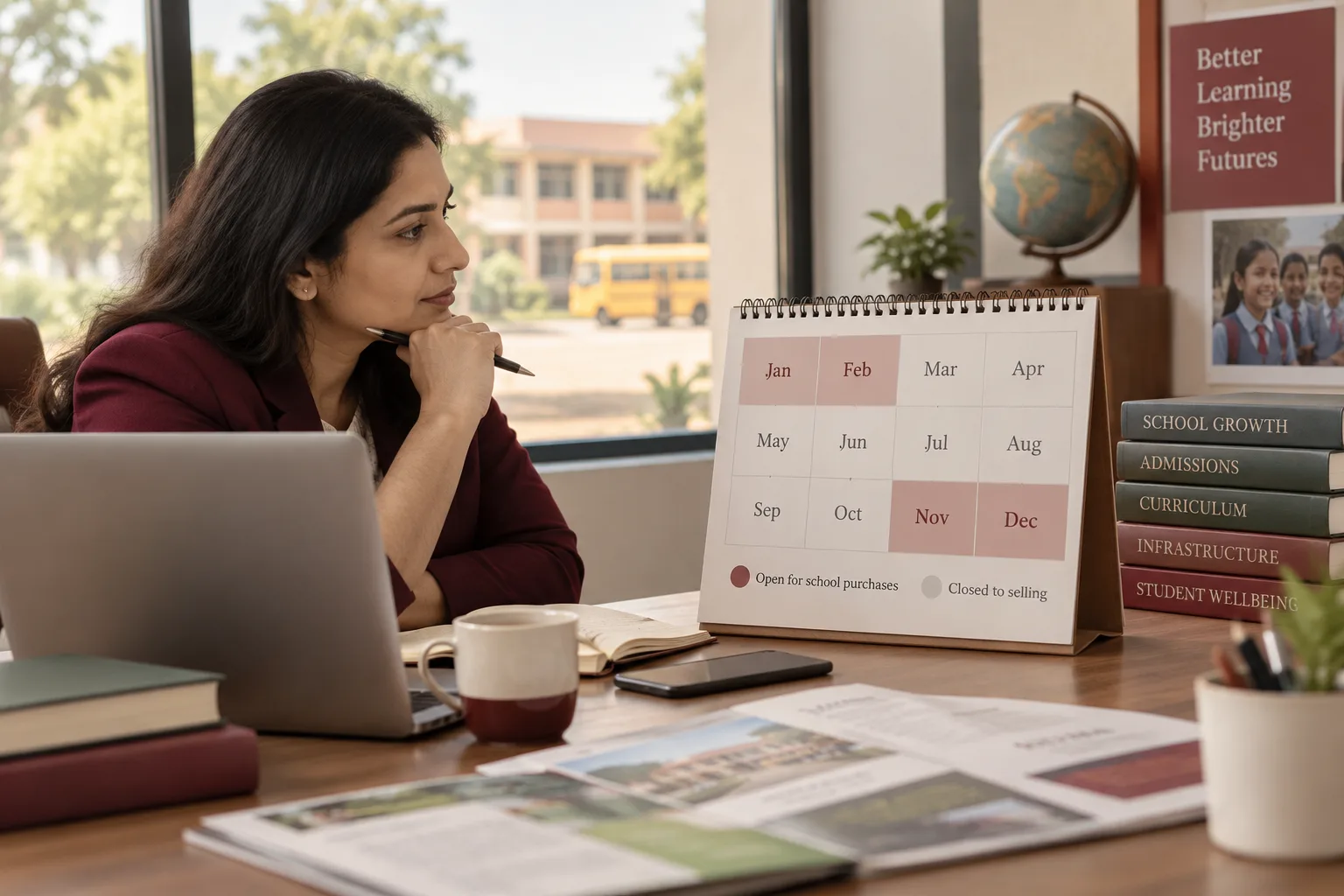 7 min read · 21 Sept 2026How to advertise to school ownersA school buys in a four-month window and is closed to selling the other eight. Miss November to February and you have missed the year.
More for educational institutions
Related work to consider.
Closest to this: leads and follow-up
Also for educational institutions
Or start from the overview: sales and marketing for educational institutions.
Your next practical step
Tell us what you are trying to grow, and we will read it before we call.
Eight short steps, mostly taps. Skip anything you would rather answer on the call.