CT scan centres · Local SEO
Be the CT centre that appears first when someone nearby searches on a phone.
Local SEO for a CT centre means appearing on the map and in nearby results when someone searches for a scan close to home or the hospital. GullySales works on your Google Business Profile, your listings and the signals that tell a search engine where you are.
Scope, fee, reporting and term are agreed in writing after we have read your brief and spoken to you.
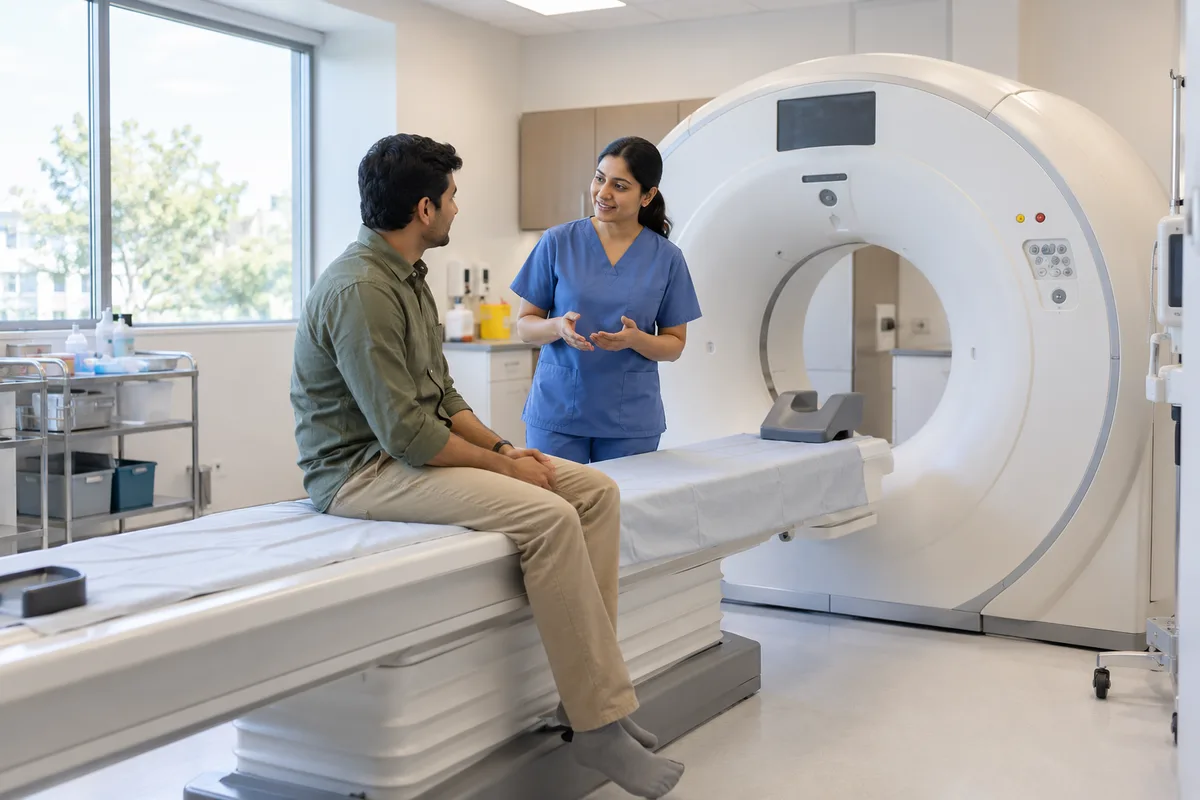
What local SEO means
Local SEO is the work of making your business show up for searches that name your town or locality, such as a service plus an area name. GullySales sets up locality pages, local citations and map listings so nearby customers find you before a competitor across town.
Last updated 14 Nov 2026. Rules for this trade differ by state and professional body, and they change. We describe restrictions in general terms, so check the current position with your own council or adviser before you publish anything.
For CT scan centres
Where it usually goes wrong, and what we would do.
“The map is the first thing a worried family sees”
Someone searching CT scan near me sees three map results before any website. A profile with a wrong phone number or closed hours hands the scan to the centre below it.
“Hours matter more here than in routine diagnostics”
If you take emergency or late-evening scans, the profile must say so. A listing that shows closing time at evening sends away the family you were open for.
“Directions are a barrier on the day”
A centre inside a complex or on an upper floor loses patients who cannot find the entrance. Photos of the entrance and a clear landmark in the profile save a call to the counter.
“Reviews are read for the experience of waiting”
A reader scans for words about wait, staff behaviour and report delivery. Replies must stay general and never confirm that a person was a patient, since that discloses medical information.
What we do
What we deliver for CT scan centres.
The work available for this need. We agree the deliverables and responsibilities for your engagement in writing.
Google Business Profile set-up
The profile completed with name, address, hours, phone, services and photos of the entrance and the waiting area.
Result: Your profile matches what a visitor finds at the door.
Services and scans listed
Each CT study you offer entered on the profile in the words a patient uses.
Result: The profile answers whether you do the scan before the call.
Listing clean-up
Name, address and phone checked across the directories and maps where you appear.
Result: One consistent version of your details everywhere.
Review reply guide
A short guide to answering reviews without confirming who was a patient or discussing a case.
Result: The front desk can reply without risk.
Local search report
A report on calls, direction requests and profile views.
Result: You can compare profile activity with scans booked.
How the result is measured
- Map pack ranking
- Local search visibility
- Enquiries by locality
Recorded as a baseline before work starts, so every later report has an honest comparison.
Searches near the centre
A worried family searches on a phone, and the map decides who gets the call.
- CT scan centre near me
- A complete Business Profile with the scans listed, the phone number that is answered and the opening hours kept current.
- CT scan open now
- Hours that include late-evening and holiday cover if the centre offers it, with special hours set before each festival.
- CT scan near [hospital name]
- A page or profile description that names the hospital nearby, since orders are written there and the family walks over.
- how to reach [centre] by auto
- Landmark directions, a pin on the correct gate and a note on lift and wheelchair access for patients who cannot walk far.
- CT scan centre reviews
- Review replies that thank the person and leave clinical detail out, because families read how the centre answers a waiting complaint.
Who it is for
This is written for these CT scan centres.
- Standalone CT scan centres
- CT units in diagnostic centres
- CT units in nursing homes and small hospitals
- Chest and HRCT imaging centres
- Cardiac CT and angiography centres
- 24-hour or extended-hours CT services
Before you decide
When this may not be the right fit.
- The phone on the profile is answered by whoever is free, so a better listing would only send more families to a missed call.
- The centre shares an address with a hospital that has its own listing, and the relationship between the two has not been settled.
- You intend to ask patients for reviews at the scanner, when they are anxious or unwell.
Before you decide
Agree the work. Know how to judge it.
Local SEO for CT scan centres: use these checks to prepare, choose the scope, and review what changes.
Bring the right evidence
Confirm the real business address, service area, contact details, and who controls the business listings. Keep examples of calls that came from the wrong location or asked for a service you do not provide.
Make the scope clear
Choose the locations you actually serve and the information each needs. Agree who approves listing changes, responds to enquiries, and keeps opening hours accurate.
Check the work in use
Check the journey from a local search to a call or enquiry on a phone. The address, service area, and description should agree across your website and listings.
Know when to change course
Do not create an office claim for a place where you only serve customers remotely. Clear service coverage is more useful than a misleading local presence.
These are discussion points, not a fixed package. GullySales confirms the deliverables, responsibilities, fee, and term in writing after reading your brief and speaking with you.
Before we start
What to have ready before the work starts.
The records, access and decisions this work needs from CT scan centres. Anything missing is noted in the written scope, with who will supply it.
- Ownership of the Google Business Profile
- Someone must hold the login for the profile or be able to receive the verification call or code. If a former employee or vendor opened it, find that person now. Without ownership, the map keeps showing whatever it holds today.
- A tested route from the nearest landmark
- Write or record how to reach the centre from the main road, the hospital gate and the nearest stop, including the floor and lift. Walk it once. If directions are untested, we publish only the address and a pin, and families may call for help. Include the point where a driver is likely to turn wrongly, because that is where families phone the desk.
- Hours for ordinary days, holidays and urgent scans
- Give the hours the desk is staffed and the arrangement for urgent referrals, if any. Hours matter more here than in routine diagnostics because a request comes in a hurry. If the arrangement changes by day, list the pattern and we show it plainly.
- Pictures taken without any patient in them
- Send daylight photographs of the entrance, the signboard, the lift and the seating, with staff only if they have agreed. A patient or a patient's report in the frame is not acceptable. Missing pictures leave the profile bare.
- A name for who replies to reviews
- Pick the person who writes replies, and who reads them first. A reply written in anger or one that names a patient causes harm. If nobody is named, replies wait and the profile shows complaints without any response.
How it works
How the local SEO work runs
The work itself, in order. How an engagement starts, from your brief to a written scope, is set out on our method page.
- 1
Find every listing that shows your address
We search the centre's name, the old name and the phone numbers to find all map listings and directory entries, including duplicates left by a former tenant or a franchise. You confirm which are yours. Duplicates with wrong hours are the first thing a worried family might trust.
- 2
Verify ownership with whoever opened the listing
We trace who created the profile, which email holds it and which phone receives the verification. You or the person who opened it approves the transfer. Until this is done, changes cannot be made, and a wrong closing time stays live on the map.
- 3
Set the scans and the hours correctly
We enter the services as the centre describes them, name the scans where the platform allows and set the hours the desk really answers, including holidays and the hours for urgent cases if you offer them. You check each line against what the counter tells callers.
- 4
Write directions for the day of the scan
We write directions from the nearest landmark, the hospital gate or the bus stop, with where to park and which floor to climb to. Staff test them by walking from the gate. A family arriving for a scan with a sick relative cannot hunt for a lift. Staff also note whether the lift is working on the day and who can bring a wheelchair to the door, since those details change what a family needs to know.
- 5
Photograph the entrance, the lift and the waiting area
Your team photographs the signboard, the entrance, the lift or ramp and the waiting seats, with no patient visible. We choose the set and write captions. These photographs answer the questions about access and comfort that families put to the desk.
- 6
Prepare replies to reviews about waiting
We write a reply guide for reviews that mention delay, parking or a report. Replies thank the person, describe the centre's process and invite a call, with no clinical detail. You decide who replies. Afterwards we read profile views, calls and direction requests against the earlier record.
Where this fits
Three pieces of sales work, in this order.
This work sits inside sales process design, at stage 1, prospecting and lead generation. The audit comes before it, and sales management keeps it running.
Step 1
Sales audit
Find where deals are being lost and what to fix first.
Start here if you cannot say where orders are lost.
Step 2 · you are here
Sales process design
One written way to sell, from first enquiry to repeat order.
Start here if every salesperson sells differently.
Step 3
Sales management
A target, a review routine and someone who owns the number.
Start here if the team has targets and no routine.
FAQ
Questions owners ask before they call.
Not here? More answers, or ask on WhatsApp.
Does the number of reviews decide the map position?
Can we reply to a complaint about delay?
We have two branches. Do we need two profiles?
Which photographs belong on the profile?
Does the number of branches change how we set up the listings?
How should the profile describe an emergency referral?
How much does it cost?
How long is the contract?
How soon will we see results?
Who will actually do the work?
From the blog
Further reading for CT scan centres.
 6 min read · 4 Oct 2026A doctor referral register: what to record and how to use itA one-page register for clinics that receive referrals: who sent whom, what came back and when you closed the loop, within medical council rules.
 6 min read · 24 Sept 2026Reply templates for clinic WhatsApp enquiriesEight first replies for a clinic's WhatsApp number covering price, timing, location and reports, each ending with one next step for the patient.
 8 min read · 22 Jan 2026How CT scan centres win referrals from physiciansPhysicians send CT work to the centre that answers the phone, gives a slot today and reports against the question asked. See what they notice.
More for CT scan centres
Related work to consider.
Closest to this: search and visibility
Also for CT scan centres
Or start from the overview: sales and marketing for CT scan centres.
Your next practical step
Tell us what you are trying to grow, and we will read it before we call.
Eight short steps, mostly taps. Skip anything you would rather answer on the call.