Orthopaedic clinics · CRM
Keep every enquiry, report and surgery decision in one record the whole desk can see.
A CRM for an orthopaedic clinic is the record of each enquiry, from the first X-ray sent on WhatsApp to the decision on surgery, held where the whole front desk can read it. GullySales sets up a record that matches how your clinic works, and trains the desk to use it.
Scope, fee, reporting and term are agreed in writing after we have read your brief and spoken to you.

What CRM means
A CRM is the record where every enquiry, call and quote is kept against a customer, replacing separate notebooks, spreadsheets and memory. GullySales sets up or cleans an existing CRM and reports from it by enquiry outcome rather than by activity logged.
Also for orthopaedic clinics
- Follow-up systems for orthopaedic clinics
- Lead generation for orthopaedic clinics
- SEO for orthopaedic clinics
- Local SEO for orthopaedic clinics
- PPC advertising for orthopaedic clinics
- Reputation management for orthopaedic clinics
- Review generation for orthopaedic clinics
- Content marketing for orthopaedic clinics
Sales and marketing for orthopaedic clinics, the overview.
Last updated 14 Nov 2026. Rules for this trade differ by state and professional body, and they change. We describe restrictions in general terms, so check the current position with your own council or adviser before you publish anything.
For orthopaedic clinics
Where it usually goes wrong, and what we would do.
“The record lives on one person's phone”
X-rays, notes and promised callbacks sit in a receptionist's chat history. When that person is on leave, or leaves for good, the clinic loses the patients who were waiting for a reply.
“Surgery decisions are a long, quiet stage”
A patient advised a knee replacement goes home with an estimate and thinks. Without a record of the date advised, the estimate given and the family involved, nobody knows whom to call or when.
“The source of the patient decides how you spend”
If the record does not note whether a patient came from a GP, a coach, Maps or a relative's search, nobody can tell which effort worked. Spend then follows whoever speaks loudest.
“Privacy is part of the design”
Scans and reports are sensitive personal records. A shared spreadsheet passed round on chat is a poor place for them. The system needs sensible access for each staff member and a plan for who can export what.
What we do
What we deliver for orthopaedic clinics.
The work available for this need. We agree the deliverables and responsibilities for your engagement in writing.
A patient record built for the clinic's stages
Fields for the problem, the report received, the consultation, the advice given, the decision and the follow-up.
Result: Any staff member can open a record and see where it stands.
A source field on every enquiry
A fixed list covering referring doctors, coaches, Maps, the website, camps and relatives.
Result: You can count consultations by source.
Reminders for decisions pending
A due date and a named owner for each patient advised surgery, with the reason recorded when they decline.
Result: The clinic learns the reason instead of guessing it.
Access by role
The desk, the surgeon and the manager see what they need, and exports are limited.
Result: Sensitive records are not handed to everyone.
Training for the front desk
A guided session and a one-page guide on entering an enquiry, with the register checked after the first use.
Result: The system is filled in on the day, not reconstructed later.
How the result is measured
- Enquiries logged in the CRM
- Data completeness
- Reports generated from CRM data
Recorded as a baseline before work starts, so every later report has an honest comparison.
Fields worth keeping
The fields an orthopaedic clinic keeps for each enquiry, and who fills each one.
- Contact and relationship to the patient
- The desk records the sender and whether it is the patient or a relative. Replies and reminders then reach the person who decides, which may not be the patient.
- Report received and who has seen it
- The desk notes that an X-ray or MRI arrived and the surgeon marks it seen. It shows which patients are waiting on a reply and prevents one lingering overnight.
- Source of the patient
- The desk selects GP, physiotherapist, coach, search or past patient. The owner can then thank the referrer and see which source fills the OPD.
- Surgery advised, date, and reason for delay
- The coordinator notes whether surgery was advised and why the patient has not booked. It is the field that makes a follow-up call useful instead of generic.
- Next review or rehab check
- The desk records the next due visit and who owns it. After a fracture or surgery, a missed review is a problem the record should catch early.
Who it is for
This is written for these orthopaedic clinics.
- Single-surgeon OPD clinics that operate at partner hospitals
- Joint replacement centres
- Sports injury and arthroscopy clinics
- Spine clinics
- Fracture and trauma clinics on highways and ring roads
- Paediatric orthopaedic practices
- Orthopaedic nursing homes and day-care surgery units
- Multi-surgeon bone and joint groups with branches
Before you decide
When this may not be the right fit.
- The clinic is small enough that the surgeon and one assistant remember every patient.
- Nobody has agreed who may see which records, and open access exposes patients' details.
- You want to keep scans and clinical notes in a marketing tool, which belongs in the clinical file.
Before you decide
Agree the work. Know how to judge it.
CRM for orthopaedic clinics: use these checks to prepare, choose the scope, and review what changes.
Bring the right evidence
List the records your team uses and show how an enquiry becomes an order today. Bring examples of duplicate entries, missing owners, and reports that require manual correction.
Make the scope clear
Agree the stages, required fields, access roles, and integrations before configuring the system. Separate software subscriptions from setup, data work, and training.
Check the work in use
Ask the people who will use the CRM to complete a real handover and find the next action without help. Check that the management report can be traced back to individual records.
Know when to change course
If the process is unclear, buying a more complex CRM adds more places for confusion. Start with the minimum fields and rules the team can use consistently.
These are discussion points, not a fixed package. GullySales confirms the deliverables, responsibilities, fee, and term in writing after reading your brief and speaking with you.
Before we start
What to have ready before the work starts.
The records, access and decisions this work needs from orthopaedic clinics. Anything missing is noted in the written scope, with who will supply it.
- The sheets and registers the desk uses now
- Bring every paper register, sheet and WhatsApp list the desk keeps. We copy their fields, not invent new ones. If staff keep private notes, they should come out in the open now, and the plan accounts for the extra time it takes to copy them in.
- A decision on who sees clinical information
- Decide which roles may see a diagnosis, an X-ray or the surgeon's advice. The CRM's access is set to this. Without a decision, we default to the strictest option, and the desk may find it limiting at first.
- The clinic's existing software and licences
- If the clinic already has hospital software or an appointment tool, tell us. The CRM must sit beside it, not fight it. Where the existing vendor restricts export, we keep the CRM as an enquiry record only.
- One person to own the system
- Someone at the clinic must be responsible for keeping the stages current and for adding staff. Without a named owner, records go stale. The owner needs only moderate comfort with software.
- A list of staff with phone numbers
- Each user needs an account tied to a phone or email that belongs to the clinic. Shared logins make it impossible to see who changed a record. Give us the staff list and roles.
How it works
How the CRM work runs
The work itself, in order. How an engagement starts, from your brief to a written scope, is set out on our method page.
- 1
Trace one patient from first message to theatre
We follow a real, anonymised enquiry through the clinic: the X-ray on WhatsApp, the call back, the consultation, the advice, the family discussion, the date. You and the desk mark each handover. That path becomes the stages in the CRM, in your words.
- 2
Build the record fields from what the desk writes
We look at the registers and sheets the desk fills in now and keep the fields they already use: source, complaint, referrer, advice given, decision pending. Extra fields are added only where you decide they will be used. A record that takes five minutes to fill will be skipped.
- 3
Set up a test copy and enter old patients
In a separate copy we enter a set of past enquiries and see whether the stages and reminders behave as the desk expects. You decide who has access at which level, and we note it against each staff name. The surgeon sees the decisions pending, the billing counter sees nothing clinical.
- 4
Check the reminders and the access rules
We test the reminder for a patient who has not decided, the alert for a fracture review due, and the login limits by role. Patient data is shown only to those who need it. Anything that fails the test is fixed before the desk touches it, and the surgeon looks at the decisions-pending view to confirm it shows what a surgeon needs on the morning of an OPD.
- 5
Train the desk on real enquiries
Over several short sessions the desk enters live enquiries with us beside them. They tell us what feels clumsy and we change the screen or the words. You judge whether the desk can use it alone.
- 6
Switch over and read the first records
On the agreed day the desk stops the old sheet and works in the new record. We read the first records with you: how many have a source, how many are waiting on a decision. The comparison with the old sheet shows what was lost before and what the clinic can now see.
Where this fits
Three pieces of sales work, in this order.
This work sits inside sales management. A target, a review routine and someone who owns the number.
Step 1
Sales audit
Find where deals are being lost and what to fix first.
Start here if you cannot say where orders are lost.
Step 2
Sales process design
One written way to sell, from first enquiry to repeat order.
Start here if every salesperson sells differently.
Step 3 · you are here
Sales management
A target, a review routine and someone who owns the number.
Start here if the team has targets and no routine.
FAQ
Questions owners ask before they call.
Not here? More answers, or ask on WhatsApp.
Which CRM should an orthopaedic clinic use?
Can the CRM store X-rays and MRI files?
Will staff resist another system?
May the CRM hold a patient's X-ray?
Which CRM suits an orthopaedic clinic?
Can the CRM hold X-rays and MRI files?
How much does it cost?
How long is the contract?
How soon will we see results?
Who will actually do the work?
From the blog
Further reading for orthopaedic clinics.
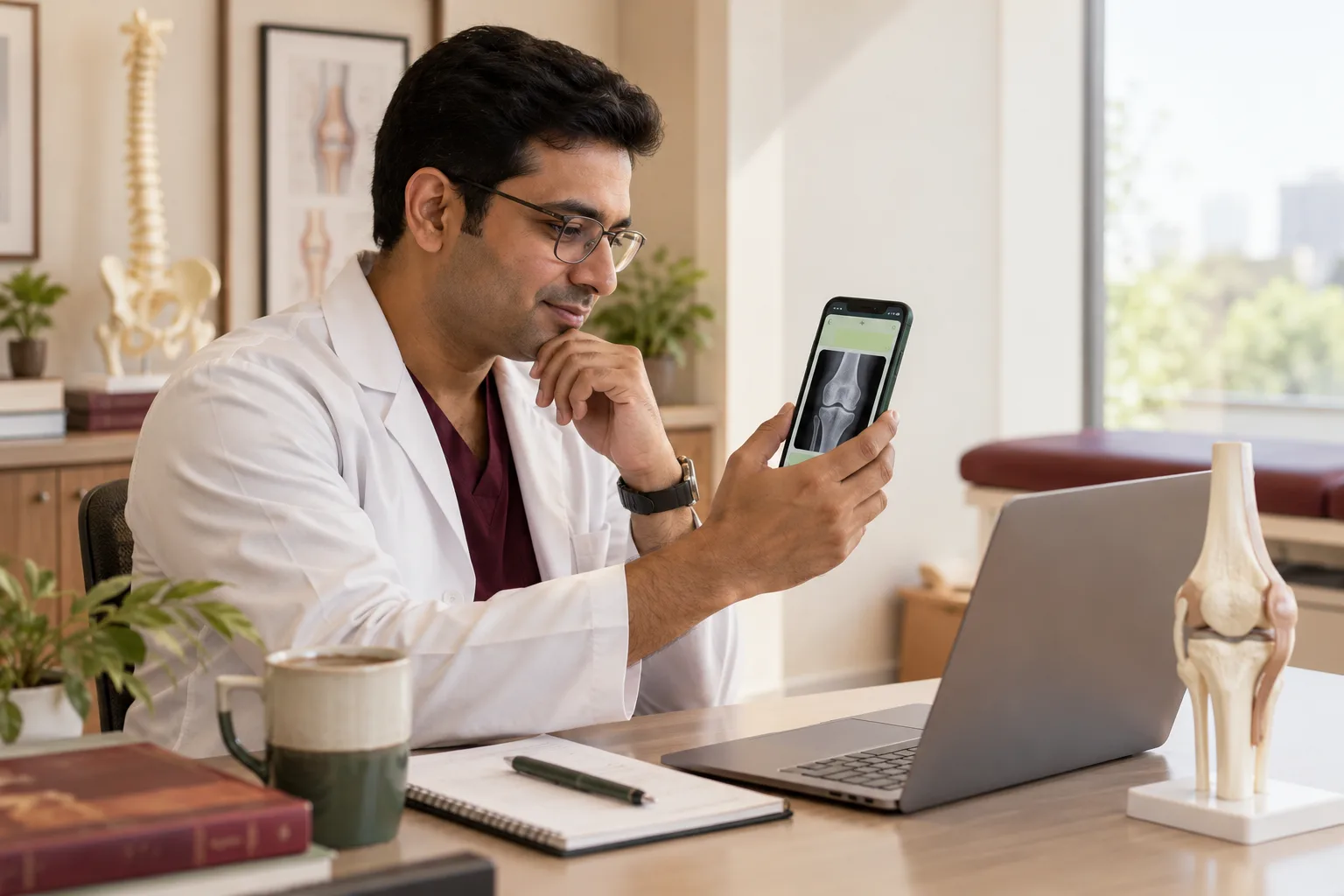 6 min read · 6 Oct 2026What orthopaedic clinics should do with an X-ray sent on WhatsAppPatients send the X-ray before they call. A reply routine for the orthopaedic clinic that books a consultation without diagnosing over chat.
 6 min read · 6 Oct 2026What healthcare buyers check before they choose youA patient, a referring doctor and a hospital purchase team each check different things before choosing a provider. See what each looks at.
More for orthopaedic clinics
Related work to consider.
Closest to this: leads and follow-up
Also for orthopaedic clinics
Or start from the overview: sales and marketing for orthopaedic clinics.
Your next practical step
Tell us what you are trying to grow, and we will read it before we call.
Eight short steps, mostly taps. Skip anything you would rather answer on the call.