Residential security agencies · Local SEO
Show up on the map for the societies within reach of your supervisors.
Local SEO for a residential security agency is the work of appearing in the map results for societies close enough for a supervisor to reach every night. GullySales works on the Google Business Profile, the service area and the locality pages behind those results.
Scope, fee, reporting and term are agreed in writing after we have read your brief and spoken to you.
What local SEO means
Local SEO is the work of making your business show up for searches that name your town or locality, such as a service plus an area name. GullySales sets up locality pages, local citations and map listings so nearby customers find you before a competitor across town.
Also for residential security agencies
- SEO for residential security agencies
- A website for residential security agencies
- Lead generation for residential security agencies
- Social media marketing for residential security agencies
- Content marketing for residential security agencies
- Buyer personas for residential security agencies
- CRM for residential security agencies
- Follow-up systems for residential security agencies
Sales and marketing for residential security agencies, the overview.
Last updated 14 Nov 2026.
For residential security agencies
Where it usually goes wrong, and what we would do.
“A supervisor's reach sets the real catchment”
A society that is too far for a night round is a society you will serve badly. The service area on the listing should follow the roads your supervisors can cover, not the whole city.
“The neighbouring society finds you on the map”
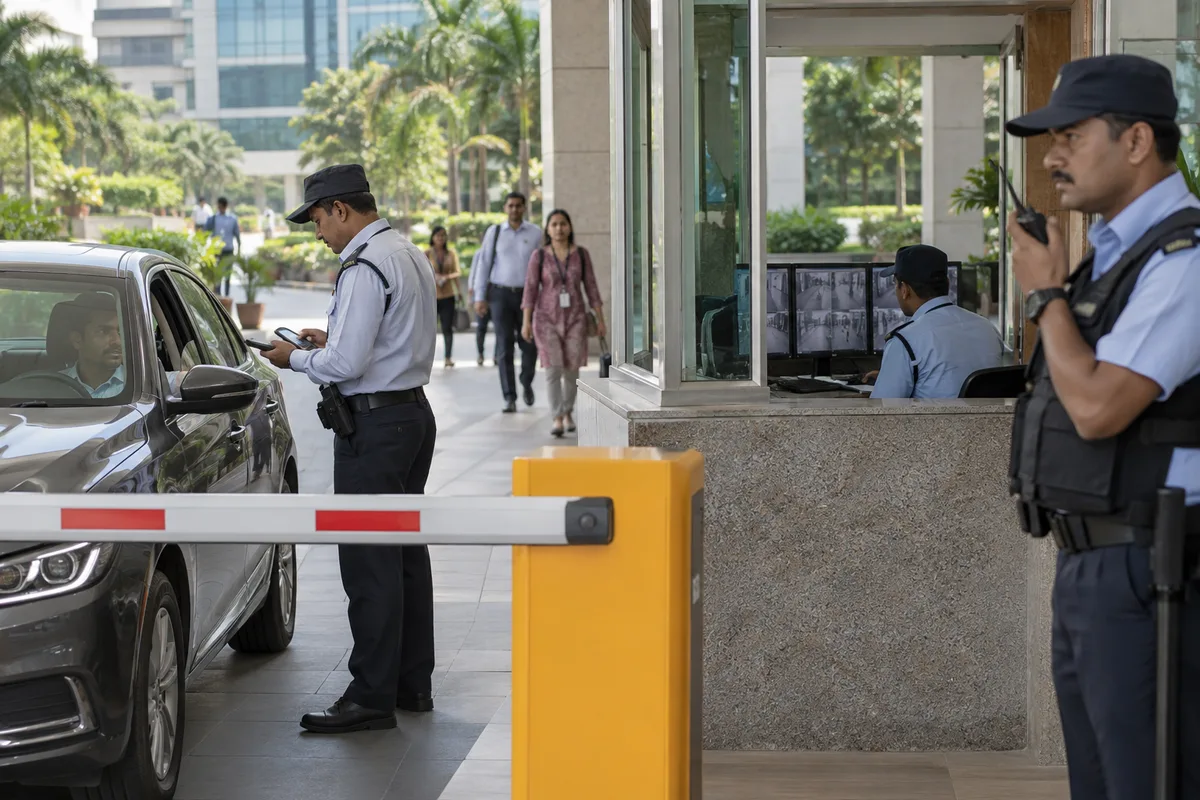
A committee that sees your guards at the next building opens Maps and searches for the agency. A complete listing with photographs of uniformed guards on duty and a working phone line turns that curiosity into a call.
“A head office address confuses the search”
Some agencies list the registered office, which may sit far from the societies served. The listing needs an honest address and a service area, so the map shows you near the right roads.
“Reviews from a society are read as a whole”
A committee reading reviews looks for how complaints were handled. A listing with no reviews looks new, and one with unanswered complaints looks careless. Both lose to a profile that replies.
What we do
What we deliver for residential security agencies.
The work available for this need. We agree the deliverables and responsibilities for your engagement in writing.
A verified Google Business Profile
The listing set up with the right business type, address, service area and a phone line that someone answers.
Result: The listing shows the correct office and area.
Locality pages for each area you guard
A page per locality naming nearby roads, with a map and a visit request, linked from the listing.
Result: Every locality with a gate of yours has a page.
Photographs of guards on duty
Uniformed guards at a gate and the supervisor's log, shot with the committee's consent and with no residents in frame.
Result: The listing carries real photographs, no stock images.
A review request for committees
A short, polite request for a review handed to a willing committee after a renewal, with the link ready.
Result: Reviews arrive from societies, not from staff.
Replies to every review, good or bad
A plain written reply to each review, including a complaint, saying what changed.
Result: Every review on the listing has a reply under it.
Calls and direction taps recorded
The listing's own counts for calls and direction requests, set against a baseline taken before the work began.
Result: You can see whether the listing brought any calls.
How the result is measured
- Map pack ranking
- Local search visibility
- Enquiries by locality
Recorded as a baseline before work starts, so every later report has an honest comparison.
Searches your buyers type
What the map should show for societies within reach of a supervisor.
- security agency near me
- Set your service area to the localities your supervisors can reach, so a secretary sees you as the nearby option.
- apartment security guards in my area
- Add photographs of guards at a gate, with the society's consent and no flat or vehicle numbers. A committee wants to see trained people on duty.
- security agency reviews from societies
- Ask the committee to name the locality and the type of site in a review, written by an office-bearer if possible.
- guard agency contact for residents
- Keep the same name and phone across the map, your site and listings, so reviews are not split.
- night security for gated community
- List night cover and supervision on the profile, so the search for night patrols finds a real service.
- security agency office address
- Show the office only if committees visit. Otherwise show a service area, so a head office far away does not put off a nearby society.
Who it is for
This is written for these residential security agencies.
- Agencies serving high-rise apartment societies
- Agencies serving gated villa and plotted communities
- Agencies serving large townships with multiple gates
- Agencies working with builders on pre-handover security
- Agencies serving senior living and retirement communities
- Agencies serving student housing and PG blocks
- Agencies offering guards with visitor management support
- Agencies that also run housekeeping and facility staff for societies
Before you decide
When this may not be the right fit.
- Your supervisors cannot visit the localities you would list, so the map would promise reach you lack.
- You have no consent from any society to show a gate, so the profile would stay empty of photographs.
- Your reviews come only from staff and friends, so a listing would draw clicks that fall apart on reading.
Before you decide
Agree the work. Know how to judge it.
Local SEO for residential security agencies: use these checks to prepare, choose the scope, and review what changes.
Bring the right evidence
Confirm the real business address, service area, contact details, and who controls the business listings. Keep examples of calls that came from the wrong location or asked for a service you do not provide.
Make the scope clear
Choose the locations you actually serve and the information each needs. Agree who approves listing changes, responds to enquiries, and keeps opening hours accurate.
Check the work in use
Check the journey from a local search to a call or enquiry on a phone. The address, service area, and description should agree across your website and listings.
Know when to change course
Do not create an office claim for a place where you only serve customers remotely. Clear service coverage is more useful than a misleading local presence.
These are discussion points, not a fixed package. GullySales confirms the deliverables, responsibilities, fee, and term in writing after reading your brief and speaking with you.
Before we start
What to have ready before the work starts.
The records, access and decisions this work needs from residential security agencies. Anything missing is noted in the written scope, with who will supply it.
- Owner access to the Maps profile
- The profile must belong to your agency and not to an ex-employee or a directory. If the owner access sits elsewhere, claiming it back takes time and comes before every other step.
- A reach map from your operations head
- A rough drawing or a list of roads that a supervisor covers on a night. Without it the service area is set from the office address, which may sit far from the societies you want.
- A society's consent to be photographed
- Written agreement from a committee before any post is photographed. Without it we photograph only your own office, the training room and equipment, and the profile is thinner.
- A reply plan for a hostile review
- Decide who writes and approves replies when a former guard or a rival posts something unfair. If nobody is named, replies come late or not at all, and a secretary reading the page sees silence as agreement.
- The number guards give societies today
- The phone number that a secretary actually dials in an emergency. It must match the profile and the site, and where the numbers differ we ask you to choose one.
How it works
How the local SEO work runs
The work itself, in order. How an engagement starts, from your brief to a written scope, is set out on our method page.
- 1
Draw your supervisors' reach on a map
We sit with the operations head and mark on a map the roads a supervisor can cover on a night round, including the societies you guard and the ones you could. That reach decides the service area on the profile. You tell us where a relief guard has to travel too far, and those areas are left out so that no secretary is promised a response you cannot give.
- 2
Claim the profile from the office address
The person who holds the office phone receives the verification, and we guide the steps. We check for older profiles made by a former partner or a directory, and for a head office address in another part of the city. If the office is outside your area, you decide how it is shown, since a secretary reads an address as a promise of a supervisor nearby.
- 3
Photograph a gate post with a supervisor
We spend time at a post with the supervisor and the guard on duty, with the society's permission, and photograph the cabin, the register, the torch and rain gear, and the notice of emergency numbers. Residents are kept out of the frame. The supervisor approves each picture, since they know which details a secretary would find untrue.
- 4
Write the profile text with the operations head
We fill in the services, the description and the areas served using only facts your owner can support. We leave out claims about training hours or licences unless a certificate is in hand. A second person at your office checks the phone number against the one the guards give, since a mismatch sends calls nowhere.
- 5
Ask societies for reviews through the committee
We write a short note for you to send to the committees you serve, asking the secretary to say, in their own words, what they have seen. We never write a review for anyone and never offer a gift. A review from the society as a whole carries more than a review from one resident, and the committee decides who posts it.
- 6
Set listing calls and taps beside the earlier record
We note the calls, direction requests and website taps the profile recorded before the work, and watch the same counts afterwards. Your sales head tells us which of those callers became a site visit. That shows whether the profile reaches the right localities, and where the service area needs a change.
Where this fits
Three pieces of sales work, in this order.
This work sits inside sales process design, at stage 1, prospecting and lead generation. The audit comes before it, and sales management keeps it running.
Step 1
Sales audit
Find where deals are being lost and what to fix first.
Start here if you cannot say where orders are lost.
Step 2 · you are here
Sales process design
One written way to sell, from first enquiry to repeat order.
Start here if every salesperson sells differently.
Step 3
Sales management
A target, a review routine and someone who owns the number.
Start here if the team has targets and no routine.
FAQ
Questions owners ask before they call.
Not here? More answers, or ask on WhatsApp.
Our office is in another part of the city. Does it matter?
Should every society we guard appear on the map?
Can ex-staff or competitors post bad reviews?
What should we do about a review from a former guard?
Is it a problem that our office is in another part of the city?
Can a former guard or a competitor damage the profile?
How much does it cost?
How long is the contract?
How soon will we see results?
Who will actually do the work?
More for residential security agencies
Related work to consider.
Closest to this: search and visibility
Also for residential security agencies
Or start from the overview: sales and marketing for residential security agencies.
Your next practical step
Tell us what you are trying to grow, and we will read it before we call.
Eight short steps, mostly taps. Skip anything you would rather answer on the call.