Guesthouses · Website
Build a small website that answers the booking questions before the phone rings.
A website for a guest house is a small set of pages that give the facts a booker needs: rooms, rates, distance, meals and invoice details. GullySales plans and builds those pages so the site supports the caretaker rather than competing with the phone.
Scope, fee, reporting and term are agreed in writing after we have read your brief and spoken to you.
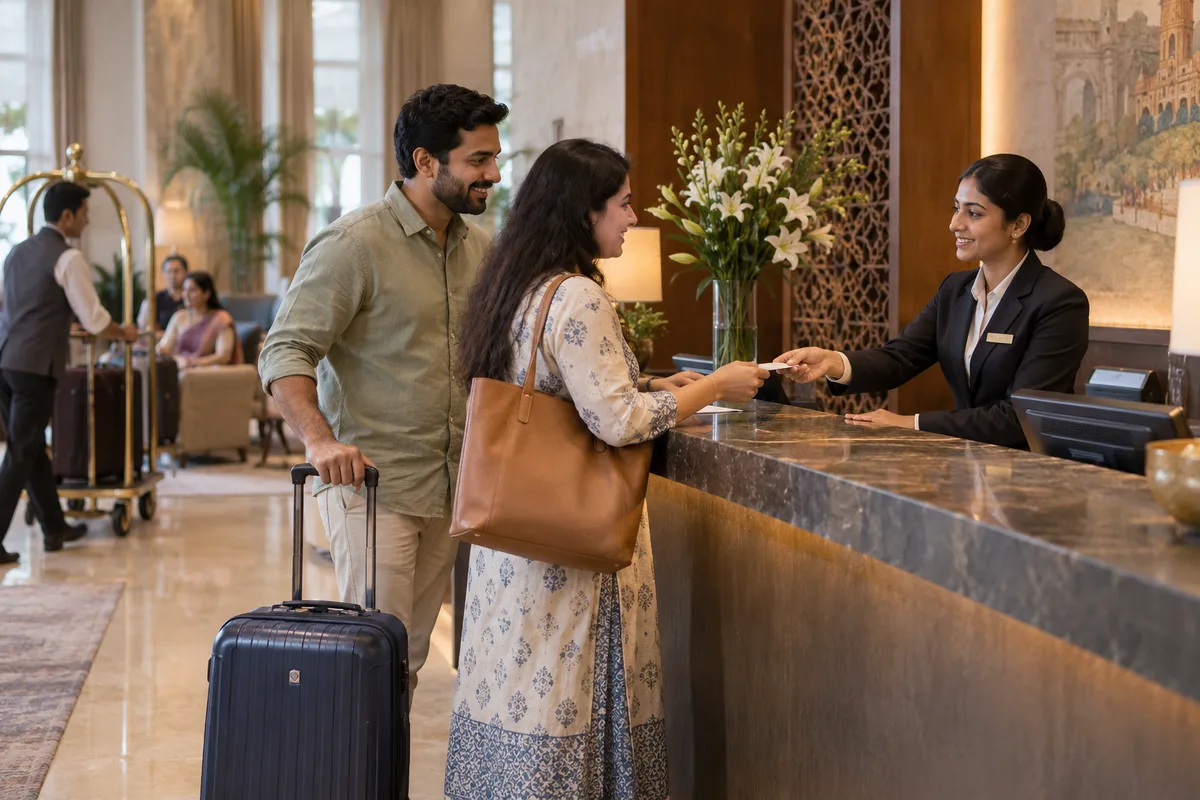
What website means
A website is the page a customer lands on after searching, clicking an advert or scanning a code, and it decides whether they call or leave. GullySales builds and maintains sites that load quickly, explain the offer plainly and make the enquiry form or phone number easy to find.
Last updated 14 Nov 2026.
For guesthouses
Where it usually goes wrong, and what we would do.
“The booker is looking for proof the place is real”
An admin executive checking a vendor wants an address with a map, photographs of the rooms and a contact that answers. A thin site with stock images raises doubt, while a plain site with your own photographs reassures.
“A mobile-first reader is on a poor connection”
Visitors open the page on a phone in a plant or ward with weak signal. Heavy sliders and large images drive them away, and a light page with the rate, the map link and a call button holds them.
“The rate card belongs on the page”
If the buyer has to call to learn the price, some will not. A clear starting rate for each room type, with the notes on meals and GST, saves the call and sets the right expectation.
“A site must connect to the booking route”
A pretty page with no form, button or WhatsApp link ends the visit. Every page should point to the single way you want enquiries to arrive, and that route should be tested by the owner.
What we do
What we deliver for guesthouses.
The work available for this need. We agree the deliverables and responsibilities for your engagement in writing.
A page plan for your property
A short list of pages, such as home, rooms and rates, getting here, for companies and contact.
Result: You know what the site will contain before it is built.
A rooms and rates page
Each room type with your own photographs, what it includes and the current rate.
Result: A booker can compare rooms and price in one view.
A getting-here page
Distance to the station, the hospital or the plant, a map link and directions in plain words.
Result: A guest can find the gate without ringing.
A companies page with invoice details
A page for corporate buyers with GST invoice information, payment terms and a downloadable rate sheet.
Result: An admin team can raise a booking from the page.
Tap-to-message and tap-to-call buttons on each page
A tap-to-message and tap-to-call button placed where a phone user will see it.
Result: Every page offers a way to start a booking.
How the result is measured
- Page load time
- Bounce rate
- Enquiries from the website
Recorded as a baseline before work starts, so every later report has an honest comparison.
Searches your buyers type
Answer the booker's questions before the phone rings.
- guest house rooms and rates
- A rooms page that lists each type with the rate as text and a photograph of the actual room.
- how to reach the guest house from the station
- A getting-here page with the route from the station or hospital, a pin and a gate photograph.
- guest house invoice with GST
- A companies page that states the invoice details and how a company books on account.
- book a room by phone or chat
- A call button and a chat button on every page, as the booker is on a phone.
- guest house rules and check-in time
- A short page on check-in, meals and visitors, so a guest knows what to expect.
Who it is for
This is written for these guesthouses.
- Guest houses near industrial estates and factories
- Guest houses near hospitals for patient families
- Guest houses near colleges, universities and coaching areas
- Government and PSU guest houses open to outside bookings
- Guest houses at tourist spots run by a family
- Guest houses attached to farm, estate or school campuses
- Pilgrim-town guest houses for families
- Executive guest houses for visiting consultants and auditors
Before you decide
When this may not be the right fit.
- The phone and the gate board show different numbers, and that should be fixed before the site goes up.
- Nobody can update the rate card, and a page that quotes old prices will cost a booking.
Before you decide
Agree the work. Know how to judge it.
Website for guest houses: use these checks to prepare, choose the scope, and review what changes.
Bring the right evidence
List the pages that support a buying decision and the actions visitors must complete. Keep examples of failed forms, unclear product information, and questions your team answers repeatedly.
Make the scope clear
Agree the page list, content ownership, integrations, and who controls the domain and hosting. Include redirects and existing search traffic in a redesign brief, before changing addresses.
Check the work in use
Complete a real enquiry journey on a phone and a laptop. Check that the confirmation appears, the enquiry reaches the right person, and tracking records the action once.
Know when to change course
If visitors can enquire but the team does not follow up, start with the sales handover. A larger website will not resolve that delay.
These are discussion points, not a fixed package. GullySales confirms the deliverables, responsibilities, fee, and term in writing after reading your brief and speaking with you.
Before we start
What to have ready before the work starts.
The records, access and decisions this work needs from guesthouses. Anything missing is noted in the written scope, with who will supply it.
- The facts of each room, written down
- Write the size, beds, fittings and what the rate includes for each room type. The page uses your words. If facts differ from room to room, say which. Without them the page stays vague and does not answer the booker. Include the floor and whether stairs are needed, since families with elderly guests ask this first.
- A tax invoice sample
- Bring a sample invoice with the details you issue, or tell us if you have none. The companies page depends on it. If invoicing is not set up, the page states what is available and we advise fixing that first. Include the name and number that appear on it, so the companies page shows exactly what an accounts team will receive.
- Domain, hosting and any existing logins
- Tell us whether a site or domain exists and who holds the login. If none exists, we register one in the property's name. Where an earlier builder holds the domain, recovery comes first. If a website exists, say who pays for the hosting and when it falls due, so that it does not lapse during the work.
- Photographs of rooms, entrance and dining
- Provide clear daylight photographs of each room type, the dining area and the entrance. A phone can do the job. If missing, we plan a visit before building. Add one photograph of the road outside the gate, as visitors compare it with the map before travelling.
- A decision on showing rates
- Decide whether the site shows rates, shows ranges in words or asks for a call. Corporate rates are private in a good number of properties. Without a decision, the site publishes the rack rate and invites a call for company rates.
How it works
How the website work runs
The work itself, in order. How an engagement starts, from your brief to a written scope, is set out on our method page.
- 1
List the facts a booker looks for
We sit with the caretaker and write down every fact a booker asks about before deciding: distance to named places, meals, invoice, late check-in, advance payment, parking. You add any the caretaker forgets. This list becomes the content outline, since the site exists to answer these questions. We also read the recent messages from callers to catch questions the caretaker answers without thinking, such as where to park a car.
- 2
Draw the pages on one sheet
We draw a small set of pages: home, rooms and rates, getting here, companies and contact. You remove any page for which you have no facts. Each page gets a single purpose and the button a visitor should press. We keep the set small because a caretaker who cannot update ten pages will leave them out of date, and an old page loses a booker's trust.
- 3
Write the rooms and rates page in text
We write each room type with its size, bed arrangement and what the rate includes, in plain text beside the photographs. You supply the facts and the rates. A search system and a reader on a slow connection can both read it. We also say plainly what the room does not have, such as a lift or a bathtub, so that nobody arrives disappointed and writes a poor review.
- 4
Prepare the getting-here page
We write the route in the words a driver or a visitor uses: from the station, the airport and the hospital gate, with a landmark at each turn. The caretaker reads it aloud to check it. We add a map link and a photograph of the entrance. We add the place where mobile signal fails, if there is one, so a visitor can note the route before leaving the main road.
- 5
Write the companies page with invoice details
We write a page for accounts desks that states how a stay is confirmed, the invoice details, the payment route and the contact. You supply and approve each detail. The page is made to be forwarded to a colleague. We add a short line on how to ask for an invoice in a company's name, since a wrong name on an invoice is a common reason for delay at the accounts desk.
- 6
Add tap-to-message and tap-to-call buttons
Every page carries buttons that open the message chat or the phone with a line already typed. You test them on the caretaker's phone. Before launch we note how many bookings come from the site; afterwards we read the same record. We make sure the buttons stay in view while a visitor scrolls on a phone, since the page is read in a hurry.
Where this fits
Three pieces of sales work, in this order.
This work sits inside sales process design, at stage 1, prospecting and lead generation. The audit comes before it, and sales management keeps it running.
Step 1
Sales audit
Find where deals are being lost and what to fix first.
Start here if you cannot say where orders are lost.
Step 2 · you are here
Sales process design
One written way to sell, from first enquiry to repeat order.
Start here if every salesperson sells differently.
Step 3
Sales management
A target, a review routine and someone who owns the number.
Start here if the team has targets and no routine.
FAQ
Questions owners ask before they call.
Not here? More answers, or ask on WhatsApp.
Is a website necessary for a small guest house?
Can we update the site ourselves?
Should the site take online payments?
Do we publish our corporate rates?
Should the site be able to take a booking deposit?
Can we publish our corporate rates?
How much does it cost?
How long is the contract?
How soon will we see results?
Who will actually do the work?
More for guesthouses
Related work to consider.
Closest to this: search and visibility
Also for guesthouses
Or start from the overview: sales and marketing for guesthouses.
Your next practical step
Tell us what you are trying to grow, and we will read it before we call.
Eight short steps, mostly taps. Skip anything you would rather answer on the call.