Multicuisine restaurants · CRM
Keep a record of every group that booked, so the next booking is easier.
A CRM for a multicuisine restaurant is a simple record of who booked, for what occasion, and what they ordered. GullySales sets one up that the front desk will actually fill, and uses it to bring celebrations and office tables back.
Scope, fee, reporting and term are agreed in writing after we have read your brief and spoken to you.
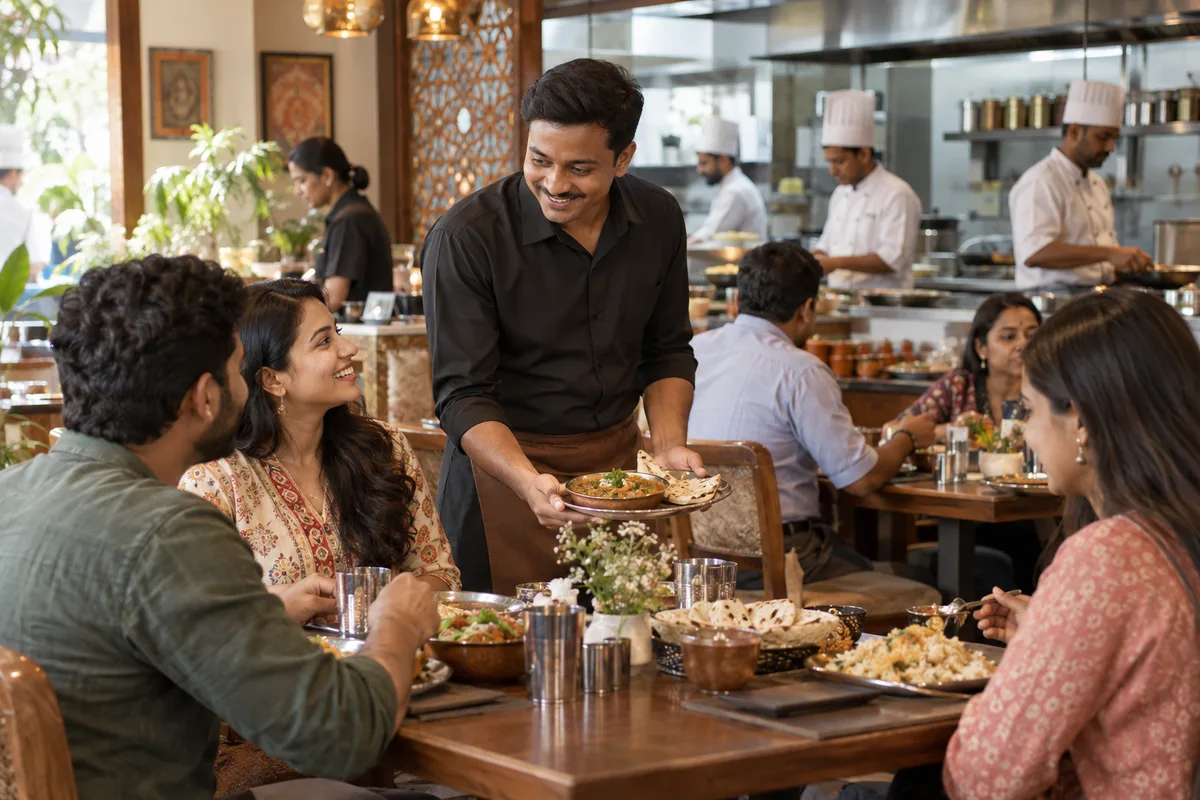
What CRM means
A CRM is the record where every enquiry, call and quote is kept against a customer, replacing separate notebooks, spreadsheets and memory. GullySales sets up or cleans an existing CRM and reports from it by enquiry outcome rather than by activity logged.
Also for multicuisine restaurants
- Lead generation for multicuisine restaurants
- Follow-up systems for multicuisine restaurants
- SEO for multicuisine restaurants
- Local SEO for multicuisine restaurants
- Social media marketing for multicuisine restaurants
- Content marketing for multicuisine restaurants
- Buyer persona for multicuisine restaurants
- WhatsApp marketing for multicuisine restaurants
Sales and marketing for multicuisine restaurants, the overview.
Last updated 14 Nov 2026.
For multicuisine restaurants
Where it usually goes wrong, and what we would do.
“The phone book lives in one person's head”
The manager remembers the regular who books the same corner. When that manager is on leave or leaves the job, the memory goes with them. A shared record keeps the relationship with the restaurant, not with an individual.
“Occasions repeat, but only if they were written down”
A birthday lunch this year is a birthday lunch next year. A date, a name and a note on what the table enjoyed are all that is needed to send a timely invitation, yet the restaurant rarely stores them.
“Group bookings arrive through more than one door”
A call, a WhatsApp message, a form, a hotel desk and a delivery app each bring a different kind of booking. Without one place to record them, the same group can be a stranger every time.
“Too much software kills the habit”
A system the front desk finds slow gets skipped on a busy Saturday. The tool has to take a name, number, party size and occasion in a moment, or the record is empty when you need it.
What we do
What we deliver for multicuisine restaurants.
The work available for this need. We agree the deliverables and responsibilities for your engagement in writing.
A light customer record sized to the front desk
Name, number, party size, date, occasion and source, in a tool the team opens easily.
Result: Each booking has a trace after the table leaves.
Tags for occasion, dish and group type
Labels such as family lunch, office team, anniversary or vegetarian group.
Result: You can pull a list of every anniversary booking.
A one-page habit guide for the staff
A short instruction on what is recorded, by whom and when, written for a busy shift.
Result: The record gets filled the same way every day.
Import of past bookings and orders
Existing reservation notes, delivery contacts and spreadsheets cleaned and loaded in one place, subject to your consent practice.
Result: You start with the history you already own.
A list for each reach-out
Segments prepared for a festival offer, a birthday reminder or a quiet-day invitation.
Result: Each message goes to a relevant group, not everyone.
How the result is measured
- Enquiries logged in the CRM
- Data completeness
- Reports generated from CRM data
Recorded as a baseline before work starts, so every later report has an honest comparison.
Fields worth keeping
A restaurant record needs only the fields that make the next booking easier to take.
- Name and phone of the host
- Filled by the front desk at booking. Lets the restaurant call back the person who decided for the group.
- Occasion and date
- Filled at booking. Lets the desk offer a table the same time next year and lets the owner see which occasions repeat.
- Group type
- Family, office, friends or travellers. Filled by the person taking the booking, and lets offers be sent to the right kind of table.
- Dishes the group ordered
- Filled by the captain after the meal. Lets the kitchen prepare the set menu a returning group chose.
- Dietary needs
- Vegetarian, Jain or an allergy, entered as the host said it. Lets the kitchen check before the table arrives.
- Consent to hear from the restaurant
- Filled with a yes or no at booking. Decides who may receive an invitation for a quiet day.
Who it is for
This is written for these multicuisine restaurants.
- Standalone multicuisine family restaurants
- Hotel multicuisine restaurants and coffee shops
- Highway multicuisine restaurants
- Multicuisine restaurants in malls
- Multicuisine restaurants with bars
- Multicuisine restaurants with banquet space
- Multicuisine restaurants near IT parks and offices
- Small-town restaurants that are the only sit-down option
Before you decide
When this may not be the right fit.
- Bookings arrive on a pad at the desk and nobody has the habit of entering them, so a tool would stay empty.
- You have not decided whether guest data may be used for offers, so storing it creates a risk before it creates a benefit.
- The restaurant takes very few bookings and a sheet would do the same work.
Before you decide
Agree the work. Know how to judge it.
CRM for multicuisine restaurants: use these checks to prepare, choose the scope, and review what changes.
Bring the right evidence
List the records your team uses and show how an enquiry becomes an order today. Bring examples of duplicate entries, missing owners, and reports that require manual correction.
Make the scope clear
Agree the stages, required fields, access roles, and integrations before configuring the system. Separate software subscriptions from setup, data work, and training.
Check the work in use
Ask the people who will use the CRM to complete a real handover and find the next action without help. Check that the management report can be traced back to individual records.
Know when to change course
If the process is unclear, buying a more complex CRM adds more places for confusion. Start with the minimum fields and rules the team can use consistently.
These are discussion points, not a fixed package. GullySales confirms the deliverables, responsibilities, fee, and term in writing after reading your brief and speaking with you.
Before we start
What to have ready before the work starts.
The records, access and decisions this work needs from multicuisine restaurants. Anything missing is noted in the written scope, with who will supply it.
- The old reservation diaries and party registers
- Bring every diary and register you still hold, even if torn. They are the only record of past occasions. If they are missing, the CRM begins empty and fills as new bookings arrive, so reach-out lists will be short at first.
- A phone or tablet that stays at the counter
- Entries are made on a device that is always at hand. Decide which one and who may use it. If it is the owner's personal phone, the record leaves with the phone, and we suggest a business device.
- A written line on how guest data is used
- Guests should know that their details are kept for bookings and occasional messages. Bring any notice you already display, and your adviser can approve the wording. Without it, we limit the use of the list to confirming bookings.
- A backup for the front-desk person
- Staff change and shifts rotate. Name who else can enter bookings and who trains new staff. If the habit rests on one person, the record stops when that person leaves.
- Your billing software's export options
- Tell us which billing system you use and whether it can export guest names and numbers. A link saves retyping. If it cannot export, we plan for entries by hand and agree which guests are worth the effort.
How it works
How the CRM work runs
The work itself, in order. How an engagement starts, from your brief to a written scope, is set out on our method page.
- 1
Find where guest details sit today
We look at the reservation diary, the phone contacts on the manager's handset, the delivery app dashboards and any billing records, and note what each holds. You tell us who is allowed to see what. The map shows which guests exist in several places and which exist in none.
- 2
Decide the few things worth writing down
With the front desk we choose the fields: name, phone, occasion, group size, what they liked and where they heard of you. Anything that takes more than a few seconds is cut. The list is tested by entering three real bookings together.
- 3
Set up the record where the desk already works
We build the record in a form the front desk will use, which may be a shared sheet on the counter tablet, a simple CRM or the billing software, depending on the desk. You choose. Tags for occasion, dish and group type are added so that lists can be drawn later.
- 4
Bring in past bookings and orders
We take the old diary pages, party registers and any billing export, and enter or import those that have a phone number. Duplicates are joined. You decide how far back to go. Guests with no usable number are kept in a separate list for review.
- 5
Teach the habit at the counter
We stand at the desk during a service and show how to enter a booking and a walk-in's details while the guest is still there. A one-page guide stays at the counter. A named person reviews the entries at the end of service, so gaps are caught while the memory is fresh.
- 6
Draw the first reach-out list and read it
Using the tags we draw a list, such as last year's birthday bookings or office tables that have not returned, and the owner decides whom to contact and with what line. We then compare return bookings from those lists with the figures noted before the CRM.
Where this fits
Three pieces of sales work, in this order.
This work sits inside sales management. A target, a review routine and someone who owns the number.
Step 1
Sales audit
Find where deals are being lost and what to fix first.
Start here if you cannot say where orders are lost.
Step 2
Sales process design
One written way to sell, from first enquiry to repeat order.
Start here if every salesperson sells differently.
Step 3 · you are here
Sales management
A target, a review routine and someone who owns the number.
Start here if the team has targets and no routine.
FAQ
Questions owners ask before they call.
Not here? More answers, or ask on WhatsApp.
Which CRM should a restaurant use?
Can we use guest data for offers?
What if the front desk staff change?
What do we do with the record of a group that never returned?
How much of the guest's order should be recorded?
Will a CRM slow down service on a busy night?
How long is the contract?
How soon will we see results?
Who will actually do the work?
What do you need from us?
More for multicuisine restaurants
Related work to consider.
Closest to this: leads and follow-up
Also for multicuisine restaurants
Or start from the overview: sales and marketing for multicuisine restaurants.
Your next practical step
Tell us what you are trying to grow, and we will read it before we call.
Eight short steps, mostly taps. Skip anything you would rather answer on the call.