Takeaway restaurants · CRM
Keep a record of who ordered what, so the shop greets them by dish.
A CRM for a takeaway restaurant is a simple record of customers, their orders and the enquiries still open. GullySales works on choosing a record the counter staff will actually use, then setting up fields, tags and a routine for keeping it current.
Scope, fee, reporting and term are agreed in writing after we have read your brief and spoken to you.
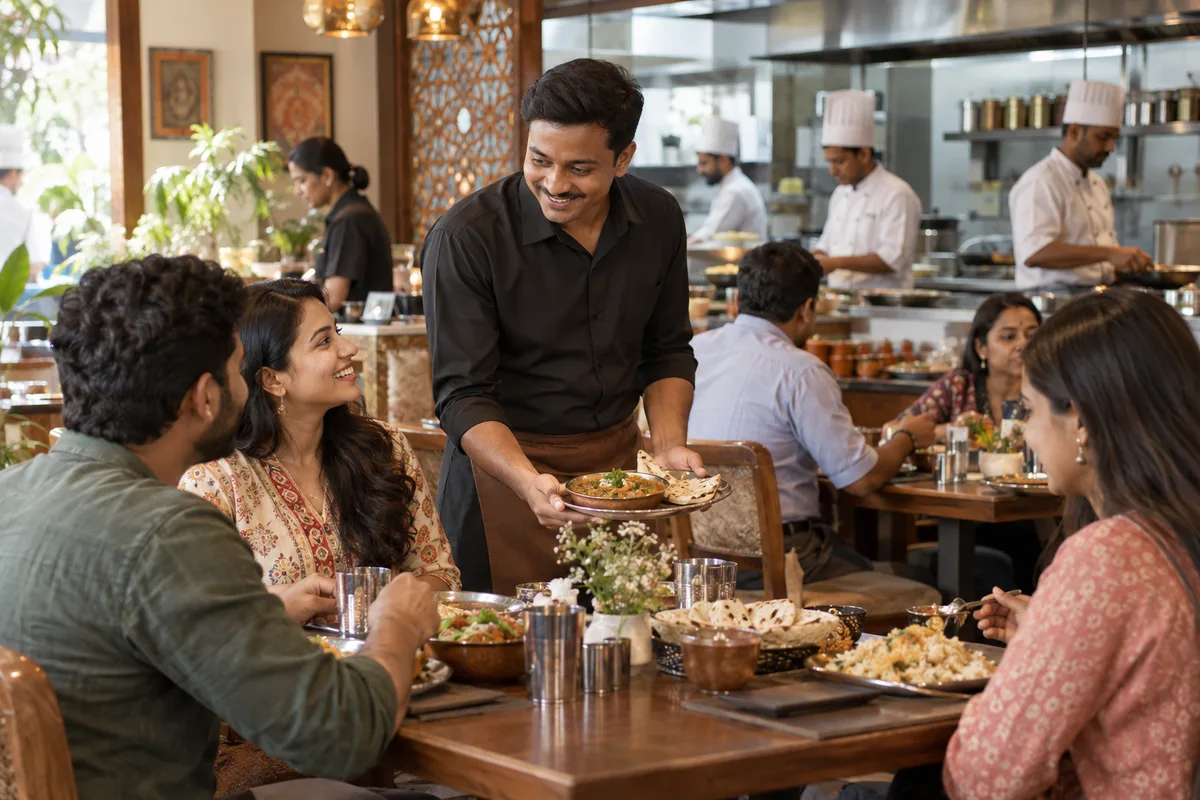
What CRM means
A CRM is the record where every enquiry, call and quote is kept against a customer, replacing separate notebooks, spreadsheets and memory. GullySales sets up or cleans an existing CRM and reports from it by enquiry outcome rather than by activity logged.
Also for takeaway restaurants
- Lead generation for takeaway restaurants
- Follow-up systems for takeaway restaurants
- SEO for takeaway restaurants
- Local SEO for takeaway restaurants
- Social media marketing for takeaway restaurants
- Content marketing for takeaway restaurants
- Buyer personas for takeaway restaurants
- WhatsApp marketing for takeaway restaurants
Sales and marketing for takeaway restaurants, the overview.
Last updated 14 Nov 2026.
For takeaway restaurants
Where it usually goes wrong, and what we would do.
“A notebook works until the second person writes in it”
One cook keeps names and numbers in a book and remembers them all. When a second person takes over the counter, the book is incomplete and half the regulars are strangers again.
“The record must be quick enough to fill during the rush”
A form with ten fields will not be filled while parcels are waiting. Name, number, usual dish and an opt-in tick are enough. Anything longer is skipped, and the record goes stale.
“Tray enquiries need a separate view”
A host asking for a tray needs follow-up over several days, unlike a daily order. Mixed in with ordinary orders, these enquiries are buried. A separate list with a date, headcount and status keeps them visible.
“Opt-in must be recorded, not assumed”
Having a number does not mean the customer agreed to receive messages. The record needs a field for consent, the date and the source, or the shop risks annoying the people it wants to keep.
What we do
What we deliver for takeaway restaurants.
The work available for this need. We agree the deliverables and responsibilities for your engagement in writing.
A customer sheet or tool
A shared sheet or a simple CRM tool in ordinary use in India, set up with only the fields the counter will fill.
Result: The counter has one place to record each customer.
Tags for type of buyer
Tags such as regular, office, host and shift group, added at the first order.
Result: You can list buyers by type in one step.
A tray enquiry pipeline
A short list of stages from enquiry to quote to booking to collected.
Result: Every tray enquiry has a visible stage.
An opt-in field
A tick, a date and a source recorded for each number.
Result: Only opted-in numbers receive messages.
A record-keeping routine
A short routine saying who updates the record and at which point of the day.
Result: The record stays current without extra effort.
How the result is measured
- Enquiries logged in the CRM
- Data completeness
- Reports generated from CRM data
Recorded as a baseline before work starts, so every later report has an honest comparison.
Fields worth keeping
The few fields a counter can fill in a busy hour, and what each lets the shop do.
- First name and mobile number
- Filled by the cashier at billing, with a note that the customer agreed. It lets the shop send a ready time and, with consent, an occasional message.
- Usual dish
- Filled by the cashier from the bill. It lets the counter greet a regular by the dish and the shop tell them when it is off.
- Buyer type
- Office, family, hostel, function host or passer-by, chosen from a short list. It shows which buyer a message or an offer should be written for.
- Tray enquiry date, size and price quoted
- Filled by whoever takes the call. It stops the same host being quoted two prices and shows which enquiries never came back.
- Consent to be messaged
- A yes or no, with the date. Without it, a list of numbers is only a list of people you may not write to.
- Last order date
- Updated from the bill or by a check the manager makes. It is the field that shows a regular has gone quiet.
Who it is for
This is written for these takeaway restaurants.
- Biryani and kebab takeaways
- South Indian tiffin and meals takeaways
- Chinese and Indo-Chinese takeaway counters
- Roll, shawarma and street-food takeaways
- Pizza and burger takeaways
- Thali and homestyle food takeaways
- Sweet and snack counters selling packed food
- Party-tray takeaways for family functions
Before you decide
When this may not be the right fit.
- The counter is too busy to type a number during the rush, and a half-filled sheet would not tell you who the regulars are
- You have a few customers who all know the cashier by name, so a record would add typing and tell you nothing new
- Nobody is named to look at the list, and a record that is never read has no use
Before you decide
Agree the work. Know how to judge it.
CRM for takeaway restaurants: use these checks to prepare, choose the scope, and review what changes.
Bring the right evidence
List the records your team uses and show how an enquiry becomes an order today. Bring examples of duplicate entries, missing owners, and reports that require manual correction.
Make the scope clear
Agree the stages, required fields, access roles, and integrations before configuring the system. Separate software subscriptions from setup, data work, and training.
Check the work in use
Ask the people who will use the CRM to complete a real handover and find the next action without help. Check that the management report can be traced back to individual records.
Know when to change course
If the process is unclear, buying a more complex CRM adds more places for confusion. Start with the minimum fields and rules the team can use consistently.
These are discussion points, not a fixed package. GullySales confirms the deliverables, responsibilities, fee, and term in writing after reading your brief and speaking with you.
Before we start
What to have ready before the work starts.
The records, access and decisions this work needs from takeaway restaurants. Anything missing is noted in the written scope, with who will supply it.
- The notebook or sheet you use today
- Whatever currently holds customer names and numbers, however rough, is the starting point and the baseline. We need to see it as it is. If nothing exists, we begin from the order book and say so, since the first weeks of the new record will be thin.
- A call on who can open customer numbers
- Customer numbers are private. Decide who can open the record and whether it stays on one device or is shared. Making this choice early avoids a list copied onto personal phones, and it affects which tool we recommend.
- A device the biller can use during the rush
- The record fails if it needs a laptop that sits in the back office. A phone or counter computer that is always on and nearby is needed. If the counter has none, we set up the lightest sheet and add the tool only when a device is available.
- A list of tray enquiries from the past year
- Past quotes, even on scraps, show how a tray enquiry moves and where it stalls. We need dates, headcount and the outcome as remembered. Without them, the tray view is built blind, and we revisit its stages after the first real enquiries.
- Agreement on which allergy notes to keep
- Decide whether food allergy details are noted and how they are handled. They are sensitive, and a wrong note can harm a customer. Take advice from your own adviser if unsure. Without a decision, we leave the field out and the counter relies on asking at the time.
How it works
How the CRM work runs
The work itself, in order. How an engagement starts, from your brief to a written scope, is set out on our method page.
- 1
Trace a customer from first call to repeat order
We follow one real customer through your shop: the first call or walk-in, the order, the pickup, any complaint and the next order. You tell us what gets written down at each point and by whom. What exists is a simple picture of the journey, showing where a number or a tray enquiry is lost today.
- 2
Choose a sheet or tool for the counter
We compare a shared sheet with a simple customer tool, judging by one question: can the biller fill it during the rush? You choose, knowing what each costs in effort. Whatever is chosen is installed on the counter phone or computer so it opens in a single step.
- 3
Set the fields, tags and tray view
We set only the fields the counter will fill: name, number, usual order and how they found you, plus a tag for office, household or host. Tray enquiries get a separate view with the date, headcount and quote status. You approve the fields, and anything the biller finds slow is removed.
- 4
Add the opt-in box and its wording
A field records whether the customer agreed to hear from the shop, and by which channel. We write the question the biller asks, in your language and tone. You decide what is said if a customer declines. Nothing is sent to anyone without a recorded yes, and the rule is written on a card at the counter.
- 5
Run a practice evening with your staff
We enter old orders and a few made-up tray enquiries with your staff on the real screen and note where they hesitate. You pick who will be responsible for the record. Adjustments are made before any real customer is entered, so the first week is not spent undoing errors.
- 6
Hand over and read the record against the notebook
The owner takes the record, and a named person keeps it up. At the point you choose, we compare the new record with the notebook figures kept before: numbers saved, repeat orders and tray enquiries closed. You decide what to keep adding. We promise no change in sales, only a clearer record.
Where this fits
Three pieces of sales work, in this order.
This work sits inside sales management. A target, a review routine and someone who owns the number.
Step 1
Sales audit
Find where deals are being lost and what to fix first.
Start here if you cannot say where orders are lost.
Step 2
Sales process design
One written way to sell, from first enquiry to repeat order.
Start here if every salesperson sells differently.
Step 3 · you are here
Sales management
A target, a review routine and someone who owns the number.
Start here if the team has targets and no routine.
FAQ
Questions owners ask before they call.
Not here? More answers, or ask on WhatsApp.
Is a spreadsheet enough as a CRM?
Can the CRM connect to WhatsApp?
Who should own the customer sheet?
Can we keep customers' food allergies in the record?
How do we keep the record from becoming a burden at the counter?
Can the record be moved to a bigger tool later?
How much does it cost?
How long is the contract?
How soon will we see results?
Who will actually do the work?
More for takeaway restaurants
Related work to consider.
Closest to this: leads and follow-up
Also for takeaway restaurants
Or start from the overview: sales and marketing for takeaway restaurants.
Your next practical step
Tell us what you are trying to grow, and we will read it before we call.
Eight short steps, mostly taps. Skip anything you would rather answer on the call.