Plastic extrusion companies · CRM
Keep every dealer, rate and promised dispatch in one place the desk can see.
A CRM for an extruder is a shared record of dealers, fabricators, contractors, quotes and follow-ups, kept so nothing lives only in one salesperson's notebook. GullySales works on setting up the fields, the stages and the habit of recording each call.
Scope, fee, reporting and term are agreed in writing after we have read your brief and spoken to you.
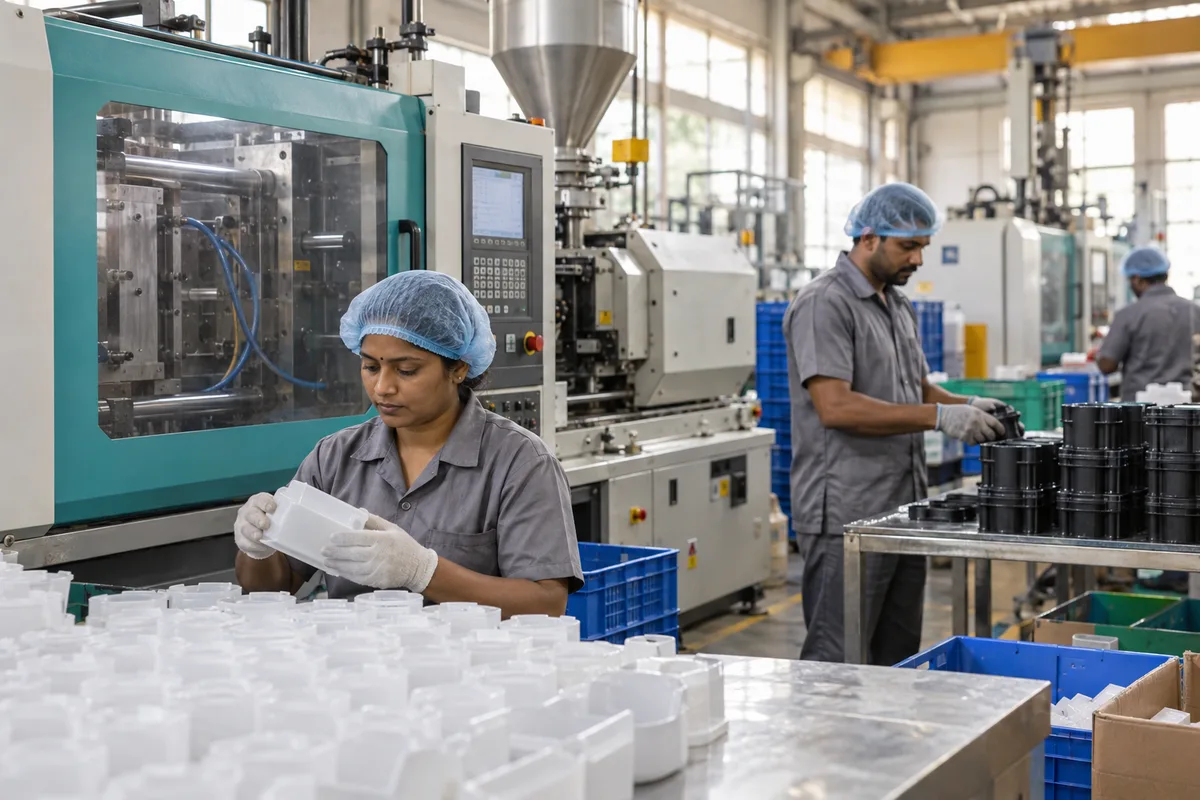
What CRM means
A CRM is the record where every enquiry, call and quote is kept against a customer, replacing separate notebooks, spreadsheets and memory. GullySales sets up or cleans an existing CRM and reports from it by enquiry outcome rather than by activity logged.
Also for plastic extrusion companies
- Lead generation for plastic extrusion companies
- Follow-up systems for plastic extruders
- SEO for plastic extrusion companies
- Social media marketing for plastic extruders
- Content marketing for plastic extruders
- Buyer personas for plastic extruders
- WhatsApp marketing for plastic extruders
- Digital marketing for plastic extruders
Sales and marketing for plastic extrusion companies, the overview.
Last updated 13 Nov 2026.
For plastic extrusion companies
Where it usually goes wrong, and what we would do.
“The dealer relationship leaves with the salesperson”
When the person who knows a dealer's sizes and payment habits moves on, the factory loses the history. A shared record keeps the dealer's usual order and last conversation with the company.
“Quotes go out and nobody tracks the outcome”
A rate is sent, the dealer says wait, and the thread is lost. A quote stage with a next-action date shows which rates are still open and which have gone to a rival.
“Payment and credit need to sit beside the sale”
A dealer who orders every season but pays late changes how much stock to hold. Keeping credit notes in the same record as orders gives the owner one view before the next lot is quoted.
“A heavy system is abandoned on the floor”
A tool with forty fields is skipped by a busy desk. A short form that captures buyer type, product, size, quantity and next step is filled, and a long one is not.
What we do
What we deliver for plastic extrusion companies.
The work available for this need. We agree the deliverables and responsibilities for your engagement in writing.
A simple record set up for your trade
Fields for buyer type, district, products bought, sizes, credit terms and last contact, in a tool the desk will use.
Result: The desk opens one place to see a dealer's history.
Stages for dealers, fabricators and projects
Separate paths for stock orders, sample trials and tender pursuits, each with its own steps.
Result: Each enquiry sits in the stage that matches its type.
An import of existing contacts
Your dealer list, phone contacts and past enquiries cleaned and loaded once.
Result: The record begins with the buyers you already know.
Rules for what must be recorded
A short list of what each call or visit must log, written for the desk.
Result: Every call leaves a note others can read.
A reports view for the owner
Open quotes, dealers not contacted, and orders by source, shown in one screen.
Result: The owner can see what is open without asking.
How the result is measured
- Enquiries logged in the CRM
- Data completeness
- Reports generated from CRM data
Recorded as a baseline before work starts, so every later report has an honest comparison.
Fields worth keeping
Keep the few fields that stop a dealer's order from slipping.
- Product, size and class quoted
- The desk executive fills it at quotation. It lets the owner see which sizes are asked for and which are never ordered.
- Rate quoted and its validity
- Entered by whoever sends the rate. Resin prices move, so an expired rate can be flagged before a dealer holds you to it.
- Dealer's credit and outstanding position
- Updated by accounts. It sits beside the sale so the desk does not promise a dispatch to a dealer whose account is stopped.
- Promised dispatch date and vehicle
- Entered by the dispatch supervisor. It lets the desk answer a dealer's call without walking to the yard.
- Delivery town and freight terms
- Taken from the enquiry. It shows which regions are served, and where freight cuts off the margin.
Who it is for
This is written for these plastic extrusion companies.
- PVC and HDPE pipe extruders
- Agricultural drip and irrigation pipe makers
- Electrical conduit and cable duct extruders
- uPVC window and door profile extruders
- Plastic sheet and board extruders
- Tube and hose extruders
- Edge band and trim profile makers
- Co-extrusion and multilayer sheet specialists
Not for
It is not the right fit if.
- Dealers' credit lives in an accounts package that nobody will connect or update by hand, so the sales record would disagree with accounts.
- The team will not enter quotes and sample sends as they happen, so the record would only ever show last week's picture.
Before you decide
Agree the work. Know how to judge it.
CRM for plastic extruders: use these checks to prepare, choose the scope, and review what changes.
Bring the right evidence
List the records your team uses and show how an enquiry becomes an order today. Bring examples of duplicate entries, missing owners, and reports that require manual correction.
Make the scope clear
Agree the stages, required fields, access roles, and integrations before configuring the system. Separate software subscriptions from setup, data work, and training.
Check the work in use
Ask the people who will use the CRM to complete a real handover and find the next action without help. Check that the management report can be traced back to individual records.
Know when to change course
If the process is unclear, buying a more complex CRM adds more places for confusion. Start with the minimum fields and rules the team can use consistently.
These are discussion points, not a fixed package. GullySales confirms the deliverables, responsibilities, fee, and term in writing after reading your brief and speaking with you.
Before we start
What to have ready before the work starts.
The records, access and decisions this work needs from plastic extrusion companies. Anything missing is noted in the written scope, with who will supply it.
- Exports of dealer and contact lists
- The owner's phone contacts and the desk's sheets are the raw material. Any readable file will do. Without them the CRM starts empty and staff drift back to notebooks. A scan of the sheet is enough; we do not need it typed.
- The rate list and quotation format
- The format of your quotes lets us set fields to match. A sample is enough. Without it, we build a generic quote record. If you use more than one quote format for dealers and projects, bring one of each.
- Dealer balances from the accounts software
- If the CRM is to show balance beside the sale, accounts must export it. A sheet will do. If not available, balance stays in accounts and the CRM only flags it. Even a closing balance per dealer at the close of the books is a start, if invoice-level detail is hard to export.
- A named record owner
- One person must keep the CRM current. It can be the sales coordinator. Without an owner entries thin out and the record loses value. Choose someone who is at the desk on working days, and name a stand-in for absences.
- A rule on who sees rates
- Decide which staff may see rates and credit. A short list is enough. Without it we set the narrowest view. Rates for dealers differ by account, so rate rules are worth settling before the first screen is shared.
How it works
How the CRM work runs
The work itself, in order. How an engagement starts, from your brief to a written scope, is set out on our method page.
- 1
Follow one dealer from first call to payment
We take three accounts, a dealer, a fabricator and a project buyer, and follow each from the first call through the quotation, dispatch and payment. You and the sales head help us find the paper and messages. This shows the stages the record must carry and where information is lost. We note every place the information was kept, such as the owner's phone, a sheet and a bill book, so each can be brought into the record.
- 2
Agree the fields and the stages
From the trace we agree a short set of fields: buyer, town, product, size, quantity, quote date, rate, follow-up date, credit terms. Stages follow your sales: dealer, fabricator, project. Anything the desk will not enter is cut. The sales head signs off the list. Fields for credit terms and the delivery town are included because they decide whether a quote is worth sending.
- 3
Build a trial copy with real accounts
We set up the CRM in a trial copy and load a small set of real accounts and quotes. Your sales coordinator uses it as on any working day and says what is missing or clumsy. We change it before live work begins. The trial copy uses the same words your desk uses, such as the names of pipe classes, so nobody has to learn new labels.
- 4
Bring in contacts and live quotes
After acceptance, we import the owner's contacts, the sales desk's sheets and the marketplace enquiries, merging duplicates with the sales head. We agree where the dealer's balance is shown and who may see it. Contacts with no town or product are held in a separate list for the sales head to complete, so they do not clutter the pipeline.
- 5
Sit with the desk on live entries
We sit with the sales staff and enter their open quotes together. Each person learns the few entries they must make on every call. A one-page guide stays at the desk. The target is that no quote leaves without a follow-up date. We watch which fields are skipped in the first entries and ask the person why, because a skipped field is likely one that does not fit the call.
- 6
Hand over and check against the start
We hand the CRM to a named owner and show the report that lists quotes without a follow-up. After use, we read the record with you against the counts from before and agree what to change in the fields or the habits. The owner of the record also learns how to add a new dealer and close a lost quote, so that nothing depends on us.
Where this fits
Three pieces of sales work, in this order.
This work sits inside sales management. A target, a review routine and someone who owns the number.
Step 1
Sales audit
Find where deals are being lost and what to fix first.
Start here if you cannot say where orders are lost.
Step 2
Sales process design
One written way to sell, from first enquiry to repeat order.
Start here if every salesperson sells differently.
Step 3 · you are here
Sales management
A target, a review routine and someone who owns the number.
Start here if the team has targets and no routine.
FAQ
Questions owners ask before they call.
Not here? More answers, or ask on WhatsApp.
Which CRM should an extruder use?
Will the record replace our accounts software?
Our staff prefer WhatsApp. Is that a problem?
Can the CRM show a dealer's outstanding balance?
Will the CRM replace our accounts software?
How do we handle quotes that were agreed over a phone call?
How much does it cost?
How long is the contract?
How soon will we see results?
Who will actually do the work?
More for plastic extrusion companies
Related work to consider.
Closest to this: leads and follow-up
Also for plastic extrusion companies
Or start from the overview: sales and marketing for plastic extrusion companies.
Your next practical step
Tell us what you are trying to grow, and we will read it before we call.
Eight short steps, mostly taps. Skip anything you would rather answer on the call.