Notes for owners · CRM, automation and RevOps
How to automate lead assignment and follow-up
Automate the routing, the alert and the reminder. Keep the judgement and the conversation with a person. Here is the rule set that makes it work.
The GullySales team · Updated 15 Sept 2026 · 6 min read

On this page
Automate three things: which person a new enquiry goes to, the alert that tells them within seconds, and the reminders that make the second, third and fourth attempt happen. Keep the qualifying question, the price conversation and the objection with a person. The rule set is short, the routing table takes an afternoon to agree, and the result is usually a first reply in minutes instead of hours. Nothing else in a small sales team produces that much improvement for that little work.
What actually gets automated, and what does not
| Step | Automate it | Keep it human |
|---|---|---|
| Capture the enquiry from form, call, WhatsApp, IndiaMART | Yes, into one record | No |
| Decide who owns it | Yes, by rule | Only for unusual cases |
| Alert the owner | Yes, within seconds | No |
| First contact | Acknowledgement only | The call itself |
| Qualify: budget, timeline, fit | The questions can be prompted | The judgement |
| Schedule the next attempt | Yes, as a dated task | No |
| Send the quotation, catalogue or drawing | Yes, once the person approves it | The covering conversation |
| Escalate when nothing happened | Yes, on a timer | The manager's conversation |
| Mark the lead lost | Never automatically | Yes, with a reason |
Step one: get every enquiry into one place
Automation cannot route what it cannot see. Most SMEs have enquiries arriving in six places. The website form, a phone number that rings on a handset, a WhatsApp business number, IndiaMART or JustDial, a Google Business Profile message, and a salesperson's personal phone.
Connect the first five into one CRM record with the source stamped on it. The sixth needs a rule rather than a tool: enquiries taken on a personal number are entered the same day or they do not count for incentive purposes. That rule does more than any integration.
Step two: write the routing table before you touch the software
Assignment rules fail when they are invented inside the CRM configuration screen. Write them on one sheet first, with a named owner and a named backup for every line.
Route on the things that actually change who should handle it:
- Product or service asked for. A drawing-based enquiry does not go to the person who sells consumables.
- City or territory. Someone who can visit this week beats someone who cannot.
- Language. A Kannada or Marathi conversation with a plant supervisor goes better with the person who speaks it.
- Source. An IndiaMART enquiry needs qualifying first.
- Value or size, if you can tell. A 500-unit enquiry and a 5-unit enquiry deserve different people.
Then add two safeguards. A load cap, so nobody holds more open leads than they can work. And a fallback owner for every rule, so an enquiry arriving while someone is on leave still lands somewhere.
Step three: set the clocks
This is the part that changes results. Four timers, each with a named consequence.
Alert: the owner gets a notification within thirty seconds of the enquiry arriving, on the phone, with the name, the number and what was asked.
First response: a call attempt within fifteen minutes during working hours. If the CRM shows no activity by then, it reminds the owner. At thirty minutes it tells the manager.
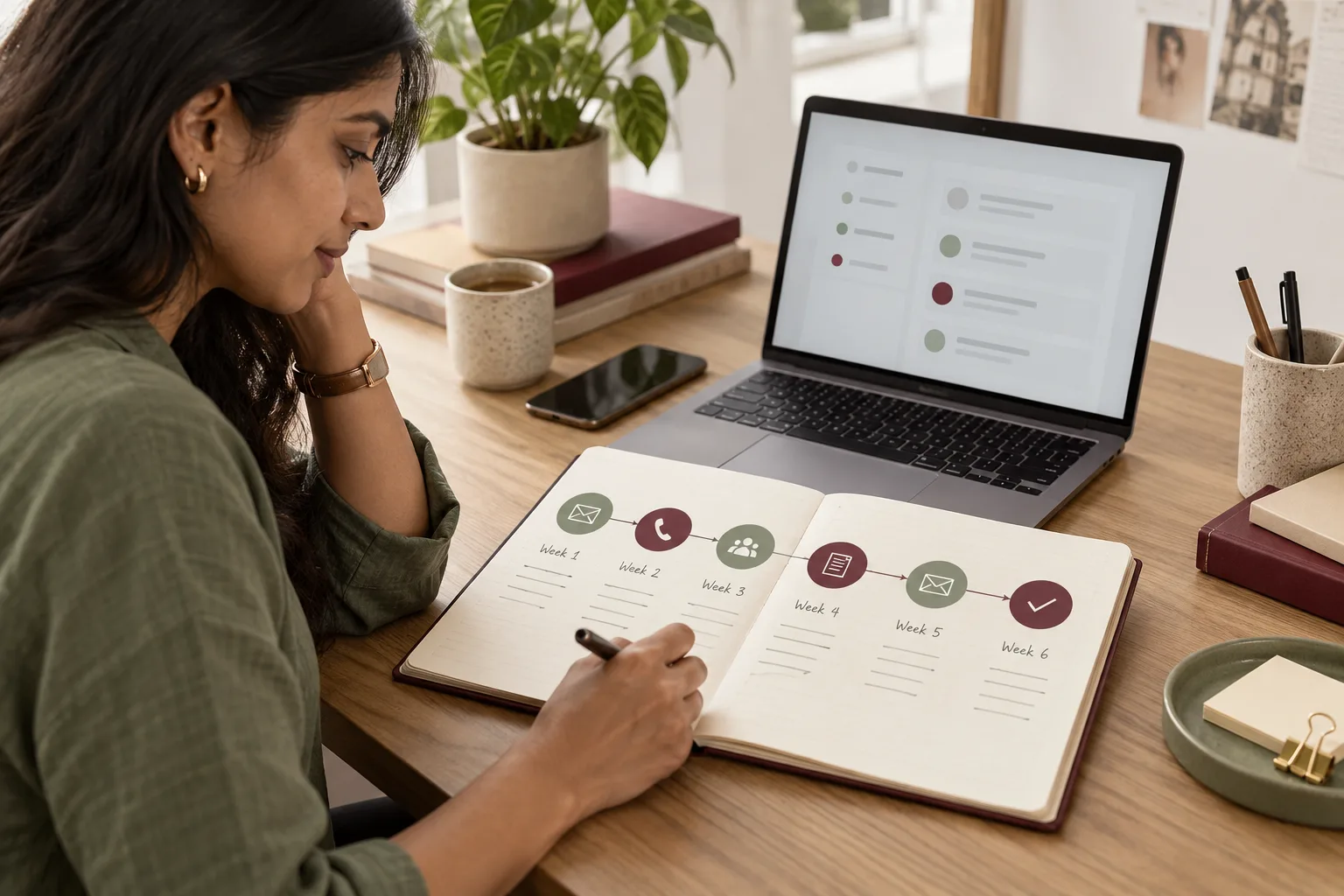
Follow-up cadence: a dated task for each attempt. A workable pattern is day zero call, day one call at a different hour, and day three WhatsApp with the quotation or catalogue. Then day seven call, day fifteen a short message, and day thirty a check-in. Six attempts across a month, all created automatically when the lead is created.
Idle escalation: any lead with no activity for seven days moves back to a supervisor's queue for reassignment. Nothing sits silently.
What does this look like in practice?
For example, a modular kitchen business with showrooms in Bengaluru and Mysuru receiving around 180 enquiries a month from search advertising, Meta and walk-ins. Enquiries were landing in a shared inbox and a WhatsApp group, and the designer who happened to see it first picked it up.
They wrote a routing table on one sheet. Kitchens under a certain size went to the junior designers, and full home interiors to the seniors. Mysuru pin codes went to the Mysuru showroom, and anything mentioning a builder or a project went to the owner. The CRM then alerted the assigned designer in thirty seconds and created six dated follow-up tasks at once. Enquiries that used to wait until evening were being called within the same hour. The weekly review changed from an argument about who had which lead to a list of leads nobody had touched.
What to watch after it is running
Automation makes new problems visible and creates a few of its own. Watch for these:
- Leads assigned to someone who has left, or to a rule that no longer matches your product range.
- Automated acknowledgements that sound like a machine. Buyers notice.
- Salespeople closing tasks without doing them, which shows up as high task completion and flat conversion.
- Duplicate records when the same buyer enquires twice from two channels, so two people call the same person.
- Message fatigue, where a buyer gets a system message on the same day as a call and a quotation.
Report the first response time, the number of touches before an outcome, and the count of leads with no activity, every week. Those three numbers tell you whether the automation is being used or worked around.
What to do next
Take last month's enquiries, pick twenty at random, and write down how long the first reply took and how many times each was contacted. That sheet is the argument for the routing table, and it usually surprises the owner more than anyone else. Then write the table before you open the CRM settings. If you want the routing rules and the clocks set up against your own channels, tell us what you need.