Chimney cleaning companies · CRM
Keep every kitchen, chimney type and service date in one place.
A CRM for a chimney cleaning company is the record of each customer, kitchen and chimney, with the date of the last service and the date the next is due. GullySales sets up a simple record the owner and the team will actually fill.
Scope, fee, reporting and term are agreed in writing after we have read your brief and spoken to you.
What CRM means
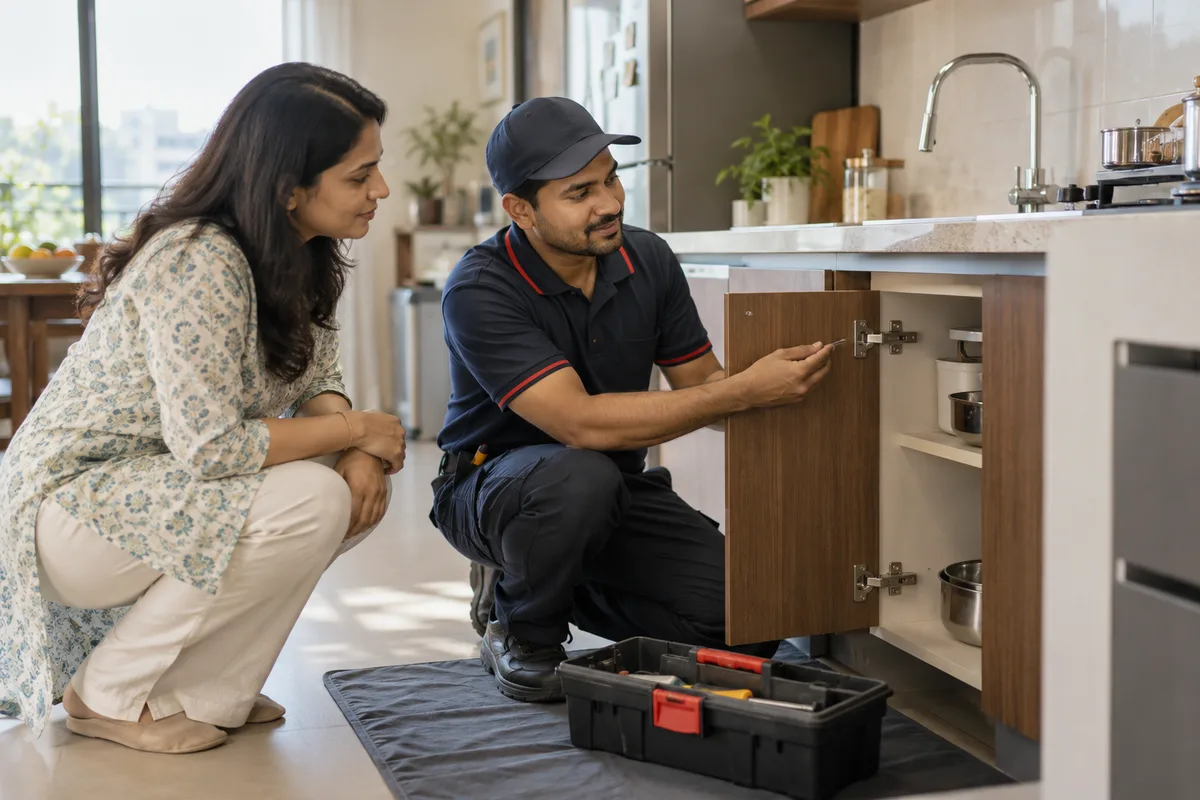
A CRM is the record where every enquiry, call and quote is kept against a customer, replacing separate notebooks, spreadsheets and memory. GullySales sets up or cleans an existing CRM and reports from it by enquiry outcome rather than by activity logged.
Also for chimney cleaning companies
- Lead generation for chimney cleaning companies
- Follow-up systems for chimney cleaning companies
- SEO for chimney cleaning companies
- Local SEO for chimney cleaning companies
- Social media marketing for chimney cleaning companies
- Content marketing for chimney cleaning companies
- Buyer personas for chimney cleaning companies
- WhatsApp marketing for chimney cleaning companies
Sales and marketing for chimney cleaning companies, the overview.
Last updated 14 Nov 2026.
For chimney cleaning companies
Where it usually goes wrong, and what we would do.
“The phone is the only record”
Details live in the technician's contacts and the owner's memory. When a technician leaves, the customer history goes with them, and the company starts again with a kitchen it has cleaned before.
“Chimney details change the visit”
The brand, the filter type and the floor tell a technician what to bring. A record that stores them saves the second call and the wasted trip when the filter turns out to need replacing.
“Repeat service depends on a date”
A chimney cleaned once is forgotten. If the record holds the next due date, a message can go out at the right time. If it does not, repeat work depends on the customer remembering you.
“Building-level data is lost”
Without a field for society and tower, a visit to one flat does not prompt an offer to the neighbours. The cluster that would fill a technician's day stays invisible.
What we do
What we deliver for chimney cleaning companies.
The work available for this need. We agree the deliverables and responsibilities for your engagement in writing.
A customer and chimney record
A sheet or simple tool holding name, address, building, brand, filter type and notes.
Result: Each kitchen has one line with its chimney details.
A service history field
Date of each visit, what was done and what spares were fitted, with the price charged.
Result: A technician can see what was done last time.
A due-date column with reminders
A next-service date set at the first visit and a list of customers due.
Result: The owner can list who is due without searching memory.
A building view
A filter showing every customer in the same society, tower or street.
Result: A visit to one flat shows nearby customers to message.
A simple usage routine
A one-page guide for the owner and technicians on what to enter and when.
Result: The team knows who enters which field after a visit.
How the result is measured
- Enquiries logged in the CRM
- Data completeness
- Reports generated from CRM data
Recorded as a baseline before work starts, so every later report has an honest comparison.
Fields worth keeping
Record the chimney, not just the caller.
- Brand and filter type
- Filled in on the first call by the desk and checked by the technician. It decides the parts and the time for the visit.
- Society, tower and flat
- Entered by the desk. It lets you offer a visit to the neighbours when one flat is booked.
- Date of last service and next due
- Entered by the technician after the visit. It gives the desk a list to message when the next service is due.
- Extras fitted or quoted
- Entered by the technician with the reason. It settles the argument when a customer disputes a charge later.
- Home or commercial
- One tick at creation. It keeps restaurant duct jobs out of the household reminder list.
Who it is for
This is written for these chimney cleaning companies.
- Households with baffle filter, mesh filter and auto-clean chimneys
- Apartment communities where several kitchens book on one day
- Restaurants and cloud kitchens with exhaust hoods and ducts
- Hotel, canteen and hostel kitchen exhaust cleaners
- Chimney repair and spares technicians who also clean
- Brand-authorised service partners for kitchen appliances
- Home appliance service companies adding chimney cleaning
- Annual maintenance plan sellers for kitchens
Before you decide
When this may not be the right fit.
- You have a handful of customers and the owner remembers each chimney, so a record would only add typing.
- Nobody will enter the next due date after a visit, and without it the main use of the record is gone.
- Technicians keep customer numbers on their own phones and will not share them, which a system cannot fix alone.
Before you decide
Agree the work. Know how to judge it.
CRM for chimney cleaning companies: use these checks to prepare, choose the scope, and review what changes.
Bring the right evidence
List the records your team uses and show how an enquiry becomes an order today. Bring examples of duplicate entries, missing owners, and reports that require manual correction.
Make the scope clear
Agree the stages, required fields, access roles, and integrations before configuring the system. Separate software subscriptions from setup, data work, and training.
Check the work in use
Ask the people who will use the CRM to complete a real handover and find the next action without help. Check that the management report can be traced back to individual records.
Know when to change course
If the process is unclear, buying a more complex CRM adds more places for confusion. Start with the minimum fields and rules the team can use consistently.
These are discussion points, not a fixed package. GullySales confirms the deliverables, responsibilities, fee, and term in writing after reading your brief and speaking with you.
Before we start
What to have ready before the work starts.
The records, access and decisions this work needs from chimney cleaning companies. Anything missing is noted in the written scope, with who will supply it.
- Your existing diary, contact list and bills
- Bring the diary, the phone contacts and the bill book or invoices, in any form. We build the first records from them. Photographs of the pages are enough if the originals cannot leave the office. Photographs of the pages or a spreadsheet export are enough, and the originals stay with you. We copy the customer name, area, chimney type and last service date, and leave out anything you would rather not share. If everything lives on a single phone, we copy it with you, and that phone must be backed up before we begin.
- A decision on which tool to use
- Tell us whether you already use a spreadsheet, an accounting app or a booking tool. We fit the record to what you have first. Tell us who pays for it and who holds the login, because a tool nobody owns is the first to be abandoned. If nothing exists, we suggest a simple tool and you decide, since the company must own the data.
- A list of chimney types and brands
- Write the chimney types and brands in the words your technicians use, so that the dropdowns in the record match the job. Add the wording customers use for the filter, such as net, mesh or baffle, so that the fields look familiar. Bring the brand names, the filter types and the words technicians use for them, as a short list. We turn them into the choices a technician taps, so that the record is quick to fill from a phone. Without it, we invent labels that the team does not recognise, and the fields stay empty.
- A recommended gap between services
- Decide how long after a visit a customer is told the next service is due, for each chimney type. This is your recommendation, not ours. Without a gap, we use a neutral date field and leave the interval blank for you to fill. Different chimney types may need different gaps, so give us the gap for each, or say that one gap applies to all. Without it, we leave the column blank and the reminder routine cannot start. Without it, the due-date column is blank, and the reminder routine has nothing to count from.
- A named person for the record
- One person must check that every job has a record, a chimney type and a due date. A half hour on working days is enough. The person can be the office coordinator, provided the owner reads the blanks list when it is shown. The person who checks should have the authority to ask a technician for a missing note. Without that authority, the blank fields remain, and the due dates become unreliable. Without that person, the record fills with gaps within a season, and the reminders reach the wrong customers.
How it works
How the CRM work runs
The work itself, in order. How an engagement starts, from your brief to a written scope, is set out on our method page.
- 1
Follow one booking from call to payment
We follow a real booking through your company: the call, the diary entry, the technician's visit, the payment and any later call. We note which paper, chat or phone holds each fact. We also note which details the technician carries in mind that the office never receives, since those are the first to add. You walk us through one job, and we see where details are lost between the office and the technician.
- 2
Define the customer, kitchen and chimney record
We agree how a customer with a flat, a chimney and several visits is held, with the chimney type, brand, filter and last service date as fields. We also decide how the record handles a flat that changes hands, so that the history stays with the chimney and not only the name. You decide which details the team will actually enter, and we drop any field nobody will fill.
- 3
Set the due-date column and its reminders
We add a next-service date to every record, calculated from the last visit and the chimney type you recommend, and a view of the customers due soon. We also decide how a customer is marked who prefers not to be reminded, so that the due list does not include them. We note which dates the call taker can fill in at once and which the technician adds on the visit. You decide how far ahead the office looks, and who sends the reminder.
- 4
Build a view by building and society
We add the apartment block or society to each record and build a view that groups customers by building. We also test whether the technician can see the building view on a phone, since the plan for the next day is made on the road. You choose which blocks the team will target for combined visits, and the office uses the view when planning the technicians' day.
- 5
Train the call taker and the technicians
We show the call taker how to enter a booking and each technician how to add the visit notes from a phone, one role at a time, with real records. We also give the call taker a printed sheet of the fields in the order they are asked, which cuts the time taken on a call. You choose when the old diary is retired, and we do not retire it until the new record has held for a while.
- 6
Read the records against the earlier diary
We compare the records with the diary counts recorded before the work began, looking at how many bookings carry a chimney type, a due date and a building. We also write down how to add a customer who was never recorded, so that the record keeps growing and does not stall. You see what is still left blank, which customers have been lost, and what to simplify so the habit holds.
Where this fits
Three pieces of sales work, in this order.
This work sits inside sales management. A target, a review routine and someone who owns the number.
Step 1
Sales audit
Find where deals are being lost and what to fix first.
Start here if you cannot say where orders are lost.
Step 2
Sales process design
One written way to sell, from first enquiry to repeat order.
Start here if every salesperson sells differently.
Step 3 · you are here
Sales management
A target, a review routine and someone who owns the number.
Start here if the team has targets and no routine.
FAQ
Questions owners ask before they call.
Not here? More answers, or ask on WhatsApp.
Is a spreadsheet enough?
What should a technician enter after a visit?
Can the CRM show who we lost?
What happens to the record when a technician leaves?
Is a spreadsheet enough for a small company?
What happens to the record if a technician leaves?
How much does it cost?
How long is the contract?
How soon will we see results?
Who will actually do the work?
More for chimney cleaning companies
Related work to consider.
Closest to this: leads and follow-up
Also for chimney cleaning companies
Or start from the overview: sales and marketing for chimney cleaning companies.
Your next practical step
Tell us what you are trying to grow, and we will read it before we call.
Eight short steps, mostly taps. Skip anything you would rather answer on the call.