Cloud kitchens · WhatsApp marketing
WhatsApp turns an app customer into someone who messages the kitchen directly.
WhatsApp marketing for a cloud kitchen is the use of a business number to share menus, take orders and send offers to customers who agreed to receive them. GullySales sets up the business profile, the catalogue, the opt-in route and the message plan.
Scope, fee, reporting and term are agreed in writing after we have read your brief and spoken to you.
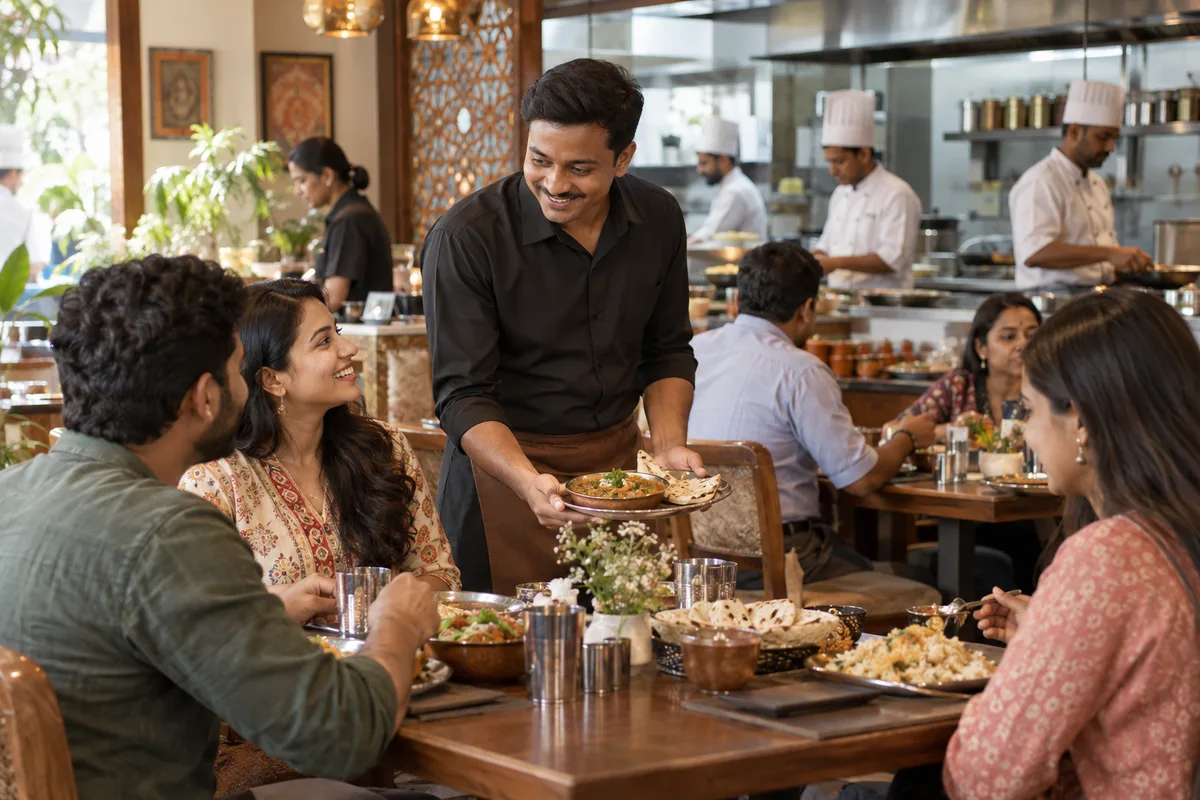
What WhatsApp marketing means
WhatsApp marketing is sending updates, offers and reminders to customers on the app most Indian buyers already check daily. GullySales sets up business WhatsApp, writes the message templates and keeps the list consented and current.
Last updated 14 Nov 2026.
For cloud kitchens
Where it usually goes wrong, and what we would do.
“Customers already live in WhatsApp”
A buyer who would never install another app will message a number from a bag card. Chat feels familiar, and the buyer can ask about spice or portion before ordering.
“A personal number does not scale”
An owner taking orders on a personal phone loses messages, mixes personal and customer chats and has no record when a team member leaves. A business number with a catalogue is easier to manage.
“Broadcasts need permission”
Adding every number from a delivery slip to a broadcast list invites blocks and reports. Platform rules on business messaging apply, so check the platform's current rules before sending offers.
“A chat order needs structure”
Orders typed as free text lead to mistakes in item, address and quantity. A short catalogue, a set of quick replies and a clear confirmation message cut errors on a busy evening.
What we do
What we deliver for cloud kitchens.
The work available for this need. We agree the deliverables and responsibilities for your engagement in writing.
A business profile and catalogue
A business account for each brand with the name, hours, menu items and photos set up properly.
Result: Open the profile on a customer's phone and browse the menu.
An opt-in route
A QR on the bag card and a button on the order page that start a chat and record consent.
Result: Scan the QR and find your consent logged.
Quick replies and an order script
Saved replies for menu, price, area, order confirmation and delay, written in the kitchen's voice.
Result: Your staff answer a common question in one tap.
An offer message plan
A set of messages for weekend feasts, slow hours and new dishes, sent only to opted-in contacts.
Result: A calendar showing which message goes to whom.
A corporate group routine
A way to share the day's menu with an office admin and confirm the order, without adding strangers to a group.
Result: An admin can place a lunch order in one reply.
How the result is measured
- Messages delivered
- Reply rate
- Enquiries from WhatsApp
Recorded as a baseline before work starts, so every later report has an honest comparison.
What to capture or send
The messages a cloud kitchen sends on WhatsApp, and what each one should record.
- Greeting with the menu catalogue
- An automatic reply that lists the brands and the catalogue, and asks for the order. Needs the menu in the catalogue to match the app.
- Order confirmation
- Repeats the dishes, the address and the amount, and records the order in the sheet. A chat order needs a structure so a dish is not missed.
- Opt-in message
- Asks a past customer if they want to hear about offers, and records the yes. Without it, the number stays off every list.
- Corporate group note
- A short message to the admin about the next day's menu and the headcount cut-off. Records changes in headcount in the sheet.
- Offer for a slow day
- A single dish at a stated price, sent only to people who agreed. Records who replied, and checks that the kitchen can cook the volume.
- Handover note to a human
- A line sent when a chat moves from an automatic reply to a person, so the customer is not asked the same question twice.
Who it is for
This is written for these cloud kitchens.
- Multi-brand cloud kitchens
- Single-brand delivery-only restaurants
- Biryani, North Indian and South Indian delivery brands
- Dessert and bakery cloud kitchens
- Healthy meal and diet food kitchens
- Corporate lunch box kitchens
- Shared kitchen operators renting space to brands
- Cloud kitchen franchises
Before you decide
When this may not be the right fit.
- The kitchen has no one to reply to a chat during service hours, so an open number would collect unanswered messages.
- You have no opt-in from past customers, and offers sent to numbers taken from an app would break your own trust rule.
Before you decide
Agree the work. Know how to judge it.
WhatsApp marketing for cloud kitchens: use these checks to prepare, choose the scope, and review what changes.
Bring the right evidence
Describe how the contact list was collected, what people asked to receive, and which messages are currently sent. Include opt-outs and replies when reviewing campaign performance.
Make the scope clear
Agree the audience, message purpose, sending system, and response owner. Separate promotional communication from order or service updates, and check current platform requirements before launch.
Check the work in use
Test the message with a small appropriate audience before wider use. Check links, reply handling, opt-outs, and whether the response leads to a relevant conversation or order.
Know when to change course
Do not use an unexplained contact list as a shortcut to demand. If recipients do not expect the message, resolve the permission and relevance questions before sending.
These are discussion points, not a fixed package. GullySales confirms the deliverables, responsibilities, fee, and term in writing after reading your brief and speaking with you.
Before we start
What to have ready before the work starts.
The records, access and decisions this work needs from cloud kitchens. Anything missing is noted in the written scope, with who will supply it.
- A SIM and phone that belong to the kitchen
- WhatsApp ties the account to a number, and that number must be the kitchen's own and kept charged and with the staff. A secondary phone is enough. If the number is the owner's personal one, the customers go wherever the owner goes.
- The documents for the business profile
- Have the kitchen's name, address or area, opening hours and logo ready, and the licence if you wish to show it. Photographs from a phone are fine. Without them the profile remains incomplete, and customers see a bare number.
- Dish prices as printed on the menu
- The catalogue must match the menu customers see on the apps and on paper. Bring the current prices and tell us if app prices differ. Without matched prices, a customer may order at a price the kitchen does not charge. Mention any dish that is sold only at certain hours, so the catalogue does not offer it when the kitchen is closed to it.
- Customers who agreed to menu messages
- List the customers who said yes to menu messages, with the date and the way they said it. Those without a record stay out of the first list. This shortens it, but a WhatsApp number that is reported can be restricted.
- One person on the phone during order hours
- Someone must read and answer chats while the kitchen is taking orders. If chats wait, customers return to the apps. Name that person, and tell us who covers when they are away.
How it works
How the whatsapp marketing work runs
The work itself, in order. How an engagement starts, from your brief to a written scope, is set out on our method page.
- 1
See how orders already arrive on WhatsApp
We ask the staff who answer the phone how many customers already send an order or a question on WhatsApp, to which number, and how they reply. You show us a few chats you are happy to share. We note the questions that repeat, because those become the quick replies. We also check whether customers send voice notes or photographs of dishes, because the order script must cope with both.
- 2
Put the business number in the kitchen's name
We help you set up a business profile on a number the kitchen owns, with a name, a short description, the opening hours and the area served. You supply the number and the documents. A personal phone is moved out of the picture, so the account survives staff changes.
- 3
Build the catalogue from the live menu
We add the dishes that the kitchen can reliably make, with names, prices as printed on the menu and plain photographs, and agree who updates it when a dish runs out. You approve the catalogue. A customer can then see what is on offer without asking.
- 4
Add an opt-in line wherever numbers are taken
We write the line for the bag card, the order page and the tray form that asks whether the customer agrees to receive the menu on WhatsApp, and we record the answer with the date. You approve the wording. Only those who said yes join the list.
- 5
Write the quick replies and the order script
We draft the answers to the common questions and a short order script that asks the dish, the quantity, the address and the time wanted, in that order. The person who answers tests it on real chats. Then you approve the version that survives that test.
- 6
Send the first offer to a small opted-in group
We send one offer message to a small group who agreed, check how many replied and how many asked to stop, and compare with the order records. You decide whether to widen the list. The opt-out routine is tested first. The first message is checked on a few phones, including an older one, to confirm that it displays properly.
Where this fits
Three pieces of sales work, in this order.
This work sits inside sales process design, at stage 0, foundation. The audit comes before it, and sales management keeps it running.
Step 1
Sales audit
Find where deals are being lost and what to fix first.
Start here if you cannot say where orders are lost.
Step 2 · you are here
Sales process design
One written way to sell, from first enquiry to repeat order.
Start here if every salesperson sells differently.
Step 3
Sales management
A target, a review routine and someone who owns the number.
Start here if the team has targets and no routine.
FAQ
Questions owners ask before they call.
Not here? More answers, or ask on WhatsApp.
Do we need the WhatsApp Business API?
May a kitchen message everyone who has ordered before?
Will WhatsApp replace the delivery apps?
Can one WhatsApp number serve all our brands?
Can one number serve all our brands without confusion?
Should staff reply from their own phones?
How much does it cost?
How long is the contract?
How soon will we see results?
Who will actually do the work?
More for cloud kitchens
Related work to consider.
Or start from the overview: sales and marketing for cloud kitchens.
Your next practical step
Tell us what you are trying to grow, and we will read it before we call.
Eight short steps, mostly taps. Skip anything you would rather answer on the call.