Juice bars · WhatsApp marketing
Let a regular message the usual juice and collect it without waiting.
WhatsApp marketing for a juice bar is using one business number for pre-orders, menu sharing and event enquiries with people who have agreed to hear from you. GullySales works on the profile, the replies and the order flow behind that number.
Scope, fee, reporting and term are agreed in writing after we have read your brief and spoken to you.
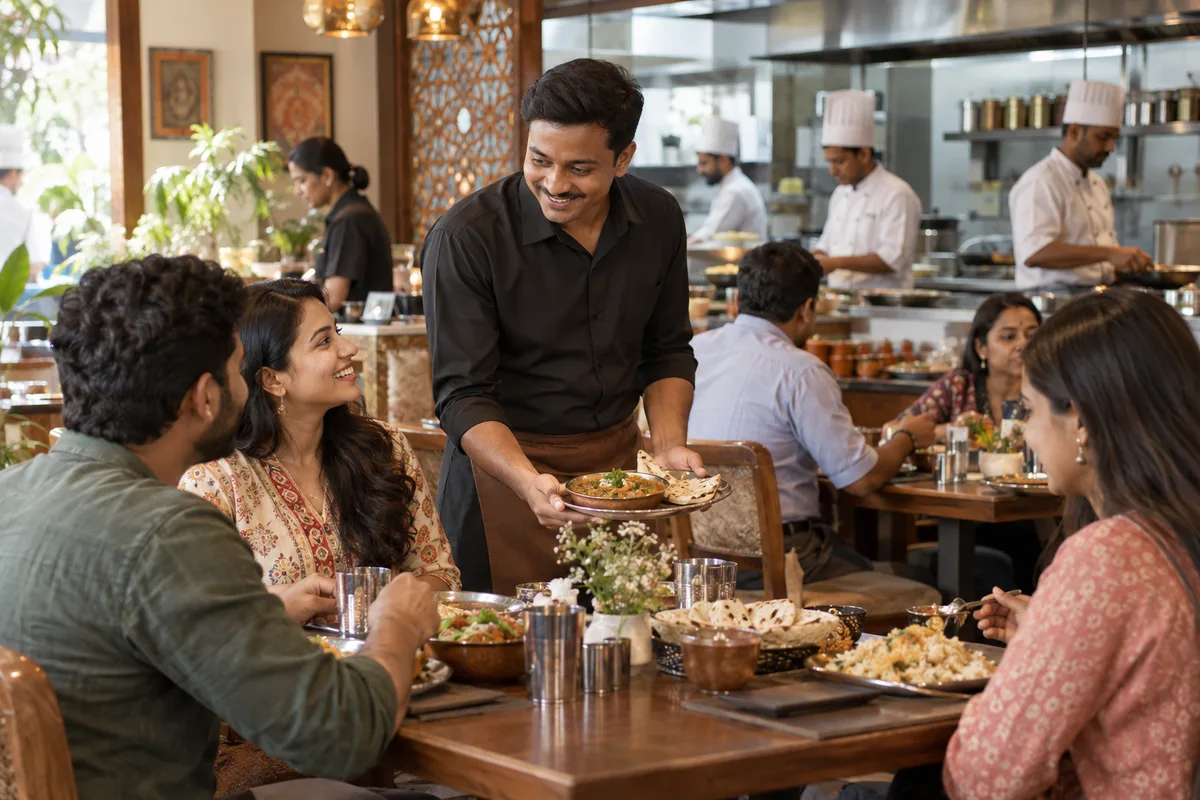
What WhatsApp marketing means
WhatsApp marketing is sending updates, offers and reminders to customers on the app most Indian buyers already check daily. GullySales sets up business WhatsApp, writes the message templates and keeps the list consented and current.
Last updated 14 Nov 2026.
For juice bars
Where it usually goes wrong, and what we would do.
“A regular wants to order and walk past the queue”
The walker who wants the same sugarcane at the same hour will happily send a message beforehand. Without a number that answers, they stand in line like everyone else or buy elsewhere.
“A shared personal phone loses orders”
When orders come to the owner's own phone, they mix with family messages and get missed at the busiest hour. A separate business number with a clear menu and hours keeps the orders in one place.
“Broadcasts to everyone annoy the regulars”
Sending every offer to every contact trains people to mute the number. A short list of those who asked for updates, used for real changes such as a new drink or a winter menu, keeps the number welcome.
“Event and gym enquiries arrive as voice notes”
A planner or trainer sends a long voice message with a date and quantity. Without a routine for writing that down and confirming it back, the details are lost or mixed up.
What we do
What we deliver for juice bars.
The work available for this need. We agree the deliverables and responsibilities for your engagement in writing.
A WhatsApp Business profile
Name, address, hours, a short description and a catalogue of drinks set up on a separate number.
Result: A new contact sees a proper business, not a personal chat.
A pre-order flow for regulars
A short way to send the usual drink and pickup time, with a reply that confirms both.
Result: A regular orders without joining the queue.
Saved replies for common questions
Ready answers for menu, price, delivery area, events and subscriptions.
Result: The same question gets the same answer from any staff member.
An updates list with consent
A list of people who asked to hear about new drinks and changes, kept separate from the rest.
Result: Messages go to people who want them.
An event enquiry routine
A short form of questions staff ask on chat, then confirm back to the planner in writing.
Result: Details of a function are checked before the quote goes out.
How the result is measured
- Messages delivered
- Reply rate
- Enquiries from WhatsApp
Recorded as a baseline before work starts, so every later report has an honest comparison.
What to capture or send
Set up the messages a regular, a gym and a planner want on WhatsApp.
- Pre-order for the usual glass
- A message in which the regular names the drink and the time they will arrive. Lets them collect without waiting.
- Menu with prices as a file
- The current menu, sent from one source, so every staff member gives the same price.
- Event enquiry questions
- A saved reply asking date, venue, headcount and power or water access. Turns a voice note into a quotable enquiry.
- Seasonal fruit note
- A short message to those who agreed, naming a fruit in season and the drink made from it.
- Order ready message
- A line telling the customer the glass is ready, so it is not left to warm.
Who it is for
This is written for these juice bars.
- Fresh fruit juice counters on busy streets
- Sugarcane and coconut-water stalls
- Shake and smoothie bars
- Juice bars near gyms and parks
- Juice counters near hospitals and clinics
- Cut-fruit and salad bowl shops
- Cold-pressed juice outlets in premium areas
- Juice kiosks in malls and tech parks
Before you decide
When this may not be the right fit.
- The owner's personal phone is the only number, and a lost handset would lose every order.
- You plan to message all your phone contacts without asking.
- Staff cannot read chat during the rush, so pre-orders would wait unread.
Before you decide
Agree the work. Know how to judge it.
WhatsApp marketing for juice bars: use these checks to prepare, choose the scope, and review what changes.
Bring the right evidence
Describe how the contact list was collected, what people asked to receive, and which messages are currently sent. Include opt-outs and replies when reviewing campaign performance.
Make the scope clear
Agree the audience, message purpose, sending system, and response owner. Separate promotional communication from order or service updates, and check current platform requirements before launch.
Check the work in use
Test the message with a small appropriate audience before wider use. Check links, reply handling, opt-outs, and whether the response leads to a relevant conversation or order.
Know when to change course
Do not use an unexplained contact list as a shortcut to demand. If recipients do not expect the message, resolve the permission and relevance questions before sending.
These are discussion points, not a fixed package. GullySales confirms the deliverables, responsibilities, fee, and term in writing after reading your brief and speaking with you.
Before we start
What to have ready before the work starts.
The records, access and decisions this work needs from juice bars. Anything missing is noted in the written scope, with who will supply it.
- A SIM and handset that stay with the counter
- The Business number should not be an employee's personal one. A dedicated SIM and a handset kept at the counter will do. If the number leaves with a person, the customers and the history go with it.
- Menu and prices in a shareable form
- A clean image or document of the menu with sizes and prices. It is the first thing customers ask for. If it is not ready, the profile goes out with a link to nothing, and the saved replies stay empty.
- Your cut-off hour for pre-orders
- The time after which an order for the same day is not accepted. Fix it with your cook or machine operator. Without a cut-off, pre-orders arrive during the rush and break the queue.
- A list of customers who asked for updates
- Names and numbers of people who agreed to messages. A tick in the notebook is fine. Without a record of agreement, the updates list starts at zero, and we do not import anyone's number from your phone.
- A rule on taking payment in chat
- Say how payment is collected: at the counter, by UPI link or on delivery. Customers will ask. Without a rule, staff give different answers, and unpaid pre-orders pile up at closing time.
How it works
How the whatsapp marketing work runs
The work itself, in order. How an engagement starts, from your brief to a written scope, is set out on our method page.
- 1
Look at the chats the counter already has
We sit with the phone that takes orders and see how pre-orders, menu requests and party enquiries arrive today. We note which messages are repeated through the week and which eat up the longest stretch of the rush. You tell us which chats you want kept private, and those are set aside and not read. We note the three or four questions that fill the screen at the rush hour, since those become the first saved replies, and we ask who answers when the counter is too busy to look at the phone.
- 2
Move to a Business number with a profile
We set up the Business app on a number that belongs to the counter, with the name, address, hours, a short line on what you sell and a link to the menu. The greeting message tells a customer what to send. You approve every line before it is saved.
- 3
Build the pre-order flow for regulars
For regulars who order ahead for a gym break or an office lunch, we draw a simple flow: they send the drink and the time, you confirm, and a name is called at pickup. You decide the cut-off hour, and we write the confirmation text so there is no confusion at the counter. The text repeats the drink, the size and the pickup time, and asks the customer to reply only if something is wrong. A name or a token number is agreed so the cup is not handed to the wrong person.
- 4
Write saved replies for common questions
We take the questions asked again and again, such as timings, sugar-free options, party orders and delivery, and turn each into a saved reply. Your staff type a short key and the reply appears. You read each one for tone, and we cut any that sound like a notice. For the sugar-free question and the ingredients question we write answers that say only what the counter does, with no claim about health, and we leave a blank for the price, which is filled from the current menu so that old rates do not linger in a saved reply.
- 5
Start an updates list with permission
We create a list for people who have said they want the day's special or the season's fruit. Each person agrees first, by a message or at the counter. You decide what is sent and how seldom, and anyone who asks to leave is removed at once. We write the welcome message that tells people what they will receive, and a line in each update that lets them say stop. Offers on the list are for the counter's own drinks only, never forwarded promotions from others.
- 6
Set the routine for a function enquiry
A party or office enquiry arrives on chat. We write the questions to ask, the details to record in the sheet and who gives the rate. Your staff label each conversation as pre-order, party enquiry or question, and afterwards we read the chat labels against the figures noted at the start: pre-orders, event enquiries and conversations that went nowhere.
Where this fits
Three pieces of sales work, in this order.
This work sits inside sales process design, at stage 0, foundation. The audit comes before it, and sales management keeps it running.
Step 1
Sales audit
Find where deals are being lost and what to fix first.
Start here if you cannot say where orders are lost.
Step 2 · you are here
Sales process design
One written way to sell, from first enquiry to repeat order.
Start here if every salesperson sells differently.
Step 3
Sales management
A target, a review routine and someone who owns the number.
Start here if the team has targets and no routine.
FAQ
Questions owners ask before they call.
Not here? More answers, or ask on WhatsApp.
May we send offers to all the numbers in our phone?
Do we need the paid API?
How do we handle payment on chat?
How do we handle payment on chat?
Can we send offers to every number saved on our phone?
Do we need the paid WhatsApp API?
How much does it cost?
How long is the contract?
How soon will we see results?
Who will actually do the work?
More for juice bars
Related work to consider.
Or start from the overview: sales and marketing for juice bars.
Your next practical step
Tell us what you are trying to grow, and we will read it before we call.
Eight short steps, mostly taps. Skip anything you would rather answer on the call.