Non-vegetarian restaurants · CRM
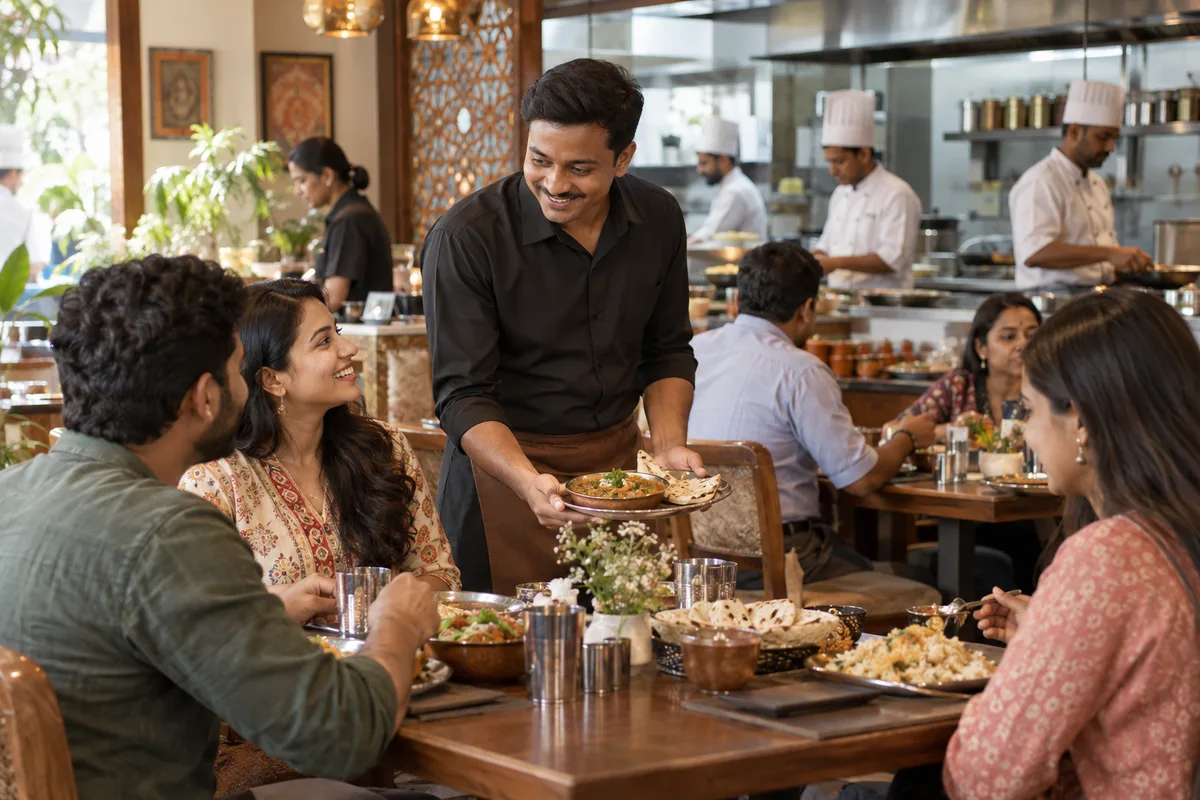
Remember the diner who orders the Sunday handi so the kitchen can greet them by dish.
A CRM for a non-vegetarian restaurant is the record of who your diners are, what they order and when they last came, kept somewhere other than the cashier's memory. GullySales works on choosing a simple tool, setting up the fields and getting the counter to use it.
Scope, fee, reporting and term are agreed in writing after we have read your brief and spoken to you.
What CRM means
A CRM is the record where every enquiry, call and quote is kept against a customer, replacing separate notebooks, spreadsheets and memory. GullySales sets up or cleans an existing CRM and reports from it by enquiry outcome rather than by activity logged.
Also for non-vegetarian restaurants
- Lead generation for non-veg restaurants
- Follow-up systems for non-veg restaurants
- SEO for non-veg restaurants
- Local SEO for non-veg restaurants
- Social media marketing for non-veg restaurants
- Content marketing for non-veg restaurants
- Buyer personas for non-veg restaurants
- WhatsApp marketing for non-veg restaurants
Sales and marketing for non-vegetarian restaurants, the overview.
Last updated 14 Nov 2026.
For non-vegetarian restaurants
Where it usually goes wrong, and what we would do.
“The regular lives in the owner's head”
The owner knows the family that orders the mutton biryani every second Sunday. When the owner is away or the cashier changes, that knowledge walks out of the door with them. Writing it down is the first step of the system.
“Bulk buyers are scattered across phones”
Office managers and party planners message one staff member's phone, and the details vanish when the number changes. The lead is lost, though the restaurant earned it with a good first order. Putting them in one shared record keeps the lead alive.
“The delivery apps keep the data”
Order history sits inside the platform. The restaurant sees an order and a name that cannot be used to write back, so it never learns who came twice. Your own direct list is the only way back.
“A complicated tool does not get used”
A restaurant counter is busy at the peak hour. If recording a diner takes more than a few taps, the staff skip it, and the system fills with half-entered names. Three fields filled reliably beat ten left empty.
What we do
What we deliver for non-vegetarian restaurants.
The work available for this need. We agree the deliverables and responsibilities for your engagement in writing.
A simple record for every opted-in diner
Name, number, preferred dish, group size and the date of the last visit, kept in one tool the counter can fill in.
Result: Each regular has a record the staff can find in seconds.
Tags for bulk and festival buyers
Labels for party planners, office buyers and festival diners, so each group can be written to before its season.
Result: The Iftar list can be pulled out in one search.
A capture step at billing
A short script and a QR code asking the diner to share a number and agree to hear from you.
Result: Only diners who agreed are on the list.
A staff guide of one page
A single sheet telling the cashier what to record, what to leave out and how to handle a request to be removed.
Result: Every cashier follows the same steps.
Direct orders recorded beside app orders
Bulk, phone and WhatsApp orders logged in the same place, with the source noted.
Result: You can see which diners order direct and which only through the apps.
How the result is measured
- Enquiries logged in the CRM
- Data completeness
- Reports generated from CRM data
Recorded as a baseline before work starts, so every later report has an honest comparison.
Fields worth keeping
The record of a non-veg restaurant needs to remember the dish, the occasion and the number of people.
- Name and phone with consent
- Filled at the billing counter. A yes or no on hearing from the restaurant decides who receives a festival invitation.
- Usual dish and spice preference
- Filled by the captain or the cashier. Lets the counter greet the diner by their dish and get the order right.
- Bulk or party order history
- Filled by whoever took the order. Shows which hosts order for functions and when they last did.
- Festival and occasion orders
- Filled at billing. Lets the owner send a reminder before the next Ramzan, Eid or Sunday gathering.
- Delivery address and area
- Filled for delivery orders only. Lets the dispatcher see clusters and plan the riders.
- Complaint and fix
- Filled by the manager. Shows whether a diner who complained came back.
Who it is for
This is written for these non-vegetarian restaurants.
- Biryani restaurants
- Kebab and tandoor restaurants
- Seafood and coastal non-veg restaurants
- Dum and Mughlai restaurants
- Chicken and fried chicken specialists
- Mutton and goat meat specialists
- Late-night non-veg joints and highway restaurants
- Military hotels and regional meat restaurants
Before you decide
When this may not be the right fit.
- Orders come mostly from delivery apps that keep the diner's details, so you would have few numbers to record.
- The counter staff are too busy at billing to ask for a number, and the record would be empty.
- You have not decided how to keep diner numbers private, and a spreadsheet passed around loosely is a risk.
Before you decide
Agree the work. Know how to judge it.
CRM for non-veg restaurants: use these checks to prepare, choose the scope, and review what changes.
Bring the right evidence
List the records your team uses and show how an enquiry becomes an order today. Bring examples of duplicate entries, missing owners, and reports that require manual correction.
Make the scope clear
Agree the stages, required fields, access roles, and integrations before configuring the system. Separate software subscriptions from setup, data work, and training.
Check the work in use
Ask the people who will use the CRM to complete a real handover and find the next action without help. Check that the management report can be traced back to individual records.
Know when to change course
If the process is unclear, buying a more complex CRM adds more places for confusion. Start with the minimum fields and rules the team can use consistently.
These are discussion points, not a fixed package. GullySales confirms the deliverables, responsibilities, fee, and term in writing after reading your brief and speaking with you.
Before we start
What to have ready before the work starts.
The records, access and decisions this work needs from non-vegetarian restaurants. Anything missing is noted in the written scope, with who will supply it.
- The cashier's notebook or phone list
- The record starts from the numbers you have. A photograph of the pages or an export is enough. Without it, the record starts empty and fills from the first bills.
- Exports from the delivery app dashboards
- App data shows order history, not messaging rights. Share what the dashboards let you export. Without it, we plan around direct orders only, and the record of past app diners stays in the app, out of reach of any message you send yourself.
- A decision on who may see diner numbers
- Numbers are personal data. Name who sees them: the owner, the manager or the cashier. Without the decision, everyone shares one login.
- A one-page staff guide you will read aloud
- The counter needs a short guide. Give us ten minutes of the cashier's time to try it. Without it, the guide goes unread.
- Agreement on what happens when staff leave
- A customer list belongs to the restaurant. Tell us your rule on phones and access. Without it, a leaving cashier takes the list in a pocket.
How it works
How the CRM work runs
The work itself, in order. How an engagement starts, from your brief to a written scope, is set out on our method page.
- 1
Find where the diner numbers already live
We start by locating every list: the delivery app dashboards, the cashier's notebook, the bulk-order phone, the festival WhatsApp group. You tell us who holds each. We note which numbers have the diner's agreement to be messaged. What exists afterwards is a map of the lists, and a short list of those that can be used.
- 2
Choose a simple tool the counter can use
We compare a shared sheet and a light tool against what the cashier will actually open. You decide. A tool nobody opens is worse than a notebook, so the test is whether a busy cashier can add a diner in under the time it takes to print a bill.
- 3
Set the fields around the order
We write the fields with you: name, number, favourite dish, last visit, bulk or festival buyer, how they ordered. Tags separate bulk buyers from regular diners. You strike any field the counter would not fill. A short record that is completed beats a long one that is not. We also add one field for the occasion, such as a birthday or an anniversary dinner, because the kitchen can use that date for a reminder the diner agreed to.
- 4
Write the capture sentence for billing
We write the sentence the cashier says to ask for a number, the way consent is noted and the answer to a diner who says no. You rehearse it with the cashier. Numbers are collected only with agreement, and the reason for collecting them is said aloud.
- 5
Record direct orders beside app orders
Delivery apps keep their own data, so we agree how your direct orders are written down: calls, chats and walk-ins. App customers you cannot message stay in the app. You choose who updates the sheet at the end of service.
- 6
Check the record against the notebook method
We compare the numbers on the new record, the bulk buyers tagged and the repeat diners found with the old notebook figures noted at the start. You mark which tagged buyers placed a new order. We decide which fields to drop, and we say plainly that a tidy record does not itself bring orders and that none are promised.
Where this fits
Three pieces of sales work, in this order.
This work sits inside sales management. A target, a review routine and someone who owns the number.
Step 1
Sales audit
Find where deals are being lost and what to fix first.
Start here if you cannot say where orders are lost.
Step 2
Sales process design
One written way to sell, from first enquiry to repeat order.
Start here if every salesperson sells differently.
Step 3 · you are here
Sales management
A target, a review routine and someone who owns the number.
Start here if the team has targets and no routine.
FAQ
Questions owners ask before they call.
Not here? More answers, or ask on WhatsApp.
Do we need paid software?
Is it right to store diner numbers?
Can we import the app customers?
What if staff leave with the customer list?
Who fills in the record at a busy counter?
Can we message everyone on the list about a festival?
How much does it cost?
How long is the contract?
How soon will we see results?
Who will actually do the work?
More for non-vegetarian restaurants
Related work to consider.
Closest to this: leads and follow-up
Also for non-vegetarian restaurants
Or start from the overview: sales and marketing for non-vegetarian restaurants.
Your next practical step
Tell us what you are trying to grow, and we will read it before we call.
Eight short steps, mostly taps. Skip anything you would rather answer on the call.