Tourism experience providers · Website
Give each experience a page that states the price, the pin and how to book.
A website for an experience provider is a small set of pages, one for each activity, built to answer a visitor's questions and lead to a message or a booking. GullySales works on the page content, the layout for phones and the booking route.
Scope, fee, reporting and term are agreed in writing after we have read your brief and spoken to you.
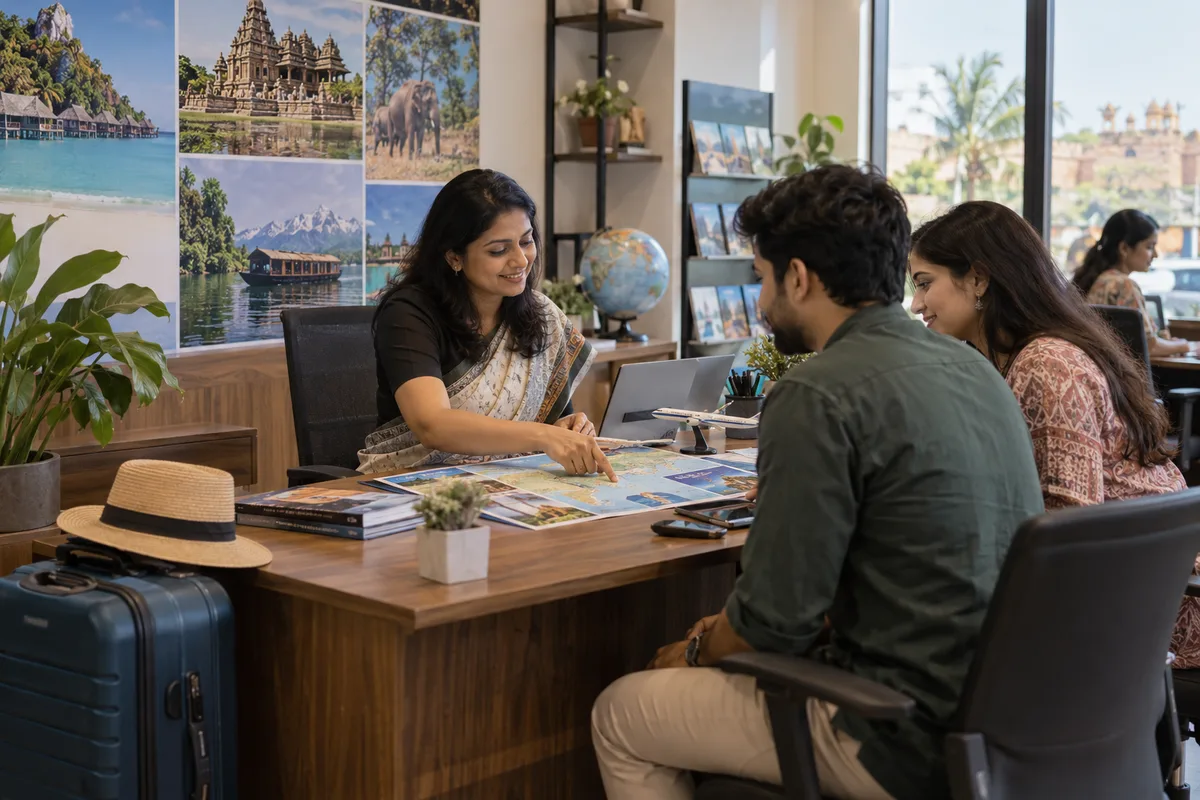
What website means
A website is the page a customer lands on after searching, clicking an advert or scanning a code, and it decides whether they call or leave. GullySales builds and maintains sites that load quickly, explain the offer plainly and make the enquiry form or phone number easy to find.
Also for tourism experience providers
- SEO for experience providers
- Local SEO for experience providers
- Lead generation for experience providers
- Social media marketing for experience providers
- Content marketing for experience providers
- Buyer personas for experience providers
- CRM for experience providers
- Follow-up systems for experience providers
Sales and marketing for tourism experience providers, the overview.
Last updated 14 Nov 2026.
For tourism experience providers
Where it usually goes wrong, and what we would do.
“Visitors arrive on a phone, standing somewhere”
They are in town and deciding now. A page that loads on a weak signal and shows price and booking at the top works; a heavy page with a slow slider does not.
“One homepage cannot sell five experiences”
The food walk guest and the village stay guest want different facts. A page per experience, linked from a simple home page, lets each visitor reach their own.
“The booking route must be obvious”
A visitor who has to hunt for a contact leaves. A WhatsApp button and a seat request form, visible without scrolling, keep the interest.
“Trust comes from specifics”
Real photographs, the host's name, the meeting point and honest cancellation terms persuade more than slogans. Put them on the page, not in a footer.
What we do
What we deliver for tourism experience providers.
The work available for this need. We agree the deliverables and responsibilities for your engagement in writing.
A page for each experience
Description, duration, group size, inclusions, price note, photos and a booking button.
Result: A visitor can book from one page.
A phone-first layout
Pages designed for small screens and slow connections, with the contact in reach.
Result: The site works where your guests stand.
A booking route
A WhatsApp button and a short request form that lands in your seat list.
Result: Requests arrive in a place you check.
Trust section
Host introduction, meeting point photos, cancellation and weather terms written plainly.
Result: Guests know what to expect before they arrive.
A partner and group page
A page for hotels and organisers with capacity, costed options and a contact route.
Result: Partners and groups find what they need without asking.
How the result is measured
- Page load time
- Bounce rate
- Enquiries from the website
Recorded as a baseline before work starts, so every later report has an honest comparison.
Searches your buyers type
The searches an experience page answers, and the section that does it.
- [experience] [town] price
- A price line near the top of the activity page, stating what a seat includes and what it does not. A visitor wants this before the story.
- [experience] meeting point
- The pin, a written line and a photograph of the gathering place. A visitor is on foot and needs it before the session.
- book [experience] for a group
- A group page with the head count, the price per head and an enquiry form. Organisers forward the page and expect the answer on it.
- is [experience] suitable for children
- A section on ages and what the session asks of the body. State the facts the host will stand by.
- [host name] cancellation and weather
- A short note on what happens in rain, illness or a cancelled session. A clear rule here saves arguments and builds trust.
Who it is for
This is written for these tourism experience providers.
- Food walk, cooking class and tasting hosts
- Craft, pottery, weaving and art workshop hosts
- Village stay and rural life experience providers
- Adventure activity operators for kayaking, cycling and trekking
- Heritage walk and evening storytelling hosts
- Farm, plantation and spice garden visit providers
- Wellness, yoga and sunrise session hosts
- Corporate team outing and school activity providers
Before you decide
When this may not be the right fit.
- You have one experience and every booking comes by a hotel desk, so a site would add little beyond a card
- You have no price or cancellation rule to publish yet, and a page without them would only invite calls
- The domain is in a former helper's name and cannot be recovered, so take that back first
Before you decide
Agree the work. Know how to judge it.
Website for experience providers: use these checks to prepare, choose the scope, and review what changes.
Bring the right evidence
List the pages that support a buying decision and the actions visitors must complete. Keep examples of failed forms, unclear product information, and questions your team answers repeatedly.
Make the scope clear
Agree the page list, content ownership, integrations, and who controls the domain and hosting. Include redirects and existing search traffic in a redesign brief, before changing addresses.
Check the work in use
Complete a real enquiry journey on a phone and a laptop. Check that the confirmation appears, the enquiry reaches the right person, and tracking records the action once.
Know when to change course
If visitors can enquire but the team does not follow up, start with the sales handover. A larger website will not resolve that delay.
These are discussion points, not a fixed package. GullySales confirms the deliverables, responsibilities, fee, and term in writing after reading your brief and speaking with you.
Before we start
What to have ready before the work starts.
The records, access and decisions this work needs from tourism experience providers. Anything missing is noted in the written scope, with who will supply it.
- Control of the domain and hosting
- The domain and hosting should be in the host's own name. Recover them from any relative or former vendor first. If we lack them, the site cannot be published or moved. Include the renewal date for each, so a lapse does not take the site offline.
- Photographs with permission
- A set of pictures of real sessions, with guests' agreement, plus the place and the host. Phone photographs are acceptable. Without them, pages rely on stock images that visitors recognise. Name which pictures show guests, so we can check consent for each.
- Facts for each experience page
- Duration, group size, price basis, inclusions, exclusions, meeting point and what to bring. Write them plainly. Vague facts produce vague pages and, later, complaints. Add what is not included, since an omitted extra makes the guest feel misled.
- A decision on payment on the site
- Decide whether guests pay on the site, pay a deposit by link or confirm by chat and pay on the day. Each needs different set-up. We build whichever route you pick, and a deposit link needs the host to hold a business account with a payment provider, so tell us early if that does not exist yet.
- Someone to update seasonal changes
- Name the person who changes dates, prices and seasonal notes. A site with last year's festival dates loses trust. If no one is named, we keep the pages free of dates. Include festival and harvest dates as you know them.
How it works
How the website work runs
The work itself, in order. How an engagement starts, from your brief to a written scope, is set out on our method page.
- 1
Use the site as a visitor in the street
We open your current site, or the page nearest to it, on a phone with weak signal and try to do what a visitor does: find the activity, see the price, find the meeting point and send a message. You watch where we stall. The problems we meet become the brief. We also note the mobile data cost, since a page full of heavy photographs fails on a village signal.
- 2
Plan one page for each experience
The food walk, the pottery class and the village stay each get a page of their own with the same plan: what it is, who it suits, what is included, the meeting point, the duration and how to ask. The host supplies the facts. A visitor lands on the page for the activity they searched. Every page shows the same order of facts, so a visitor comparing two experiences can find the price and the duration in the same place.
- 3
Photograph the sessions and the people
We gather or shoot photographs of the sessions with guests' consent, the place, the food or craft and the host. You mark any that should not appear. The photographs carry the trust section, so they are specific to your sessions and not stock images. Photographs are captioned with what is happening and where, in the host's words.
- 4
Build a booking route that cannot be missed
Every page ends with the same route, a message to the business number with the date and group size prefilled, and a call option. The host chooses whether seats can be paid for on the site or confirmed by chat. The route is tested on a phone. The call option shows the hours at which someone answers, so a visitor does not ring an empty phone. The prefilled message names the experience, so the host knows which session the guest means before replying.
- 5
Write the trust section with real specifics
The section names the host, the place, the guide, what guests have said in their own words and what happens in rain. Reviews are used only with permission. A claim the host cannot back up is removed. Each quote from a guest is used only with a message of permission, and the date of the permission is kept.
- 6
Add the partner and group page
A page for hotels, homestays, schools and offices gives the costed reply, group sizes, safety and food arrangements, and the commission terms for partners. The host approves each commitment. Afterwards, we read enquiries and bookings against the count taken before the site changed. The costed reply sits on the page as a downloadable sheet, so an organiser can attach it to an internal request.
Where this fits
Three pieces of sales work, in this order.
This work sits inside sales process design, at stage 1, prospecting and lead generation. The audit comes before it, and sales management keeps it running.
Step 1
Sales audit
Find where deals are being lost and what to fix first.
Start here if you cannot say where orders are lost.
Step 2 · you are here
Sales process design
One written way to sell, from first enquiry to repeat order.
Start here if every salesperson sells differently.
Step 3
Sales management
A target, a review routine and someone who owns the number.
Start here if the team has targets and no routine.
FAQ
Questions owners ask before they call.
Not here? More answers, or ask on WhatsApp.
Should guests be able to pay on the website at once?
Should the site list every date?
Can we manage the site ourselves?
Is a payment gateway needed on the booking site?
Should a small host add online card payment to the site?
Do we need to list every date on the site?
How much does it cost?
How long is the contract?
How soon will we see results?
Who will actually do the work?
More for tourism experience providers
Related work to consider.
Closest to this: search and visibility
Also for tourism experience providers
Or start from the overview: sales and marketing for tourism experience providers.
Your next practical step
Tell us what you are trying to grow, and we will read it before we call.
Eight short steps, mostly taps. Skip anything you would rather answer on the call.