Notary and stamp paper vendors · Local SEO
Show as the nearest open table when someone searches by the court gate.
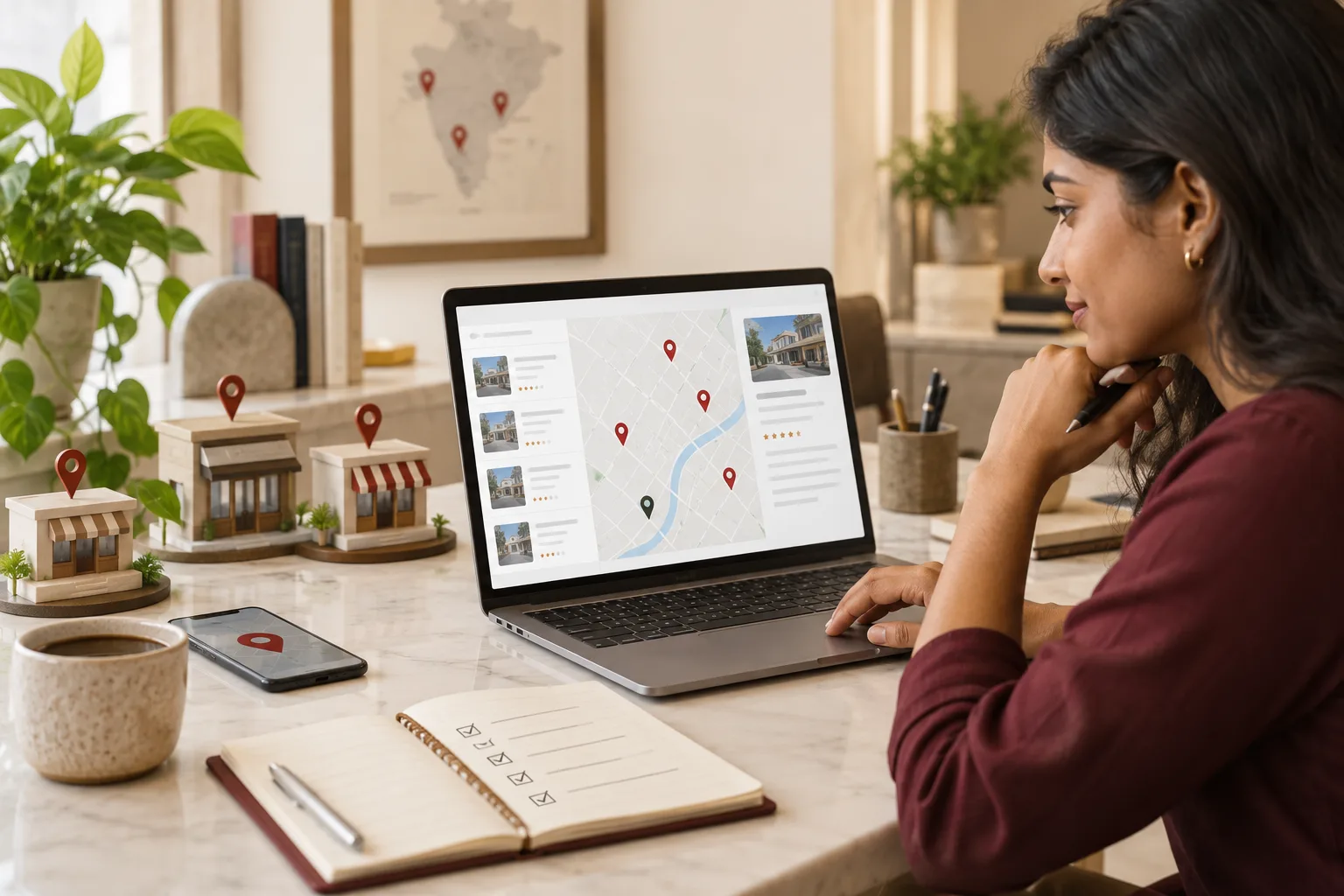
Local SEO for a notary or stamp paper vendor is making your table appear in Google Maps for searches made close to you, at the moment a document is needed. GullySales sets up the Business Profile, the photographs of the stall and the listings that repeat your address correctly.
Scope, fee, reporting and term are agreed in writing after we have read your brief and spoken to you.
What local SEO means
Local SEO is the work of making your business show up for searches that name your town or locality, such as a service plus an area name. GullySales sets up locality pages, local citations and map listings so nearby customers find you before a competitor across town.
Also for notary and stamp paper vendors
- SEO for notary and stamp paper vendors
- Website for notary and stamp paper vendors
- Lead generation for notary and stamp paper vendors
- Social media marketing for notary and stamp paper vendors
- Content marketing for notary and stamp paper vendors
- Buyer personas for notary and stamp paper vendors
- CRM for notary and stamp paper vendors
- Follow-up systems for notary and stamp paper vendors
Sales and marketing for notary and stamp paper vendors, the overview.
Last updated 14 Nov 2026.
For notary and stamp paper vendors
Where it usually goes wrong, and what we would do.
“The address does not match the entrance”
A table inside a court complex or behind a registrar office has an address that sends people to the wrong gate. They give up or choose a stall they can see.
“Opening hours are wrong on Sundays and court holidays”
A person drives to a closed table and writes a review about it. Hours need to change with court and office holidays.
“Several tables, one name”
Two notaries sharing a hall or a lane can be mixed up on Maps. The profile has to say which table, which floor and which landmark.
“No photograph of the table”
A stranger cannot tell which stall to walk to. A photograph of the board with the lane behind it does the work of directions.
What we do
What we deliver for notary and stamp paper vendors.
The work available for this need. We agree the deliverables and responsibilities for your engagement in writing.
A verified Business Profile
Name, address with landmark, opening hours including holidays, phone and the documents handled, set up in line with Google's current guidelines.
Result: Maps shows your table with the right pin.
Photographs of the entrance and the table
Pictures of the gate, the lane, the signboard and the table, taken in daylight, so a stranger can find you.
Result: Customers stop calling to ask where you sit.
Services and posts on the profile
A list of documents handled and a short post before the rental and admission rushes.
Result: The profile answers what the table does.
Matching listings
The same name, address and phone on JustDial, Sulekha and other listings people in your city use.
Result: No old address is left to mislead a customer.
How the result is measured
- Map pack ranking
- Local search visibility
- Enquiries by locality
Recorded as a baseline before work starts, so every later report has an honest comparison.
What Google weighs here
What decides which table Google shows to a person standing near the court.
- Relevance to the document
- The profile has to list what you handle, such as affidavits and rental agreements, so a search for that document matches your table.
- Distance from the searcher
- A person near the registrar office sees the nearest tables first. A pin placed at the correct entrance counts for more than any wording.
- Reviews that name the document
- A recent review saying the name-change affidavit was done in one visit makes the profile prominent for that search.
- Name, address and phone on other sites
- Directories that repeat an old lane or a closed number confuse Google. Check JustDial and Sulekha first, since a customer may call from those.
- Hours kept current
- A table shown open on a court holiday earns complaints. Set special hours for holidays and when you are away from the table.
Who it is for
This is written for these notary and stamp paper vendors.
- Notaries sitting at a district or city civil court complex
- Stamp paper vendors licensed to sell at sub-registrar offices
- Notary and typing centres near the passport office or an RTO
- Notary offices run by advocates in a commercial street
- Table-and-counter stamp vendors in a town market
- E-stamping and franking counters for rentals and agreements
- Notary services inside a document or photocopy shop
- Home-visit and doorstep notary services in a metro
- Notary tables serving a university or college area
- Counters serving an industrial area or SEZ with company paperwork
Before you decide
When this may not be the right fit.
- You sit at a table with no fixed address and move between courts, so a pin would point to the wrong place on any given day.
- A competitor has copied your name on Maps and you have not yet raised it with Google, which is the first thing to settle.
Before you decide
Agree the work. Know how to judge it.
Local SEO for notary and stamp paper vendors: use these checks to prepare, choose the scope, and review what changes.
Bring the right evidence
Confirm the real business address, service area, contact details, and who controls the business listings. Keep examples of calls that came from the wrong location or asked for a service you do not provide.
Make the scope clear
Choose the locations you actually serve and the information each needs. Agree who approves listing changes, responds to enquiries, and keeps opening hours accurate.
Check the work in use
Check the journey from a local search to a call or enquiry on a phone. The address, service area, and description should agree across your website and listings.
Know when to change course
Do not create an office claim for a place where you only serve customers remotely. Clear service coverage is more useful than a misleading local presence.
These are discussion points, not a fixed package. GullySales confirms the deliverables, responsibilities, fee, and term in writing after reading your brief and speaking with you.
Before we start
What to have ready before the work starts.
The records, access and decisions this work needs from notary and stamp paper vendors. Anything missing is noted in the written scope, with who will supply it.
- Owner access to the Business Profile
- Every change runs through it. Make us a manager or share the screen. If a former typist or agency set it up, name them; recovery comes first.
- A document that shows your address
- The name and address on the map must match your papers. A trade licence, a rent receipt or the registration certificate will do. If the papers differ from the signboard, tell us which is correct before we change any listing, because a mismatch can lead the platform to suspend the profile.
- A landmark callers actually use
- A table in a court complex is found by landmark, not by street address. Tell us the gate, the canteen, the staircase or the tree that callers name when they ask for directions. Without one, the arrival directions rely on the map pin alone, and a visitor inside the complex still cannot find you.
- Your court holiday list for the year
- Special hours come from your diary. A list of holiday closures and any late openings is enough. Without it, we leave special hours off and agree who tells us before each change. The profile also carries a note on the days the table works by appointment only, so a visitor knows to ring first.
- A decision on whether to list home visits
- A home-visit service changes who the table serves. Decide whether to list it and the areas covered. Without a decision, the profile lists the table only.
How it works
How the local SEO work runs
The work itself, in order. How an engagement starts, from your brief to a written scope, is set out on our method page.
- 1
Find the table the way a stranger would
We search on a phone for a notary near the court complex, as a person with a document in hand would, and then try to walk to the table by the map's directions. You tell us the landmark callers use. We note where the pin points, where the entrance is and where the route fails. What exists afterwards is a list of what the map gets wrong about your table.
- 2
Claim the profile and correct the pin
You give us owner access to the Business Profile, or we help recover it from whoever set it up. We correct the name, address, phone and website, and move the pin to the real entrance. For a table inside a complex we add the block, the floor or the nearest gate. You confirm each fact against your papers and signboard.
- 3
Photograph the board, the entrance and the table
We plan a short set of photographs: the board from the road, the way in, the table with the register out of sight and the display of stamp papers if you sell them. Clients' papers and faces stay out of frame. You choose the hour. A photograph of a real table shows the visitor that the place exists.
- 4
Set the hours for Sundays and court holidays
With you we mark the days the table is open late, shut for court holidays or open only on appointment. We enter special hours on the profile and name who changes them. A wrong closing time sends a person to a locked table, so the hours follow your actual diary. The routine names the person who checks the special hours a day before each holiday.
- 5
List the documents as services on the profile
We write each document you handle as a service on the profile, with a line on what to bring. A home-visit service gets its own entry only if you offer it. Your adviser decides any wording about legal effect. The services section becomes the first place a visitor checks.
- 6
Fix matching listings and read the profile data
We correct the address and phone on the main directories so they agree with the profile. Later, we compare calls, direction requests and photographs viewed with the figures noted at the start. You mark which callers mentioned the map. We decide which listing to fix next, and we note that a place among the map results is not something we can promise or control.
Where this fits
Three pieces of sales work, in this order.
This work sits inside sales process design, at stage 1, prospecting and lead generation. The audit comes before it, and sales management keeps it running.
Step 1
Sales audit
Find where deals are being lost and what to fix first.
Start here if you cannot say where orders are lost.
Step 2 · you are here
Sales process design
One written way to sell, from first enquiry to repeat order.
Start here if every salesperson sells differently.
Step 3
Sales management
A target, a review routine and someone who owns the number.
Start here if the team has targets and no routine.
FAQ
Questions owners ask before they call.
Not here? More answers, or ask on WhatsApp.
Can a table inside a court complex have a Google profile?
We share a stall with another notary. Can both be listed?
What if a competitor posts a fake review about us?
Should we list a home-visit service?
Which name should the profile carry, the table's or the practitioner's?
How do we show the table is closed on a court holiday?
How much does it cost?
How long is the contract?
How soon will we see results?
Who will actually do the work?
More for notary and stamp paper vendors
Related work to consider.
Closest to this: search and visibility
Also for notary and stamp paper vendors
Or start from the overview: sales and marketing for notary and stamp paper vendors.
Your next practical step
Tell us what you are trying to grow, and we will read it before we call.
Eight short steps, mostly taps. Skip anything you would rather answer on the call.