Home appliance stores · CRM
Keep a record of what each household owns, and when it was bought.
A CRM for an appliance store is the record of each household, the appliances they bought, the dates and the open enquiries. GullySales works on choosing a tool your counter will actually use and on what goes into it.
Scope, fee, reporting and term are agreed in writing after we have read your brief and spoken to you.
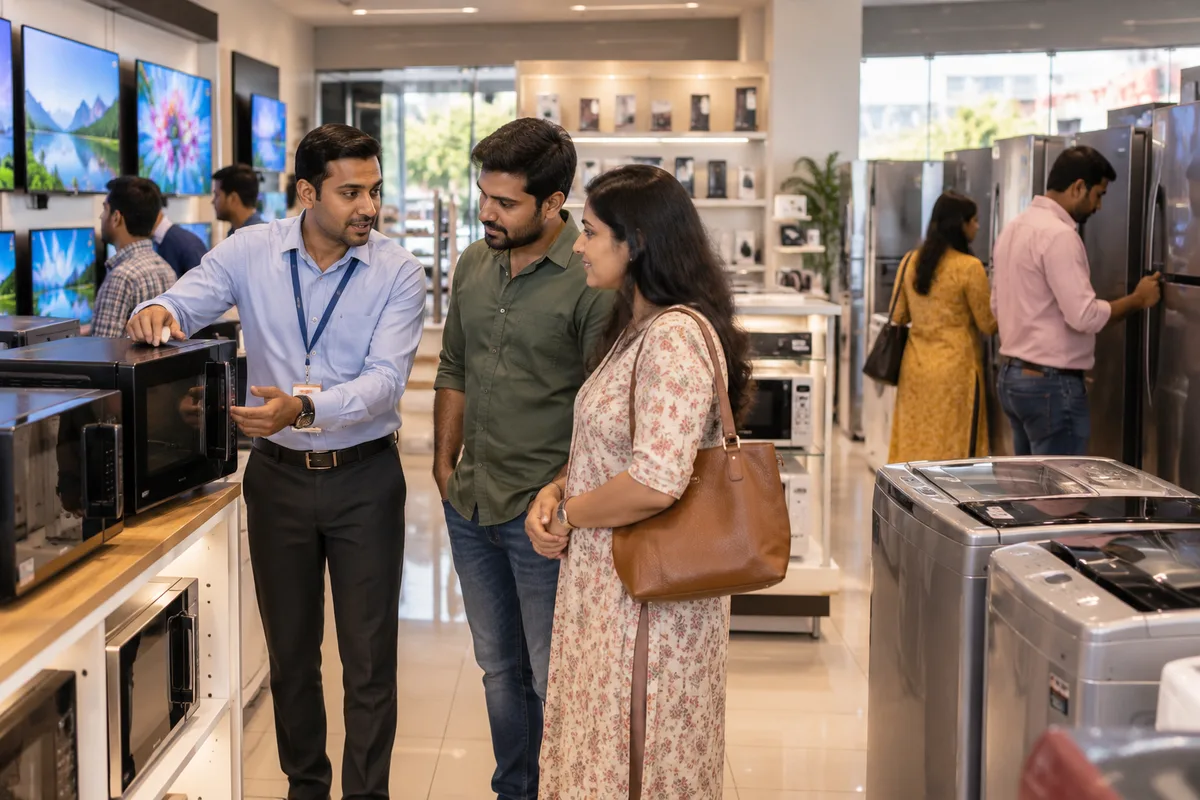
What CRM means
A CRM is the record where every enquiry, call and quote is kept against a customer, replacing separate notebooks, spreadsheets and memory. GullySales sets up or cleans an existing CRM and reports from it by enquiry outcome rather than by activity logged.
Also for home appliance stores
- Lead generation for home appliance stores
- Follow-up systems for home appliance stores
- SEO for home appliance stores
- Local SEO for home appliance stores
- Social media marketing for home appliance stores
- Content marketing for home appliance stores
- Buyer personas for home appliance stores
- WhatsApp marketing for home appliance stores
Sales and marketing for home appliance stores, the overview.
Last updated 18 Oct 2026.
For home appliance stores
Where it usually goes wrong, and what we would do.
“The bill register is not a customer record”
A paper or billing-software register holds names and amounts. It does not tell you that this family bought a washer some years back and might now want a dryer, so nobody calls.
“Warranty and service dates are sales dates”
A fridge warranty ending is the moment the family thinks about service contracts and, soon after, replacement. A record that flags that date gives the shop a reason to call.
“Staff change, memory leaves”
The salesperson who knew every regular customer moves on, and the knowledge goes with them. A shared record keeps it in the shop.
“A tool nobody updates is worse than a sheet”
A complicated CRM abandoned in a month leaves the shop with half-filled data. A simple sheet that every counter person fills in beats an expensive tool used by one.
What we do
What we deliver for home appliance stores.
The work available for this need. We agree the deliverables and responsibilities for your engagement in writing.
A customer record designed for appliances
Fields for the household, address and floor, each appliance bought, brand, date, warranty end and installer.
Result: One row answers what a family owns.
A tool chosen to fit your staff
A comparison of a sheet, a simple CRM and your billing software, recommended on how your counter works.
Result: The tool is one your staff open every day.
Past bills brought in
Billing history cleaned and loaded so repeat buyers are recognisable from the start.
Result: Previous buyers show their earlier purchases.
Reminder rules
Prompts for warranty end, seasonal needs and old units due for exchange.
Result: The record lists the households to call this week.
Counter habits written down
A short guide on what is entered at billing, at delivery and at service.
Result: Every new bill creates or updates a record.
How the result is measured
- Enquiries logged in the CRM
- Data completeness
- Reports generated from CRM data
Recorded as a baseline before work starts, so every later report has an honest comparison.
Fields worth keeping
Keep the fields that tell the shop what each household owns and when it was bought.
- Item, model and bill date
- Entered at billing by the counter. Lets the shop find the warranty end and the time to suggest service or a replacement.
- Phone number and message consent
- Taken with a yes or no at billing. Lets the shop write only to households that agreed and respect a request to stop.
- Locality and floor
- Entered from the delivery slip. Lets the shop plan delivery trips and know whether a lift or a crane is needed.
- Installation and service date
- Filled by the technician after the visit. Lets the shop call back about a first service and settle a complaint with a date.
- Exchange taken and old unit
- Entered when an old unit is picked up. Lets the shop record what left the house and avoid a dispute over it.
Who it is for
This is written for these home appliance stores.
- Multi-brand white goods and appliance showrooms
- Single-brand exclusive stores run by dealers
- Air conditioner specialists with installation teams
- Washing machine and fridge dealers in market streets
- Water heater, geyser and water purifier stores
- Appliance retailers selling mainly on instalments
- Showrooms supplying builders, hostels and guest houses in bulk
- Open-box and ex-display appliance outlets
Not for
It is not the right fit if.
- The counter staff keep changing and nobody trains the next person, so a record would be filled in a different way by each
- You want a CRM before the shop has a clean customer list from its past bills
Before you decide
Agree the work. Know how to judge it.
CRM for home appliance stores: use these checks to prepare, choose the scope, and review what changes.
Bring the right evidence
List the records your team uses and show how an enquiry becomes an order today. Bring examples of duplicate entries, missing owners, and reports that require manual correction.
Make the scope clear
Agree the stages, required fields, access roles, and integrations before configuring the system. Separate software subscriptions from setup, data work, and training.
Check the work in use
Ask the people who will use the CRM to complete a real handover and find the next action without help. Check that the management report can be traced back to individual records.
Know when to change course
If the process is unclear, buying a more complex CRM adds more places for confusion. Start with the minimum fields and rules the team can use consistently.
These are discussion points, not a fixed package. GullySales confirms the deliverables, responsibilities, fee, and term in writing after reading your brief and speaking with you.
How it works
How the CRM work runs
The work itself, in order. How an engagement starts, from your brief to a written scope, is set out on our method page.
- 1
Sales journey agreement
Your sales lead explains how an enquiry becomes an order, using open deals as examples. We agree which steps belong in the CRM and identify decisions needing your approval.
- 2
Configuration approval
You approve stage definitions, required fields, ownership rules, and access. Unresolved choices are settled before configuration starts.
- 3
Test environment decision
We confirm whether your plan provides a trial copy or separate pipeline. Where neither is available, changes to the live system need an agreed approach before work proceeds.
- 4
Connection and rule checks
Enquiry connections are checked before automations are activated separately. Your nominated owner verifies where records arrive and which person receives each task.
- 5
Sales team acceptance
The people handling enquiries test open deals from entry through closure. Required corrections are resolved before you approve the switch.
- 6
Switch and ownership handover
The agreed configuration goes into use, and your CRM owner receives the final record. Any post-switch corrections included in the scope are documented before handover closes.
Where this fits
Three pieces of sales work, in this order.
This work sits inside sales management. A target, a review routine and someone who owns the number.
Step 1
Sales audit
Find where deals are being lost and what to fix first.
Start here if you cannot say where orders are lost.
Step 2
Sales process design
One written way to sell, from first enquiry to repeat order.
Start here if every salesperson sells differently.
Step 3 · you are here
Sales management
A target, a review routine and someone who owns the number.
Start here if the team has targets and no routine.
FAQ
Questions owners ask before they call.
Not here? More answers, or ask on WhatsApp.
Do we need paid software?
Is it fine to keep customers' phone numbers?
Who should update the record?
Can the CRM hold the warranty card number?
How much does it cost?
How long is the contract?
How soon will we see results?
Who will actually do the work?
What do you need from us?
What if we are not happy with the work?
More for home appliance stores
Related work to consider.
Closest to this: leads and follow-up
Also for home appliance stores
Or start from the overview: sales and marketing for home appliance stores.
Your next practical step
Tell us what you are trying to grow, and we will read it before we call.
Eight short steps, mostly taps. Skip anything you would rather answer on the call.