Golf courses and driving ranges · Website
Show the course, state the visitor terms and end every page at a booking.
A website for a golf course or driving range is a small set of pages that show the course, explain who may play and end at a booking. GullySales works on structure, photographs and the enquiry route, not on decoration.
Scope, fee, reporting and term are agreed in writing after we have read your brief and spoken to you.
What website means
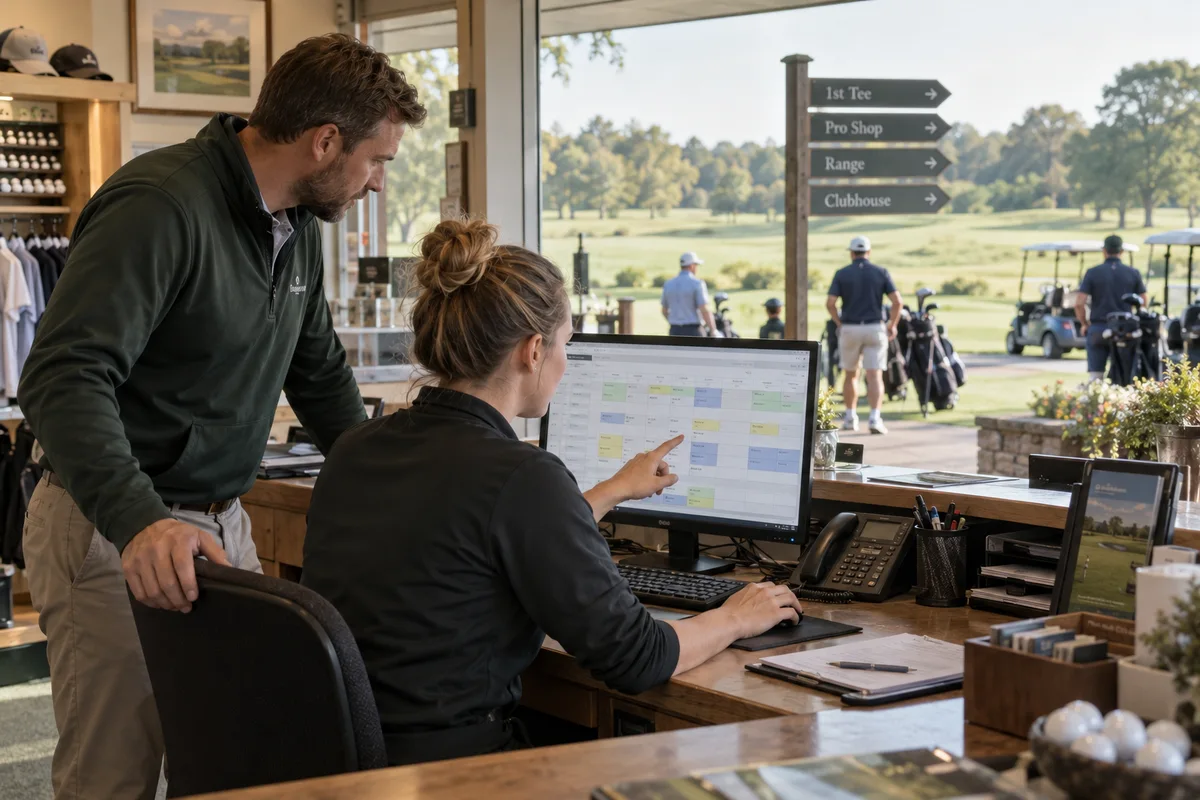
A website is the page a customer lands on after searching, clicking an advert or scanning a code, and it decides whether they call or leave. GullySales builds and maintains sites that load quickly, explain the offer plainly and make the enquiry form or phone number easy to find.
Also for golf courses and driving ranges
- SEO for golf courses and driving ranges
- Local SEO for golf courses and driving ranges
- Lead generation for golf courses and driving ranges
- Social media marketing for golf courses and ranges
- Content marketing for golf courses and driving ranges
- Buyer persona for golf courses and driving ranges
- CRM for golf courses and driving ranges
- Follow-up systems for golf courses and driving ranges
Sales and marketing for golf courses and driving ranges, the overview.
Last updated 14 Nov 2026.
For golf courses and driving ranges
Where it usually goes wrong, and what we would do.
“The club notice board is not a website”
Pages of rules, circulars and forms speak to existing members. A visitor needs the course, the guest terms and how to book on the first screen.
“The course must be seen before it is described”
Wide, well-lit photographs of fairways and greens set the quality. Small images of a clubhouse in poor light make a fine course look ordinary.
“Different visitors need different doors”
A beginner, a corporate organiser and a visiting golfer arrive wanting different things. Entry points for each save them searching through pages meant for members.
“A booking form that goes nowhere is worse than none”
If a form emails an inbox nobody reads, the player waits and leaves. The route must lead to a person or a system that answers.
What we do
What we deliver for golf courses and driving ranges.
The work available for this need. We agree the deliverables and responsibilities for your engagement in writing.
A home page that shows the course
A strong opening with photographs, a one-line description and three clear doors for play, lessons and corporate days.
Result: Each visitor finds their own entrance.
A visitor and guest terms page
Who may play, how to book, what to bring and the dress rules, written in plain words and kept current.
Result: The outsider knows how to start.
A lessons and academy page
Coaches, levels and the way to book a first lesson, with the junior programme set out separately.
Result: Parents and beginners see a structure.
A corporate golf days page
Formats, facilities and an enquiry route for organisers, with a downloadable outline.
Result: An organiser can ask in one step.
An enquiry route that is monitored
A button that opens WhatsApp or a form, routed to a named person who checks it at set times.
Result: Every enquiry reaches someone.
A page of photographs of the facilities
Clear, captioned images of the range bays, the putting green, the pro shop and the clubhouse placed on one page.
Result: A visitor sees where they will stand before arriving.
How the result is measured
- Page load time
- Bounce rate
- Enquiries from the website
Recorded as a baseline before work starts, so every later report has an honest comparison.
Searches your buyers type
The site should answer what a visitor types, then hand them a way to book.
- golf course tariff for outsiders
- A guest terms page with the guest rate, dress rules and booking route. It must be easy to reach from the home page without a members' login.
- driving range bays and timings
- A range page with the number of bays, opening hours, lighting and bucket options. The visitor checks this before leaving home, on a phone.
- book a golf lesson
- A lessons page with coach profiles, levels and a single booking button. Parents and beginners want one path, not a list of phone numbers.
- golf tournament entry form
- A permanent events page with the current entry form and past results. It keeps the address useful for each new edition.
- corporate golf day proposal
- A page with a downloadable outline, formats and an enquiry route to a named person. An organiser can forward it without rewriting.
Who it is for
This is written for these golf courses and driving ranges.
- Private golf clubs with membership and a waiting list
- Resort and real estate golf courses that sell rounds and villas together
- Armed forces and cantonment golf courses open to guests on request
- Public pay-and-play golf courses
- Standalone driving ranges in or near the city
- Golf academies for juniors and beginners
- Indoor golf simulator studios and putting greens
- Pro shops and golf coaching practices based on a course
Before you decide
When this may not be the right fit.
- The club has no one to answer a booking form, so the website would collect enquiries that sit unread.
- Committee decisions on guest play and rates are still pending, so published terms would need to be rewritten soon after.
Before you decide
Agree the work. Know how to judge it.
Website for golf courses and driving ranges: use these checks to prepare, choose the scope, and review what changes.
Bring the right evidence
List the pages that support a buying decision and the actions visitors must complete. Keep examples of failed forms, unclear product information, and questions your team answers repeatedly.
Make the scope clear
Agree the page list, content ownership, integrations, and who controls the domain and hosting. Include redirects and existing search traffic in a redesign brief, before changing addresses.
Check the work in use
Complete a real enquiry journey on a phone and a laptop. Check that the confirmation appears, the enquiry reaches the right person, and tracking records the action once.
Know when to change course
If visitors can enquire but the team does not follow up, start with the sales handover. A larger website will not resolve that delay.
These are discussion points, not a fixed package. GullySales confirms the deliverables, responsibilities, fee, and term in writing after reading your brief and speaking with you.
Before we start
What to have ready before the work starts.
The records, access and decisions this work needs from golf courses and driving ranges. Anything missing is noted in the written scope, with who will supply it.
- Good photographs of the course
- A website that shows the course needs photographs of it. Bring the best the club has, taken in daylight, with permission from anyone in the frame. If there are none, a short shoot is advised and the site is built around plain pages meanwhile.
- The visitor terms as the club applies them
- Visitors need to know who may play, what to wear and how to book. Bring the rules as the club applies them, in writing. Without them the terms page stays vague and the pro shop answers the same questions by phone. Include the age rule for juniors and any limit on guests.
- Domain and hosting access
- We need the registrar and hosting logins to publish. Bring the account details or the developer's contact. If a former developer holds them, recovering access comes before launch and costs time.
- A corporate day format
- Bring the golf day format as you sell it: the flights, the lunch, the prizes, the carts and the numbers the course can take. Without it the corporate page is generic and the organiser phones to ask. If the club has never run a golf day, tell us what you would offer.
- A person who monitors the enquiry route
- After launch someone must read the form and the messages during opening hours. Bring a named person. If no one is named, forms go unread and the first company that writes is lost. The person should also place a test enquiry after any change to the site and note the result.
How it works
How the website work runs
The work itself, in order. How an engagement starts, from your brief to a written scope, is set out on our method page.
- 1
Photograph the course before writing a line
A photographer or the staff capture the first tee, the range, the practice green and the clubhouse in good light. We choose the set with the manager. The home page begins with the course. We agree with the manager which photographs show the facilities and which show the course, so the home page and the facilities page do not repeat. The sequence of photographs is checked on a phone, since the first look is on a phone.
- 2
Outline pages for each kind of visitor
We list a page for visitors, lessons, corporate golf days and the facilities. You decide which pages exist and which sections remain members only. Pages for members stay out of the public outline and are listed in a note so no one expects them to be built here. We also decide where the academy and the junior programme sit, so a parent does not hunt for them.
- 3
Write the visitor and guest terms page
With the manager we write who may play, what to wear and how to book. You approve every rule. The page uses plain words instead of club jargon, so a first-time visitor understands what is allowed without phoning to ask. The terms page includes the dress code, the age rule for juniors and how a guest books ahead, and the manager confirms each as the club applies it.
- 4
Build the corporate golf days page
The page shows the format, a sample day from arrival to prize giving and an enquiry form. The catering manager checks it against what the kitchen can serve. You decide what the page promises, and anything the club cannot always deliver is left out.
- 5
Test the enquiry route on a phone
We place real enquiries and watch where they land. The pro shop confirms receipt. You fix any step that fails. We also test the enquiry route outside opening hours, to see what a visitor is told when nobody is at the pro shop.
- 6
Read bookings and calls against the start
After launch we compare calls, forms and bookings with the earlier figures. You decide which pages to change. Pages with visits but no enquiries are rewritten first, and pages with neither are merged or removed. Visitors who reach the enquiry form but do not send it are looked at too, to see whether a field puts them off.
Where this fits
Three pieces of sales work, in this order.
This work sits inside sales process design, at stage 1, prospecting and lead generation. The audit comes before it, and sales management keeps it running.
Step 1
Sales audit
Find where deals are being lost and what to fix first.
Start here if you cannot say where orders are lost.
Step 2 · you are here
Sales process design
One written way to sell, from first enquiry to repeat order.
Start here if every salesperson sells differently.
Step 3
Sales management
A target, a review routine and someone who owns the number.
Start here if the team has targets and no routine.
FAQ
Questions owners ask before they call.
Not here? More answers, or ask on WhatsApp.
How many pages does a course website need?
Should the site show member rates?
Can the site take bookings online?
Should the site show a members' area?
What should the home page show first?
Who updates the site when fees or dates change?
How long is the contract?
How soon will we see results?
Who will actually do the work?
What do you need from us?
More for golf courses and driving ranges
Related work to consider.
Closest to this: search and visibility
Also for golf courses and driving ranges
Or start from the overview: sales and marketing for golf courses and driving ranges.
Your next practical step
Tell us what you are trying to grow, and we will read it before we call.
Eight short steps, mostly taps. Skip anything you would rather answer on the call.