Naturopathy centres · CRM
Keep one record of every family that asked about a stay.
A CRM for a naturopathy centre is a shared record of each enquiry, the stay discussed, the next step and the outcome, in place of notebooks and individual phones. GullySales sets up a tool your front desk will use and the fields that show which enquiries became bookings.
Scope, fee, reporting and term are agreed in writing after we have read your brief and spoken to you.
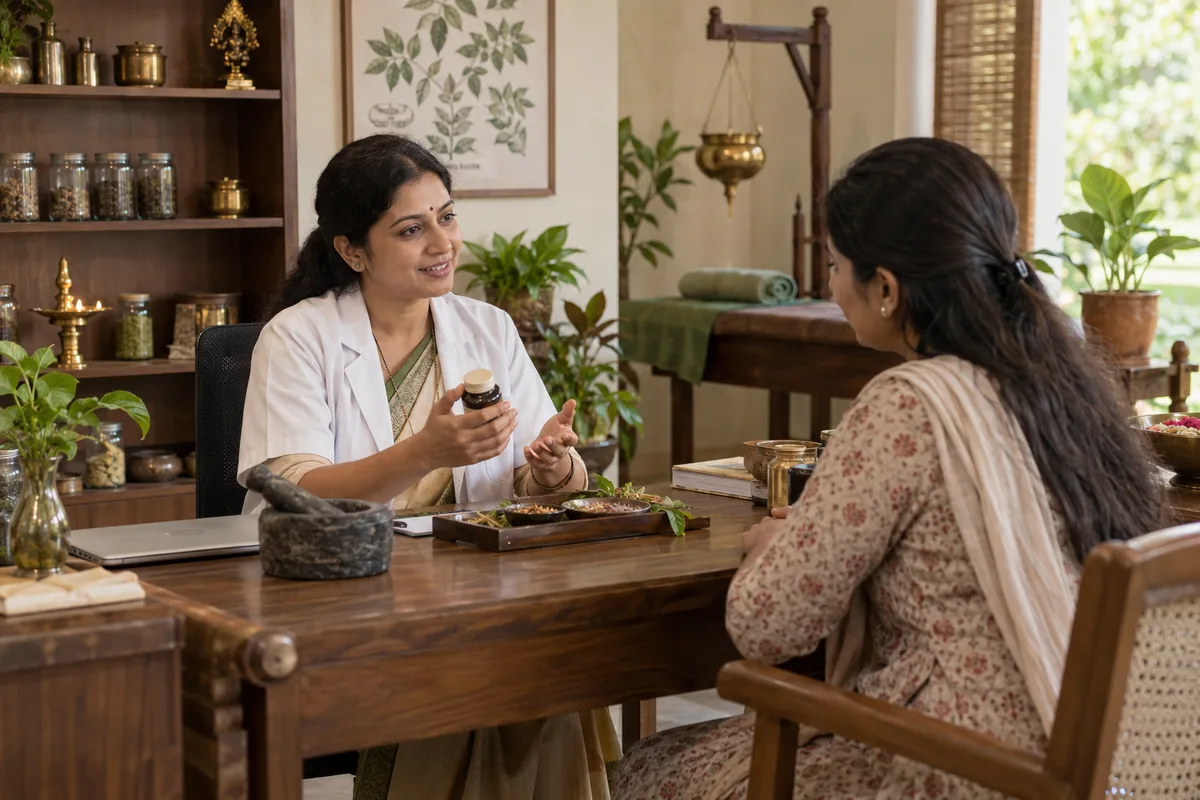
What CRM means
A CRM is the record where every enquiry, call and quote is kept against a customer, replacing separate notebooks, spreadsheets and memory. GullySales sets up or cleans an existing CRM and reports from it by enquiry outcome rather than by activity logged.
Also for naturopathy centres
- Lead generation for naturopathy centres
- Follow-up systems for naturopathy centres
- SEO for naturopathy centres
- Local SEO for naturopathy centres
- Social media marketing for naturopathy centres
- Content marketing for naturopathy centres
- Buyer personas for naturopathy centres
- WhatsApp marketing for naturopathy centres
Sales and marketing for naturopathy centres, the overview.
Last updated 14 Nov 2026.
For naturopathy centres
Where it usually goes wrong, and what we would do.
“Enquiries live on three phones”
The front desk takes calls, the manager holds the chats and the doctor's assistant keeps notes. When the person who spoke to a family is away, nobody knows what was promised. One shared record fixes this.
“Spreadsheets drift apart”
A sheet works until two people update different copies. Names repeat, dates are written in different styles and the Hyderabad family receives two calls. Reminders for the next call then go to the right person.
“Health details need care”
A guest's condition is sensitive information. The CRM should hold the enquiry and the stay, with clinical notes staying in the doctor's own records and access limited to those who need it. A shorter list of fields keeps the record clean and the data safer.
“A tool nobody opens fails”
A CRM with a long form and no habit becomes a graveyard. A short form filled at the end of every call outlasts an elaborate one. Choose only the fields the desk will fill without complaint.
What we do
What we deliver for naturopathy centres.
The work available for this need. We agree the deliverables and responsibilities for your engagement in writing.
Tool selection
A comparison of simple tools in ordinary use in India, such as Zoho CRM or a shared sheet, set against your team's habits.
Result: A one-page note naming a tool and the reason.
Field design
Fields for who asked, who the guest is, city, stay of interest, source, next step and outcome.
Result: A form you can fill during the call itself.
A stage list
Stages running from new enquiry to stay completed to returned.
Result: Every record sits in one stage you can see on one screen.
Access rules for the team
A written list of who may open which records, with a note to check data protection duties with your adviser.
Result: A sheet showing who can see what.
Import of existing records
Past guests and open enquiries moved into the tool, with consent to be contacted marked.
Result: Past guests appear in the tool with the consent noted.
How the result is measured
- Enquiries logged in the CRM
- Data completeness
- Reports generated from CRM data
Recorded as a baseline before work starts, so every later report has an honest comparison.
Fields worth keeping
A stay record keeps the family's route to the booking.
- Caller, guest and relationship
- Filled by the front desk at the first call. It lets any colleague address the right person without asking again.
- Enquiry source
- Filled by the front desk: search, Maps, referral, ad or word of mouth, so the centre sees which routes lead to booked stays.
- Stay type and preferred dates
- Filled at enquiry, so room planning and the call-back reflect what the family asked for.
- Stage: enquired, quoted, booked, arrived
- Updated after each contact. It shows which quotations are waiting for a reply.
- Consent to be contacted
- Recorded with the date, so past guests are messaged only if they agreed, and the record shows who said no.
- Clinical notes kept elsewhere
- A pointer only. The record holds a link to the doctor's own file and not the notes, to limit who reads health details.
Who it is for
This is written for these naturopathy centres.
- Residential nature cure hospitals and ashrams
- Day-care naturopathy and yoga clinics in cities
- Naturopathy centres attached to a trust or a charitable society
- Wellness resorts that include naturopathy programmes
- Weight and lifestyle disorder retreats
- Diet-led naturopathy practices
- Hydrotherapy and mud therapy centres
- Naturopathy colleges' teaching clinics that take outside patients
Before you decide
When this may not be the right fit.
- Your team will not log calls, so the record would hold only the enquiries that someone remembered.
- You want doctors' clinical notes in the sales tool, which exposes health details to people who need not see them.
- You have not decided who may open the record, and open access to guest details would be a risk.
Before you decide
Agree the work. Know how to judge it.
CRM for naturopathy centres: use these checks to prepare, choose the scope, and review what changes.
Bring the right evidence
List the records your team uses and show how an enquiry becomes an order today. Bring examples of duplicate entries, missing owners, and reports that require manual correction.
Make the scope clear
Agree the stages, required fields, access roles, and integrations before configuring the system. Separate software subscriptions from setup, data work, and training.
Check the work in use
Ask the people who will use the CRM to complete a real handover and find the next action without help. Check that the management report can be traced back to individual records.
Know when to change course
If the process is unclear, buying a more complex CRM adds more places for confusion. Start with the minimum fields and rules the team can use consistently.
These are discussion points, not a fixed package. GullySales confirms the deliverables, responsibilities, fee, and term in writing after reading your brief and speaking with you.
Before we start
What to have ready before the work starts.
The records, access and decisions this work needs from naturopathy centres. Anything missing is noted in the written scope, with who will supply it.
- Every notebook, sheet and chat of enquiries
- Gather all of them, from every phone. We merge them into one. If a person keeps a private list, we say what is missing from the record. Do not tidy them first, because the mess shows us which details the desk really writes down.
- A data protection decision by the owner
- Decide what health information, if any, the centre records and who may read it. Check with your own adviser what the law asks of you. Without a decision, the record holds contact details and stay information only. If the centre keeps guests' medical forms, they stay in their own file, outside the CRM.
- A person to own the record
- One front desk person must keep the record current, and another must cover when the first is on leave or on the floor with a guest. A record nobody owns goes stale within a season, and then the manager falls back on the notebook. Name both people, and tell us whether either also answers the phone, since that decides how much typing the tool can ask for.
- The stage list you already use
- Write the steps an enquiry passes through today: call, tariff sent, quote, advance, arrival. We use your words. Without a list, we propose one and you correct it. Where a stage is rarely used, tell us, and we leave it out so the list stays short enough to scan on a busy morning.
- A device the desk will actually open
- The tool must run on whatever the desk uses all day. Tell us which. We choose to fit, because a tool nobody opens fails. If the desk works on a shared counter computer and the manager on a phone, say so, and we test the tool on both before anyone is trained.
How it works
How the CRM work runs
The work itself, in order. How an engagement starts, from your brief to a written scope, is set out on our method page.
- 1
Follow one enquiry through three phones
We take a real enquiry and trace where it was written: the front desk notebook, a WhatsApp chat on one phone, a call returned from another. You show us the places. The result shows which details a shared record must hold and where they are lost today.
- 2
Design the fields and stages for stays
We list the fields the front desk needs: caller and guest, city, stay type, preferred dates, next step and outcome. We set the stages from first enquiry to return. You strike out any field the desk will not fill in, particularly any about health. We keep the stage names in the words the desk already uses, so nobody has to learn a second vocabulary.
- 3
Pick a tool and test dummy cases
We compare two or three tools the desk could keep up and you choose. We configure it with a handful of dummy enquiries. The front desk tries to enter a call, a quote and a booking. What is awkward is changed before real records go in.
- 4
Load existing records and set access
We gather the enquiries in notebooks, sheets and chats, remove duplicates and import them. You decide who sees what: the front desk, the manager, the physician. Health details are kept out of the general view, and the owner holds the master login.
- 5
Train the desk on live enquiries
We train the front desk using real calls. They log an enquiry, schedule a callback, record a quote and mark an outcome. We agree the few fields that must be filled. The tool replaces the notebook only when the desk finds it quicker.
- 6
Review the record against the old notebook
We compare the enquiries, bookings and stays now visible in the record with the figures from the notebook at the start. You decide which fields to drop, which stages to merge and who reviews the list with the desk.
Where this fits
Three pieces of sales work, in this order.
This work sits inside sales management. A target, a review routine and someone who owns the number.
Step 1
Sales audit
Find where deals are being lost and what to fix first.
Start here if you cannot say where orders are lost.
Step 2
Sales process design
One written way to sell, from first enquiry to repeat order.
Start here if every salesperson sells differently.
Step 3 · you are here
Sales management
A target, a review routine and someone who owns the number.
Start here if the team has targets and no routine.
FAQ
Questions owners ask before they call.
Not here? More answers, or ask on WhatsApp.
Can we keep everything in WhatsApp?
Should the doctor's notes go in the CRM?
What does data protection require us to do?
Who in the team should see the enquiry record?
Can the physician's consultation notes live in the CRM?
Who should see the enquiry record?
How much does it cost?
How long is the contract?
How soon will we see results?
Who will actually do the work?
More for naturopathy centres
Related work to consider.
Closest to this: leads and follow-up
Also for naturopathy centres
Or start from the overview: sales and marketing for naturopathy centres.
Your next practical step
Tell us what you are trying to grow, and we will read it before we call.
Eight short steps, mostly taps. Skip anything you would rather answer on the call.