YouTube thumbnail design · Marketing
Your video answers the buyer's question, but the thumbnail gets it skipped.
A purchase manager searches for how a machine cuts a particular material. Six videos appear, each with a small picture and a line of title. The one that shows a clear close-up of the cut and a short phrase gets opened. Yours, with a blurred frame and a logo, does not.
Scope, fee, reporting and term are agreed in writing after we have read your brief and spoken to you.
In one paragraph
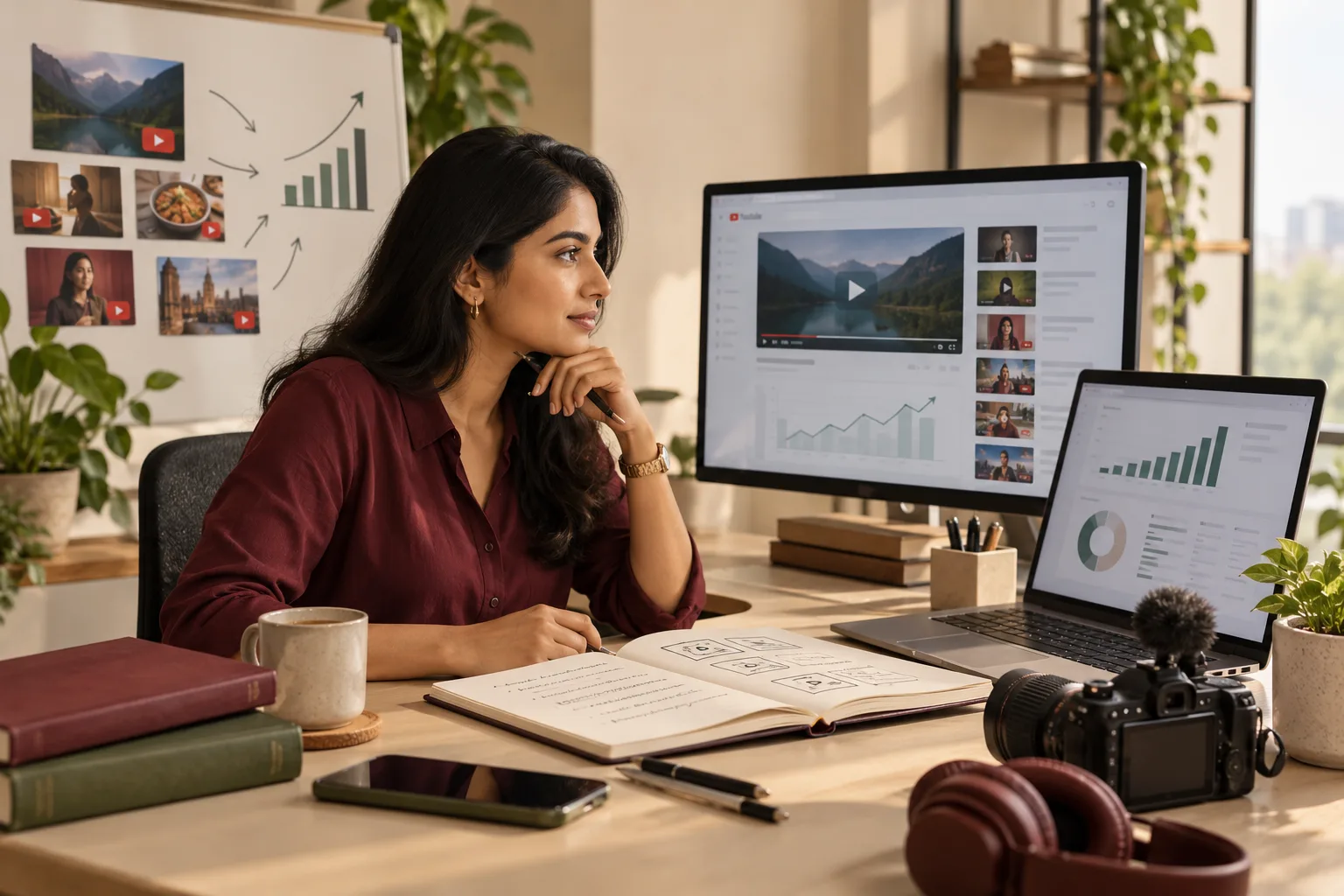
YouTube thumbnail design is the creation of the cover image a viewer sees beside a video's title in search, suggestions and ads, covering both organic video thumbnails and the thumbnail used by a YouTube video ad. GullySales designs the image, supplies the agreed variants and a source file, and prepares each to the platform's current specification.
The thumbnail is a small design problem with strict conditions. It is seen at a size where fine text disappears, beside a title that must not repeat it, on a background the viewer's settings choose. Good ones carry one idea, one face or object, and a phrase that adds to the title.
This service designs that image, for organic videos and for videos you run as YouTube ads. It does not write the title, film the video or manage the channel. Those are separate scopes, which can be bought together when the same brief covers them.
Who it is for
This is written for you if these sound familiar.
- Manufacturers and dealers who publish product demonstrations and want each one recognisable in search
- Software firms with tutorial and walkthrough videos that all currently share one default frame
- Clinics, hospitals and wellness centres publishing patient information talks, with their own clinical review
- Schools, coaching centres and trainers uploading lessons that need a consistent look across a series
- Restaurants, shops and salons whose recipe, product or styling videos need an image that stands apart from competing results
- Businesses running a YouTube video ad that needs a thumbnail built for that placement
Before you decide
When this may not be the right fit.
- You need the video titled, described and tagged for search. That is YouTube title and description writing, and it can be scoped together with thumbnails.
- You need the channel planned, the topics chosen and the library improved. That is YouTube channel strategy and SEO, and thumbnails can sit inside that plan.
- You have no video yet, or the footage is unusable. Planning, filming and editing belong to video production and marketing, which comes before any thumbnail work.
The problem
Does this sound like your business?
Common situations this work addresses.
“Every video on the channel looks the same, or none of them look related”
Auto-picked frames show a half-blinked face, a blank slide or a logo. A viewer scanning the page cannot tell a demonstration from an announcement, so the video that answers their question is passed over.
“The thumbnail repeats the title word for word”
The title and the image sit side by side, so the same words twice waste the space. The image should add the thing the title cannot show: the result, the part, the person or the comparison.
“The text is unreadable once the image shrinks”
A phrase that looks fine on the design screen becomes a grey smear on a phone, beside a list of other results. Small type, thin strokes and low contrast all fail at the size viewers actually see.
“The thumbnail promises more than the video delivers”
An exaggerated image brings a click and then a quick exit. Viewers who feel misled leave, the sales team gains nothing, and the claim on the image may need approval it never received.
Choose the right scope
Start with the work your business needs.
A single thumbnail for one video
One image for one important video, such as a product demonstration or a founder explanation, with options to choose from, a final file and an editable source.
A set for a playlist or series
A shared layout and type treatment applied across a run of related videos, with the first few finished and a usage sheet so your team can continue the series.
A refresh of existing thumbnails
We review the uploads that already attract views but carry weak images, redesign the highest-priority ones, and leave a before and after record you can compare in your own figures.
A version for a second audience or placement
The same video shown to a different viewer or in an advertising placement receives a separate image, with the phrase and the call to action rewritten for that context.
What we do
The work we can include.
Each deliverable and the purpose it serves. Your written scope confirms what is included, who is responsible, and what it costs.
A visual brief for each thumbnail
A single page stating the viewer's question, the one idea the image carries, the phrase if any, the person or object shown, and what the thumbnail must not repeat from the title. You approve it before design begins.
Design options for each video
Two or more distinct directions per video, differing in composition and emphasis rather than colour alone, so you compare real choices. One is developed to final once you select it.
The final thumbnail files
Each approved image is supplied in the formats the platform currently accepts, named so your team can match it to the video, and checked against the platform's current specification before handover.
A matching set for a series
Where several videos belong together, a shared layout, type treatment and colour use, so that a playlist reads as one series while each image still shows its own subject.
A YouTube ad thumbnail version
Where the video runs as a YouTube ad, a version built for that placement, with the call to action placed so it is not hidden by buttons or labels the platform adds over the image.
The editable source file
The layered design file, with the fonts used listed and the licence of any supplied image noted, so a person in your team can change a phrase for the next video in the series.
A short usage sheet
One page explaining the layout rules, the type sizes relative to the frame, the face and object placement and the colours, so future thumbnails made inside your team stay consistent.
How the result is measured
- Videos with a designed thumbnail instead of an auto-picked frame
- Thumbnail variants in use per video
- Videos in a series that share one consistent look
- Enquiries and quotation requests that name a video
- Viewer comments that say the video was not what the image showed
- Sales calls that begin by referring to a specific video
Recorded as a baseline before work starts, so every later report has an honest comparison.
Marketing and sales together
Your salesperson sends the video, and the thumbnail is what the buyer sees first.
A salesperson who links a demonstration video in a message or an email shows the thumbnail before the buyer presses play. Sales and front desk staff should record which video was sent, who asked for it and whether the buyer mentions the video later, so the image can be compared with real conversations.
Decisions to make before the work starts
What is not included
Video titles, descriptions, tags, scripts, filming, editing, channel management, ad booking and audience setting are separate scopes. Photography of people or products is separate unless the written scope includes it. Animated or moving thumbnails are not part of this design service.
What stays your decision
You decide the claim on each image, the people shown, the comparison, the offer and any trade mark use. Anyone shown must have agreed. Where a subject is regulated, your own adviser or council decides the wording and any required statement.
Where the platform sets the rules
YouTube sets the specification, the review of images and the rules on what an ad image may show, and these change. We check each file against the platform's current specification at handover, and the final decision on acceptance is the platform's.
This or a nearby service
Which piece of work fits your situation.
These services sit close to each other. The line between them, in plain words.
- YouTube channel strategy and SEO
- Choose YouTube channel strategy and SEO when you need the topics, the library and the publishing plan set. Choose YouTube thumbnail design when the plan exists and the videos are going unwatched because the cover image does not make the idea clear.
- Video production and marketing
- Choose video production and marketing when the film itself needs planning, shooting and editing. Choose YouTube thumbnail design when the video is finished and only the image that represents it in search, suggestions and ads needs to be designed.
- YouTube title and description writing
- Choose YouTube title and description writing when the words that sit around the video are weak or missing. Choose YouTube thumbnail design when the words are fine but the picture beside them does not stand apart. The two work best scoped together.
A sample of the output
A thumbnail brief states the one idea the image carries.
This is a filled brief for a demonstration video from a pump dealer. Each row is a decision made before design begins, so the image has one job and no repeated words.
| Decision | Choice made | Why it matters |
|---|---|---|
| Viewer's question | How does this pump behave with dirty water? | The image answers this, not the company's name. |
| The one idea | Close-up of the pump running with visible debris passing through | One clear object reads at small size. |
| Phrase on the image | Short phrase naming the material, not repeating the title | The title already names the model. |
| Person or object | The pump, shown large, with no face | No permission needed and the product is the subject. |
| Claim to approve | None shown; any figure is left off the image | Claims need written approval from the dealer first. |
| Placement versions | Organic list and in-feed ad, each checked separately | Ad placements add labels over the image. |
Before we start
What we need from you.
The work depends on these. Each says why it is needed and what happens when it is missing.
- The finished or near-final video
- The thumbnail should show what the video delivers, so we need the cut, or at least a full outline and the frames you plan to use. Without it, the image is guesswork and may promise something the film does not show.
- Usable pictures and permissions
- Photographs, product shots or frames at a decent standard, plus written agreement from anyone shown. Blurred frames or unlicensed images are flagged and set aside, and the design waits until a usable picture is supplied.
- One person who approves the claim
- A named person who can accept or remove each statement shown on the image. Without one, every phrase waits in a queue and a cautious default is used, so the image says less.
- Your brand colours and fonts
- Logo files, brand colours and permitted fonts, or a statement that none exist yet. If no identity exists, we design to a neutral treatment and note that brand colour and typography design is a separate scope.
- Channel access or a sample of results
- Either screenshots of how the channel and its competing results look today, or view access to the channel, so we can design for the context viewers actually see rather than an imagined one.
How it works
How the YouTube thumbnail design work runs
The work itself, in order. How an engagement starts, from your brief to a written scope, is set out on our method page.
- 1
Read the brief and the video
We read your brief, watch the video or read its outline, and note the question it answers and the viewer who asks it. If the video has no clear single idea, we say so before designing.
- 2
Look at the viewing context
We review the search results and suggested videos your viewers see for the topic, so the thumbnail is designed to stand apart in that context, not in isolation, without copying any other channel.
- 3
Choose the idea and the phrase
One idea per image is chosen with you, along with whether a phrase adds anything. Any claim on the image is flagged for the person who approves facts in your business.
- 4
Gather the pictures
We use frames or photographs you supply, or specify what must be photographed. Faces, products and screens need permission and a usable standard of image, and we mark anything that falls short.
- 5
Design and test at small size
We design the options, then view each at the small sizes of a phone list and in both light and dark viewing settings, adjusting contrast, type weight and spacing until the idea still reads.
- 6
Review, finalise and hand over
You choose a direction, comments are handled as the written scope sets out, and we prepare final files, the source file and the usage sheet for your team or channel manager to upload.
Before you hire anyone
Do this first yourself.
A short look at your own channel shows whether the thumbnail is the real problem.
- Open your channel on a phone and list which videos have a designed image and which show an auto-picked frame.
- Search for the question your best video answers and write down what the first results show in their images.
- Ask your sales team which video they send and whether buyers ever mention it.
- Write one sentence for each video stating the question it answers, before thinking about the image.
- Find the person who can approve any claim shown on an image and agree how they will be asked.
Judge any provider
What to ask any provider of this service.
Useful whoever you choose, including us.
- How do you check that a thumbnail still reads at the small size of a phone list?
- How do you decide what the image shows when the title already says it?
- Who approves a claim on the image, and what happens when approval is missing?
- What source file, fonts and image licences do I receive at handover?
- How do you treat the thumbnail for a YouTube ad differently from an organic video?
Where this fits
Three pieces of sales work, in this order.
This work sits inside sales process design, at stage 1, prospecting and lead generation. The audit comes before it, and sales management keeps it running.
Step 1
Sales audit
Find where deals are being lost and what to fix first.
Start here if you cannot say where orders are lost.
Step 2 · you are here
Sales process design
One written way to sell, from first enquiry to repeat order.
Start here if every salesperson sells differently.
Step 3
Sales management
A target, a review routine and someone who owns the number.
Start here if the team has targets and no routine.
FAQ
Questions owners ask before they call.
Not here? More answers, or ask on WhatsApp.
Do we own the thumbnails and the source files?
How are changes to a thumbnail handled?
Who approves claims shown on the image?
Will a better thumbnail increase views?
Do you write the title and film the video?
Can you make thumbnails for a YouTube ad?
By industry
YouTube thumbnail design, written for your industry.
Related services
Often bought with this, or instead of it.
Your next practical step
Tell us what you are trying to grow, and we will read it before we call.
Eight short steps, mostly taps. Skip anything you would rather answer on the call.