Educational institutions · Brochure design
A prospectus is read twice by a family, once at the gate and again at the kitchen table.
Brochure design for an educational institution is the layout, artwork and print-ready files for the prospectus, admissions brochure or course leaflet a family takes home from a visit. GullySales lays out the wording and photographs the institution has approved, in its identity, and delivers files with a specification sheet for the printer and a screen version.
Scope, fee, reporting and term are agreed in writing after we have read your brief and spoken to you.

What brochure design means
Brochure design is the layout, artwork and print-ready files for a folded or bound document that presents a business, a product or a service. GullySales lays out your approved wording and images in your identity, covers the sales, product and service brochure, and delivers files with a specification sheet for your printer and a screen version.
Also for educational institutions
- Social media marketing for educational institutions
- Content marketing for educational institutions
- Corporate announcement writing for educational institutions
- Social media cover and banner design for educational institutions
- Case study document design for educational institutions
- Press release distribution for educational institutions
- SEO for educational institutions
- PPC ads for educational institutions
Sales and marketing for educational institutions, the overview.
Last updated 14 Nov 2026. Rules for this trade differ by state and professional body, and they change. We describe restrictions in general terms, so check the current position with your own council or adviser before you publish anything.
For educational institutions
Where it usually goes wrong, and what we would do.
“The family reads it away from you, with no one to ask”
A parent takes the prospectus home after a campus visit and reads it with a partner, a grandparent or an older sibling, none of whom met the admissions head. Whatever the brochure does not answer stays unanswered. The design decides whether fees, board affiliation, transport and the admission steps are found at once, or lost between a message from the principal and a page of group photographs.
“Facts that must be right on paper”
A printed brochure cannot be corrected the way a web page can. A wrong affiliation line, a stale fee table or the name of a former head stays in circulation until the stock runs out. Layout keeps facts that change, such as fee tables and dates, on a single insert page that is reprinted alone, while the main pages stay stable.
“Photographs of pupils need consent and care”
A brochure full of faces looks warm, but each identifiable child needs a guardian's written consent for that use, and rules differ by place and by the age of the pupils. Your own adviser or board can confirm. The design plans for it: some spreads use photographs with consent on record, others use drawings, buildings and empty classrooms that show the setting honestly.
“One document, several readers”
A pre-school brochure speaks to a parent worried about a first day away. A college brochure speaks to a student comparing streams and a parent comparing fees. A coaching institute brochure speaks to an anxious candidate. Putting all of them in one layout produces something that suits none. The design is built for the reader the institution has to reach first in that admissions round.
What we do
What we deliver for educational institutions.
The work available for this need. We agree the deliverables and responsibilities for your engagement in writing.
A format and fold plan for the prospectus
A written plan of the size, the number of pages, the fold or binding and the order of sections, with a rough page-by-page map. It shows where the fee insert sits, where the contact page falls and how the cover opens, before any page is drawn in detail.
Result: You can say on one sheet what each page carries and approve the order.
Cover and opening spread
The cover and the first two pages, designed first because they decide whether the brochure is opened. They carry the crest, the name, the board or affiliation as supplied by you, and an opening that a parent understands without a guide.
Result: Management signs off the cover and opening before the inside pages are laid out.
Full layout of every page
All pages placed with the approved text, headings, tables and images: about the institution, sections or streams, facilities, the day in the life, admission steps, fee table, transport, contact. Headings follow one scale so a family can find a topic by flicking.
Result: Every approved text block is placed, and any block that does not fit is listed for a decision.
Fee and date insert
A separate sheet, designed to match, that carries the fee table, the admission dates and the document list. It is reprinted alone when figures change, so the main brochure is not scrapped. You supply the figures and the dates; we lay them out and mark where each came from.
Result: The insert can be reprinted without touching the main brochure.
Print-ready files and specification sheet
Files set to the printer's own specification: bleed, colour mode, embedded fonts and image resolution, with a one-page sheet listing paper size, fold and finish. If the printer has no specification, we list what must be confirmed with them before the order is placed.
Result: The printer accepts the files without asking for the artwork to be rebuilt.
Screen version and editable source
A light PDF for the website and for sending on a messaging app, plus the editable layout files and a handover list of fonts, images and their sources. The next intake's brochure can start from the same frame rather than from nothing.
Result: The screen version opens on a phone, and the source can be edited by another designer.
How the result is measured
- Brochures handed out in meetings or sent on request
- Enquiries that mention the brochure
- Product or service questions the brochure removes from calls
Recorded as a baseline before work starts, so every later report has an honest comparison.
Who it is for
This is written for these educational institutions.
- Pre-schools and play schools
- CBSE and ICSE schools
- State board schools
- Coaching institutes for competitive exams
- Degree colleges
- Vocational and skill-training institutes
- Ed-tech linked hybrid learning centres
- Multi-branch tutorial chains
Before you decide
Agree the work. Know how to judge it.
Brochure design for educational institutions: use these checks to prepare, choose the scope, and review what changes.
Bring the right evidence
Bring questions from sales calls and examples of objections that delay a decision. Choose a subject expert who can check the substance, and identify evidence that can be published.
Make the scope clear
Agree the reader, buying question, format, and distribution route for each piece. Set the approval process and distinguish new research from rewriting material you already have.
Check the work in use
Ask a colleague to use the draft in a real buyer conversation. It should answer the question, support its claims, and make the next step clear without requiring a sales pitch to explain it.
Know when to change course
If the same unanswered question appears in several articles, improve the strongest page before commissioning another. More words are not a substitute for missing evidence.
These are discussion points, not a fixed package. GullySales confirms the deliverables, responsibilities, fee, and term in writing after reading your brief and speaking with you.
Before we start
What to have ready before the work starts.
The records, access and decisions this work needs from educational institutions. Anything missing is noted in the written scope, with who will supply it.
- Approved text with a named approver
- The brochure carries the institution's words, not ours. Give us the final text and say who signed it off, whether the principal, a trustee or the admissions head. If text is still in draft, the layout runs on placeholders and has to be rebuilt when the real words arrive.
- Fee schedule, dates and document list
- These are the pages a family reads first and the pages that change soonest. Provide the current schedule, the admission calendar and the documents needed at enrolment. If they are not settled, say so, and we design the fee insert as a separate page that can be reprinted.
- Affiliation and approval wording
- Boards, universities and authorities have their own rules on how affiliation and recognition are stated. Give us the exact line your adviser or the board has cleared. Without it we leave a marked gap, because an unchecked recognition line printed in thousands of copies is expensive to withdraw.
- Photographs and the consent record
- Provide original files, not copies from a messaging app, and tell us which have written guardian consent for print use. Low-resolution images blur at brochure size. Photographs without consent are left out, and the layout is arranged around drawings and buildings instead.
- The printer's name and specification
- Paper size, finish, folding and bleed differ between printers. If you already have a printer, give us their specification sheet. If you do not, tell us, and we will list the questions to put to two or three printers so the files match the machine that will print them.
How it works
How the brochure design work runs
The work itself, in order. How an engagement starts, from your brief to a written scope, is set out on our method page.
- 1
Decide which family this brochure serves
We begin with the reader: the parent of a first-time pupil, a student choosing a stream, or a candidate for a coaching batch. You tell us who the admissions desk has to reach first this round, and which questions that reader asks on the visit. The format and the order of pages are chosen from that answer.
- 2
Gather the approved text and the facts
You supply the approved wording, the fee table, the dates, the affiliation line and the transport routes, with the name of the person who approved each. Anything unfinished is marked. We do not write new claims, and where a regulator or board governs wording, your own adviser decides what may be printed.
- 3
Sort the photographs by consent
You list which photographs carry written guardian consent, which show only places and objects, and which are of staff who have agreed. We lay out only what is cleared. Where a spread would be bare without faces, we use buildings, equipment, classrooms and drawings, and tell you where a real photograph would help.
- 4
Lay out the cover and a sample spread
Before the full document, we show the cover and one inside spread in the real size, with real text. The principal, the admissions head and the trust can react to something concrete. Changes at this stage cost little, because nothing else has been built on it.
- 5
Lay out every page and check against the facts
We place every page, then read each fact against the source you gave: fee figures against the schedule, dates against the calendar, names against the staff list. Differences are returned to you for a decision, not corrected silently. Only then is the layout marked final and the files prepared for print.
- 6
Send to print and read the result
We hand the files to the printer you name, or to you for ordering, and check the first printed copy against the proof for colour, trimming and fold. Afterwards the desk's own figures, such as enquiries that mention the brochure, are read beside those recorded before it was printed.
Where this fits
Three pieces of sales work, in this order.
This work sits inside sales process design, at stage 4, presentation and proposal. The audit comes before it, and sales management keeps it running.
Step 1
Sales audit
Find where deals are being lost and what to fix first.
Start here if you cannot say where orders are lost.
Step 2 · you are here
Sales process design
One written way to sell, from first enquiry to repeat order.
Start here if every salesperson sells differently.
Step 3
Sales management
A target, a review routine and someone who owns the number.
Start here if the team has targets and no routine.
FAQ
Questions owners ask before they call.
Not here? More answers, or ask on WhatsApp.
Should a school have one brochure or separate ones for each section?
Can the fee table be changed without reprinting everything?
Can we print results, rankings or awards in the brochure?
Do you take the photographs?
Will you also give us a version for the website?
How do we judge whether the brochure worked?
How long is the contract?
Who will actually do the work?
What do you need from us?
What if we are not happy with the work?
From the blog
Further reading for educational institutions.
 5 min read · 6 Oct 2026How families and companies choose between institutesA parent, a student, a candidate and an HR head each pick an institute differently. Who decides, what each checks and what admissions should have ready.
 8 min read · 21 Sept 2026How to advertise to studentsThe student chooses and the parent pays, so you run two campaigns at once. Under eighteen, platforms also limit how you can target them.
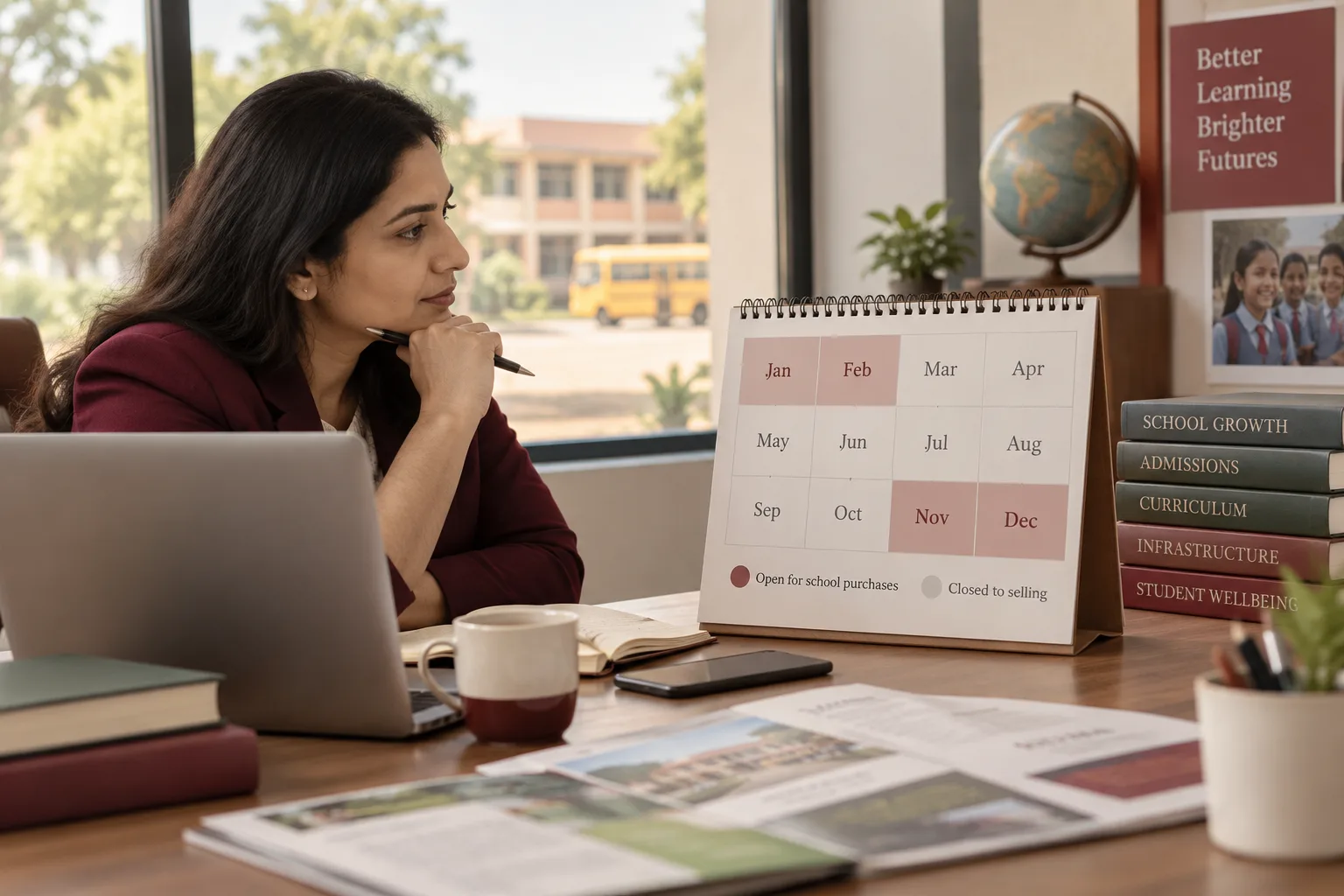 7 min read · 21 Sept 2026How to advertise to school ownersA school buys in a four-month window and is closed to selling the other eight. Miss November to February and you have missed the year.
More for educational institutions
Related work to consider.
Closest to this: content and social
- Social media marketing for educational institutions
- Content marketing for educational institutions
- Corporate announcement writing for educational institutions
- Social media cover and banner design for educational institutions
- Case study document design for educational institutions
- Press release distribution for educational institutions
Also for educational institutions
Or start from the overview: sales and marketing for educational institutions.
Your next practical step
Tell us what you are trying to grow, and we will read it before we call.
Eight short steps, mostly taps. Skip anything you would rather answer on the call.