Educational institutions · Social media cover and banner design
Make the page a parent lands on say which school this is and what to do next.
Social media cover and banner design, for a school, college or institute, is the artwork at the top of each profile, built so it reads on every phone and still shows the name, the offer and the next step. GullySales designs it for the platforms you name, and your head approves every image and every line.
Scope, fee, reporting and term are agreed in writing after we have read your brief and spoken to you.

What social media cover and banner design means
Social media cover and banner design is the artwork at the top of a business profile, page or channel, the first large image a visitor sees after finding you. GullySales designs it for each platform you use, supplies the agreed versions with the editable file, and checks how it looks on a phone and a desktop screen.
Also for educational institutions
- Social media marketing for educational institutions
- Content marketing for educational institutions
- Corporate announcement writing for educational institutions
- Brochure design for educational institutions
- Case study document design for educational institutions
- Press release distribution for educational institutions
- SEO for educational institutions
- PPC ads for educational institutions
Sales and marketing for educational institutions, the overview.
Last updated 14 Nov 2026. Rules for this trade differ by state and professional body, and they change. We describe restrictions in general terms, so check the current position with your own council or adviser before you publish anything.
For educational institutions
Where it usually goes wrong, and what we would do.
“The cover is the first page a parent sees”
A parent who hears your name at a gathering looks you up on a phone. The profile opens on a cover. If that cover shows last session's event, a cropped crest and a phone number the platform has hidden, the parent forms a view before reading a post. For an institution that asks families to trust it with a child, an unkempt cover reads as an unkempt school.
“Each platform crops the artwork differently”
A banner that looks right on a laptop loses its edges on a phone, and the profile picture and buttons sit over part of it. The facts that matter, the name and the admission message, must stay inside the area that always shows. The safe area differs by platform and changes when the platform changes, so the design follows each platform's current specification.
“Photographs of children need consent”
Institutions reach for a photograph of pupils because it feels warm. A child's image on a public cover needs written consent from the family, and the rules differ by country and by authority. A banner built from the building, the campus, an object or an illustration needs no consent and ages better. Where a pupil does appear, the consent record must exist before design begins.
“An admission message has an expiry”
A cover announcing an open day or an admission window is wrong the morning after it closes. Institutions forget to change it, and a parent sees an expired invitation. The cover needs a structure where the line can be swapped without redrawing the whole artwork, and someone who owns the swap each time the calendar moves.
What we do
What we deliver for educational institutions.
The work available for this need. We agree the deliverables and responsibilities for your engagement in writing.
A one-page brief for each profile
The visitor the cover speaks to, such as the parent of a young child or a prospective student, the single message, the action to take, the image to show and what must not appear. You approve it before any layout starts, and it records the decisions for whoever manages the accounts later.
Result: One written brief says what each cover is for.
Safe-area layout map for each platform
A drawing for each platform you name, marking the zone the profile picture covers, the zone the buttons cover and the part that always shows on a phone, using the platform's current specification. The name and the message sit inside the safe zone.
Result: Nothing important is hidden behind a button or cropped at the edge.
Two or more design directions
Distinct arrangements of image, line and crest, not the same layout in different colours. One direction is developed once you choose. Directions are built from your campus, an object or an illustration, and use a pupil's image only when you hold the written consent.
Result: You choose between real alternatives before any final work.
Final files for each named platform
The approved artwork prepared for the page, channel or profile of each platform you name, labelled by platform and use. Each is checked against the platform's current specification, so your team can upload without resizing or cropping.
Result: Your team uploads each file as delivered, with no editing.
Crest and profile picture treatment
A version of your crest or mark prepared for the circular or rounded profile frame, so that the cover and the picture look planned together. Where the crest is complex, a simplified form is drawn for small sizes, with your approval of the change.
Result: The crest stays legible in the smallest frame.
Admission-window and event alternates
A small set of alternates on the same layout for an admission window, an open day, a new course or a holiday greeting, so a change means swapping a line, not redrawing the artwork. The source file is handed over with a note on how to swap the line.
Result: Your staff can change the message without a designer.
How the result is measured
- Profiles whose banner matches the current offer
- Platforms on which the cover has been checked on a phone
- Profile visits that lead to a contact or enquiry
Recorded as a baseline before work starts, so every later report has an honest comparison.
Who it is for
This is written for these educational institutions.
- Pre-schools and play schools
- CBSE and ICSE schools
- State board schools
- Coaching institutes for competitive exams
- Degree colleges
- Vocational and skill-training institutes
- Ed-tech linked hybrid learning centres
- Multi-branch tutorial chains
Before you decide
Agree the work. Know how to judge it.
Social media cover and banner design for educational institutions: use these checks to prepare, choose the scope, and review what changes.
Bring the right evidence
Review the posts that produced useful conversations, not only the ones with the most views. Gather buyer questions and decide which team member can contribute credible material.
Make the scope clear
Choose the audience and channel before setting a posting volume. Agree who supplies material, approves posts, and handles messages, including complaints or questions the agency cannot answer.
Check the work in use
Follow a post through to the profile, website, and response. A useful report explains the quality of conversations and enquiries, alongside reach and engagement.
Know when to change course
If publishing takes time away from unanswered buyer messages, fix the response routine first. Do not expand to another channel without a clear reason for being there.
These are discussion points, not a fixed package. GullySales confirms the deliverables, responsibilities, fee, and term in writing after reading your brief and speaking with you.
Before we start
What to have ready before the work starts.
The records, access and decisions this work needs from educational institutions. Anything missing is noted in the written scope, with who will supply it.
- Links and names of every profile
- List each platform and page the institution holds, including any held by a department, a hostel or an alumni group. Without the list, one profile is updated and the others keep the old cover, and a parent who finds the neglected one forms the same opinion of the school.
- Crest, colours and fonts in editable form
- Supply the crest as a vector or the best original you hold, with the colours and fonts the institution uses. A crest taken from a screenshot cannot be enlarged without fuzziness. If the original is lost, we say so, and agree whether the crest should be redrawn, which needs your approval.
- Photographs you may use and the consent record
- Supply the images of the campus, the buildings and activities, with a record showing who may appear and for how long. We do not use a child's image without the written consent record in hand. If none exists, the cover is built from the campus or an illustration instead.
- The admissions calendar
- Provide the dates of the admission window, open days and new course launches that a cover might announce. The alternates are built to match them, and the cover is not left announcing something that has closed. Where dates are not yet confirmed, we leave the line open and mark it.
- The person who will upload and swap
- Name who holds the logins and who will change the line on the cover when the calendar moves. We do not hold or ask for the login. If nobody owns the swap, the alternates go unused, and the cover becomes the out-of-date page this service was meant to prevent.
How it works
How the social media cover and banner design work runs
The work itself, in order. How an engagement starts, from your brief to a written scope, is set out on our method page.
- 1
Read the brief and open each profile
We read your brief, then open each profile on a phone and on a computer, noting what a visitor currently sees, which parts the platform covers and what is outdated. We also look at how your crest, colours and fonts are used elsewhere, so the cover matches the prospectus and the gate sign.
- 2
Agree the one message and the one action
We settle with you what the cover says and what the parent or applicant should do next: visit, book a tour, read the prospectus or ask a question. A cover cannot carry a full prospectus, so we agree the single line and move everything else to the page below.
- 3
Map the safe areas on each platform
We prepare the layout map for each platform, marking where the profile picture, the buttons and the crop change the visible area. Text and the key image stay inside the part that always shows. Where a platform has changed its specification, we use the current one and note the date it was checked.
- 4
Collect the images and check the permissions
We review the photographs, crest files and illustrations you supply, flag anything of poor quality, and ask for the written consent record for any photograph of a pupil or staff member. Where consent is missing, we agree a substitute in the layout before design begins, never after.
- 5
Design and view the options on real screens
We design the directions, then view them on a phone and a computer, in light and dark settings, adjusting position and contrast until the message holds in every crop. We also check the cover beside the profile picture, which is where badly planned artwork shows its weakness.
- 6
Choose, finalise and hand over
You choose a direction, comments are handled as the written scope sets out, and we deliver the final files, the source file, the alternates and a handover sheet for the person who manages the accounts. Uploading, posting and the running of the profiles stay with you.
Where this fits
Three pieces of sales work, in this order.
This work sits inside sales process design, at stage 1, prospecting and lead generation. The audit comes before it, and sales management keeps it running.
Step 1
Sales audit
Find where deals are being lost and what to fix first.
Start here if you cannot say where orders are lost.
Step 2 · you are here
Sales process design
One written way to sell, from first enquiry to repeat order.
Start here if every salesperson sells differently.
Step 3
Sales management
A target, a review routine and someone who owns the number.
Start here if the team has targets and no routine.
FAQ
Questions owners ask before they call.
Not here? More answers, or ask on WhatsApp.
What size should a school's Facebook or LinkedIn cover be?
Can the banner show our students?
Can the cover state our results or rankings?
How will we change the cover for an open day?
Do you manage our social media accounts?
Will a new banner bring more admission enquiries?
How much does it cost?
How long is the contract?
Who will actually do the work?
What do you need from us?
From the blog
Further reading for educational institutions.
 5 min read · 6 Oct 2026How families and companies choose between institutesA parent, a student, a candidate and an HR head each pick an institute differently. Who decides, what each checks and what admissions should have ready.
 8 min read · 21 Sept 2026How to advertise to studentsThe student chooses and the parent pays, so you run two campaigns at once. Under eighteen, platforms also limit how you can target them.
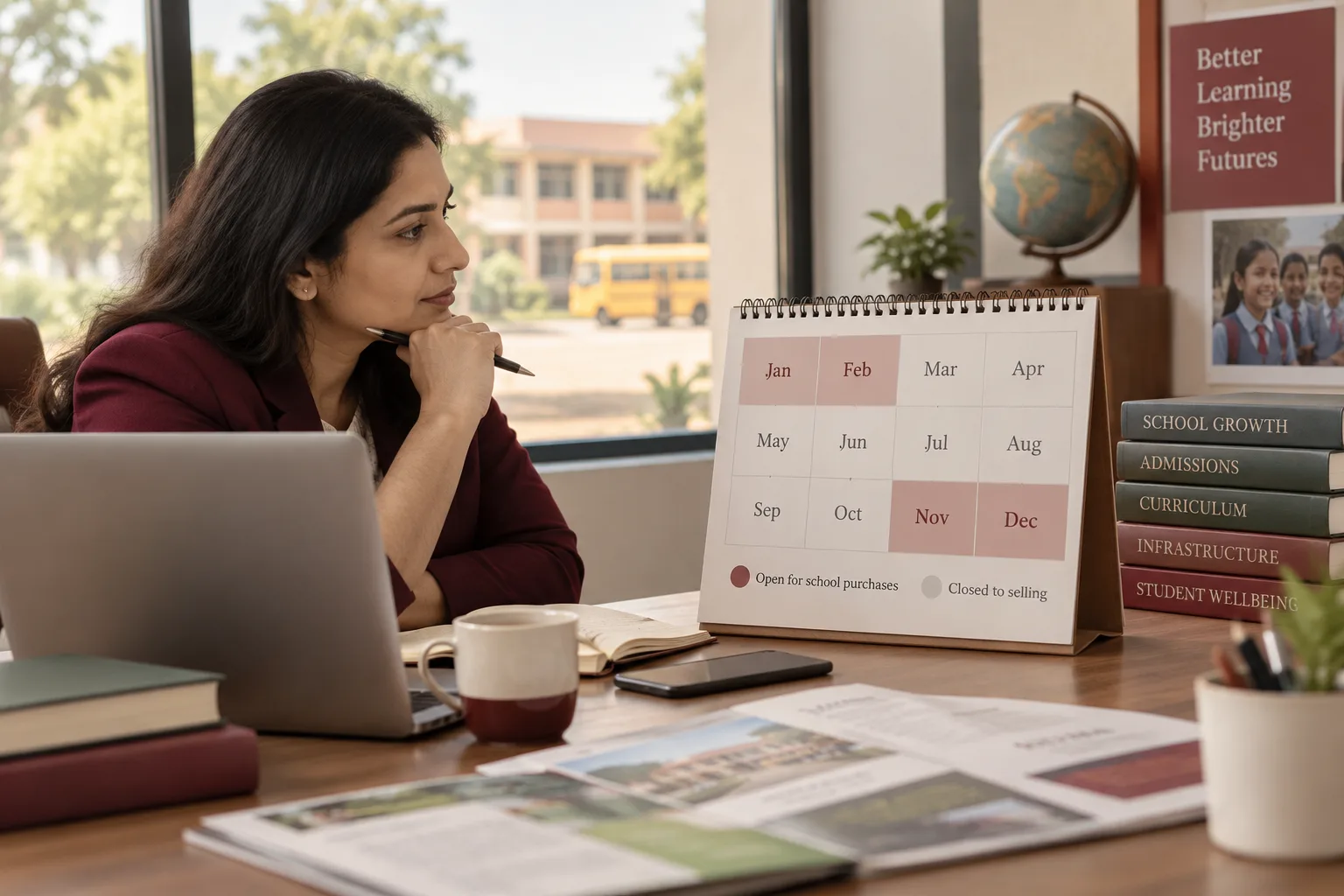 7 min read · 21 Sept 2026How to advertise to school ownersA school buys in a four-month window and is closed to selling the other eight. Miss November to February and you have missed the year.
More for educational institutions
Related work to consider.
Closest to this: content and social
- Social media marketing for educational institutions
- Content marketing for educational institutions
- Corporate announcement writing for educational institutions
- Brochure design for educational institutions
- Case study document design for educational institutions
- Press release distribution for educational institutions
Also for educational institutions
Or start from the overview: sales and marketing for educational institutions.
Your next practical step
Tell us what you are trying to grow, and we will read it before we call.
Eight short steps, mostly taps. Skip anything you would rather answer on the call.