Business hotels · Social media
Use social media to stay in front of the admin teams who already know your name.
Social media marketing for a business hotel is a steady presence on the platforms where travel coordinators, HR heads and past guests already spend time. GullySales works on what the hotel posts, who it reaches and how a comment turns into a conversation with your sales team.
Scope, fee, reporting and term are agreed in writing after we have read your brief and spoken to you.
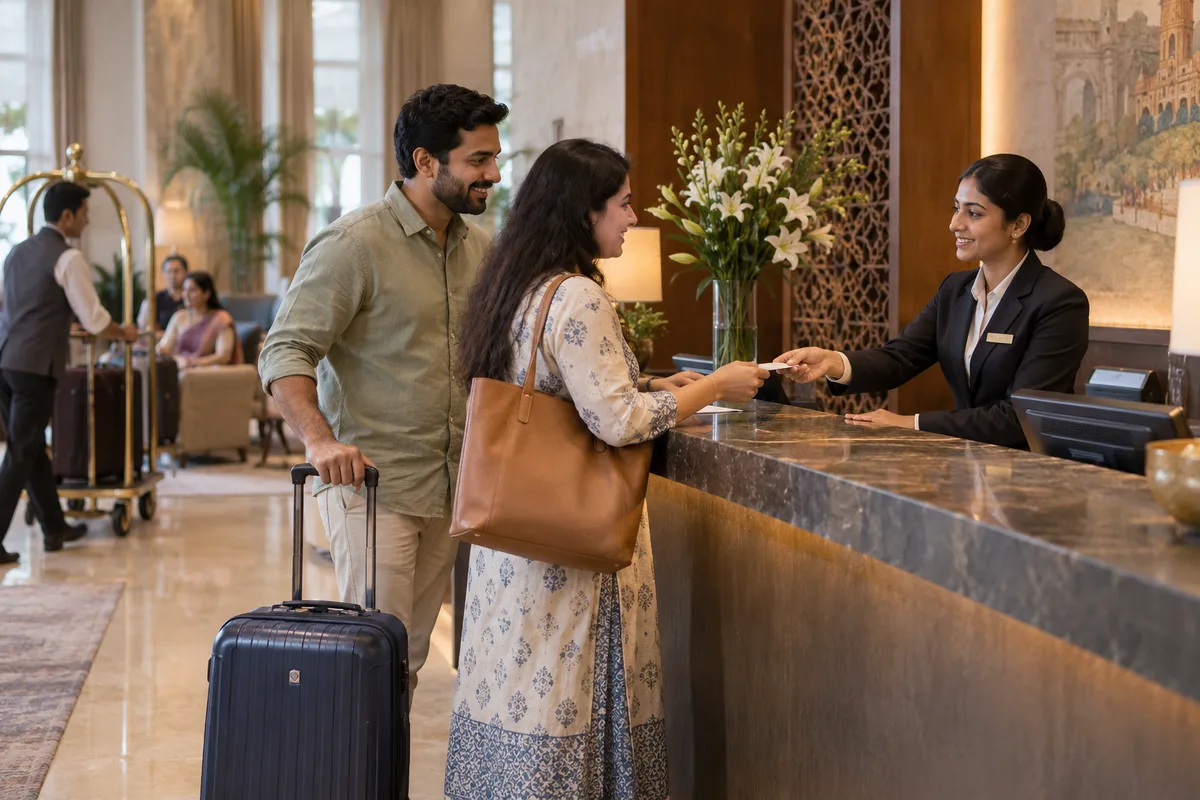
What social media means
Social media is the ongoing posting your business does on platforms such as Instagram, Facebook and LinkedIn to stay visible to customers and prospects between purchases. GullySales plans a posting calendar, writes captions and designs the images so the page looks active and answers what a visitor would ask.
Last updated 14 Nov 2026.
For business hotels
Where it usually goes wrong, and what we would do.
“LinkedIn reaches the desk, Instagram reaches the family”
Admin heads and HR managers are found on LinkedIn, while weekend guests browse Instagram. One feed trying to serve both reads as neither, so each platform gets its own purpose and its own voice.
“The best post is a working morning”
A picture of the breakfast counter at six, the quiet floor, or the meeting room set for a review shows the thing a visiting team needs. A banner announcing a festive offer tells them nothing about the stay.
“Posts must not expose a guest”
A corporate visitor photographed at breakfast may not want that shown, and a company's training session is private. Ask permission, show the room without the people, and keep names off the post.
“Comments and messages need a person”
An enquiry that arrives as a direct message on a Tuesday evening is a booking in waiting. When it sits unread until Thursday, the guest has already paid another hotel.
What we do
What we deliver for business hotels.
The work available for this need. We agree the deliverables and responsibilities for your engagement in writing.
A plan per platform
A short statement for LinkedIn, Instagram and Facebook on who each is for, what goes on it and who answers it.
Result: Each page has a reason to exist.
A bank of working-stay content
Photographs and short captions of breakfast, the desk, the meeting room set-up and the quiet floor, shot without guests in frame.
Result: Your team can post from an approved set of pictures.
LinkedIn outreach to desks
Messages and a company page that introduce the hotel to travel and admin heads near your location.
Result: A desk that sees your name has seen something specific.
Weekend posts for families
Separate posts for staycations and celebrations, aimed at local households and past business guests.
Result: The family message never reaches a corporate feed.
A reply routine for messages
A named person, a template for common questions and a hand-off to the sales manager for group enquiries.
Result: No direct message waits without an owner.
How the result is measured
- Posts published
- Engagement rate
- Enquiries from social profiles
Recorded as a baseline before work starts, so every later report has an honest comparison.
Posts and pieces to plan
Plan posts a desk can use to judge the hotel, in the formats each platform suits.
- A working morning at the hotel
- A short video or photograph of the breakfast hall at the early hour, the desk and the car waiting. Show the property, not a guest.
- The meeting room set up
- A photograph of the hall for a training day, with the layout, the capacity and the equipment listed in the caption.
- A note to travel desks on LinkedIn
- A plain post about how the hotel handles a late arrival or a GST invoice, written for the admin who reads it.
- A weekend stay for local families
- An Instagram post for the weekend rate, with a pool or restaurant photograph and a direct number.
- The team behind the desk
- A post introducing the front office and sales manager by role, so a new company knows whom to call.
Who it is for
This is written for these business hotels.
- Hotels near IT parks and tech corridors
- Hotels in industrial areas and manufacturing belts
- Airport and transit business hotels
- Hotels near hospitals, courts and government offices
- Extended-stay business hotels with kitchenettes
- Hotels with meeting rooms and training halls
- Business hotels in tier 2 industrial towns
- Hotels attached to convention centres or trade fairs
Before you decide
When this may not be the right fit.
- You plan to post photographs of identifiable guests, which the hotel should not do without their consent.
- Nobody can answer a LinkedIn message or comment, and an unanswered post looks worse than none.
- The hotel has no corporate offer to point to, so the posts would end without a next step.
Before you decide
Agree the work. Know how to judge it.
Social media for business hotels: use these checks to prepare, choose the scope, and review what changes.
Bring the right evidence
Review the posts that produced useful conversations, not only the ones with the most views. Gather buyer questions and decide which team member can contribute credible material.
Make the scope clear
Choose the audience and channel before setting a posting volume. Agree who supplies material, approves posts, and handles messages, including complaints or questions the agency cannot answer.
Check the work in use
Follow a post through to the profile, website, and response. A useful report explains the quality of conversations and enquiries, alongside reach and engagement.
Know when to change course
If publishing takes time away from unanswered buyer messages, fix the response routine first. Do not expand to another channel without a clear reason for being there.
These are discussion points, not a fixed package. GullySales confirms the deliverables, responsibilities, fee, and term in writing after reading your brief and speaking with you.
Before we start
What to have ready before the work starts.
The records, access and decisions this work needs from business hotels. Anything missing is noted in the written scope, with who will supply it.
- Logins for every existing social page
- We cannot plan around accounts we cannot open. Provide the page admin rights, or tell us who holds them. If a former employee created the page, say so now, because recovering it takes time. Pages we cannot reach are left alone and we start new ones with a clear name.
- Guest-free photographs of the property
- Posts need pictures with no guest recognisable in them, so send what the team already has of the lobby, rooms, breakfast counter and meeting rooms. Phone photographs are fine. Pictures showing a guest, a laptop screen or a visible company name are set aside until the owner decides.
- A list of company names you may mention
- Hotels cannot name corporate clients in posts without permission, so the owner should list which companies have agreed. An empty list is acceptable. It means every post avoids client names, and we write about the working stay instead.
- Weekend offers the owner has approved
- Instagram and Facebook posts for local families need an offer or a reason to book, such as a staycation room with breakfast. The owner should decide what is available and for whom. Without a decided offer, weekend posts describe the property and cannot ask for a booking.
- A named person for messages
- Messages from a travel coordinator are time-bound enquiries, so one person on your side must watch the inbox. Tell us who it is and who covers on leave. If no one is named, we recommend a reduced posting plan, since posts bring messages that nobody reads.
How it works
How the social media work runs
The work itself, in order. How an engagement starts, from your brief to a written scope, is set out on our method page.
- 1
List the accounts and who holds them
We begin by finding every account the hotel has on LinkedIn, Instagram, Facebook and any others, and who holds each login. You tell us which ones are live. Orphaned or duplicate pages are marked for closing, so that the audience we build in the next steps is reached from one place.
- 2
Collect the working stay material
A business hotel's best material is the working morning: the breakfast counter before a flight, the desk in a room, a meeting room set for a training day. We ask the team for photographs and short notes, and you decide what can be shown without a guest in it.
- 3
Agree what each platform is for
LinkedIn is for travel coordinators, HR heads and training managers, while Instagram and Facebook are for local families booking weekends. We write one sentence for each platform on who it reaches and what it posts. You approve the sentences, and everything later is judged against them.
- 4
Approve the first set of posts
We write the first posts from your material and send them in a single document with the pictures attached. You mark each one approved, changed or dropped, and tell us anything that might expose a guest or a company. We keep the approved set as the model for later posts.
- 5
Set up the reply route for comments
Comments and direct messages from desks need a person, so we agree who sees them and how they are answered. You choose the staff member and the cover when that person is away. We test it by posting a question from a test account and watching the message reach its owner.
- 6
Read engagement against enquiries received
We recorded followers, reach and enquiries at the start, and now compare them with what arrived. You see which posts brought a message from a desk or a weekend booking, and which only gathered likes. Together we decide whether to keep the platform split or move effort to one.
Where this fits
Three pieces of sales work, in this order.
This work sits inside sales process design, at stage 0, foundation. The audit comes before it, and sales management keeps it running.
Step 1
Sales audit
Find where deals are being lost and what to fix first.
Start here if you cannot say where orders are lost.
Step 2 · you are here
Sales process design
One written way to sell, from first enquiry to repeat order.
Start here if every salesperson sells differently.
Step 3
Sales management
A target, a review routine and someone who owns the number.
Start here if the team has targets and no routine.
FAQ
Questions owners ask before they call.
Not here? More answers, or ask on WhatsApp.
Must the hotel post on every network?
Can we run paid posts on LinkedIn?
Which social platform should a business hotel prioritise?
Can a business hotel post about corporate clients it hosts?
Can our general manager appear in the posts?
What if a guest comments with a complaint on a post?
How much does it cost?
How long is the contract?
How soon will we see results?
Who will actually do the work?
More for business hotels
Related work to consider.
Closest to this: content and social
Also for business hotels
Or start from the overview: sales and marketing for business hotels.
Your next practical step
Tell us what you are trying to grow, and we will read it before we call.
Eight short steps, mostly taps. Skip anything you would rather answer on the call.