Supermarkets · Search engine optimisation
Households search by place and need, so the store's pages must name both.
SEO for a supermarket is the work of making the store appear when a household searches for groceries, offers or home delivery in its own locality. GullySales works on the pages, the product and locality wording, and the store details that search engines read.
Scope, fee, reporting and term are agreed in writing after we have read your brief and spoken to you.
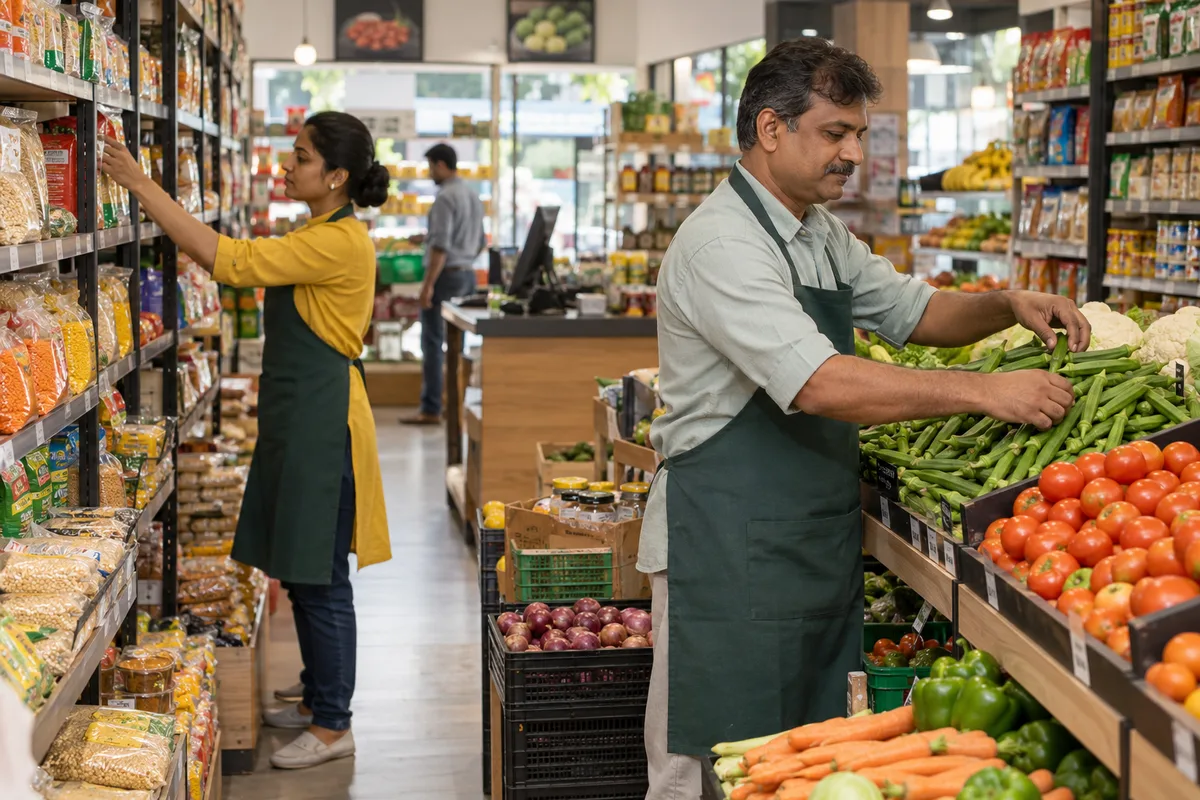
What search engine optimisation means
Search engine optimisation (SEO) is the work of getting your website to appear when a buyer searches Google for what you sell. GullySales builds pages around real search terms, fixes technical issues that block ranking, and tracks which searches actually bring enquiries.
Last updated 14 Nov 2026.
For supermarkets
Where it usually goes wrong, and what we would do.
“The search is about a place and a need”
A buyer types supermarket with a locality name, or groceries delivery with the name of a tower. A site that talks about quality and freshness in general words matches none of these, while a page that names the localities served does.
“A store with a thin website loses to the listing platforms”
Aggregator pages and delivery apps fill the results for grocery searches. The store can still appear by owning pages for its own sections, its own localities and its own delivery rule, which the platforms cannot write for it.
“Offer pages vanish and take their search value with them”
Some supermarkets post a leaflet image each week and delete it. A search engine cannot read an image, and a deleted page keeps nothing. One standing offers page, updated in text, keeps what it earns.
“Section pages answer the questions a household has”
Fresh produce, dairy, bakery, household goods and baby care each raise a question: is it fresh, is it stocked, can it be delivered. A page for each section gives the search engine and the buyer a direct answer.
What we do
What we deliver for supermarkets.
The work available for this need. We agree the deliverables and responsibilities for your engagement in writing.
A locality and section page plan
A list of pages for each locality served and each major section of the store, with the words households use for them.
Result: You know which pages exist, which are missing and which should be written first.
A standing offers page in text
One page that carries the current offers as readable text with dates, instead of a leaflet image.
Result: A search engine can read the offer and the buyer can see it on a phone.
Store details that match everywhere
Name, address, timings, parking note and delivery area written identically on the site, the listing and every directory.
Result: The same details appear wherever the store is mentioned.
Delivery rule page
The radius, order cut-off and slot, written once in plain words, with the localities listed.
Result: A buyer searching for delivery to a tower finds a direct answer.
Page speed and phone layout check
A review of how the site loads on a mid-range phone on mobile data, with the fixes listed in order.
Result: The offers page opens on the phone a shopper actually carries.
How the result is measured
- Ranking positions
- Organic traffic
- Enquiries from organic search
Recorded as a baseline before work starts, so every later report has an honest comparison.
Searches your buyers type
What a household types about a supermarket, and the page that answers it.
- supermarket near me open late on Sunday
- A store page with true opening hours for every day and a note on festival days. A wrong hour here sends a family to another store.
- supermarket with home delivery in [locality]
- A delivery page listing the areas served, the order cut-off and the minimum basket. Be exact, because the apps have set the buyer's expectation.
- fresh vegetables and fruits supermarket near [area]
- A section page for produce with photographs of the actual counter and the arrival days. It meets a search about freshness with something the family can see.
- bulk grocery order for hostel or office
- A page for institutional buyers describing the quantities, the delivery arrangement and how to get a written rate. Give a route to a named person.
- [brand] products available at [supermarket name]
- A short page for a brand the store stocks in depth, such as an organic range. It answers a brand search and keeps its value when offers change.
Who it is for
This is written for these supermarkets.
- Single-store supermarkets of one floor in a residential locality
- Two-floor supermarkets with a dedicated household and general merchandise section
- Supermarkets inside apartment complexes and gated townships
- Small chains of three to ten stores in one city
- Supermarkets attached to a wholesale or cash-and-carry outlet
- Family-run supermarkets in smaller towns that serve the surrounding villages
- Cooperative and society-run supermarkets
- Supermarkets that serve a hospital, college or industrial campus
Before you decide
When this may not be the right fit.
- Your timings and sections change and nobody updates the site, so pages would state wrong hours.
- You expect the site to outrank the delivery apps, which have far larger sites; the aim is the search by place and need.
- You have no one to answer the order or bulk enquiry that a page would bring.
Before you decide
Agree the work. Know how to judge it.
SEO for supermarkets: use these checks to prepare, choose the scope, and review what changes.
Bring the right evidence
Bring the pages for the products or services you want to sell, the search queries available in your reports, and examples of enquiries from search. Separate branded searches from buyers discovering you for the first time.
Make the scope clear
Agree which pages and technical fixes come first, who can publish changes, and who supplies subject knowledge. Link search work to a relevant enquiry route on each priority page.
Check the work in use
Follow the trail from a relevant query to its landing page and then to an enquiry. Review whether those enquiries fit your offer, alongside indexing and search visibility.
Know when to change course
A ranking movement alone is not a buying signal. If traffic grows but relevant enquiries do not, revisit page intent and the offer before producing more pages.
These are discussion points, not a fixed package. GullySales confirms the deliverables, responsibilities, fee, and term in writing after reading your brief and speaking with you.
Before we start
What to have ready before the work starts.
The records, access and decisions this work needs from supermarkets. Anything missing is noted in the written scope, with who will supply it.
- Logins for site, search console and listing
- Whoever built the site must pass on the editor, search console and listing logins, or confirm in writing that none exist. An old vendor is fine to contact. Without them the work stays as written advice, and the first correction waits on access.
- A section-wise list of what the store sells
- A one-page list of the store's sections and the main product groups in each, as the manager would explain them to a visitor. It becomes the skeleton of the section pages. Without it we write from a generic idea of a supermarket, which fits no store in particular.
- The current offers and who ends them
- A list of the schemes running now with their end dates, and the name of the person who removes them. Old offers that stay on a page mislead a household and damage trust. If no one owns this, the offers page is left out until someone does.
- Delivery area and rules in writing
- The localities the store delivers to, the minimum basket if any and the time slots, as the manager would state them. The page repeats them, so they must be true. Missing, the delivery page says only that the store delivers and invites a call.
How it works
How the search engine optimisation work runs
The work itself, in order. How an engagement starts, from your brief to a written scope, is set out on our method page.
- 1
Search for the store name and its neighbours
We search the way a household does: groceries near the locality name, the store's name with the word offers, home delivery for the area. We save what appears, including the listing sites and delivery apps. You tell us which three localities you want to reach first. The saved results are the starting record of where the store stands.
- 2
Check who controls the website and listing logins
We find out who holds the domain, the hosting, the search console and the business listing, which is frequently a nephew, a past vendor or a shop-fitter. You arrange access or tell us none exists. Without these logins we can write advice but cannot fix a single page, so we settle this before anything else.
- 3
List the store's sections and localities as pages
From the shop floor we list the sections a household searches for, such as fruit and vegetables, dairy, household cleaning, and note the localities the store serves. Each section and each locality becomes a possible page. You choose which to build first, based on where the store is strongest and where the billing report shows gaps.
- 4
Write the offers page in plain text
The standing offers page lists current schemes in text, with start and end dates, not as a poster image. The store manager tells us which offers are firm and who updates the page when a scheme ends. We write the first version and the rule for removing old ones, so search does not show last season's offers.
- 5
Set store search figures beside the baseline
With the manager we compare the searches that reach the store's pages, the calls and the direction requests with the record saved at the start. You decide which locality page to write next. Rankings are never promised; the report shows only which pages the households actually found.
Where this fits
Three pieces of sales work, in this order.
This work sits inside sales process design, at stage 1, prospecting and lead generation. The audit comes before it, and sales management keeps it running.
Step 1
Sales audit
Find where deals are being lost and what to fix first.
Start here if you cannot say where orders are lost.
Step 2 · you are here
Sales process design
One written way to sell, from first enquiry to repeat order.
Start here if every salesperson sells differently.
Step 3
Sales management
A target, a review routine and someone who owns the number.
Start here if the team has targets and no routine.
FAQ
Questions owners ask before they call.
Not here? More answers, or ask on WhatsApp.
Can a supermarket rank above the delivery apps?
Do we need a blog for SEO?
Why does our site show old offers in search?
Can a supermarket rank above the delivery apps?
Does the shop need a page for each locality?
Who updates the website when prices or offers change?
How long is the contract?
How soon will we see results?
Who will actually do the work?
What do you need from us?
More for supermarkets
Related work to consider.
Closest to this: search and visibility
Also for supermarkets
Or start from the overview: sales and marketing for supermarkets.
Your next practical step
Tell us what you are trying to grow, and we will read it before we call.
Eight short steps, mostly taps. Skip anything you would rather answer on the call.