Video conferencing solution providers · Lead generation
Bring in room briefs from buyers who already know the room type they need.
Lead generation for a video conferencing provider means attracting the facilities head, IT manager or fit-out contractor who is planning a specific room. GullySales works on room-type pages, a short room brief and a source tag on every enquiry, so you can see which route brings a real room.
Scope, fee, reporting and term are agreed in writing after we have read your brief and spoken to you.
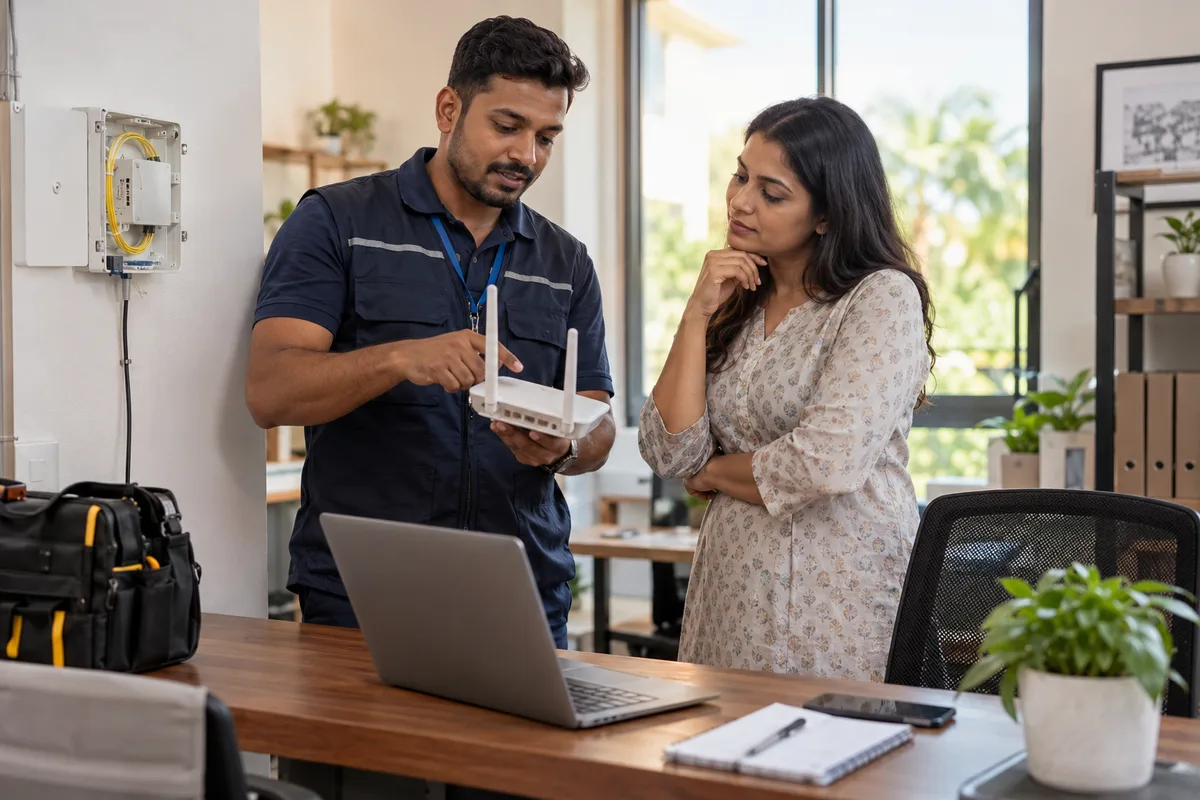
What lead generation means
Lead generation is the combined work of every channel that brings in a new enquiry, whether from search, adverts, referrals or a stall at an exhibition. GullySales runs these channels together and reports the number of enquiries each one produced, not the activity behind it.
Also for video conferencing solution providers
- CRM for video conferencing providers
- Follow-up systems for video conferencing providers
- SEO for video conferencing providers
- Social media marketing for video conferencing providers
- Content marketing for video conferencing providers
- Buyer persona for video conferencing providers
- WhatsApp marketing for video conferencing providers
- Digital marketing for video conferencing providers
Sales and marketing for video conferencing solution providers, the overview.
Last updated 18 Oct 2026.
For video conferencing solution providers
Where it usually goes wrong, and what we would do.
“A brief with a room size beats a call asking for a price”
A caller who says only that a boardroom needs video conferencing gives you nothing to quote against. A buyer who has stated the seating, the platform in use and the wall available is a lead you can price and survey.
“Fit-out contractors are leads before the room exists”
An interior contractor choosing the ceiling and wiring is deciding the room long before the client searches. A contractor who knows you and holds your drawing sheet sends the brief while changes are still cheap.
“A rental enquiry is a different lead from an installation”
Someone asking to hire a setup for a conference needs a date and a venue, not a survey. If both land in one inbox, the installation brief waits behind the event request and the engineers are pulled two ways.
“A demo room three hours away loses the buyer”
A buyer who cannot see a working room decides from a brand logo. A short video of a real fitted room, with the sound recorded as the room heard it, gives a distant buyer something to judge.
What we do
What we deliver for video conferencing solution providers.
Every deliverable, what it covers for you, and the result it is there to produce. Nothing here is an extra.
Room-type landing pages
One page each for the boardroom, the classroom, the training hall and the multi-site link, with photos of rooms you have fitted and the platforms they run.
Result: The buyer finds the page that matches the room they are planning.
A five-question room brief
A short form asking room size, seating, platform, wall or ceiling position and budget range, built to give you enough to quote.
Result: Each brief arrives with the details a quote needs.
Fit-out partner pack
A pack for interior designers and contractors with drawing sheets, cable and power points and a named contact.
Result: Contractors have something to send their client on the day they plan the room.
Separate rental and installation routes
Two forms and two inboxes, so event hire is answered by one person and installation briefs by another.
Result: Engineer time is not pulled between hire requests and fitted rooms.
Source tagging on every enquiry
Each brief carries the route it came from: search, a contractor, a referral or an existing client.
Result: You can see which source brought rooms that were quoted and ordered.
How the result is measured
- Enquiries generated
- Cost per enquiry
- Enquiries by source
Recorded as a baseline before work starts, so every later report has an honest comparison.
What to capture or send
Capture these in a room brief before a survey is booked.
- Room type and seating
- Boardroom, classroom, hall or huddle space, with the number of seats. Asked first, since it decides the camera, microphone and display plan.
- Room dimensions and ceiling height
- Length, width and height, ideally with a photograph. A ceiling that is high or glass-heavy changes microphone choice and echo treatment.
- Meeting platform in use
- Zoom, Teams, Google Meet or a mix, noted by whoever takes the brief, because the room system must work with what the staff already log into.
- Who decides and who pays
- Facilities, IT, a director or a contractor. Recorded at first contact, so the quote goes to the person who can sign and not to the one who asked.
- Source of the enquiry
- Search, fit-out partner, referral or an earlier room. Entered by the person who takes the brief, to show which source brings fitted rooms.
Who it is for
This is written for these video conferencing solution providers.
- Corporate boardrooms and meeting rooms
- Schools, colleges and coaching institutes with hybrid classrooms
- Hospitals using video for case discussions and training
- Government and public sector conference halls
- Hotels and convention venues
- Law, audit and consulting firms with client calls
- Manufacturing and multi-site companies linking plants
- Auditoriums and training centres
Not for
It is not the right fit if.
- Your survey engineers are booked for the season, so more room briefs would only join a queue the buyer will not wait in.
- You cannot quote without a site visit and have no one to travel, so remote briefs could not be turned into prices.
How it works
How the lead generation work runs
The work itself, in order. How an engagement starts, from your brief to a written scope, is set out on our method page.
- 1
Understand your capacity
We ask how many enquiries your team can answer well, who answers after hours, and what a good enquiry looks like. Without this, the system fills a funnel nobody is watching.
- 2
Audit current sources
We read your call log, WhatsApp chats, enquiry sheet and platform dashboards. The baseline is recorded: enquiries by source, reply time, conversion and cost per order.
- 3
Strategise the channel mix
Search and maps are chosen for people ready to buy, ads for people who are not yet looking, and content and referrals for trust.
- 4
Implement capture and follow-up
Pages, forms, tags, the lead record and the first-reply message are built and tested end to end. We submit test enquiries ourselves before any media money is spent.
- 5
Measure and optimise
Enquiries are traced to source and judged by what became orders, not by volume alone. Channels that fill the sheet with poor enquiries are cut back. How often you are reported to is agreed in writing.
Where this fits
Three pieces of sales work, in this order.
This work sits inside sales process design, at stage 1, prospecting and lead generation. The audit comes before it, and sales management keeps it running.
Step 1
Sales audit
Find where deals are being lost and what to fix first.
Start here if you cannot say where orders are lost.
Step 2 · you are here
Sales process design
One written way to sell, from first enquiry to repeat order.
Start here if every salesperson sells differently.
Step 3
Sales management
A target, a review routine and someone who owns the number.
Start here if the team has targets and no routine.
FAQ
Questions owners ask before they call.
Not here? More answers, or ask on WhatsApp.
Should we advertise on search or go through contractors first?
How do we stop price-only calls?
How do we treat a rental enquiry for an event?
How do we treat a rental enquiry for an event?
How soon will we see results?
Who will actually do the work?
What do you need from us?
More for video conferencing solution providers
Everything else we would do for you.
Closest to this: leads and follow-up
Also for video conferencing solution providers
Or start from the overview: sales and marketing for video conferencing solution providers.
Your next practical step
Tell us what you are trying to grow, and we will read it before we call.
Eight short steps, mostly taps. Skip anything you would rather answer on the call.