Google Business Profile performance reporting · Marketing
Understand which profile interactions are useful and what they do not prove.
A profile report can show calls, website clicks, or direction requests, but those labels need careful interpretation. A call-button click does not establish that a call connected, and a request for directions does not prove a store visit.
Scope, fee, reporting and term are agreed in writing after we have read your brief and spoken to you.
In one paragraph
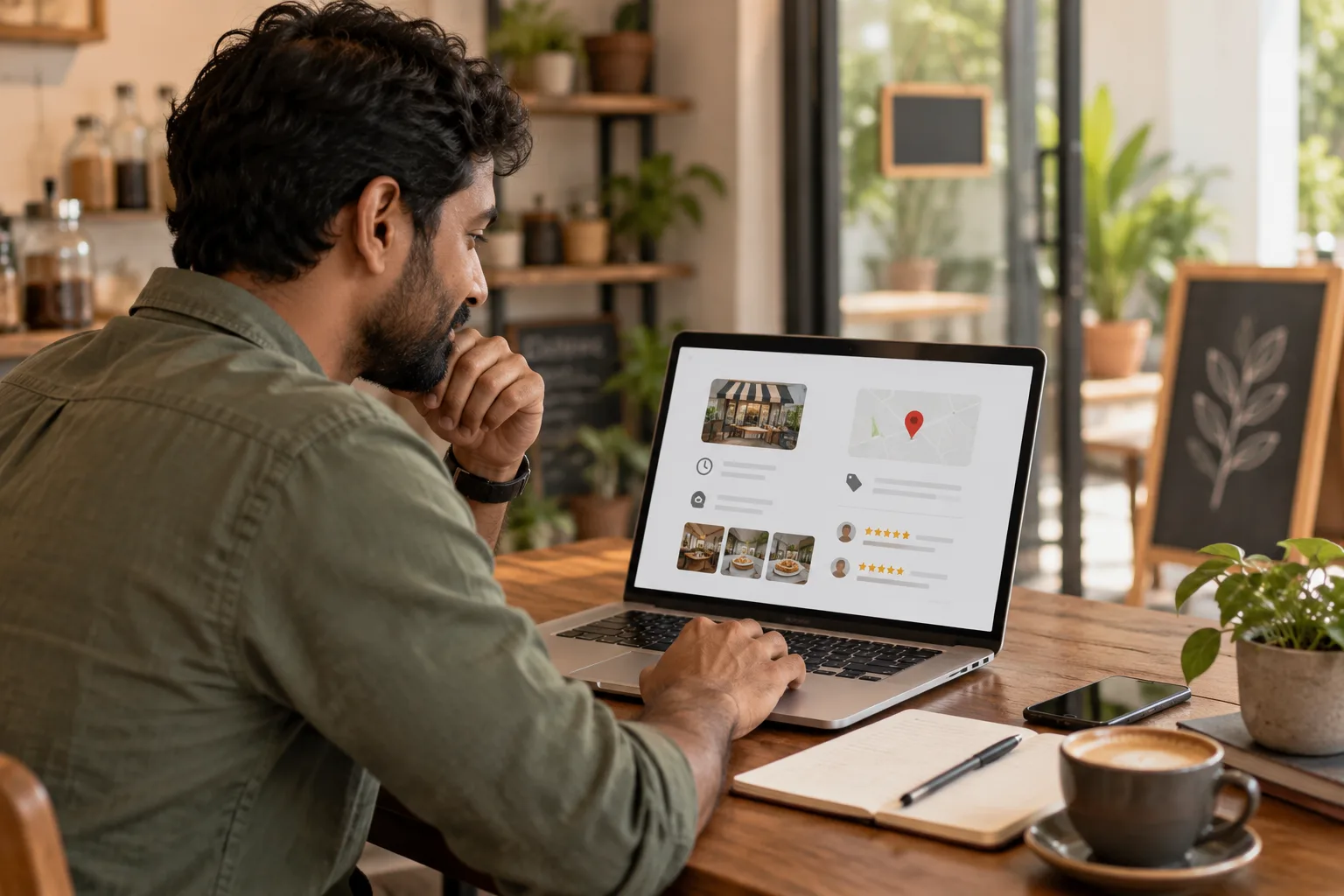
Google Business Profile performance reporting explains available Search and Maps profile activity over an agreed period. GullySales reviews the relevant metrics, compares like-for-like locations or periods, and connects the findings with reliable enquiry records where available, so a call-button click or direction request is not mistaken for a confirmed customer outcome.
The report should answer a business question: whether information changes are helping, which locations need attention, or where the enquiry route breaks down. A dashboard without definitions leaves those decisions unresolved.
Who it is for
This is written for you if these sound familiar.
- Owners reviewing activity on verified Business Profiles
- Multi-location teams needing a consistent branch reporting approach
- Businesses comparing profile interactions with enquiry or booking records
- Marketing teams investigating changes in available local profile activity
Before you decide
When this may not be the right fit.
- Reports presenting every interaction as a unique lead or completed sale
- Guaranteed attribution or invented data for metrics the profile does not expose
The problem
Does this sound like your business?
Common situations this work addresses.
“Interaction totals are inflated into leads”
Calls, website clicks, and directions are added together and labelled enquiries. The same person may take several actions, and an action may not reach the business.
“Branches are compared unfairly”
Different reporting periods, profile conditions, or operating changes are ignored. A location appears weaker without enough context to explain the difference.
“The report cannot explain missing data”
Unavailable metrics or reporting delays are entered as zero. The team makes a decision based on an absence of information rather than observed inactivity.
Choose the right scope
Start with the work your business needs.
Clear definitions beside the figures
Decision-makers can see what each action measures. A direction request remains a direction request instead of being relabelled as a customer visit.
Comparisons with context
The review considers location conditions and the available reporting period. Branch teams receive a useful question rather than an unexplained ranking.
A link to the response process
Business records help identify whether interactions turn into relevant conversations. Missing source information becomes a measurement task instead of an invented sales claim.
What we do
The work we can include.
Each deliverable and the purpose it serves. Your written scope confirms what is included, who is responsible, and what it costs.
Reporting brief
The business questions, profiles, dates, and useful comparisons. The brief identifies the decisions the report should inform rather than collecting every available number.
Access and metric inventory
A record of verified profiles, authorised reporting access, and metrics available for each business. Definitions distinguish profile views from broader Google exposure and interactions from outcomes.
Period and location review
Comparable activity examined with relevant operating context. Hours changes, new locations, unusual promotions, or missing periods are noted where known.
Interaction analysis
Available calls, website clicks, directions, or applicable booking measures interpreted according to their actual definitions. Different actions are not combined into a fabricated unique-lead total.
Business-record comparison
Reliable enquiry or booking records considered alongside profile activity. The report states where source tracking is insufficient to connect the two.
Decision report
Findings, limitations, and practical next steps for profile information, response handling, or measurement. Recommendations name the evidence behind the proposed action.
How the result is measured
- Available profile views and search activity
- Call-button clicks under the platform definition
- Website clicks and direction requests
- Applicable booking or other profile interactions
- Confirmed enquiries supported by business records
- Reporting gaps and operational questions identified
Recorded as a baseline before work starts, so every later report has an honest comparison.
Marketing and sales together
Profile activity is a starting point for understanding local enquiries.
A customer may call, visit the website, request directions, or contact the business by another route. Reliable response and outcome records give the report more commercial meaning. Profile metrics alone cannot show every connected call, store visit, or completed sale.
Decisions to make before the work starts
Metric availability
Google exposes different measures depending on the profile and supported features. Access, verification status, retention, and reporting updates affect what can be included.
Source interpretation
Performance reporting may include activity associated with organic results and ads. The available data should not automatically be described as purely organic SEO performance.
Additional work
Profile editing, call tracking, website analytics changes, advertising, and enquiry-process repair require explicit scope. Reporting identifies issues without claiming they have already been fixed.
How it works
How the work runs
The work itself, in order. How an engagement starts, from your brief to a written scope, is set out on our method page.
- 1
Requirements brief
Share the profiles, review dates, current concerns, and available business records through GullySales. We agree reporting outputs, frequency, fee, and term.
- 2
Source check
Confirm access and available metrics. Record the reporting definitions and identify data gaps before building comparisons.
- 3
Analysis
Review changes and differences with the relevant branch context. Avoid treating a coinciding profile edit as proven cause of every movement.
- 4
Business discussion
Check findings with the people who answer calls or manage visits and bookings. Distinguish a visibility question from an operational response issue.
- 5
Action review
Prioritise corrections, additional measurement, or further observation. Implementation is included only where explicitly agreed.
Where this fits
Three pieces of sales work, in this order.
This work sits inside sales process design. One written way to sell, from first enquiry to repeat order.
Step 1
Sales audit
Find where deals are being lost and what to fix first.
Start here if you cannot say where orders are lost.
Step 2 · you are here
Sales process design
One written way to sell, from first enquiry to repeat order.
Start here if every salesperson sells differently.
Step 3
Sales management
A target, a review routine and someone who owns the number.
Start here if the team has targets and no routine.
FAQ
Questions owners ask before they call.
Not here? More answers, or ask on WhatsApp.
Does the calls figure mean answered calls?
Are direction requests the same as store visits?
Can you compare several branches?
Can the report show only organic results?
What do we need to provide?
By industry
Google Business Profile performance reporting, written for your industry.
Related services
Often bought with this, or instead of it.
Your next practical step
Tell us what you are trying to grow, and we will read it before we call.
Eight short steps, mostly taps. Skip anything you would rather answer on the call.