Cold-chain logistics providers · CRM
Keep every shipper, route and trip in one record your dispatcher and sales head both read.
A CRM for a cold-chain provider holds each shipper, its contacts, its cargo, the routes it ships and the history of quotes and trips. GullySales sets up the fields, the stages and the habits so that nothing depends on one person's phone.
Scope, fee, reporting and term are agreed in writing after we have read your brief and spoken to you.
What CRM means
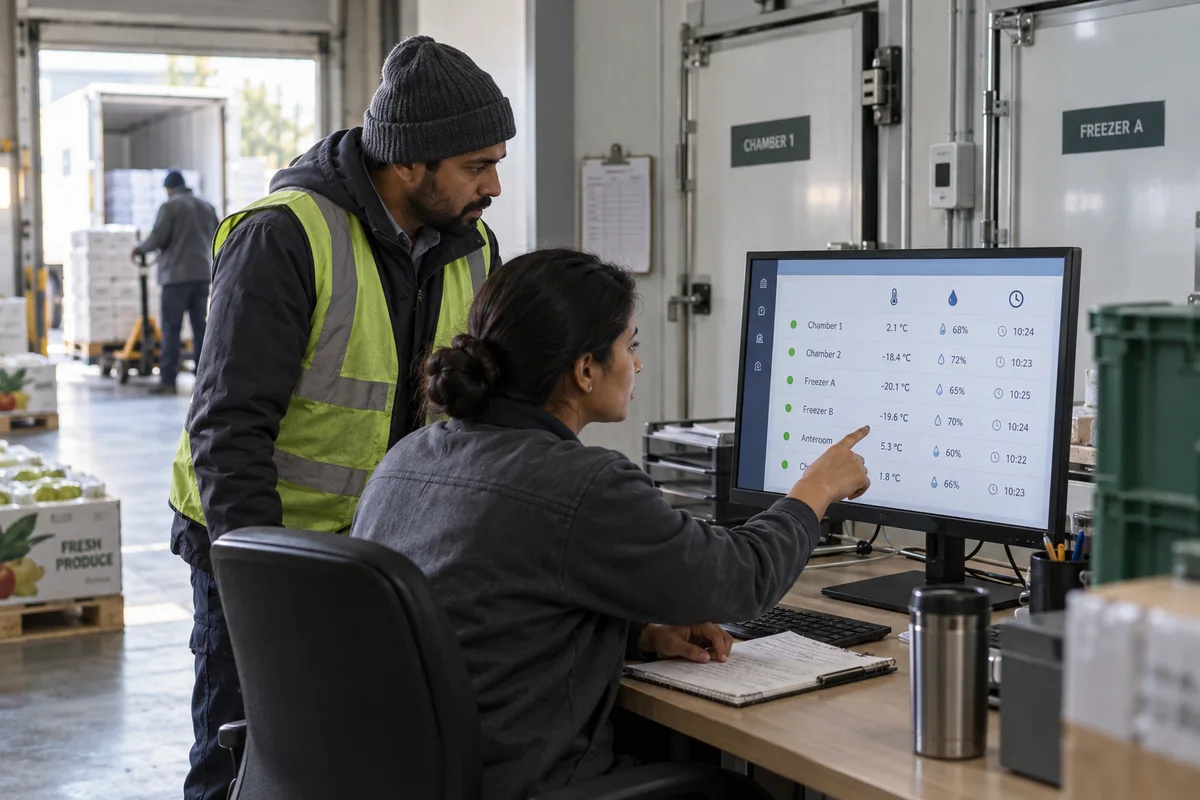
A CRM is the record where every enquiry, call and quote is kept against a customer, replacing separate notebooks, spreadsheets and memory. GullySales sets up or cleans an existing CRM and reports from it by enquiry outcome rather than by activity logged.
Also for cold-chain logistics providers
- Lead generation for cold-chain logistics providers
- Follow-up systems for cold-chain logistics providers
- SEO for cold-chain logistics providers
- Local SEO for cold-chain logistics providers
- Social media marketing for cold-chain logistics providers
- Content marketing for cold-chain logistics providers
- Buyer personas for cold-chain logistics providers
- WhatsApp marketing for cold-chain logistics providers
Sales and marketing for cold-chain logistics providers, the overview.
Last updated 18 Oct 2026.
For cold-chain logistics providers
Where it usually goes wrong, and what we would do.
“The dispatcher remembers what the sales head never wrote down”
The dispatcher knows that one dairy needs a pre-cooled unit by early morning and another never has the pallets ready. If that sits only in memory, a new coordinator or a sales head on leave loses it.
“A shipper has several contacts and only one gets the call”
The logistics head, the quality head and the accounts clerk each matter at a different moment. A record that lists one phone number turns every fault, query and payment reminder into a hunt.
“Quotes without cargo detail cannot be compared later”
A quote note that says rate sent tells nobody what was asked. Recording temperature band, weight, route and loading time lets you see which quotes convert and which cargo types you win.
“Trial trips need their own stage”
A trial trip is neither a lead nor a customer. Giving it a stage, with the log attached and the shipper's response recorded, shows which trials turn into standing routes and which stall.
What we do
What we deliver for cold-chain logistics providers.
Every deliverable, what it covers for you, and the result it is there to produce. Nothing here is an extra.
Shipper record fields for cold cargo
Cargo type, temperature band, usual routes, loading slot, pre-cooling need, contacts by role and special handling notes.
Result: A shipper record that a new coordinator can act on.
Pipeline stages from enquiry to standing route
Enquiry, quote, trial trip, review, standing route and lost, each with a rule for moving a shipper on.
Result: One view of where every shipper stands.
Trip log attachment routine
A habit of attaching the temperature record and delivery receipt to the shipper's record after each trip.
Result: Evidence stored with the shipper, ready for a review call.
Reminders tied to season and renewal
Prompts ahead of ice cream, fruit and festival cargo seasons for shippers with matching history.
Result: Sales gets a nudge before each season, not after.
Import of existing contacts
A clean-up of phone contacts, quote sheets and spreadsheets into one record, with duplicates merged.
Result: A single list instead of four.
How the result is measured
- Enquiries logged in the CRM
- Data completeness
- Reports generated from CRM data
Recorded as a baseline before work starts, so every later report has an honest comparison.
Fields worth keeping
The fields that let a dispatcher and a sales head read the same shipper record.
- Cargo and temperature band
- Filled by sales at the first call and checked by dispatch. It decides which vehicle can be quoted.
- Lane and trip frequency
- Filled by dispatch after each run. It shows which shippers could take a standing route and where a return leg is open.
- Logistics contact and quality contact
- Filled by sales. Two names per shipper, so a fault report goes to the person who can act on it.
- Trial trip status
- Filled when a trial is agreed and again after delivery. It shows which shippers are waiting on a result.
- Excursions or faults on a trip
- Filled by dispatch from the log. It stops sales from promising what the record does not support.
- Renewal or review date
- Filled by sales from the contract. It brings a standing route back to the owner's attention before it lapses.
Who it is for
This is written for these cold-chain logistics providers.
- Reefer truck operators for dairy, ice cream and frozen foods
- Temperature-controlled transport for pharma and healthcare distributors
- Seafood and meat transport from ports and processing units
- Fruit, vegetable and flower carriers on long routes
- Multi-temperature vehicle and shared reefer load operators
- Insulated box and last-mile cold delivery services
- Cold chain providers serving retail and QSR chains
- Reefer container haulage near ports and inland depots
Not for
It is not the right fit if.
- Your dispatchers do not have time to enter trip data, and an incomplete record would mislead sales.
- You have fewer than a handful of shippers and a shared sheet already holds all they need.
- The team cannot agree on a pipeline stage for trial trips, so the tool would hold conflicting labels.
How it works
How the CRM work runs
The work itself, in order. How an engagement starts, from your brief to a written scope, is set out on our method page.
- 1
Map the sales process
We sit with the people who sell and write down how a deal moves from enquiry to payment, including where it stalls.
- 2
Agree stages, fields and owners
Each stage gets a name your team already uses and a proof that the deal has left it. We agree which fields are required at which stage, and who may change what.
- 3
Build on a copy
Pipeline, fields and views are built on a trial copy where the CRM offers one, or in a separate pipeline where the plan allows. Live work stays untouched.
- 4
Connect channels, then switch on automations
Channels are connected first. Each automation is then switched on separately, so a misfiring rule is easy to find.
- 5
Test with real deals
The people who will use the CRM run open deals through it. Gaps are fixed before the whole team switches over.
- 6
Switch over and trim
Once real use shows which fields stay empty and which stages nobody uses, those are cut and the handover record is updated.
Where this fits
Three pieces of sales work, in this order.
This work sits inside sales management. A target, a review routine and someone who owns the number.
Step 1
Sales audit
Find where deals are being lost and what to fix first.
Start here if you cannot say where orders are lost.
Step 2
Sales process design
One written way to sell, from first enquiry to repeat order.
Start here if every salesperson sells differently.
Step 3 · you are here
Sales management
A target, a review routine and someone who owns the number.
Start here if the team has targets and no routine.
FAQ
Questions owners ask before they call.
Not here? More answers, or ask on WhatsApp.
Do we need a paid CRM or will a sheet do?
Who should enter the data?
Can we connect the CRM to dispatch software?
Should trip logs be stored in the CRM?
How much does it cost?
How long is the contract?
How soon will we see results?
Who will actually do the work?
What do you need from us?
What if we are not happy with the work?
More for cold-chain logistics providers
Everything else we would do for you.
Closest to this: leads and follow-up
Also for cold-chain logistics providers
Or start from the overview: sales and marketing for cold-chain logistics providers.
Your next practical step
Tell us what you are trying to grow, and we will read it before we call.
Eight short steps, mostly taps. Skip anything you would rather answer on the call.