Notes for owners · Digital marketing
Abandoned carts: how an online seller follows up without pestering
Read where the cart stalled, then send one reminder on the channel the shopper used, with the product and one useful reason to return; send a second only if it adds something, then stop.
The GullySales team · Updated 17 Oct 2026 · 5 min read
On this page
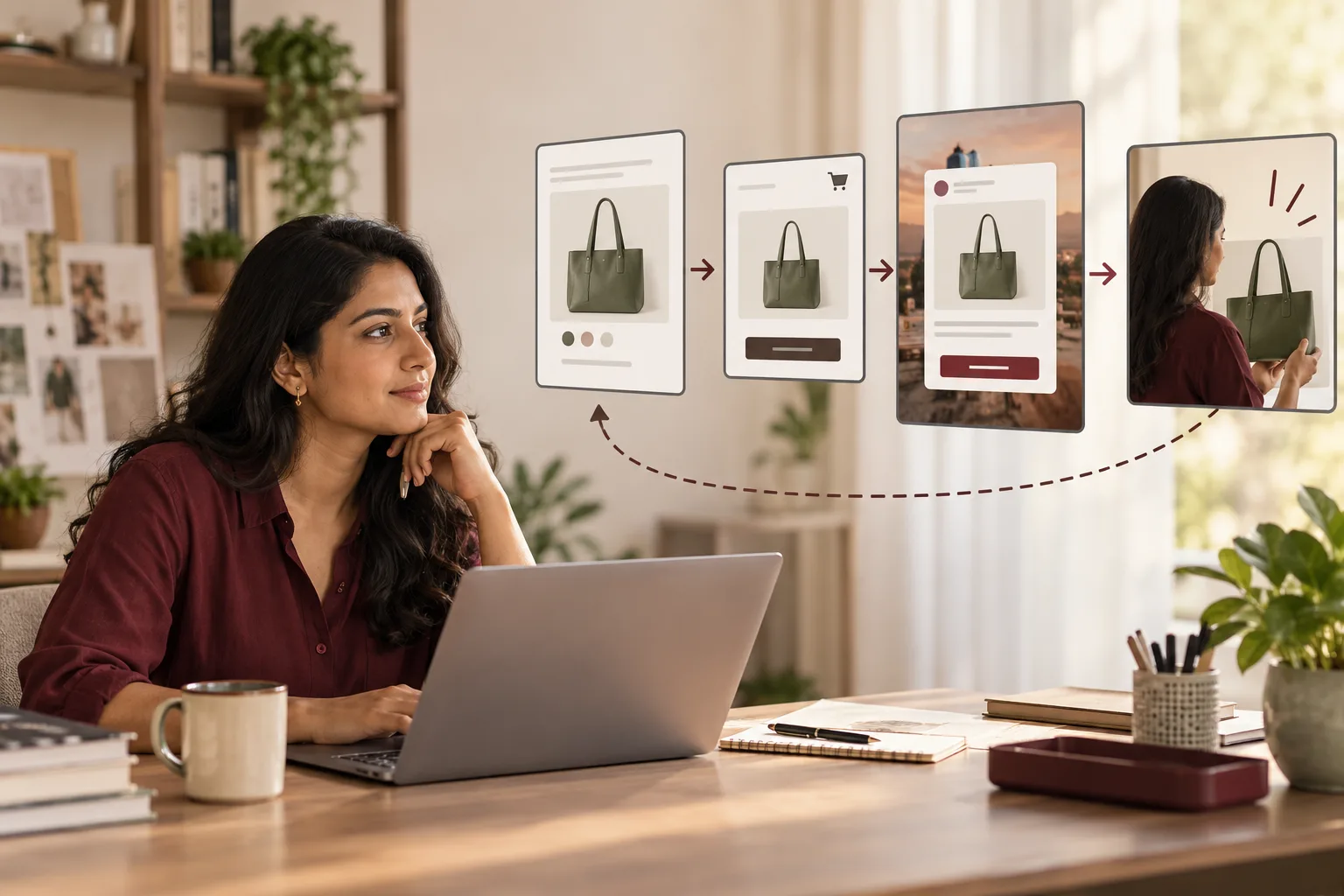
Every evening your store shows carts with a saree in them, a phone number and no order. The temptation is to fire three WhatsApp messages and a discount code at each one. Don't. Read where the cart stopped. Then send one reminder on the channel the shopper was using, with the exact product and an answer to what stopped them: the delivery date, COD, the size or the returns. Send a second message only if it adds something new. Then stop, and let ads reach the shoppers who left no contact.
Where did the cart stop?
An abandoned cart is a question the shopper did not ask. The step where it stopped tells you which question, so read that before you write a word.
- Left at the cart page, no contact given. Browsing or comparing. You cannot message them and should not try. Show them the product again through retargeting ads for a short window, and leave it there.
- Left after typing a pin code or address. Something about delivery put them off: the date, the shipping charge, or cash on delivery not being offered there. The reminder answers it: "Delivery to 395007 is by Thursday, and cash on delivery is available."
- Left at payment. A UPI app that did not switch back, an OTP that timed out, a declined card. This shopper wanted to buy. Message sooner and plainly: the payment did not complete, here is the link, and if money left their account, they should tell you so you can check it with the payment gateway.
- Left after opening the size chart or returns page. A fit or returns worry. Offer help with the size, or state the exchange terms in one line.
The follow-up, one step at a time
- One message, a few hours after the cart. Use WhatsApp if the shopper gave a number and agreed at checkout to hear from you there, and email if they gave only an email address. Show the product's photo, name it, and answer the likely question. No discount.
- A second message the next day, only if you have something new. A size guide, a short video of the product in daylight, an honest stock note if it really is running low. Shoppers who replied or bought do not get it.
- Then nothing. The cart is closed. The shopper joins your general list only if they agreed to marketing at checkout.
Stop the moment any of these is true:
- They bought, on your store or anywhere you can see.
- A reply says "no", "not now" or "stop".
- Two messages have gone unanswered.
- The item is so cheap that a paid message eats the margin; email and ads are enough there.
- The cart came from your own staff testing the checkout.
Should the reminder carry a discount?
Not the first one. Regular shoppers learn fast, and if leaving a cart produces a code, they leave carts. Keep a discount for shoppers who have told you, in a reply, that price is the reason, and cap it at what the product can carry after shipping and the chance of a return.
Never invent urgency either. "Only 2 left" when there are forty is a lie the shopper can test by coming back next week. Consumer protection guidance in India also looks at false urgency and similar checkout tricks, and the detail changes, so check the current position with your own adviser.
For example: a saree seller in Surat
Imagine a Surat seller of georgette and silk sarees with a Shopify store and a steady Instagram following. The cart app was set to send three WhatsApp messages and an email inside a day, each with a bigger code: 5%, then 10%, then 15%. The seller and the figures are invented; the pattern is the mistake.
Regular buyers worked it out and began leaving every cart to wait for the third message. Some first-time shoppers blocked the number, which meant their dispatch updates could not reach them later either. Of 120 recovered orders in a month, 70 used the 15% code, and those carried a margin of about ₹180 on a ₹2,600 saree.
The owner cut the noise. One message now goes a few hours after the cart, with the saree's photo and the two things saree buyers ask before paying. Is the blouse piece included? Are fall and pico done? It also gives the delivery date to their pin code. A second message the next day goes only to those who neither replied nor bought, with a short video of the saree draped in daylight. Codes went out of the sequence entirely. A shopper who replies that the price is the problem may get one, on sarees with the margin to allow it. Volume dropped and margin rose: recovered orders fell to about 80 a month, but each earned roughly ₹450 more.
When follow-up is the wrong fix
If most carts stop at the same step, fix the step. Look for faults like these:
- A shipping charge that appears only on the last screen.
- Cash on delivery that vanishes for half your pin codes.
- An account demanded before the shopper can pay.
No message repairs these. Messaging around them annoys more people for the same result.
WhatsApp is also not free to send at scale, and it has its own rules on consent and message templates. Read them before you switch on any automation. On that line, order updates come before cart reminders, as our note on using WhatsApp for an online store explains.
What to do next
Open the abandoned-cart report in your store's admin. Sort a month of carts by the step where they stopped. The biggest pile tells you whether you need a better message or a better checkout, and only one of those is a follow-up problem. The stages before and after the cart, from listing to repeat order, are laid out under e-commerce sales and marketing, and WhatsApp marketing and automation is the service for the message side. To talk through the sequence, tell us what you need.