Notes for owners · Websites and conversion
Click-to-call and WhatsApp buttons: where to put them and what to measure
Where a call button and a WhatsApp button earn taps on a mobile site, how to word the pre-filled message, and how to count the tap rather than the page view.
The GullySales team · Updated 17 Oct 2026 · 6 min read

On this page
Put a call button and a WhatsApp button in the header or just under it. Repeat them at the bottom of every service page and beside any price or quotation request. Pre-fill the chat message with the page the buyer was on. Then count taps, not page views, and compare the count with your enquiry register. A page that is read but never leads to a tap needs a second look. Visitors alone do not show demand.
Why the tap matters more than the visit
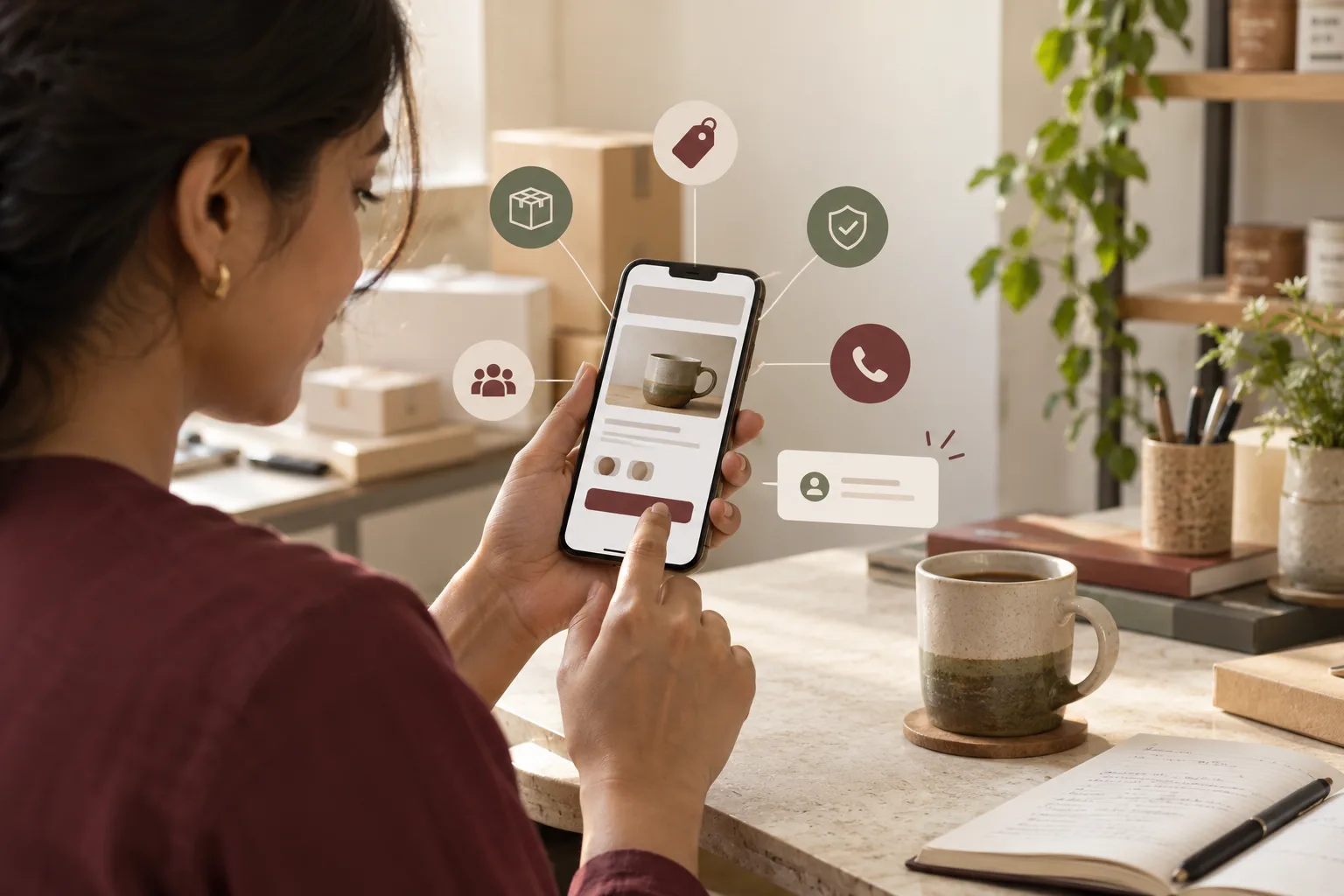
Many of your buyers will be on a phone. A manager at a godown in Ludhiana, a homeowner on a sofa, a clinic receptionist in the lunch hour: they will not fill in a form with a small keyboard if a number can be tapped. The call button turns a decision into one gesture.
The page view tells you someone arrived. The tap tells you someone wanted to speak. A site can have healthy visits and few taps. The button may be hidden, the number may sit inside an image, or the page may raise questions it never answers. Measure the tap.
Where each button goes
| Place on the site | Call | Why | |
|---|---|---|---|
| Top of every page | Yes | Yes | The first thing a visitor from search looks for |
| Next to a price or a quote request | Yes | Yes | The moment a buyer decides to ask |
| End of each service page | Yes | Yes | A reader who finished the page is warm |
| Contact page | Yes | Yes | Also give the address and hours |
| Floating at the corner | Optional | Often | Test that it hides nothing on a small screen |
| Inside a form's thank-you page | No | Yes | A buyer who has sent a form may want to confirm by chat |
Make the number a real link, not a picture of a number. Make each button big enough for a thumb. Leave space around it so a tap lands where it should.
The message and the promise
The pre-filled WhatsApp message
A chat link can open with text already in the box. Use it to carry the page, so the first message tells you what the buyer was reading. For a service page the text might read: "Hello, I am asking about school uniforms for about 600 students." For a product, name it. The buyer can change it, and many will simply send.
Keep it short. Use the language the buyer is likely to speak. For a site with Kannada or Hindi readers, offer a second link in that language. This route works with an ordinary number on the app. Templates and automatic replies belong to a different set-up, so write the message for a person to answer, not a bot.
Do not pre-fill anything personal, and do not put a long speech in the box. Ten to twenty words is plenty.
Make the button truthful
If you are not available all day, state the hours beside the buttons. A buyer who taps at eleven at night and hears nothing may decide the firm is careless. Write "We answer messages from 9 am to 7 pm, Monday to Saturday". Then keep to it. If a person cannot reply fast, a short line on what happens next does more good than a bright button.
Decide who answers and what they say first. The first reply sets the tone of the whole chat. The post on using a shop's WhatsApp number as a sales tool covers it.
What to measure
Count three things for each button: taps, the page they came from, and what followed. Set the tap as an event in your analytics tool, with the page recorded. The guide to analytics that answer where the enquiry came from shows the simplest set-up.
Then compare with your register. A tap is not an enquiry: some are mistakes, and some taps lead to a chat that goes nowhere. Add two columns to your register: whether it came from a button, and whether it led to a quotation. Read them after a stretch long enough to include a few dozen taps.
Use the numbers to decide, using these rules:
- If calls outnumber chats by a wide margin, move the call button higher and keep the chat button close.
- If a page has many visits and no taps, read the page as a buyer. One likely cause is that the page never says what to do next.
- If taps are high but the register shows few quotations, the problem is after the tap: slow replies, or the wrong people answering.
- A floating button covering text? Shrink it.
A tempo traveller operator in Kochi
An invented example. An operator in Kochi rents tempo travellers to families on trips and to pilgrim groups. The site has a form and a phone number in the footer. Visitors read the fleet page and leave, and the owner assumes the page needs better photographs.
It needs a way to speak. The operator puts a call button and a WhatsApp button under the heading of each vehicle page, with the pre-filled message "Hello, I need a tempo traveller for ___ people on ___", and prints the coordinator's hours beside them. In the register goes a new column: "from website button".
After a few weeks a pattern shows. Chats come from group organisers who want to send a date and a list of stops, and calls come from people ringing to ask about price. Both are tracked. The test is not clean: two weeks of taps include a school-holiday rush, and about a third of taps are never matched to a register row because the coordinator forgets to ask. The operator keeps both buttons, puts the call button first on the mobile layout, and the coordinator clears chats before lunch.
When not to add the button
If nobody can answer promptly, skip the WhatsApp button. A form with an honest line about reply time is better. If your trade handles sensitive matters, such as health or legal problems, think about what the pre-filled message invites people to share, and consider a call button only. Rules on such information differ and change, so ask your own adviser.
Put both buttons on three pages
Place both buttons on your three busiest pages, write the hours, set the event, and note the date. Before anything else, call your own number from a phone. See who answers, and how long it takes. The buttons carry the traffic from all your marketing to a person, so that person has to be ready. For the tap counting, see website analytics and conversion tracking, and if you want the placement checked, tell us what you need.