Notes for owners · Websites and conversion
A chatbot on your website: what to ask visitors and when to hand over to a person
The three questions a website chatbot should ask, the phone number it must collect, and the hand-over rule that stops a visitor talking to a bot that cannot help.
The GullySales team · Updated 17 Oct 2026 · 5 min read
On this page
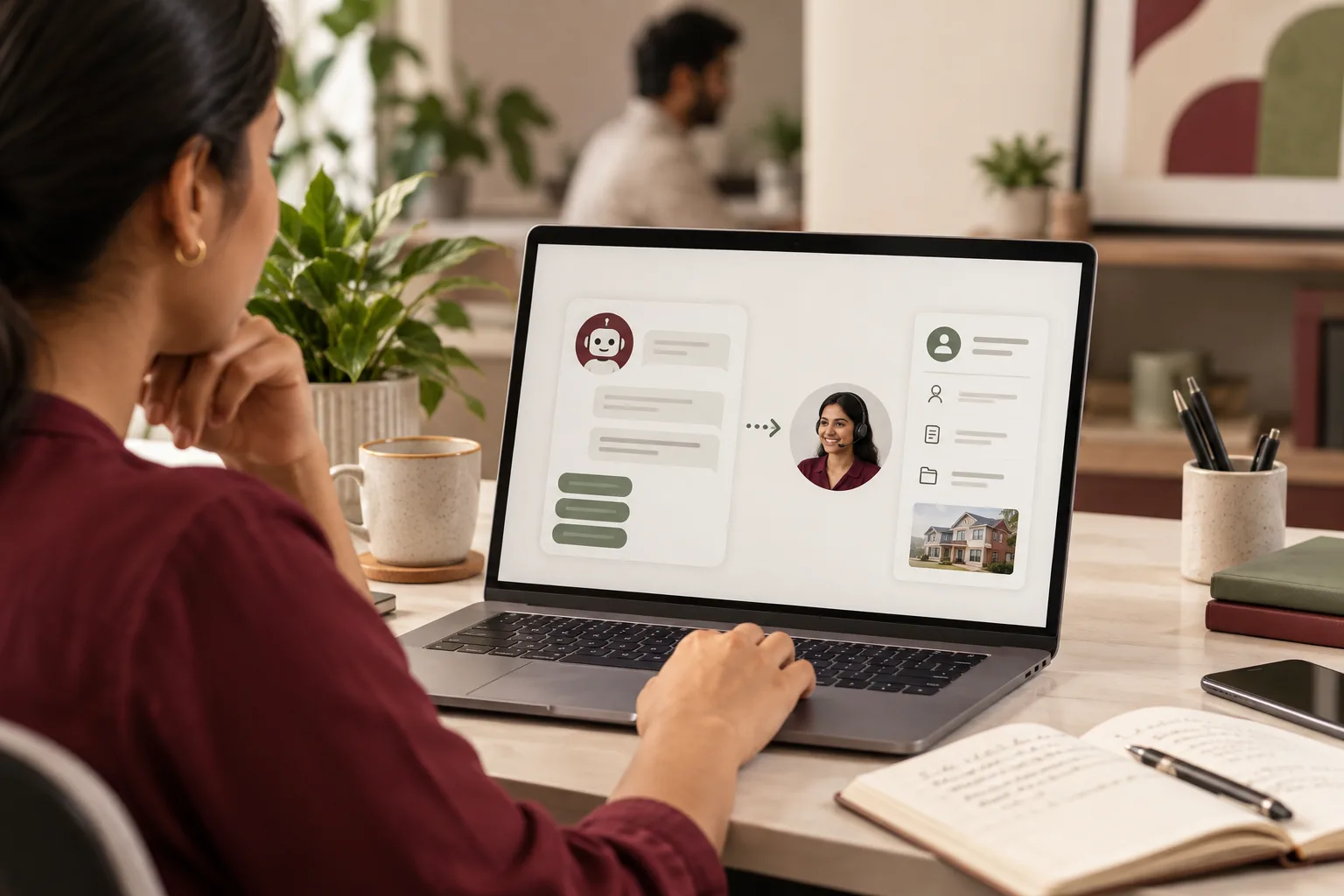
A website chatbot earns its place by asking three short questions, collecting a phone number, and passing the visitor to a person at a point you decide in advance. Anything beyond that tends to be a bot trying to be a salesperson. The rule that matters most is the hand-over: the moment the bot cannot answer, or the visitor shows buying intent, a human takes over, and the visitor is told when.
What are the three questions?
Pick questions that your first phone call would ask anyway. They must be answerable in a tap or a few words.
- What do you need? Offer four or five buttons that match your real services, plus "something else". This sorts the enquiry before a person touches it.
- Where is it for? A town, a pin code or a site address. If you serve only some areas, this is where a visitor out of range is told kindly and early.
- When do you need it? "This week", "this month" or "just looking". The answer sets the order of your callbacks.
Then the ask: "What number should we call, and what time suits?" Without a number you have a conversation and no lead.
Resist the fourth question. Budget, company name and email each cost you visitors. They are better asked by a person who has just been helpful.
Write the opening line honestly
The first message sets the terms. Compare these:
- "Hi! How can I help you today?" The visitor does not know who answers or when.
- "This is the assistant for a pool builder. Tell me what you need and I will pass it to [name], who replies between [hours your team keeps]."
The second names a person and the hours. It also tells the visitor what happens next, which is the whole job of the opening.
When must it hand over?
Write the rule down before the bot is switched on. On WhatsApp the same question has a different shape, because the customer already has your number; see chatbot or a person on WhatsApp. For a website, a workable set is:
| Trigger | What the bot does |
|---|---|
| Visitor types a phone number | Thanks them, says who will call and when |
| Visitor asks for a price or a visit | Collects the three answers, then marks the chat "hot" for a call |
| Visitor writes a complaint or a long paragraph | Stops, apologises, asks for a number, flags it to the owner |
| Visitor asks the same thing twice | Offers a person, with a number and the hours |
| Outside office hours | Collects the number and a preferred time, says when you will call back |
The last two rows matter most. A bot that repeats "I did not understand" three times has lost the visitor. After the second repeat, show the phone number and a click-to-call button.
What happens to the chat after it ends?
The transcript should land where your other enquiries land: your sheet, your inbox or whatever you use, with the source marked "chat". If it lives only in the chat tool, it will not be called back.
Name one person who reads new chats at set times, and put the callback in the same queue as form enquiries. Chats are not special. They are an enquiry that happened to start in a window.
For example: a swimming-pool builder in Hyderabad
This case is invented. A firm in Hyderabad builds residential and apartment-complex pools. Its site has three service pages, a form with seven fields, and a phone number in the footer. Visitors spend a few minutes and leave.
The owner adds a chat that asks: what kind of pool (home, apartment complex, resort), which locality, and when the work should start. It then asks for a number. In the first fortnight the owner counts how many chats end with a number and how many end at question two.
The mistake was letting the bot answer "How much does a pool cost?" with a paragraph of ranges typed in a hurry. Two visitors quoted those figures back on the call as final. Prices for a pool depend on the plot, soil and finish, so the bot should not state any. The reworked answer reads: "The cost depends on the site. Tell me the locality and size, and our estimator will give a range after speaking to you." The arguments on the phone stop, though about a third of chats still end at question two, and the owner has to decide whether to shorten the bot.
How do you check it is working?
Read ten transcripts a week after launch. Look for the place where visitors stop: the second question, the request for a number, or the first button list. If many stop at the same place, the question is wrong, not the visitor. Read the free-text messages too, since they show what your buttons missed. A visitor who types "do you do borewell cleaning" has just told you that a button is missing. Compare chat enquiries with form and phone enquiries on the same sheet. Chat earns its place if the callbacks it produces turn into quotes at about the same rate as the others. If they do not, shorten the bot, move the phone number higher on the page, and try again.
When a chatbot is the wrong move
Skip it when you cannot reply within the hours you announce. Skip it when your service needs a diagram or a site visit before anything useful can be said, as with a custom machine, and a form with a file upload would serve better. Skip it if your site gets a handful of visits a day; the sample is too small to learn from, and a click-to-call button is cheaper.
Chat is also a poor home for anything sensitive. A visitor asking about a health or money problem should be given a phone number and not asked to type the details into a widget. Rules for those trades differ, so check with your own adviser.
Pick the questions on paper first
Write the three questions, the opening line and the five hand-over rows before opening any chat tool. Then test by asking it a rude question, a price question and a question in Hindi. If you want the setup done for you, website chat and chatbot lead capture is the service for it, and the marketing hub shows how it sits with the rest. If you would like help deciding whether you need one, tell us what you need.