Notes for owners · SEO, content and AI search
Google Business Profile and reviews for an education institute
A careful Google Business Profile and a steady stream of real learner and parent reviews decide many 'near me' shortlists. Here is a field-by-field checklist for coaching centres and training institutes.
The GullySales team · Updated 17 Oct 2026 · 5 min read
Rules for this trade differ by state and professional body, and they change. Check the current position with your own council or adviser before you act on anything here.

On this page
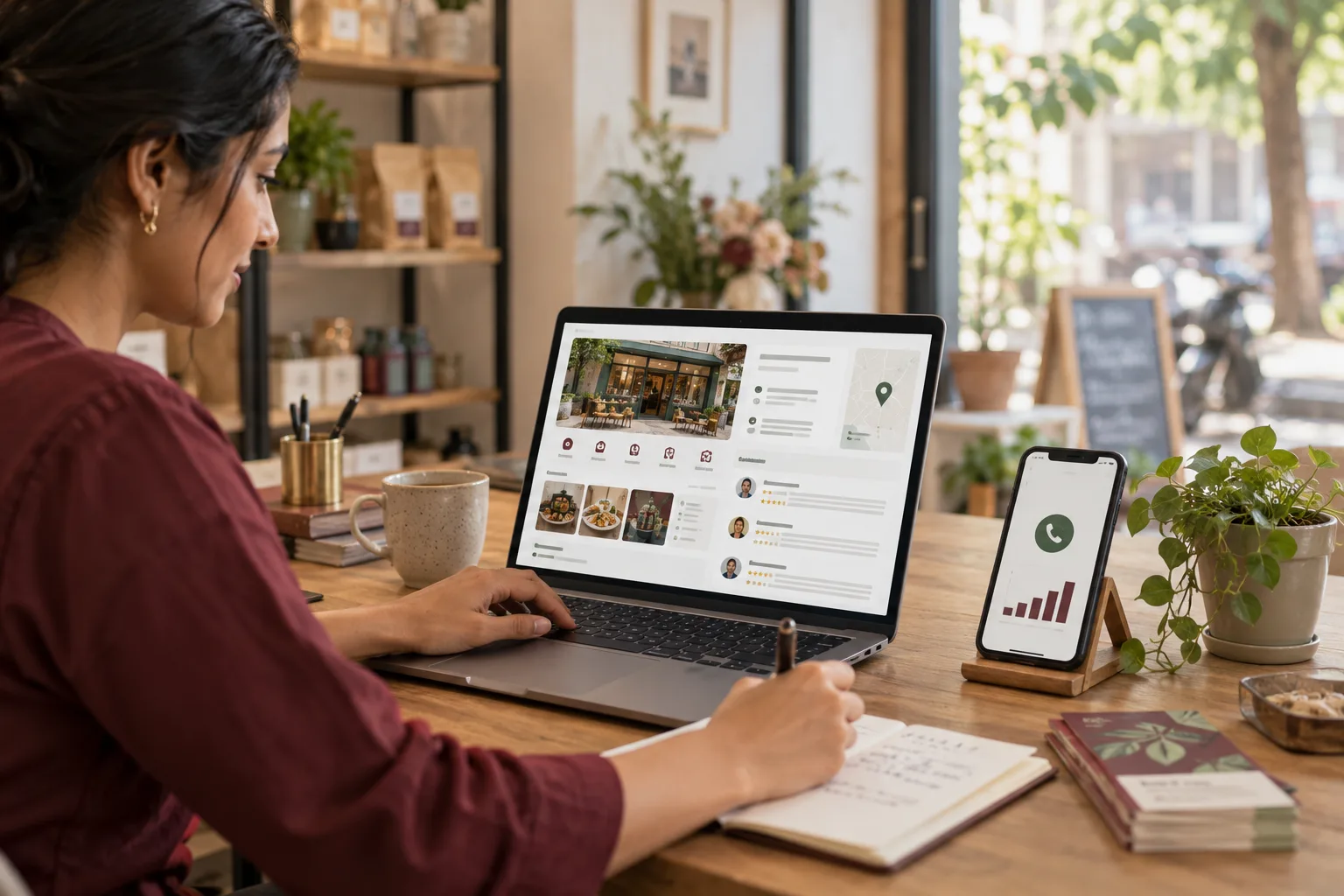
For a coaching centre or training institute, a Google Business Profile is often the first thing a parent opens. Parents search "coaching near me" or "spoken English classes in" their own locality, and the profile is what comes up. Correct timings, real photographs and genuine reviews get you onto that shortlist. A half-empty one loses the parent before they see your name.
What do parents read before they ever call?
Many look at the star rating and the number of reviews, the photographs, the address and distance, the hours, and then a few reviews. The brochure may come much later, if at all.
That order changes what to fix first. A beautiful website does nothing if the profile shows "closed" at six on a weekday evening, which is exactly when parents come after work. The profile is the shop window, and a parent walking past does not read the small print inside.
The profile checklist, field by field
Work through these in your own login. Tick what is already right.
- Business name. Exactly as on your signboard. Adding keywords to the name ("Best IIT Coaching in Jaipur") goes against Google's guidance on names, so use the real one and check the current rules in your account.
- Category. Choose the closest primary category, such as a coaching centre or tutoring service, then add secondary ones if they are true.
- Address and pin. Move the pin to your actual entrance. A pin on the building's main road, when your door is on the lane behind, sends parents the wrong way.
- Hours. Set the hours the front desk is manned, not the hours classes run. Add special hours for exam breaks and festival closures.
- Phone. A number that someone answers during those hours. A parent who gets no reply rings the next centre on the list.
- Services. One line each for the courses that bring enquiries, stating class or exam level.
- Description. Plain words: who you teach, in what medium, near which landmark. No claims you could not prove.
- Photographs. A real classroom, the front of the building with the signboard, the library or lab, the reception. Faces of learners only with consent, and for minors with a parent's consent.
- Posts and updates. Announce new batch dates and open days with a date. Remove them when they pass.
- Website link. Point it to the course page for your main batch, not the home page, and make sure the fee instalments, batch timings and parking directions on that page match what the profile says.
Rules on what a profile may say change, and Google can edit or suspend a profile, so check the current guidance in your own account.
How do you collect reviews without paying for them?
Ask everyone at the same fixed point, such as the end of a term or after a feedback meeting, and not on the day of payment. Choosing the moment is fine. Choosing only the people you expect to be pleased is not.
Make it easy. Keep one short link to your review page, saved as a text in your WhatsApp. After a parent meeting, send it with a single line: "If you found today useful, a review would help other parents find us." One ask, once.
Three things to avoid. Do not offer discounts, gifts or marks for reviews. Do not review from the staff's own phones. And do not ask only the parents of high scorers, because a profile with only top-ranker reviews reads as curated and the next parent trusts it less.
If a review quotes a learner's name or marks, do not re-publish it elsewhere without asking. The wider habit of asking well is covered in how to manage online reviews, written for clinics but built on the same habits.
For example, a CA foundation centre in Jaipur's Mansarovar
In this invented case the centre has forty-odd reviews, mostly from the first year it opened, and the newest is old. Its profile still shows the original evening hours, and the pin sits at a chai stall on the main road because the real entrance is up a staircase beside it.
Here the owner finds two things in one afternoon. An edit to the hours had been suggested by a visitor and nobody had checked it, and three people had left one-star reviews saying "could not find the centre". Neither was about teaching.
The owner moves the pin to the staircase door and adds a photograph of the entrance with the signboard. Hours now match the front desk. Every "could not find" review gets a reply that apologises and gives the directions in plain steps, landmark first. Then the review link goes to every new batch, not just the happy ones. The old reviews stay, because deleting them is not the owner's call, and the replies show that the centre reads what is said about it. Two months on, the new reviews are mixed: a couple praise a teacher, one complains about fees, and the average moves only slightly.
The limit is honest: this fixes findability. It does not rescue a centre whose parents are unhappy with the teaching, and reviews will say so.
When is a Google profile not worth the effort?
If your institute takes admissions only through referrals from a school or a company, with no walk-ins or local search, a profile matters less. Do the minimum: correct name, phone and address so people who look you up find you. If you run online-only courses with no premises, there may be no place to list, and your website and a learner channel will carry more weight.
For a local coaching centre or training institute, the profile costs attention and little else.
Keep it current, and let someone own it
A profile goes stale because nobody owns it. Name one person at the front desk to check new reviews and update the hours before every holiday, and start this week by moving the pin to your real door. The education and training hub has the wider picture, and Google Business Profile management is the service if you want a hand keeping it alive. Tell us what you need when you are ready.