Notes for owners · SEO, content and AI search
Local search for a financial services office: profile, reviews and what you can say
How a financial services office can set up its Google Business Profile, choose a category, ask for reviews and reply to them without breaking client confidentiality or making claims.
The GullySales team · Updated 17 Oct 2026 · 6 min read
Rules for this trade differ by state and professional body, and they change. Check the current position with your own council or adviser before you act on anything here.
On this page
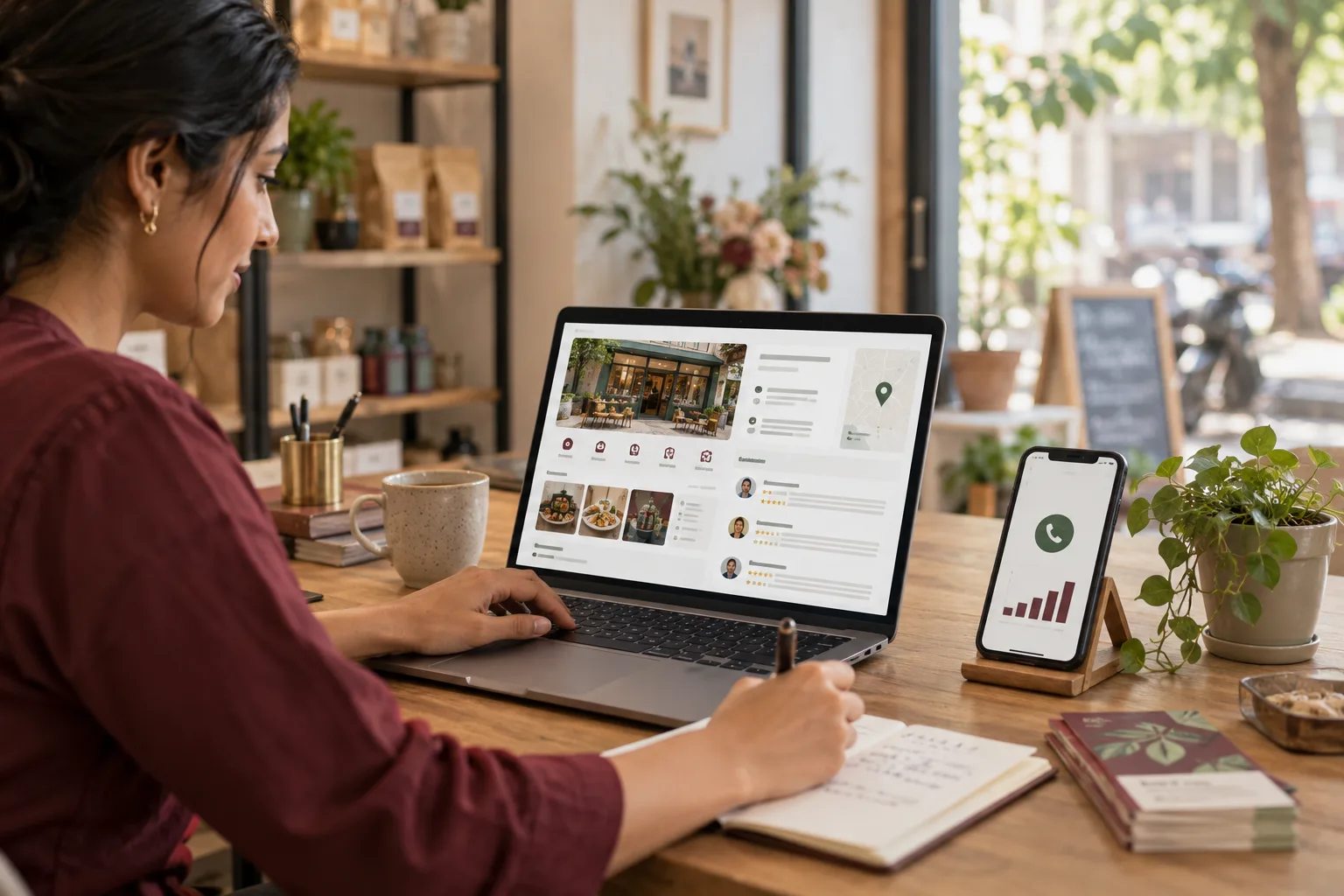
Someone searches "mutual fund agent near me" from an auto, and Google shows three offices on a map. They want a face and a door, not a brochure. For a finance office the profile does most of the work: the right category, an address they can find, honest photographs, and careful replies to reviews. The trade-specific part is what you must not say, because every reply you write sits in public.
What does a customer check on the map?
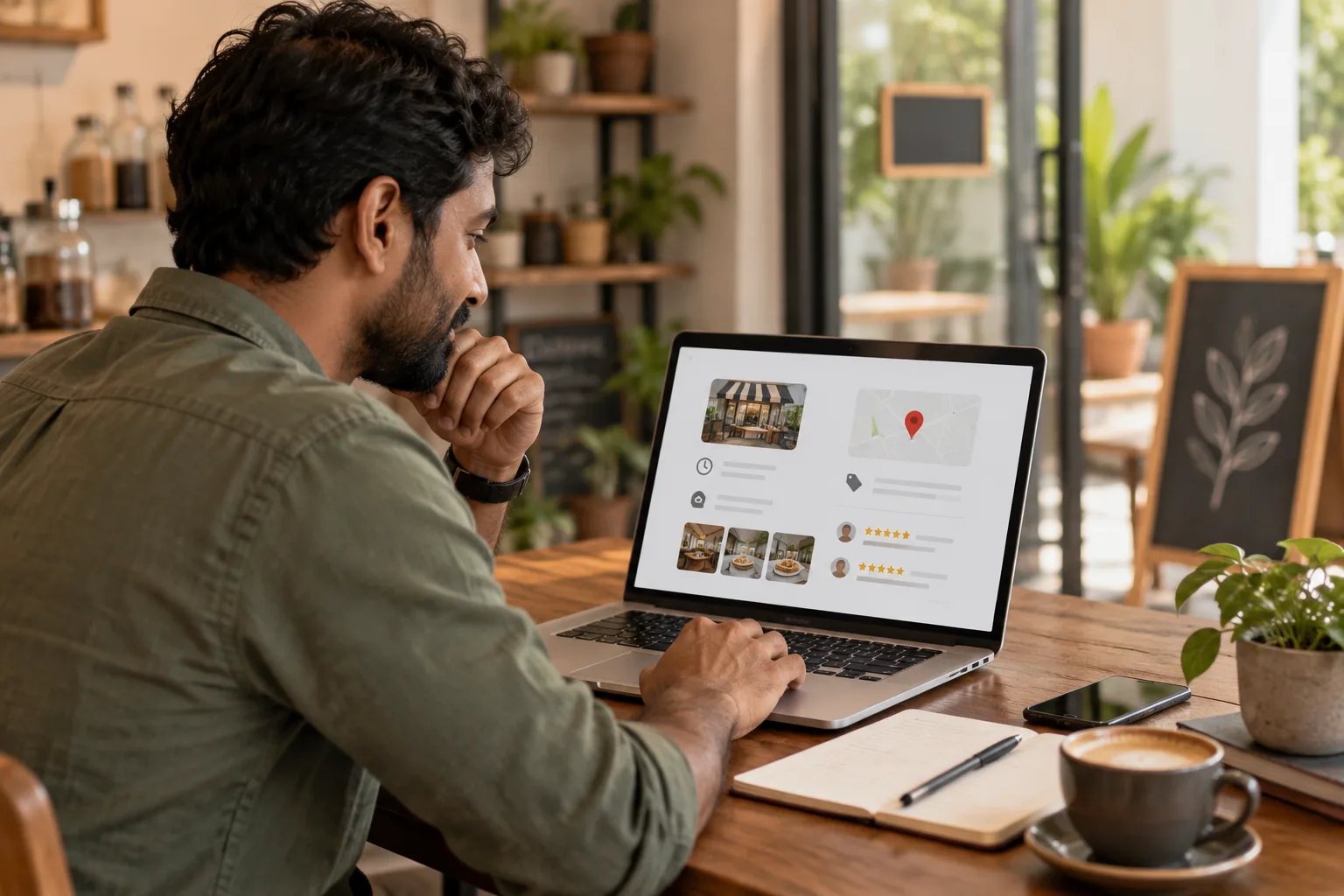
Three things, quickly. Is this office close, is it open, does it look real.
Take an invented mutual fund distributor in Tirunelveli who works from a first-floor office above a pharmacy. The profile name reads "Best Mutual Fund Agent Tirunelveli SIP Experts", and the only picture is a logo. A customer finds the profile, looks for that name on the paperwork, does not find it, and moves on to a distributor whose profile shows the staircase and the name on the signboard.
The distributor fixes it in an afternoon. The name becomes the registered business name, exactly as on the papers. A photograph of the signboard from the road goes up, with the door beside the pharmacy, the waiting area and the desk. The address gains a landmark ("above the pharmacy, first floor") and the floor. The profile then loses its old keyword name, and for a few weeks the distributor sees fewer views, because the old name matched more searches. Calls come from people who find the office, not from people passing through.
Which fields matter, and what goes wrong in each?
Work through them in the order a customer reads.
| Field | What to put | The trap |
|---|---|---|
| Name | Your registered name, exactly as on your documents | Adding "best" or a string of keywords |
| Category | The one that matches what you do; a second only if true | A category suggesting you do something you are not registered for |
| Address | Full address, a landmark and the floor | An address that differs from your website or papers |
| Hours | Real hours, with lunch and holidays | Showing "open" when the office is shut |
| Phone | One number someone answers | A number that goes to voicemail |
| Description | What you help with, in plain words, plus registration details if you hold them | Return claims: "best returns", "guaranteed" |
| Photos | Signboard, entrance, inside, the people | Stock images or a logo alone |
| Services | A plain list of what you handle | Products you cannot offer |
Check every field against your registration and papers. Your adviser or the body you are registered with can tell you what you may state, and the answer differs by product and changes over time.
Why do photographs carry so much weight here?
Because a finance office asks for a leap of trust, and an entrance photo answers the simplest worry: is this a real place? Photograph the signboard from the road, the door, the waiting area and the desk. People may appear if they agree. Never show a client's papers, screens or names.
How do you ask for reviews?
Ask every client in the same way, at the same point, such as when a file closes. Choosing who gets the link by their mood is selective asking, and it makes your rating a poor guide for the next customer.
- Offer nothing in return. No gifts, discounts or favours for a review.
- Do not script the answer. "If you feel I earned it, a short review on Google would help others find me" is enough.
- Never write one for a client, not even a draft they only have to paste.
Send the same short link on WhatsApp to each client once the file has closed. A client with a complaint still open gets it at the same point as everyone else, after the complaint is dealt with, not skipped. Review sites have their own rules on asking, so read the platform's current terms, and ask your adviser what your registration allows.
Remember what a review in this trade can contain: a person describing their own loan, claim or loss, in public. If they write it, that is their choice. Do not repeat it, build on it or quote it elsewhere without checking what your rules say about republishing testimonials.
How do you reply to a review?
In general terms, always. The reply is seen by everyone, not just the writer. Do not confirm that the reviewer was a client. Do not mention products, amounts, dates, claims or outcomes. Do not argue about facts.
For a good review: "Thank you for the kind words. We are glad to have been of help." For a poor one: "We are sorry to read this and want to understand it. Please call the office on the number listed and ask for me by name." Then handle it by phone.
Here is what not to write. Say a reviewer writes that their SIP was "stopped without telling me". A reply that begins "As per your folio, your instalment bounced on the fifth..." has confirmed the reviewer is a client and shown their account in public. The safe reply says nothing about the account and moves the conversation to a call. If a review makes a serious accusation, or a claim about a regulated product, show it to your adviser before you reply. Platforms have routes to report reviews that break their own policies, but the decision is theirs, so never count on removal.
What else must match?
Your name, address, phone and registration details should read the same on the profile, your website and every directory listing. A mismatch confuses customers and search engines both. Link the profile to a page that says in plain words what you do.
Leave offers and market commentary off the profile. It adds risk for little gain. Short updates about office hours, holidays or a new service are safer.
Open the profile and compare it to the table
Open your profile today. Correct the name and category, add four honest photographs, and write a plain description with no claims. Then settle on the point at which every client will be sent the review link, and use it for all of them. The financial services hub covers your trade more widely. To work through your own profile, see Google Business Profile management or tell us what you need.