Dental clinics · Website chat and chatbot lead capture
A patient with a question about treatment should find someone to ask.
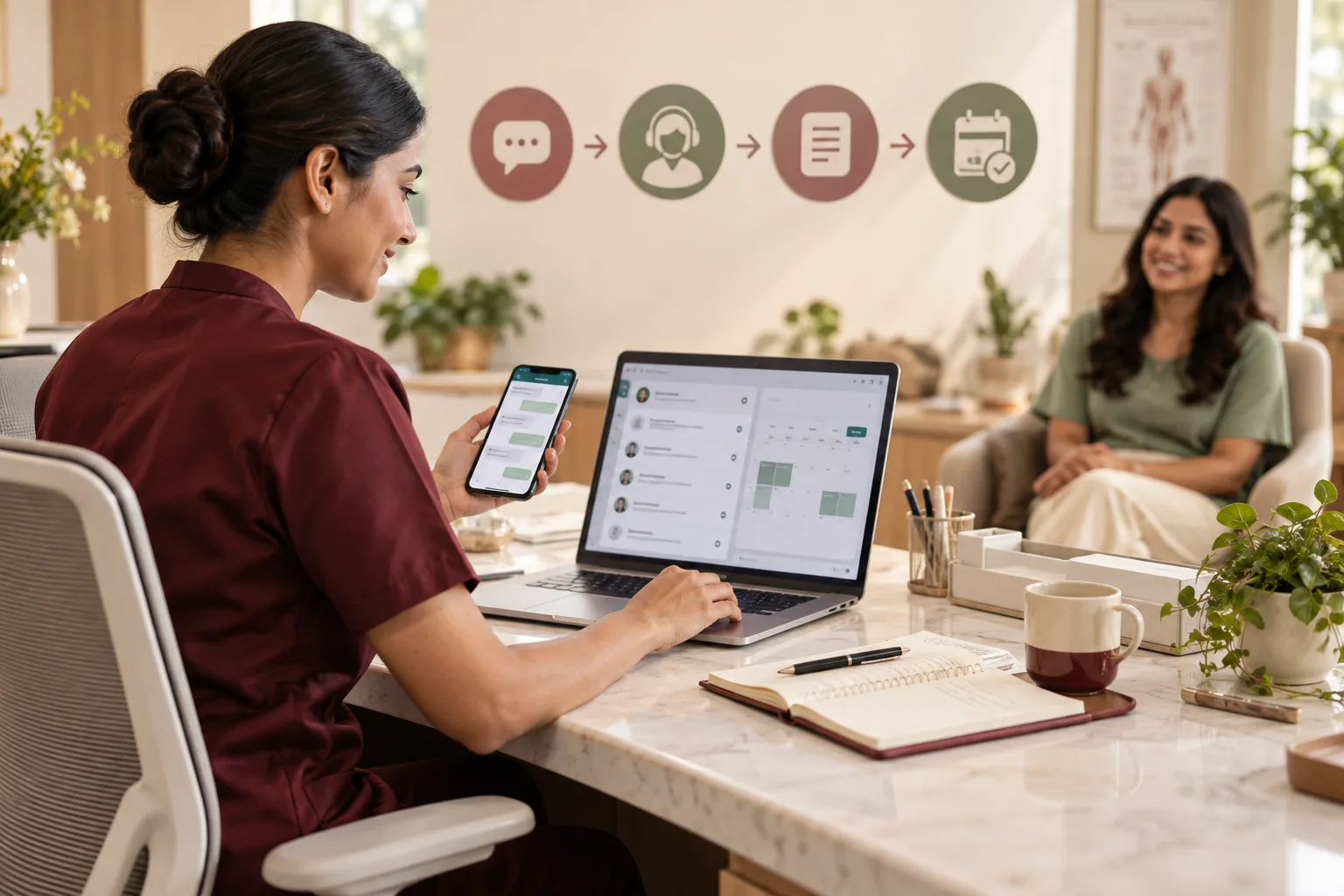
Website chat and chatbot lead capture for a dental clinic gives a visitor a place to ask about a treatment, a location or a first visit, and leave a contact number without filling a long form. GullySales prepares the questions and approved replies, sets the rules for passing a conversation to a person, and connects each chat to the clinic's enquiry record.
Scope, fee, reporting and term are agreed in writing after we have read your brief and spoken to you.

What website chat and chatbot lead capture means
Website chat and chatbot lead capture gives visitors a place to ask a question, share their requirement, and leave contact details without completing a longer form. GullySales prepares the questions and approved replies, connects conversations to your CRM, and sets the handover rules so your sales team receives the enquiry with its history.
Last updated 14 Nov 2026. Rules for this trade differ by state and professional body, and they change. We describe restrictions in general terms, so check the current position with your own council or adviser before you publish anything.
For dental clinics
Where it usually goes wrong, and what we would do.
“The visitor has a question, not a booking request”
A person reading about aligners wants to know whether the clinic treats adults, where it is and how a first visit works. A booking form asks for a commitment the visitor has not made. A chat window offers a lighter first step: ask the question, get a plain reply and leave a number if the answer was useful. The clinic gains a conversation before the visitor closes the page.
“A bot must never answer as if it were the dentist”
A chatbot that tells a visitor what is wrong with a tooth, or what a treatment will cost and achieve, speaks with an authority it does not have. The approved answers cover the clinic's address, its timings, how a consultation is booked and what to bring. Anything clinical goes to a person, and the bot says clearly that it cannot answer. The dentist decides where that line sits.
“Out-of-hours chat must say who replies and when”
A visitor writing late at night is likely in pain or planning. If the window suggests a person is typing when nobody is, the patient waits for a reply that does not come. The honest message names what happens next: the desk will call back when the clinic opens, and a patient in severe pain should phone the clinic's emergency number or a hospital. The clinic's own adviser reviews that wording.
“Health details typed into a widget need care”
A visitor may write about a symptom, a medicine or a child's condition into the box. That text is personal health information, and it passes through a third-party tool and into the clinic's records. The chat should ask only what the desk needs to route the enquiry, state what is stored and give a route to ask for removal. Privacy duties differ by place, so check with your own adviser.
What we do
What we deliver for dental clinics.
The work available for this need. We agree the deliverables and responsibilities for your engagement in writing.
Placement and phone-screen check
A list of the pages where chat appears and how it opens on a phone, where a patient is likely to search. We check that the widget does not cover the call, directions or WhatsApp buttons. The treatment pages for implants and aligners are reviewed first, since those visitors arrive with the longest list of questions.
Result: You can open each page on a phone and tap every button without the widget in the way.
Qualifying question flow
A short set of questions that find out what the visitor wants before asking for a name or number: which treatment, which location and whether it is a first visit. The questions are plain and few. The dentist and the desk agree that the answers are enough to decide who responds.
Result: The desk can tell from the answers alone which enquiry to take first.
Approved answer set
Written replies to questions the desk already hears: the address, how to reach the clinic, how a first visit works, whether the clinic sees children, and what to bring. Each reply is checked against the clinic's own facts. Clinical and price questions have a fixed reply that offers a consultation and passes the visitor to a person.
Result: Each reply on the set is one the dentist has read and approved.
Handover and out-of-hours rules
A one-page statement of when a conversation moves to a person, who takes it and what the visitor is told while waiting. A separate out-of-hours message states the next step honestly and points a patient in pain to the clinic's emergency route. The front desk signs the page.
Result: A visitor at any hour sees a message that matches what the clinic will do.
Enquiry record connection
Each chat that leaves a number is passed into the clinic's enquiry sheet or CRM with the page, the question asked and the answers given. The desk sees the conversation, not just a name. Chats that leave no number are kept separate and not counted as enquiries.
Result: A patient who calls later can be matched to the chat that came before.
Chat-to-booking reading
A table that sets chats opened beside numbers left, calls returned and visits booked, read from the appointment diary. Conversations are never counted as patients. The figures recorded before the widget was added sit beside the results, and the dentist reads the gap.
Result: You can read chats, enquiries and bookings as three separate counts.
How the result is measured
- Chats started by page and source, separate from contactable enquiries
- Contactable enquiries with a recorded requirement
- Enquiries accepted by sales as relevant opportunities
Recorded as a baseline before work starts, so every later report has an honest comparison.
Who it is for
This is written for these dental clinics.
- Single-dentist clinics
- Multi-chair general dental clinics
- Orthodontic and aligner-only practices
- Implant and oral surgery centres
- Cosmetic and smile-design clinics
- Paediatric dental clinics
- Dental clinics inside a multi-speciality centre
- Multi-branch dental groups
- New clinics in their first year
Before you decide
Agree the work. Know how to judge it.
Website chat and chatbot lead capture for dental clinics: use these checks to prepare, choose the scope, and review what changes.
Bring the right evidence
List the pages that support a buying decision and the actions visitors must complete. Keep examples of failed forms, unclear product information, and questions your team answers repeatedly.
Make the scope clear
Agree the page list, content ownership, integrations, and who controls the domain and hosting. Include redirects and existing search traffic in a redesign brief, before changing addresses.
Check the work in use
Complete a real enquiry journey on a phone and a laptop. Check that the confirmation appears, the enquiry reaches the right person, and tracking records the action once.
Know when to change course
If visitors can enquire but the team does not follow up, start with the sales handover. A larger website will not resolve that delay.
These are discussion points, not a fixed package. GullySales confirms the deliverables, responsibilities, fee, and term in writing after reading your brief and speaking with you.
Before we start
What to have ready before the work starts.
The records, access and decisions this work needs from dental clinics. Anything missing is noted in the written scope, with who will supply it.
- Website access and the list of treatment pages
- We need to place the widget and edit the pages around it. Bring the login for the site, or the web person's contact, along with the list of treatment and location pages. When access is missing, the chat is installed on a test page only, and the visitors who need it never see it.
- The questions the desk answers again and again
- Ask the front desk to list the questions callers raise before booking, in the callers' own words. They become the first approved answers. Without them, the bot's replies are written from general knowledge of dentistry and miss what patients of this clinic ask about, such as parking or a payment option.
- Clinic facts confirmed in writing
- Provide the address, opening hours, languages spoken at the desk, whether children are seen, how a first visit is booked and the payment methods accepted. The bot repeats these facts to every visitor, so each one must be right. A wrong closing time in a chat reply sends a patient to a locked door.
- Out-of-hours emergency route
- State what a patient in severe pain or with swelling should do when the clinic is closed: a number to call, a hospital or a dentist on call. The clinic's own adviser may have a view on the wording. If the route is missing, the bot has nothing safe to say at night.
- A person who owns chat replies
- Name someone at the desk who answers handed-over chats and has time set aside for them. The chat promises a reply from a person. If no one is responsible, the visitor who asked for help waits, and the window becomes a place where questions go unanswered.
How it works
How the website chat and chatbot lead capture work runs
The work itself, in order. How an engagement starts, from your brief to a written scope, is set out on our method page.
- 1
Read the questions patients really ask
We start with the front desk and the dentist: what do callers ask before they book, and which questions come up on every treatment? We also read the website's enquiry form entries. The chat's first set of answers comes from these real questions, not from a generic list of dental topics.
- 2
Decide where chat belongs on the site
Not every page needs a window. We choose the treatment pages, the location page and the contact page where a visitor is deciding, and leave the rest alone. The widget's behaviour on a phone is tested, including whether it opens on its own, which can irritate a visitor reading a page.
- 3
Write the answers and the edges of the bot
Each reply is drafted in the clinic's voice and checked against facts the clinic has confirmed. We write the sentence the bot uses when it cannot answer, and the sentence that passes the visitor to a person. Advertising and privacy wording is sent to the clinic's own council or adviser before it goes live.
- 4
Set the handover with the front desk
The desk names who sees a chat that asks for a person, how they are alerted and what they say first. Out-of-hours rules are agreed here too. The rule has to match real hours at the counter, because a promise of a quick reply that the desk cannot keep is worse than no chat.
- 5
Connect to the enquiry record and test
We connect the chat tool to the clinic's sheet or CRM, then test with staff playing visitors in pain, in doubt and in a hurry. We check that the number, the question and the page arrive intact. The widget is not published to the full site until the desk has read test chats and found them usable.
- 6
Read the chats against the baseline
After the chat has been live, we read the conversation log with the dentist: which questions the bot could not answer, where visitors dropped out and which chats became bookings. The figures recorded before the widget was added are the baseline. The answer set is corrected, and chat stays only on pages where it is used.
Where this fits
Three pieces of sales work, in this order.
This work sits inside sales process design, at stage 1, prospecting and lead generation. The audit comes before it, and sales management keeps it running.
Step 1
Sales audit
Find where deals are being lost and what to fix first.
Start here if you cannot say where orders are lost.
Step 2 · you are here
Sales process design
One written way to sell, from first enquiry to repeat order.
Start here if every salesperson sells differently.
Step 3
Sales management
A target, a review routine and someone who owns the number.
Start here if the team has targets and no routine.
FAQ
Questions owners ask before they call.
Not here? More answers, or ask on WhatsApp.
Does a dental clinic need a chatbot, or is a phone number enough?
Can the chatbot give a price for a treatment?
What happens when someone types about a symptom?
Will the chat make visitors book more appointments?
Where is the visitor's information stored, and who can see it?
What do we have to do after the chat goes live?
How long is the contract?
How soon will we see results?
Who will actually do the work?
What do you need from us?
From the blog
Further reading for dental clinics.
 6 min read · 10 Oct 2026How clinics can improve the journey from online enquiry to appointmentClinics lose enquiries between the first message and the booked slot. Trace the journey, find the gap and fix it with a simple checklist.
 6 min read · 6 Oct 2026What healthcare buyers check before they choose youA patient, a referring doctor and a hospital purchase team each check different things before choosing a provider. See what each looks at.
 8 min read · 21 Sept 2026How to test advertising creativeTest hoarding, newspaper and radio creative before it is made, with checks that cost nothing, since digital creative can only be tested after it runs.
More for dental clinics
Related work to consider.
Closest to this: leads and follow-up
Also for dental clinics
Or start from the overview: sales and marketing for dental clinics.
Your next practical step
Tell us what you are trying to grow, and we will read it before we call.
Eight short steps, mostly taps. Skip anything you would rather answer on the call.