Home and office automation · Website
Let a buyer picture their own home before they ever book a showroom visit.
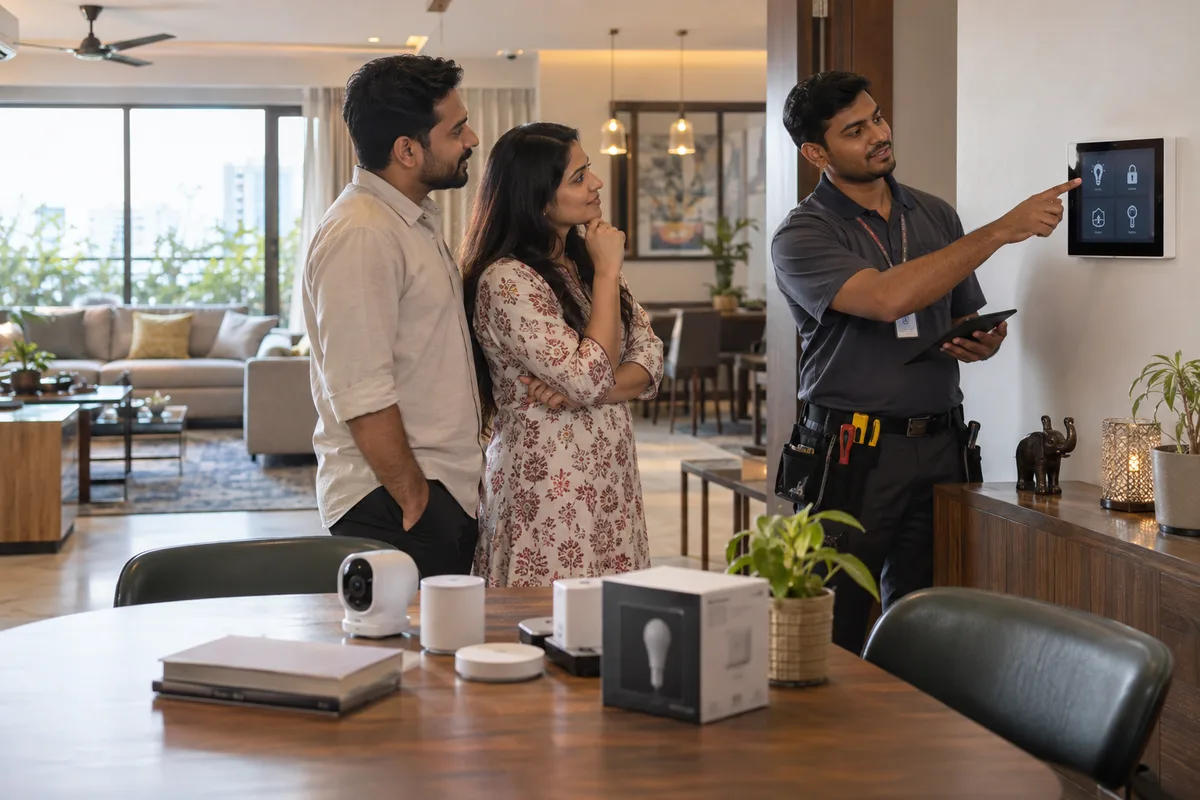
Website design for home and office automation means a site organised around finished projects, clear process information and separate paths for residential and commercial visitors. It supports a long research phase rather than a quick decision. GullySales builds this so the site does the early convincing before a showroom visit happens.
Scope, fee, reporting and term are agreed in writing after we have read your brief and spoken to you.
What website means
A website is the page a customer lands on after searching, clicking an advert or scanning a code, and it decides whether they call or leave. GullySales builds and maintains sites that load quickly, explain the offer plainly and make the enquiry form or phone number easy to find.
Also for home and office automation
- SEO for home and office automation companies
- Branding for home and office automation companies
- Buyer journey for home and office automation companies
- Buyer personas for home and office automation companies
- Content marketing for home and office automation companies
- Digital marketing for home and office automation companies
- Lead generation for home and office automation companies
- PPC for home and office automation companies
Sales and marketing for home and office automation, the overview.
Last updated 5 Oct 2026.
For home and office automation
Where it usually goes wrong, and what we would do.
“Project galleries need to be searchable by budget and room type”
A buyer wants to filter finished projects by something close to their own home or office, and a long, unsorted gallery makes them give up before finding a relevant example.
“Process information reduces the anxiety of a big purchase”
A clear page on how installation works, how long it takes and what after-sales support looks like answers the practical concerns that stop a buyer from booking a visit.
“Residential and commercial visitors need separate journeys”
A homeowner and a facilities head are looking for different proof, and routing them to distinct sections of the site serves both better than one shared homepage.
What we do
What we deliver for home and office automation.
Every deliverable, what it covers for you, and the result it is there to produce. Nothing here is an extra.
Filterable project gallery
Finished projects organised so a visitor can find one close to their own home or office by budget and room type.
Result: A buyer finds a relevant example instead of giving up on a long list.
Process and after-sales information pages
Clear pages on how installation works, how long it takes and what after-sales support looks like.
Result: A buyer's practical worries are answered before they need to ask.
Separate residential and commercial site sections
Distinct paths for a homeowner and a facilities head, each showing the proof that buyer actually needs.
Result: Each visitor finds their own concern addressed without extra digging.
Self-service project gallery updates
A website your team can update with each new finished project without needing a developer for routine changes.
Result: The gallery stays current without waiting on outside help.
How the result is measured
- Page load time
- Bounce rate
- Enquiries from the website
Recorded as a baseline before work starts, so every later report has an honest comparison.
What the page must show
What an automation company's website must show before a homeowner or an architect asks for a demo.
- The systems and brands you install
- Name the protocols and brands you work with, such as KNX or Zigbee, and say which you are authorised to install. An architect specifying a project wants to know if you can deliver what is on the drawing.
- A scope listed room by room
- Show what a 3BHK or an office floor usually includes: lights, curtains, AC control, locks, video door phone and CCTV. Say what is a basic package and what is an add-on.
- When the integrator must be called in
- Say that conduits and neutral wires must go in before plastering, and that early involvement avoids breaking walls later. A builder and an architect need this to plan the sequence.
- What works when the internet is down
- Say which controls keep working locally, such as wall switches and scenes, and which need the internet. Buyers ask this after the first power cut or broadband failure.
- Retrofit in an existing home or office
- Explain what can be done without breaking walls, such as smart switches and wireless sensors, and what limits that places. Many enquiries come from people who already live in the property.
- Demo options for those who cannot visit the showroom
- Offer a video walk-through of a finished project and a visit by appointment, and show the showroom address, hours and parking.
Who it is for
This is written for these home and office automation.
- Residential smart-home integrators
- Office and boardroom automation specialists
- Villa and apartment builder tie-up specialists
- Security and CCTV integration specialists
- Home theatre and AV specialists
- Motorised curtain and gate automation specialists
How it works
From your first message to the first report.
No open-ended retainer. Every step gives you something in writing.
First
Your brief
You tell us what you need in a few short steps: your business, what you want, where enquiries come from and how they are handled.
After the brief
A conversation and a written scope
We read it, then talk with whoever handles your enquiries. If you want our help, the scope, the fee and the reporting come in writing, and nothing starts before you have read them.
Before work starts
Baseline recorded
The numbers this work is meant to move, such as enquiries, quotations, orders, visits or renewals, written down so every later report has an honest comparison.
After the baseline
The first fix goes live
The fix we agreed to start with is put in place and measured against the baseline, whether that is a reply, a follow-up, a page, a listing or the handover between marketing and sales.
As agreed
Report against the baseline
What moved, what did not, and what changes next, in plain words. How often you get it is set in writing before work starts.
At renewal
Renew on the numbers
The term ends and you decide whether to continue from the results. The length is agreed in writing before anything starts.
How the website work runs
- 1
Confirm structure and content
We agree the site's pages and content needs before design begins, drawing on website strategy where it exists.
- 2
Design the site
Every page is designed against your brand identity and checked for how it should convert a visitor.
- 3
Build and test
The site is developed and tested across devices and browsers before anything goes live.
- 4
Load real content
Actual copy, images and information about your business replace placeholder content before launch.
- 5
Launch and hand over access
The site goes live with domain, hosting and content management access clearly handed to you.
Why us
Why owners pick GullySales over an agency.
Marketing and sales, as one job
Most agencies stop at the enquiry. We also fix what happens after it: the reply, the follow-up, the quote and the CRM.
The person on the first call does the work
No account managers in between. You are never handed to someone you have not met.
A baseline before anything starts
Your numbers are written down on day one, so every later report compares against something honest.
The fee in writing, split three ways
Our time, your media spend and production on separate lines. You always see what goes to us.
No guarantees we cannot keep
The term is agreed in writing and never a default twelve months. We never promise a ranking or a lead count, because nobody controls those.
One office, and we say so
Nagarbhavi, Bengaluru. We work across India by call and WhatsApp and travel when a session needs to be in person.
#257, 3rd floor, Sri Nanjundeshwara Complex, Nagarbhavi 8th Block, Outer Ring Road. How we work.
Your brief
Tell us what you need, and we will read it before we call.
Eight short steps about your business, what you want and who decides. Most questions are a tap, and you can skip any you would rather answer on the call.
FAQ
Questions owners ask before they call.
Not here? More answers, or ask on WhatsApp.
How long does a website like this take to build?
Can our team add new projects themselves?
Should the website show prices for automation packages?
How do we show a demo to someone who cannot visit the showroom?
How long is the contract?
Who will actually do the work?
What do you need from us?
What if we are not happy with the work?
From the blog
Further reading for home and office automation.

More for home and office automation
Everything else we would do for you.
Closest to this: search and visibility
Also for home and office automation
- Branding for home and office automation companies
- Buyer journey for home and office automation companies
- Buyer personas for home and office automation companies
- Content marketing for home and office automation companies
- Digital marketing for home and office automation companies
- Lead generation for home and office automation companies
Or start from the overview: sales and marketing for home and office automation.
Your next practical step
Tell us what you are trying to grow, and we will read it before we call.
Eight short steps, mostly taps. Skip anything you would rather answer on the call.