Restaurants · Business directory listings
Make every listing say the same thing about your kitchen.
Directory listings for a restaurant are the entries on Google Maps, Apple Maps, Zomato, Swiggy, Tripadvisor, Justdial and similar sites where a hungry person checks your address, hours and menu. GullySales audits each entry, corrects conflicts against one approved record, and tells you which changes only the platform or you can finish.
Scope, fee, reporting and term are agreed in writing after we have read your brief and spoken to you.
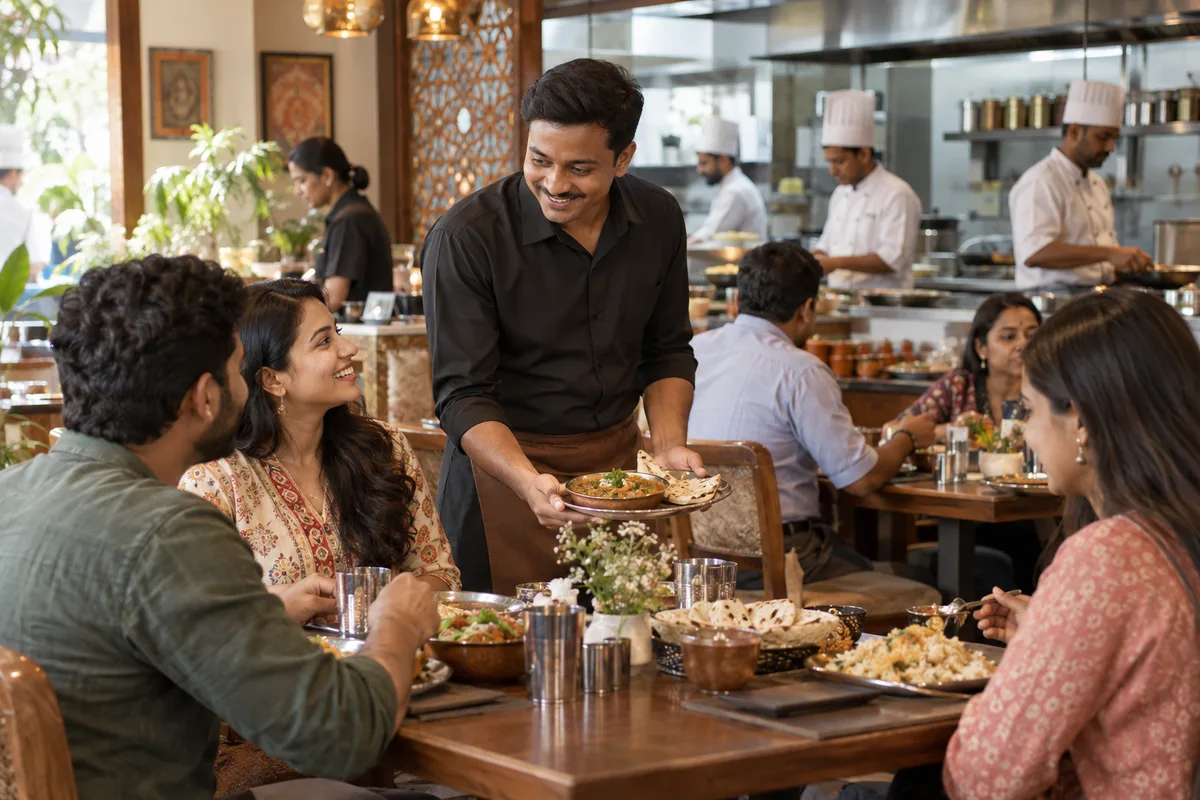
What business directory listings means
Business directory listings are the entries that show your business details on Google, Justdial, IndiaMART and other sites where buyers search for suppliers or local services. GullySales checks existing entries, corrects conflicting information, and adds relevant listings, with an approved record of your details and a clear account of unresolved changes.
Also for restaurants
- Local SEO for restaurants
- SEO for restaurants
- Website for restaurants
- Location page and local content writing for restaurants
- Call-to-action and microcopy writing for restaurants
- SEO blog writing for restaurants
- Google Business Profile post writing for restaurants
- Meta title and description writing for restaurants
Sales and marketing for restaurants, the overview.
Last updated 14 Nov 2026. Rules for this trade differ by state and professional body, and they change. We describe restrictions in general terms, so check the current position with your own council or adviser before you publish anything.
For restaurants
Where it usually goes wrong, and what we would do.
“A guest meets your restaurant on five sites before the door”
Someone choosing dinner may see you on Maps, then a delivery app, then a review site, and each one shows a different closing time or phone number. The mismatch costs you at the worst moment: a guest drives to a shut kitchen or rings a dead line. Directory work for a restaurant begins by finding every entry that carries your name, including old ones nobody remembers creating.
“Hours break on festival days and on slow Mondays”
Restaurants close early for a wedding booking, open late for a match night and change timings for a festival. Each listing is edited by a different person, if at all, so the platforms drift apart. A guest who reads the wrong hours blames the restaurant. We settle one rule for who updates what, and list the entries that need a manual change when the plan shifts.
“Old outlets and duplicate pages mislead people”
A restaurant that moved premises, changed its name or closed a branch can leave behind a page that still shows the old address. Reviews on that page may belong to a different kitchen. Duplicate entries also split ratings between two pages. Merging or marking them closed depends on each platform's current process, and some changes need the owner's own verification.
“The menu and dietary labels must match the kitchen”
A listing that calls the restaurant pure vegetarian, Jain-friendly or halal sets an expectation a guest will test at the table. Prices and dish names drift when the menu changes but old photographs stay. Dietary and licence information on a listing is the owner's statement, so check the wording with your own adviser, and we keep it identical across every site.
What we do
What we deliver for restaurants.
The work available for this need. We agree the deliverables and responsibilities for your engagement in writing.
Listing audit across every site that names you
We search for your restaurant, former names, outlet addresses and phone numbers, and record every entry we find, with the owner status, the details shown and the differences from your approved record. The audit includes sites you never joined, because a platform can create a page from public data without telling you.
Result: A sheet listing each entry with its address, phone, hours, status and the fix needed.
One approved record of your details
Before correcting anything, we write one record: the trading name, address as a guest would find it, phone, booking line, hours including festival rules, cuisine, dietary labels and the link you want shown. You approve it. Every later correction is made against this record, so no one changes details from memory.
Result: A signed-off record that the front desk and the owner can both read in one sitting.
Corrections on entries you control
For entries where you hold the login, we prepare the edits and you submit them, or give us the access you choose to share. For entries claimed by someone else, we prepare the claim or change request. The platform decides whether to accept it, and verification codes or postcards go to you.
Result: A change log that shows what was sent, when, and what the platform replied.
Duplicate and closed-page handling
We list duplicate, wrongly placed and closed pages, and prepare the report or merge request each platform's current rules ask for. Some requests need proof, such as a licence copy or a utility bill, which you supply. We state which pages cannot be removed and what the platform says about them.
Result: A list of duplicates with a status of resolved, in progress or refused, and the reason.
Relevant new listings, chosen for guests
We add listings where a guest actually looks for a meal near you, not a long list of unrelated sites. The choice depends on your format: dine-in, delivery, catering or all three. Each new entry is created from the approved record, with photographs and a menu link you provide.
Result: A list of new entries added, with the reason each was chosen and the link to each.
Maintenance sheet for the manager
We write a one-page sheet that names who changes which entry when hours, a menu item or a phone number changes, and where the logins are kept. It covers festival timings, a temporary closure and a staff change. It is short enough for a manager to follow on a busy afternoon.
Result: A sheet pinned in the office that lists each platform, its owner and the update steps.
How the result is measured
- Listings checked against the approved master record
- Corrections published, with pending requests shown separately
- Duplicate entries resolved and unresolved
Recorded as a baseline before work starts, so every later report has an honest comparison.
Who it is for
This is written for these restaurants.
- Family restaurants and multi-cuisine dining
- South Indian vegetarian restaurants and darshinis
- Biryani, kebab and non-vegetarian specialists
- Regional cuisine restaurants
- Casual dining and bar restaurants
- Quick service restaurants and food courts
- Cloud kitchens and delivery-only brands
- Office canteens and food service operators
- Multi-outlet restaurant groups
Before you decide
Agree the work. Know how to judge it.
Business directory listings for restaurants: use these checks to prepare, choose the scope, and review what changes.
Bring the right evidence
Confirm the real business address, service area, contact details, and who controls the business listings. Keep examples of calls that came from the wrong location or asked for a service you do not provide.
Make the scope clear
Choose the locations you actually serve and the information each needs. Agree who approves listing changes, responds to enquiries, and keeps opening hours accurate.
Check the work in use
Check the journey from a local search to a call or enquiry on a phone. The address, service area, and description should agree across your website and listings.
Know when to change course
Do not create an office claim for a place where you only serve customers remotely. Clear service coverage is more useful than a misleading local presence.
These are discussion points, not a fixed package. GullySales confirms the deliverables, responsibilities, fee, and term in writing after reading your brief and speaking with you.
Before we start
What to have ready before the work starts.
The records, access and decisions this work needs from restaurants. Anything missing is noted in the written scope, with who will supply it.
- Every address and phone you have used
- List each outlet, former premises and each phone number used for tables, delivery or catering. Old numbers surface on pages you forgot. Without this list, the audit misses entries that still send guests to a kitchen you closed.
- Logins to the platforms you control
- Gather the email addresses and recovery details behind your Maps profile and delivery app accounts, and tell us who holds each. Some entries were created by a former manager or agency. When no one can log in, the fix depends on the platform's own verification, which takes longer.
- Your current menu with dietary labels
- Provide the menu as served, the price list and the label you use for vegetarian, Jain, halal or allergen information. A listing that copies an older menu or an inflated claim will be tested at the table, so the wording must match the kitchen.
- Licence and registration copies
- Keep your food licence and any trade registration ready in a form you can share with a platform. Some verification and duplicate requests ask for them. Without them the platform may refuse the change, and we cannot supply a document that only you hold.
- Photographs of the frontage and dining room
- Supply current photographs of the entrance, signboard, dining room and three or four plates. Directory pages that show an old fit-out make a guest doubt the rest of the information. We will not use images you have not approved.
How it works
How the business directory listings work runs
The work itself, in order. How an engagement starts, from your brief to a written scope, is set out on our method page.
- 1
Collect names, addresses and old numbers
We ask for every name the restaurant has traded under, each outlet address, the numbers used for booking, delivery and catering, and any outlet that has closed. We also ask who first created the listings and where the logins are. Old numbers matter more than any other detail, because they are what stale pages still show.
- 2
Search the sites guests actually use
We check Google Maps, Apple Maps, Bing, the delivery apps, Zomato, Tripadvisor, Justdial and any local food guide that appears for your cuisine. We search by name, by phone number and by street. The point is to find what a guest would find, including pages created by others, not only the ones you remember.
- 3
Write the one approved record
We compile the details that must be identical everywhere and put them in front of you for approval. You settle disputed points, such as which phone number takes bookings or whether the restaurant is described as family dining or casual. Without that decision, each correction would pick a different answer.
- 4
Correct, claim and report in order
We start with entries you already control, then submit claims for those you do not, then report duplicates and closed pages. The order matters because a claimed entry can be edited at once, while a report waits on the platform. You approve each submission, enter any verification code, and keep the login.
- 5
Add the missing listings
Where a guest searching for your food finds nothing, we create an entry from the approved record, with your photographs and menu link. We avoid directories that would only add a mismatched or low-quality page. Each new entry is checked against the record before it is counted as done.
- 6
Recheck against the first audit
After the platforms have processed the changes, we run the same searches again and compare the entries with the audit taken before the work started. We list what now matches, what is waiting on a platform, and what was refused. You also read the enquiries and calls that came through listings against your own figures.
Where this fits
Three pieces of sales work, in this order.
This work sits inside sales process design, at stage 1, prospecting and lead generation. The audit comes before it, and sales management keeps it running.
Step 1
Sales audit
Find where deals are being lost and what to fix first.
Start here if you cannot say where orders are lost.
Step 2 · you are here
Sales process design
One written way to sell, from first enquiry to repeat order.
Start here if every salesperson sells differently.
Step 3
Sales management
A target, a review routine and someone who owns the number.
Start here if the team has targets and no routine.
FAQ
Questions owners ask before they call.
Not here? More answers, or ask on WhatsApp.
Which directories does a restaurant actually need?
Will correcting listings improve my Maps ranking?
Who keeps the logins to my listings?
Can you remove a duplicate or closed page?
How do I keep festival and holiday hours correct?
Do I need to mention my food licence on listings?
How much does it cost?
How long is the contract?
How soon will we see results?
Who will actually do the work?
From the blog
Further reading for restaurants.
 6 min read · 21 Sept 2026Radio advertising vs social media advertising: where should your money go?Radio reaches a driver who cannot click. Social reaches a thumb that can. One buys a name people remember, the other buys the enquiry itself.
 7 min read · 21 Sept 2026Local audience targeting strategyThree people are local to you: the one who lives near, the one who works near and the one searching near. The settings that reach each differ.
 6 min read · 21 Sept 2026Influencer marketing vs social media advertising: which one should you pay for?An ad is a message you control, shown to people you choose. A creator post is a recommendation you do not control, shown to people who chose the creator.
More for restaurants
Related work to consider.
Closest to this: search and visibility
- Local SEO for restaurants
- SEO for restaurants
- Website for restaurants
- Location page and local content writing for restaurants
- Call-to-action and microcopy writing for restaurants
- SEO blog writing for restaurants
- Google Business Profile post writing for restaurants
- Meta title and description writing for restaurants
Also for restaurants
Or start from the overview: sales and marketing for restaurants.
Your next practical step
Tell us what you are trying to grow, and we will read it before we call.
Eight short steps, mostly taps. Skip anything you would rather answer on the call.