Restaurants · CRM
A guest list you own is the only way to fill a Tuesday without paying an app.
A CRM for a restaurant is a record of guests, with names, numbers, visits, occasions and notes, kept somewhere you control and not inside a delivery app. GullySales sets one up that your floor staff can fill in at the bill and your manager can use to invite people back.
Scope, fee, reporting and term are agreed in writing after we have read your brief and spoken to you.
What CRM means
A CRM is the record where every enquiry, call and quote is kept against a customer, replacing separate notebooks, spreadsheets and memory. GullySales sets up or cleans an existing CRM and reports from it by enquiry outcome rather than by activity logged.
Last updated 5 Oct 2026. Rules for this trade differ by state and professional body, and they change. We describe restrictions in general terms, so check the current position with your own council or adviser before you publish anything.
For restaurants
Where it usually goes wrong, and what we would do.
“The delivery app holds the customer and gives you an order”
Swiggy and Zomato know who ordered, and you see a first name and an order number. The relationship, and the right to invite that person back, stays with the platform.
“Regulars are known to the captain and to nobody else”
The captain remembers the corner table, the no-onion order and the birthday in March. When that person leaves or changes shift, the knowledge walks out with them.
“A billing system captures sales and not people”
Point-of-sale software records items and totals well. Unless a phone number is asked for at the bill, every visit is an anonymous sale, and no one can be invited back.
“A list with no consent is a risk, not an asset”
Messaging people who never agreed to hear from you brings complaints and blocked numbers. A clear opt-in at the bill, and an easy way out, keeps the list one you can use.
What we do
What we deliver for restaurants.
Every deliverable, what it covers for you, and the result it is there to produce. Nothing here is an extra.
A guest record built to fit how your floor works
Fields kept short enough to fill in at the counter: name, number, visit date, group size, occasion and a note, in a sheet, your billing software or a CRM tool.
Result: A new visit is recorded in seconds without slowing the bill.
A consent line at the point of capture
Wording for the bill, the QR card or the table tent that says what the guest will receive, with a simple way to stop.
Result: Every number on the list has a recorded yes.
Tags for the guests you want to bring back
Labels such as regular, party organiser, office group, birthday this month and lapsed, so a list can be pulled in a minute.
Result: You can find who to invite for a quiet Wednesday.
Handling for delivery customers
A route for moving a delivery customer to a direct order, using a card in the bag with a WhatsApp number and a reason to use it, with the platform's current rules checked first.
Result: Repeat delivery buyers have a way to reach you directly.
A short training for captains and cashiers
A walk-through of what to ask, what to say when a guest declines and how to enter the record, with a sheet to keep at the counter.
Result: Staff capture guests the same way on every shift.
How the result is measured
- Enquiries logged in the CRM
- Data completeness
- Reports generated from CRM data
Recorded as a baseline before work starts, so every later report has an honest comparison.
Fields worth keeping
Fields a restaurant keeps for guests, so a Tuesday can be filled.
- Mobile number and consent line
- Filled by the captain or cashier at the table. It lets the restaurant message a guest and shows who has declined.
- Occasion and its date
- Filled when the guest mentions a birthday or anniversary. It gives a reason to write before it comes round.
- Table type: family, office, couple, party
- Filled by the captain. It lets the owner send a party offer to organisers and a lunch note to offices.
- Usual order and dietary request
- Filled by the captain with the guest's knowledge. It lets staff greet a regular with their dish ready to suggest.
- Source: walk-in, Maps, app, referral
- Filled at the booking or first visit. It shows which door brings regulars and which brings one-time orders.
Who it is for
This is written for these restaurants.
- Family restaurants and multi-cuisine dining
- South Indian vegetarian restaurants and darshinis
- Biryani, kebab and non-vegetarian specialists
- Regional cuisine restaurants
- Casual dining and bar restaurants
- Quick service restaurants and food courts
- Cloud kitchens and delivery-only brands
- Office canteens and food service operators
- Multi-outlet restaurant groups
Not for
It is not the right fit if.
- Captains and cashiers will not enter anything during service, so a guest record would stay empty.
- You have no way to ask for consent at the table, so any list you built would carry numbers you cannot use.
How it works
How the CRM work runs
The work itself, in order. How an engagement starts, from your brief to a written scope, is set out on our method page.
- 1
Map the sales process
We sit with the people who sell and write down how a deal moves from enquiry to payment, including where it stalls.
- 2
Agree stages, fields and owners
Each stage gets a name your team already uses and a proof that the deal has left it. We agree which fields are required at which stage, and who may change what.
- 3
Build on a copy
Pipeline, fields and views are built on a trial copy where the CRM offers one, or in a separate pipeline where the plan allows. Live work stays untouched.
- 4
Connect channels, then switch on automations
Channels are connected first. Each automation is then switched on separately, so a misfiring rule is easy to find.
- 5
Test with real deals
The people who will use the CRM run open deals through it. Gaps are fixed before the whole team switches over.
- 6
Switch over and trim
Once real use shows which fields stay empty and which stages nobody uses, those are cut and the handover record is updated.
Where this fits
Three pieces of sales work, in this order.
This work sits inside sales management. A target, a review routine and someone who owns the number.
Step 1
Sales audit
Find where deals are being lost and what to fix first.
Start here if you cannot say where orders are lost.
Step 2
Sales process design
One written way to sell, from first enquiry to repeat order.
Start here if every salesperson sells differently.
Step 3 · you are here
Sales management
A target, a review routine and someone who owns the number.
Start here if the team has targets and no routine.
FAQ
Questions owners ask before they call.
Not here? More answers, or ask on WhatsApp.
Which CRM tool should a restaurant use?
Can we load the delivery app's customer data?
How does a CRM help on a slow day?
Should the CRM store a guest's alcohol preference?
How much does it cost?
How long is the contract?
How soon will we see results?
Who will actually do the work?
What do you need from us?
What if we are not happy with the work?
From the blog
Further reading for restaurants.
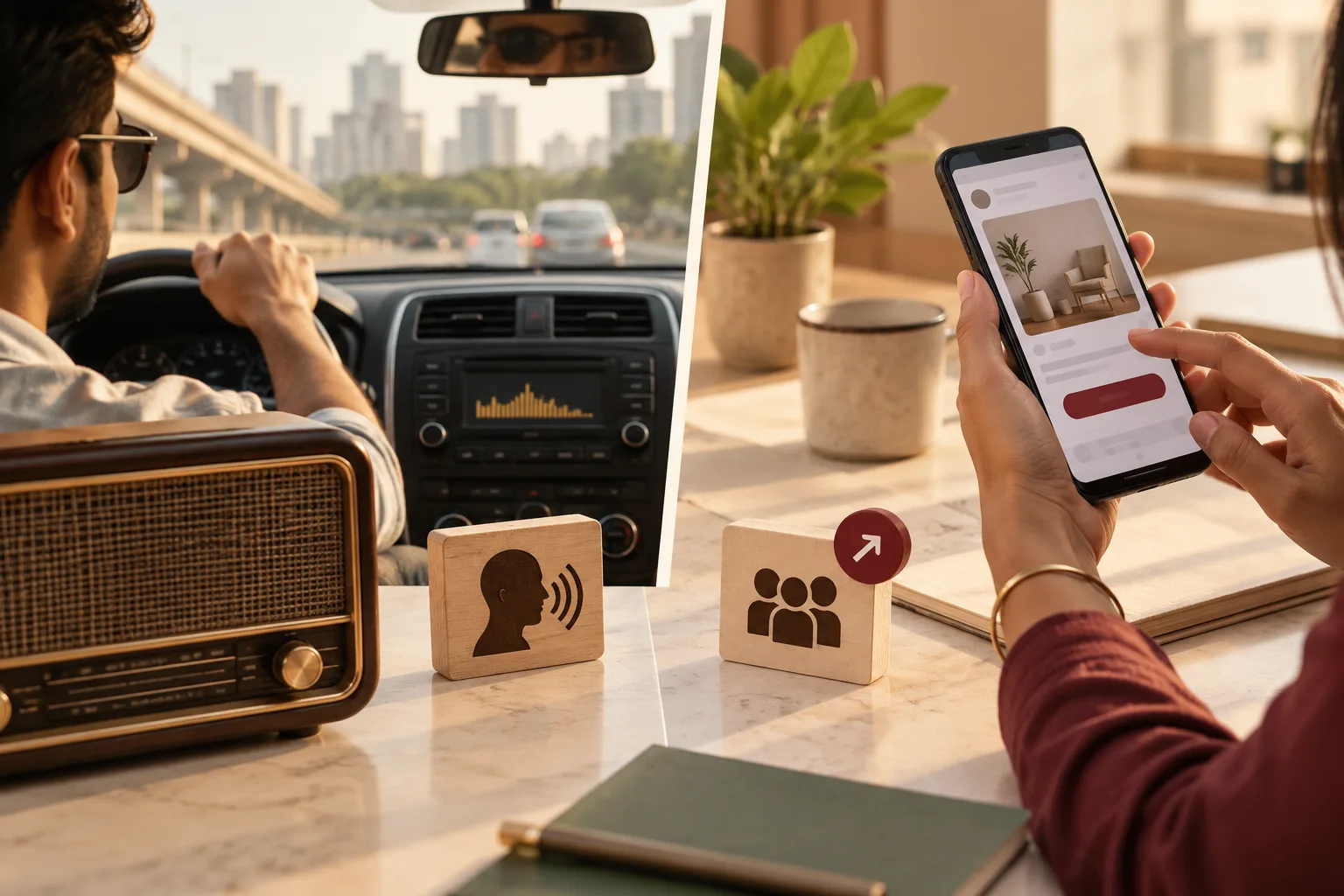 6 min read · 21 Sept 2026Radio advertising vs social media advertising: where should your money go?Radio reaches a driver who cannot click. Social reaches a thumb that can. One buys a name people remember, the other buys the enquiry itself.
 7 min read · 21 Sept 2026Local audience targeting strategyThree different people are local to you: the one who lives near you, the one who works near you, and the one searching near you. The settings that reach each are different.
 6 min read · 21 Sept 2026Influencer marketing vs social media advertising: which one should you pay for?An ad is a message you control, shown to people you choose. A creator post is a recommendation you do not control, shown to people who chose the creator.
More for restaurants
Everything else we would do for you.
Closest to this: leads and follow-up
Also for restaurants
Or start from the overview: sales and marketing for restaurants.
Your next practical step
Tell us what you are trying to grow, and we will read it before we call.
Eight short steps, mostly taps. Skip anything you would rather answer on the call.