Restaurants · Website banner, hero and pop-up design
Make the first screen answer where, what and how to book.
Website banner, hero and pop-up design for a restaurant is the artwork for the opening screen, the offer strips and the small windows that ask a guest to book, order or call. GullySales designs them from your menu, your photographs and your identity, for the phone a guest holds in a car park.
Scope, fee, reporting and term are agreed in writing after we have read your brief and spoken to you.
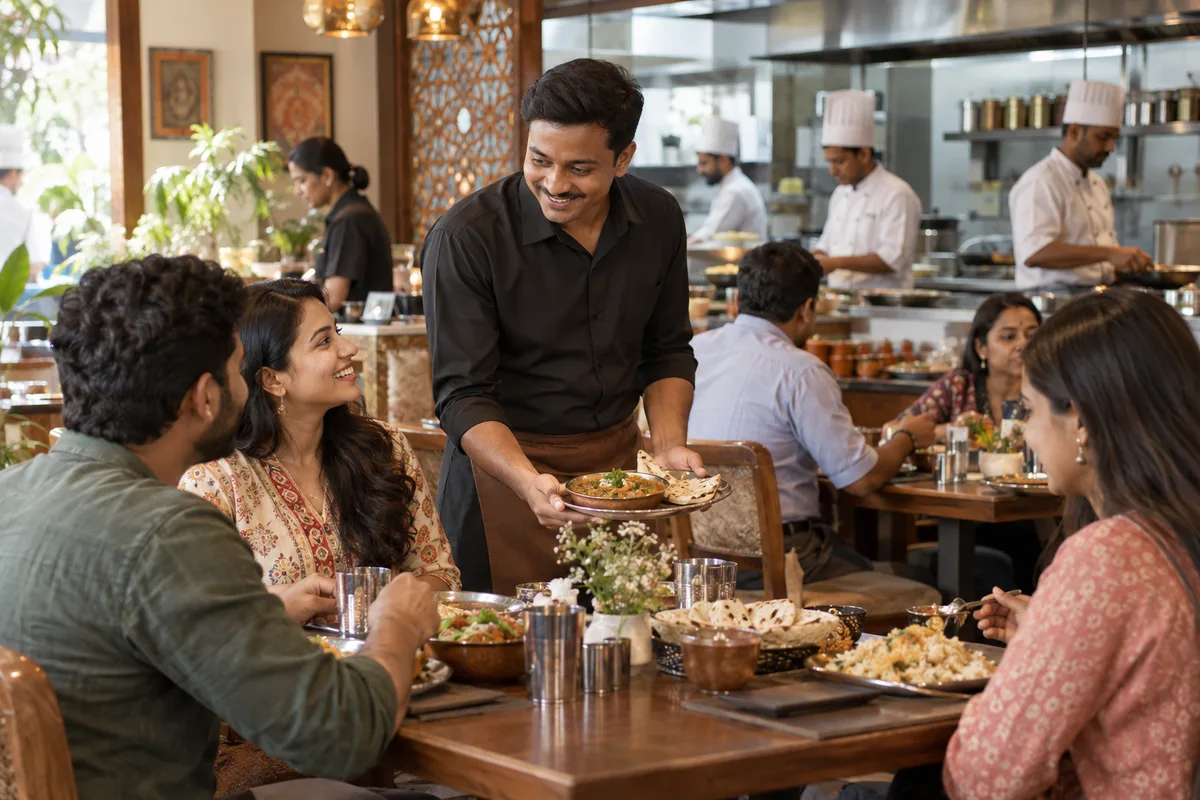
What website banner, hero and pop-up design means
Website banner, hero and pop-up design is the artwork for the parts of a site built to catch a glance: the hero at the top, promotional banners, call-to-action strips, pop-ups and the supporting images around them. GullySales designs each piece for phone and desktop from your wording and identity, and hands over export-ready files.
Also for restaurants
- Local SEO for restaurants
- SEO for restaurants
- Website for restaurants
- Location page and local content writing for restaurants
- Call-to-action and microcopy writing for restaurants
- SEO blog writing for restaurants
- Google Business Profile post writing for restaurants
- Meta title and description writing for restaurants
Sales and marketing for restaurants, the overview.
Last updated 14 Nov 2026. Rules for this trade differ by state and professional body, and they change. We describe restrictions in general terms, so check the current position with your own council or adviser before you publish anything.
For restaurants
Where it usually goes wrong, and what we would do.
“The hero is a menu photograph with no next step”
Restaurant sites open on a beautiful picture of a plate and nothing else. The guest, standing outside a mall and deciding where to eat, wants three things at once: the cuisine, the area and a button to book or call. A hero that gives only mood sends them back to the maps listing, which does answer. We draw the first screen so the dish, the locality and one clear action sit together before any scrolling.
“Offer banners age faster than the website does”
A festival thali, a weekday lunch set or a monsoon special is in the kitchen for a short stretch, yet its banner stays on the homepage long after the dish is gone. A guest who arrives for it and is told it ended loses trust in everything else on the page. We design banners as a set with a clear swap-out slot, so staff replace one panel instead of redrawing the whole top of the site.
“Pop-ups interrupt the guest who is hungry and in a hurry”
A pop-up that covers the menu the moment a page opens is closed in annoyance, and on a phone it can hide the very button the guest came for. A restaurant has a few honest questions to ask: table for how many, order for delivery, or save the party menu. We design each as a small, well-timed window with a visible way out, so the question helps the visit instead of blocking it.
“Dietary and licence details crowd the artwork”
A restaurant page carries vegetarian and non-vegetarian marks, a jain note, spice levels, opening hours and the food-business licence details the owner is required to show. Squeezed into a banner as an afterthought, they look cluttered or get dropped. We plan where each sits, mark the ones the owner's adviser must approve, and keep any claim about health or ingredients out of the artwork unless the owner supplies verified wording.
What we do
What we deliver for restaurants.
The work available for this need. We agree the deliverables and responsibilities for your engagement in writing.
Hero artwork for phone and laptop
The opening screen drawn twice, once for the narrow phone view where the guest arrives and once for the wide laptop view where an office admin books a group lunch. Dish image, cuisine line, locality and the main button are placed so the phone version is not a shrunken copy.
Result: You can open the page on a phone and see the dish, the area and the booking button without scrolling.
Offer banner set with a swap slot
A family of banners for the festival menu, the lunch set and the weekday offer, drawn to one grid so a new banner drops into the same place. The offer wording is yours; we supply the layout, the type treatment and the empty slot instructions for your staff.
Result: Your team can replace an expired banner using the supplied file without asking us to redraw the page.
Order-direct strip
A narrow band that invites a returning guest to order from you instead of an aggregator, placed above the menu and again near the footer. It points to the call, message or ordering link you already run, and is drawn so it reads as a signpost, not an advertisement.
Result: The strip appears on the pages you named and every instance carries the same working link.
Table booking and party enquiry pop-ups
Two small windows: one asks how many are dining, the other collects a party or group enquiry. Each is drawn in its closed, open and thank-you states, with a clear close mark and a note on the guest's phone where the form cannot cover the menu.
Result: Each pop-up can be dismissed with one tap and the thank-you state matches the form that opened it.
Notice strip for closures and timings
A plain band for a public holiday, a private booking, a kitchen closure or changed opening hours. It is drawn to be seen first and removed easily, so a guest who drives to a shut restaurant is the exception, not the routine.
Result: A staff member can post or remove a closure notice from the file or the page without design help.
Export files and a placement sheet
Every piece is exported at the sizes your site needs, with a one-page sheet showing which file goes where, the safe area for text on a phone, and the dark and light variants. The editable source is included so a later designer can carry on.
Result: Your web developer can place every file from the sheet without guessing a size or a name.
How the result is measured
- Clicks on the hero button compared with the previous hero
- Offer redemptions traced back to a banner
- Pop-up closes against pop-up submissions
Recorded as a baseline before work starts, so every later report has an honest comparison.
Who it is for
This is written for these restaurants.
- Family restaurants and multi-cuisine dining
- South Indian vegetarian restaurants and darshinis
- Biryani, kebab and non-vegetarian specialists
- Regional cuisine restaurants
- Casual dining and bar restaurants
- Quick service restaurants and food courts
- Cloud kitchens and delivery-only brands
- Office canteens and food service operators
- Multi-outlet restaurant groups
Before you decide
Agree the work. Know how to judge it.
Website banner, hero and pop-up design for restaurants: use these checks to prepare, choose the scope, and review what changes.
Bring the right evidence
List the pages that support a buying decision and the actions visitors must complete. Keep examples of failed forms, unclear product information, and questions your team answers repeatedly.
Make the scope clear
Agree the page list, content ownership, integrations, and who controls the domain and hosting. Include redirects and existing search traffic in a redesign brief, before changing addresses.
Check the work in use
Complete a real enquiry journey on a phone and a laptop. Check that the confirmation appears, the enquiry reaches the right person, and tracking records the action once.
Know when to change course
If visitors can enquire but the team does not follow up, start with the sales handover. A larger website will not resolve that delay.
These are discussion points, not a fixed package. GullySales confirms the deliverables, responsibilities, fee, and term in writing after reading your brief and speaking with you.
Before we start
What to have ready before the work starts.
The records, access and decisions this work needs from restaurants. Anything missing is noted in the written scope, with who will supply it.
- Dish photographs you hold
- Send the best photographs of your signature dishes, the dining room and the entrance, with the date or season if you know it. A hero is only as strong as its picture, and where none is usable we list what a fresh shoot must show instead of using a stock plate.
- Current menu and offer wording
- The dishes, the names you print and any offer text you want on a banner, approved by you. We draw the layout around your words and do not write offers for you. When the wording is missing, the banner waits, because a placeholder offer left on a live site misleads guests.
- Booking and ordering links
- The phone number, message link, booking form or ordering page each button should open, and the person who answers them. A button that leads nowhere costs the table it was drawn to win. Tell us who replies, so the pop-up's thank-you line matches what really happens next.
- Licence and notice details
- The food-business licence line, any allergen notice and the opening hours as they should appear. Advertising rules for food differ by region, so your own adviser or council decides the wording. We position the text and leave the claim to you.
- The person who updates the site
- The name of whoever will swap banners on the live site, and the tool they use. We draw the swap slot to suit that person. Without them named, a banner is handed over that nobody feels allowed to change, and the festival offer outlives the festival.
How it works
How the website banner, hero and pop-up design work runs
The work itself, in order. How an engagement starts, from your brief to a written scope, is set out on our method page.
- 1
Open the site and the maps listing
We look at your site on a phone beside your maps listing, the way a hungry guest would, and note what each shows first. We list the pages where a banner or hero will sit and what already competes for the guest's eye there. Gaps in your photographs or wording are listed for you to fill.
- 2
Name the job of each piece
For every hero, banner and pop-up we write one job and one action, such as book a table, ask for the party menu or order direct. A piece asked to do two jobs is split or dropped. You agree the list with the manager or owner before any artwork is drawn, so effort goes to the places a guest actually decides.
- 3
Choose the dish and the setting
We go through the photographs you hold and pick the ones that show the food a guest comes for, the dining room and the street entrance. Where a picture is dim, mismatched or shows a plate you no longer serve, we say so and list what a new photograph needs to show. Nothing is invented to fill a gap.
- 4
Set one visual family
The hero is drawn first, with your colours, type and button style fixed on it. Banners and pop-ups then inherit from that hero rather than inventing their own look. Dietary marks, the licence line and the opening hours get a fixed place, so every piece after the hero carries them the same way.
- 5
Draw each piece at its sizes
Every banner, strip and window is drawn at the size of its placement, on phone and laptop. We check the text against the safe area, the contrast against the photograph and the tap size of each button. A pop-up is drawn with its close mark first, then the rest of the window around it.
- 6
Hand over and read it against the record
Files and the placement sheet go to your web developer. Before the work began we noted your booking calls, order messages and direct orders; once the pieces are live, you read those same records again. We report what changed in them and what did not, without promising a result.
Where this fits
Three pieces of sales work, in this order.
This work sits inside sales process design, at stage 1, prospecting and lead generation. The audit comes before it, and sales management keeps it running.
Step 1
Sales audit
Find where deals are being lost and what to fix first.
Start here if you cannot say where orders are lost.
Step 2 · you are here
Sales process design
One written way to sell, from first enquiry to repeat order.
Start here if every salesperson sells differently.
Step 3
Sales management
A target, a review routine and someone who owns the number.
Start here if the team has targets and no routine.
FAQ
Questions owners ask before they call.
Not here? More answers, or ask on WhatsApp.
What does a restaurant hero need to show besides a nice photograph?
Can you design a banner for a festival menu that changes each season?
Will a pop-up annoy guests who only want the menu?
Do you take the photographs for the hero?
Who is responsible for licence and allergen lines on the artwork?
Do you build the pop-up on the website?
How much does it cost?
How long is the contract?
How soon will we see results?
What do you need from us?
From the blog
Further reading for restaurants.
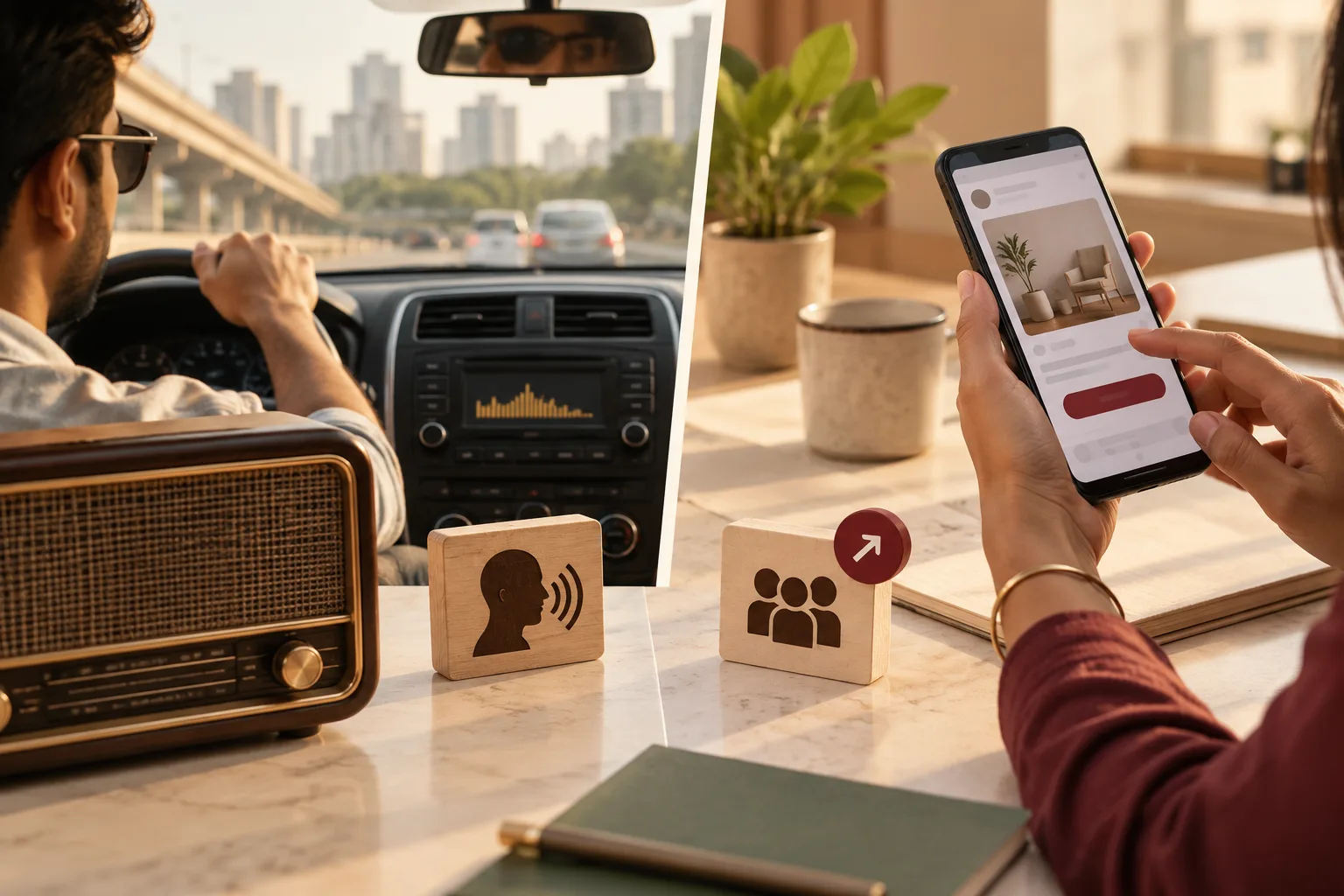 6 min read · 21 Sept 2026Radio advertising vs social media advertising: where should your money go?Radio reaches a driver who cannot click. Social reaches a thumb that can. One buys a name people remember, the other buys the enquiry itself.
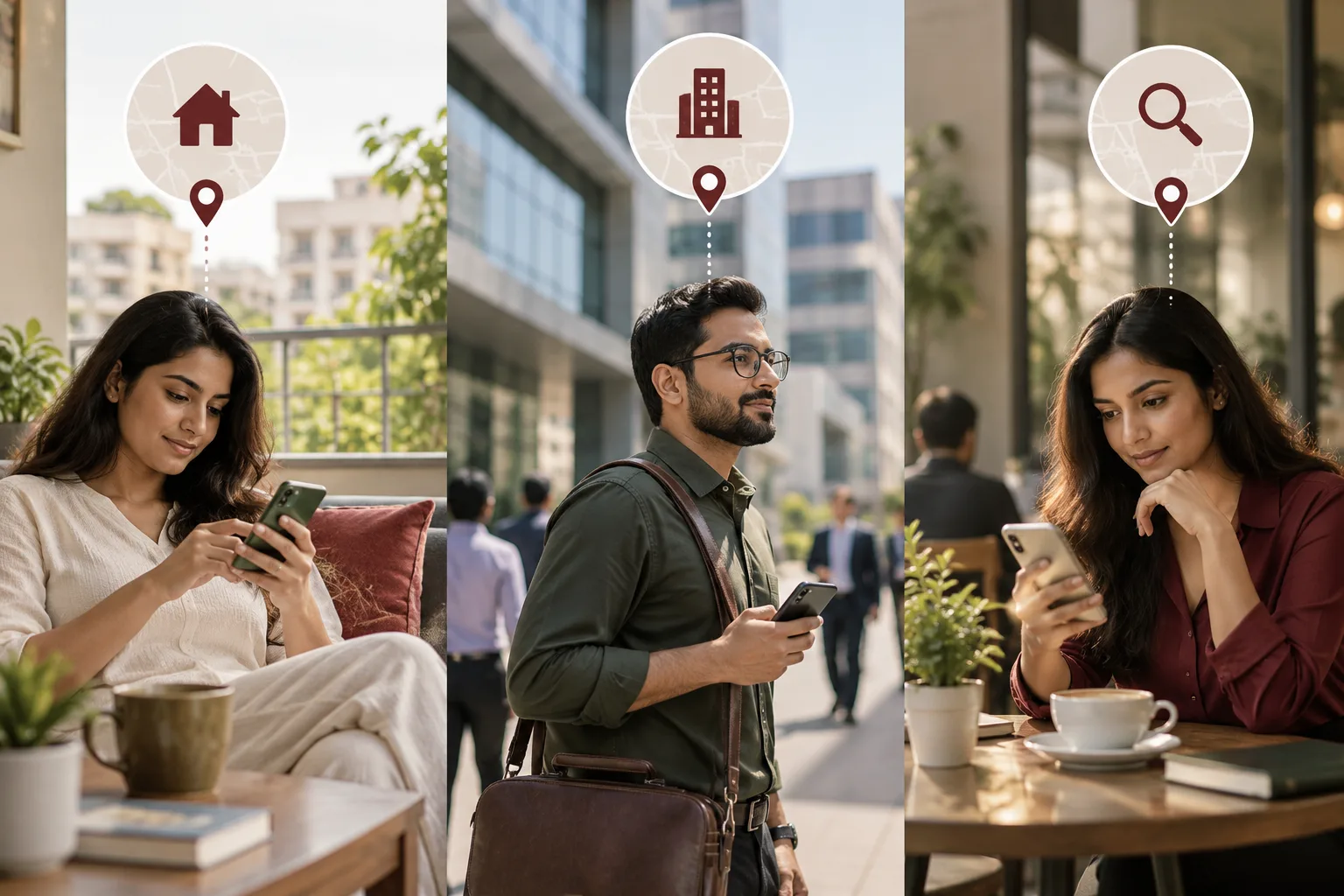 7 min read · 21 Sept 2026Local audience targeting strategyThree people are local to you: the one who lives near, the one who works near and the one searching near. The settings that reach each differ.
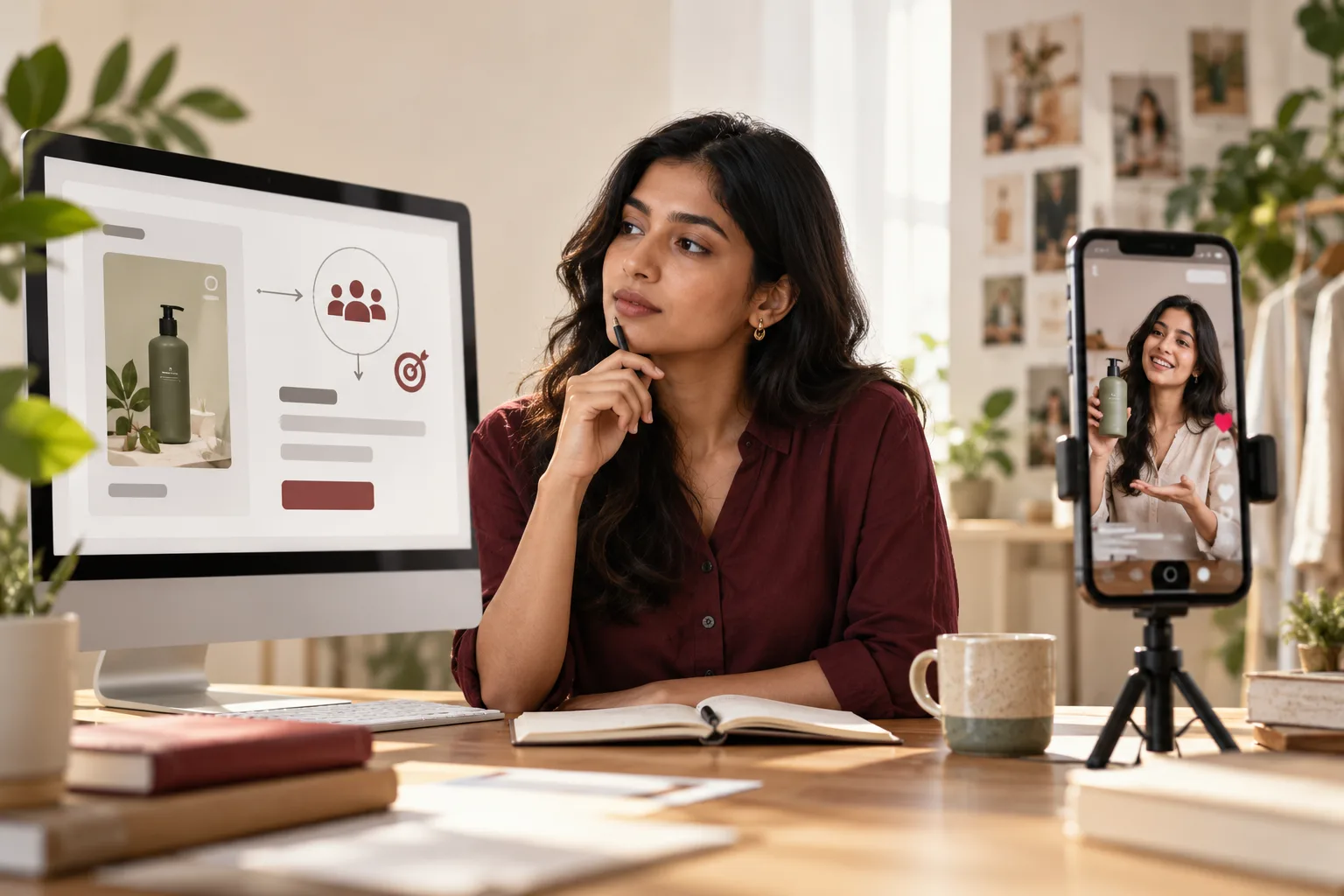 6 min read · 21 Sept 2026Influencer marketing vs social media advertising: which one should you pay for?An ad is a message you control, shown to people you choose. A creator post is a recommendation you do not control, shown to people who chose the creator.
More for restaurants
Related work to consider.
Closest to this: search and visibility
- Local SEO for restaurants
- SEO for restaurants
- Website for restaurants
- Location page and local content writing for restaurants
- Call-to-action and microcopy writing for restaurants
- SEO blog writing for restaurants
- Google Business Profile post writing for restaurants
- Meta title and description writing for restaurants
Also for restaurants
Or start from the overview: sales and marketing for restaurants.
Your next practical step
Tell us what you are trying to grow, and we will read it before we call.
Eight short steps, mostly taps. Skip anything you would rather answer on the call.