Restaurants · WhatsApp promotional creative design
Send a menu card that the guest can read in the lift.
WhatsApp promotional creative for a restaurant is the card, menu image or short graphic you send to guests who agreed to hear from you, or show on a status. GullySales designs it for the small screen, builds a set for set menus, offers and bookings, and hands over files your staff can send.
Scope, fee, reporting and term are agreed in writing after we have read your brief and spoken to you.
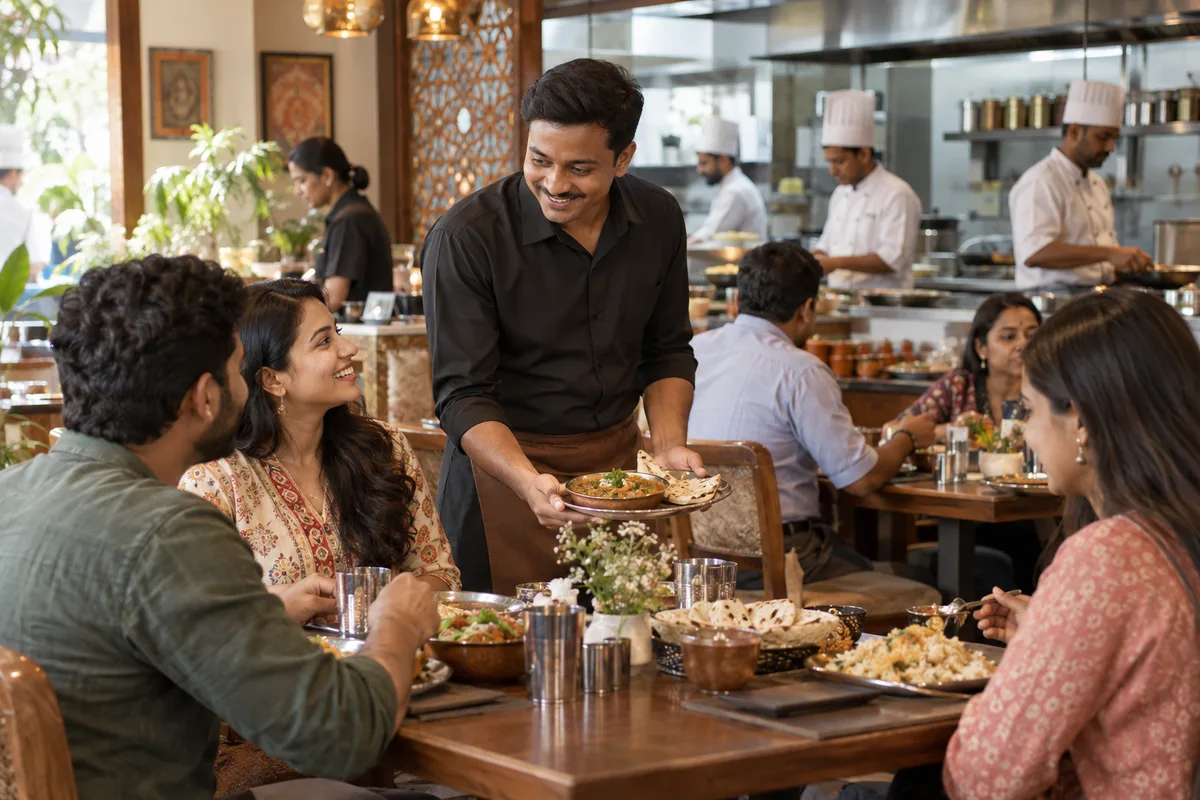
What WhatsApp promotional creative design means
WhatsApp promotional creative is the image, card or short graphic sent in a WhatsApp message or shown on a status to promote an offer, a product or an event. GullySales designs the creative so it reads on a small screen, builds a set in the shapes WhatsApp needs, and hands over export-ready files.
Also for restaurants
- Email marketing for restaurants
- WhatsApp marketing for restaurants
- Promotional email copywriting for restaurants
- Email newsletter writing for restaurants
- WhatsApp marketing and follow-up message writing for restaurants
- SMS marketing copywriting for restaurants
- Email newsletter template design for restaurants
- Apartment advertising for restaurants
Sales and marketing for restaurants, the overview.
Last updated 14 Nov 2026. Rules for this trade differ by state and professional body, and they change. We describe restrictions in general terms, so check the current position with your own council or adviser before you publish anything.
For restaurants
Where it usually goes wrong, and what we would do.
“The print menu arrives as an unreadable photograph”
A common habit is photographing the printed menu and forwarding it. On a phone it shows small type, glare, a thumb in the corner and the dish names in a tight grid. The guest zooms, gives up and calls instead. A card drawn for the screen puts one set menu, one price line and one action on a plain background, so the offer can be read in a glance and the choice made.
“A group booking is won by whoever sends a clear card”
A person organising a birthday dinner or a kitty party asks two or three places about a set menu, a private area and a rate per head. The reply that arrives as a tidy card with the menu, the room and the way to confirm is easy to forward to fifteen guests. A reply made of five messages and a blurry photograph is not, and that booking goes elsewhere.
“Guests agreed to hear from you, not to be flooded”
A WhatsApp card reaches a very personal space, and the guest can stop it at once. The creative has to earn the next one: a single offer, a clear reason it is being sent and an easy way to say no. Marketing messages also carry the platform's own rules and your local rules on consent, so check the platform's current rules and your own adviser before sending.
“Weight and cropping change what arrives”
A heavy card takes a while to load on a slow connection and may be compressed, softening the type. A card drawn too close to the edge loses its price line when the app crops the preview. Guests may read on a train or in a car park, so the card needs a light file, a safe area for the words and a version that holds in both light and dark display.
What we do
What we deliver for restaurants.
The work available for this need. We agree the deliverables and responsibilities for your engagement in writing.
Message focus note
A short note that fixes the one offer, the one reader and the one action each card serves, such as a set lunch for office staff or a birthday dinner for a group. You approve it before artwork begins, so the card has a single job and does not try to carry the whole menu.
Result: Every card has one stated purpose that you signed off.
Set menu and offer cards
Designed cards for the set menu, a festival offer or a weekday special, with the dish names, the price line and the action large enough to read at a glance. Each is drawn for the phone first and checked beside a chat background.
Result: A guest can read the whole offer on one screen without zooming.
Booking and reorder card
A card for the guest who wants to book a table or reorder a favourite dish, with the one step to take written plainly. We design the card; the booking and order tools behind it are yours, and we mark where each link or number goes.
Result: The card tells the guest what to do and where to send it.
Set of shapes for chat and status
The same creative prepared in the shapes the platform uses for chat messages and for status updates, with the text kept inside the safe area. We check the platform's current specification before export, and mention any change that affects your set.
Result: Nothing important is cropped in either the chat or the status view.
Variant cards for different guests
Versions of one card for different readers, such as families, office bookers and regulars, built from one layout so the set looks related. Wording for each reader is yours, and we place it and check the fit.
Result: You can send a different card to a different group from one design.
Reusable layout and export files
A layout with fixed places for the logo, headline, price and action, a short colour and type rule sheet, and exported files named by offer and shape, with a lighter version for slow connections. Your team fills the layout for later offers.
Result: A new card can be made from the layout without starting again.
How the result is measured
- Replies that quote or mention the creative
- Taps on the link or button on the card, where your tool records them
- Enquiries in the CRM tagged with the offer name
Recorded as a baseline before work starts, so every later report has an honest comparison.
Who it is for
This is written for these restaurants.
- Family restaurants and multi-cuisine dining
- South Indian vegetarian restaurants and darshinis
- Biryani, kebab and non-vegetarian specialists
- Regional cuisine restaurants
- Casual dining and bar restaurants
- Quick service restaurants and food courts
- Cloud kitchens and delivery-only brands
- Office canteens and food service operators
- Multi-outlet restaurant groups
Before you decide
Agree the work. Know how to judge it.
WhatsApp promotional creative design for restaurants: use these checks to prepare, choose the scope, and review what changes.
Bring the right evidence
Describe how the contact list was collected, what people asked to receive, and which messages are currently sent. Include opt-outs and replies when reviewing campaign performance.
Make the scope clear
Agree the audience, message purpose, sending system, and response owner. Separate promotional communication from order or service updates, and check current platform requirements before launch.
Check the work in use
Test the message with a small appropriate audience before wider use. Check links, reply handling, opt-outs, and whether the response leads to a relevant conversation or order.
Know when to change course
Do not use an unexplained contact list as a shortcut to demand. If recipients do not expect the message, resolve the permission and relevance questions before sending.
These are discussion points, not a fixed package. GullySales confirms the deliverables, responsibilities, fee, and term in writing after reading your brief and speaking with you.
Before we start
What to have ready before the work starts.
The records, access and decisions this work needs from restaurants. Anything missing is noted in the written scope, with who will supply it.
- Written offers with prices and dates
- A card can only carry what is decided. Bring the set menus, the festival offers and the rate per head for groups as you will honour them, with dates. If the price is still being discussed, the card waits, because a wrong price on a forwarded image cannot be recalled.
- A record of who agreed to receive messages
- Know which guests asked to hear from you and how. The rules for marketing messages differ by place and by platform, and they change, so check with your own adviser. We design the card, but the decision about who receives it remains yours.
- Your booking route and a named person
- Decide how a guest books after reading the card, by tapping a link, replying or calling, and who answers. A beautiful card that leads to an unanswered phone loses the booking it was drawn to win, so name the person and the hours they reply.
- Photographs of the dishes and the room
- Collect clear photographs of the set menu dishes and the private area, in the largest size you have. A phone screen shows weaknesses in a small or dim photograph at once, and we list which ones to replace before drawing the card.
- The cards you have sent before
- Send the images you already forward, including the printed menu photograph. They show where guests replied, where they did not and what staff have been improvising, which saves us redrawing what already works.
How it works
How the whatsapp promotional creative design work runs
The work itself, in order. How an engagement starts, from your brief to a written scope, is set out on our method page.
- 1
Read your offers and recent sends
We read the offers you want to promote, your brand material and the menu images you have sent before, and look at how they arrive on a phone. We note what guests were asked to do and where the message was unclear.
- 2
Fix the job of each card
For each card we agree the offer, the reader and the action. If a card tries to promote a set menu and a party offer together, we split it into two and show you the plan before drawing. You approve the plan in writing.
- 3
Draw the card at phone size
We draw at the size of a phone screen first, set the type and colour from your brand and place the card on realistic chat backgrounds. The wider version, if you need one, is made from it and not the other way round.
- 4
Build the shapes and the variants
The approved design is adapted for chat, for status and for each guest variant. We check each file against the platform's current specification, and keep the logo, price and action inside the safe area.
- 5
Test on real phones
We view the files on phones in light and dark display, with data saving on and off, and fix anything cropped, blurred or slow. Remaining differences between devices are written down for you.
- 6
Hand over and read the replies
You receive the exported files, the source layout and the rule sheet, and your team fills one new card while we check it. Afterwards we read replies, bookings and orders against the figures recorded before the work began.
Where this fits
Three pieces of sales work, in this order.
This work sits inside sales process design, at stage 1, prospecting and lead generation. The audit comes before it, and sales management keeps it running.
Step 1
Sales audit
Find where deals are being lost and what to fix first.
Start here if you cannot say where orders are lost.
Step 2 · you are here
Sales process design
One written way to sell, from first enquiry to repeat order.
Start here if every salesperson sells differently.
Step 3
Sales management
A target, a review routine and someone who owns the number.
Start here if the team has targets and no routine.
FAQ
Questions owners ask before they call.
Not here? More answers, or ask on WhatsApp.
Can I just send a photograph of my menu?
How many cards should a restaurant have?
Do the cards work for status as well as chat?
Can staff change the price on the card?
Does this include setting up WhatsApp for my restaurant?
Will the cards bring in more bookings?
How long is the contract?
How soon will we see results?
Who will actually do the work?
What do you need from us?
From the blog
Further reading for restaurants.
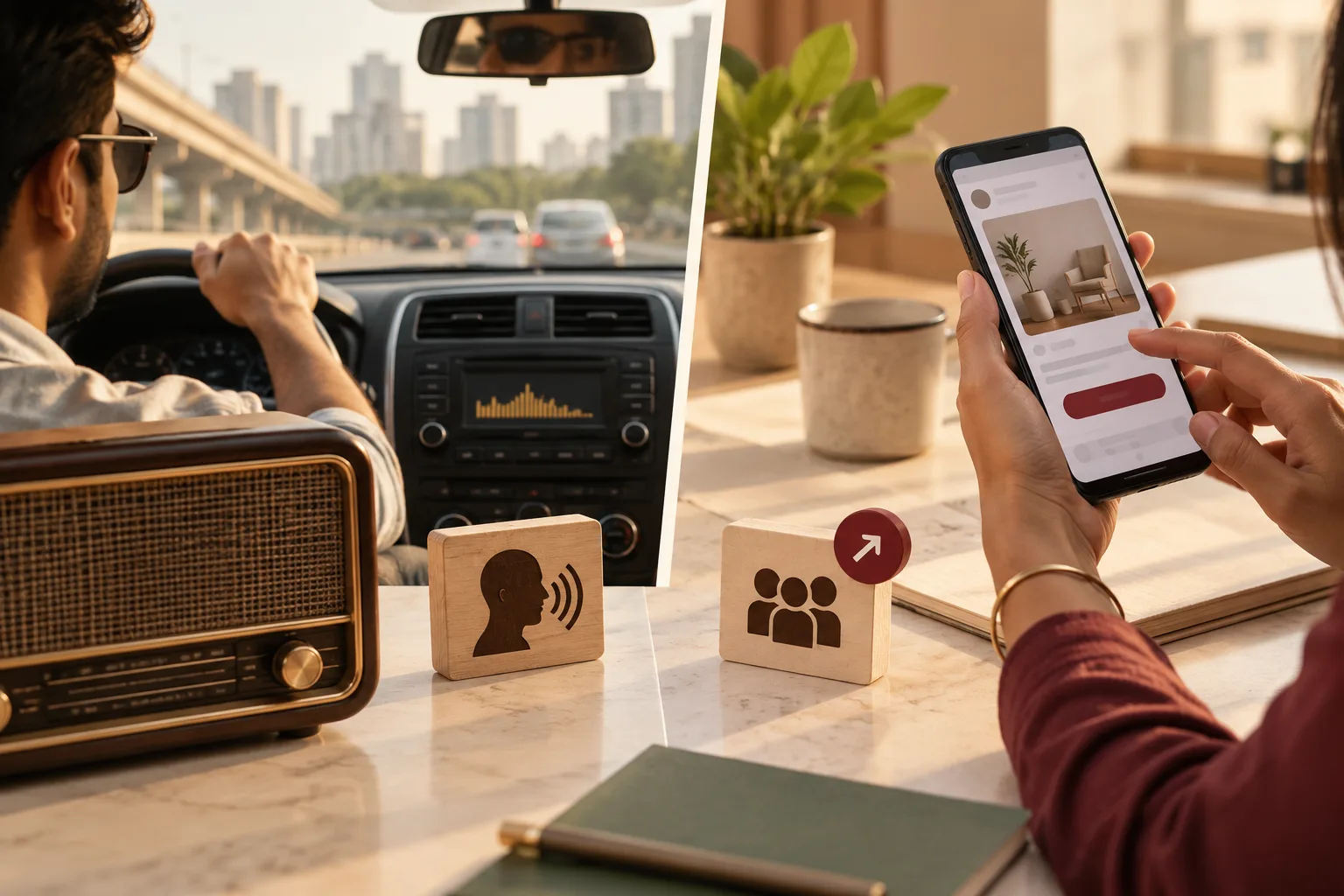 6 min read · 21 Sept 2026Radio advertising vs social media advertising: where should your money go?Radio reaches a driver who cannot click. Social reaches a thumb that can. One buys a name people remember, the other buys the enquiry itself.
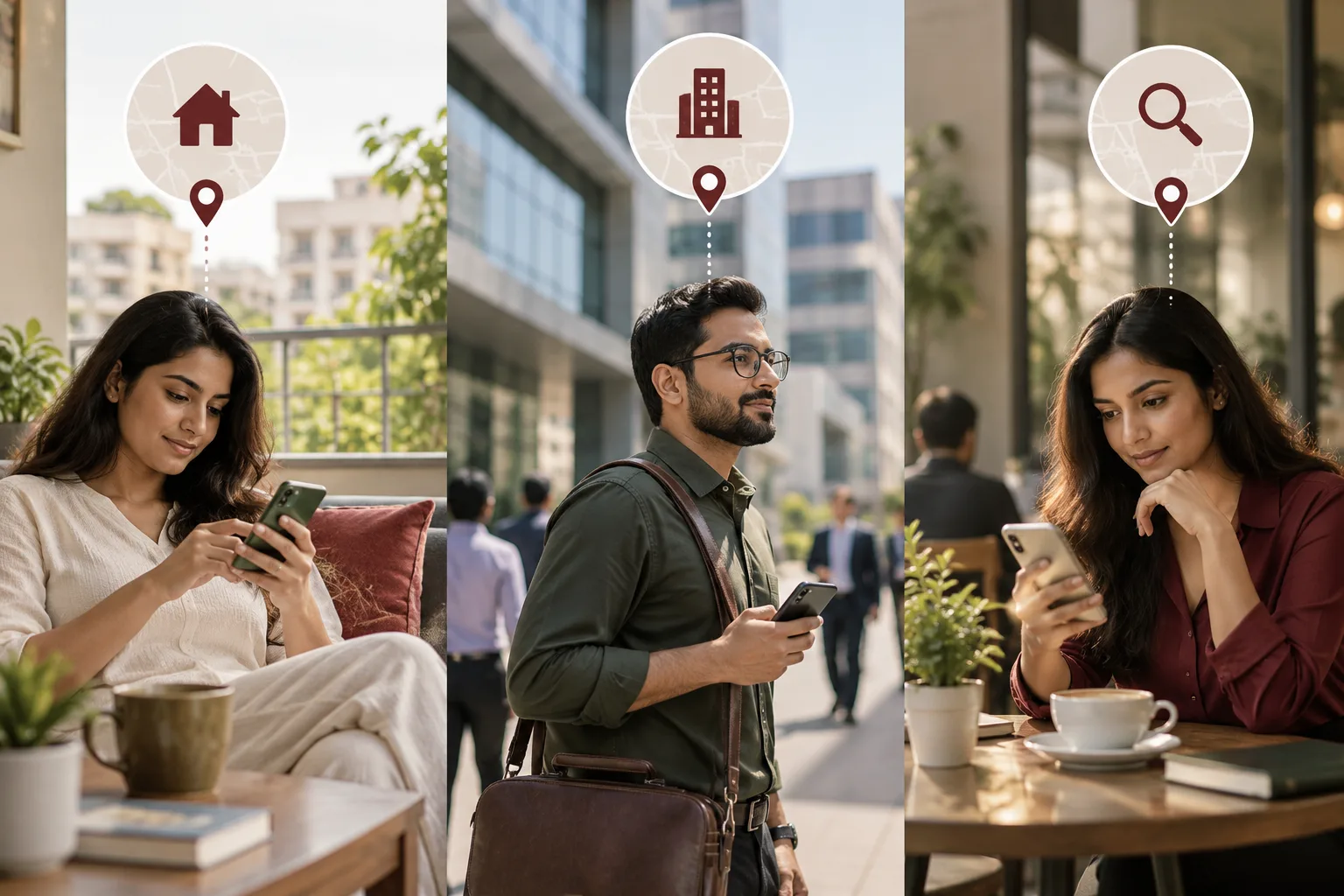 7 min read · 21 Sept 2026Local audience targeting strategyThree people are local to you: the one who lives near, the one who works near and the one searching near. The settings that reach each differ.
 6 min read · 21 Sept 2026Influencer marketing vs social media advertising: which one should you pay for?An ad is a message you control, shown to people you choose. A creator post is a recommendation you do not control, shown to people who chose the creator.
More for restaurants
Related work to consider.
Closest to this: messaging and automation
- Email marketing for restaurants
- WhatsApp marketing for restaurants
- Promotional email copywriting for restaurants
- Email newsletter writing for restaurants
- WhatsApp marketing and follow-up message writing for restaurants
- SMS marketing copywriting for restaurants
- Email newsletter template design for restaurants
Also for restaurants
Or start from the overview: sales and marketing for restaurants.
Your next practical step
Tell us what you are trying to grow, and we will read it before we call.
Eight short steps, mostly taps. Skip anything you would rather answer on the call.