Restaurants · WhatsApp marketing
Put the menu, the table booking and the repeat order on the app your guests already open.
WhatsApp marketing for a restaurant means using one business number to take table bookings, send menus, receive direct orders and invite guests who agreed to hear from you. GullySales sets up the account, the catalogue, the replies and the rules for who may be messaged.
Scope, fee, reporting and term are agreed in writing after we have read your brief and spoken to you.
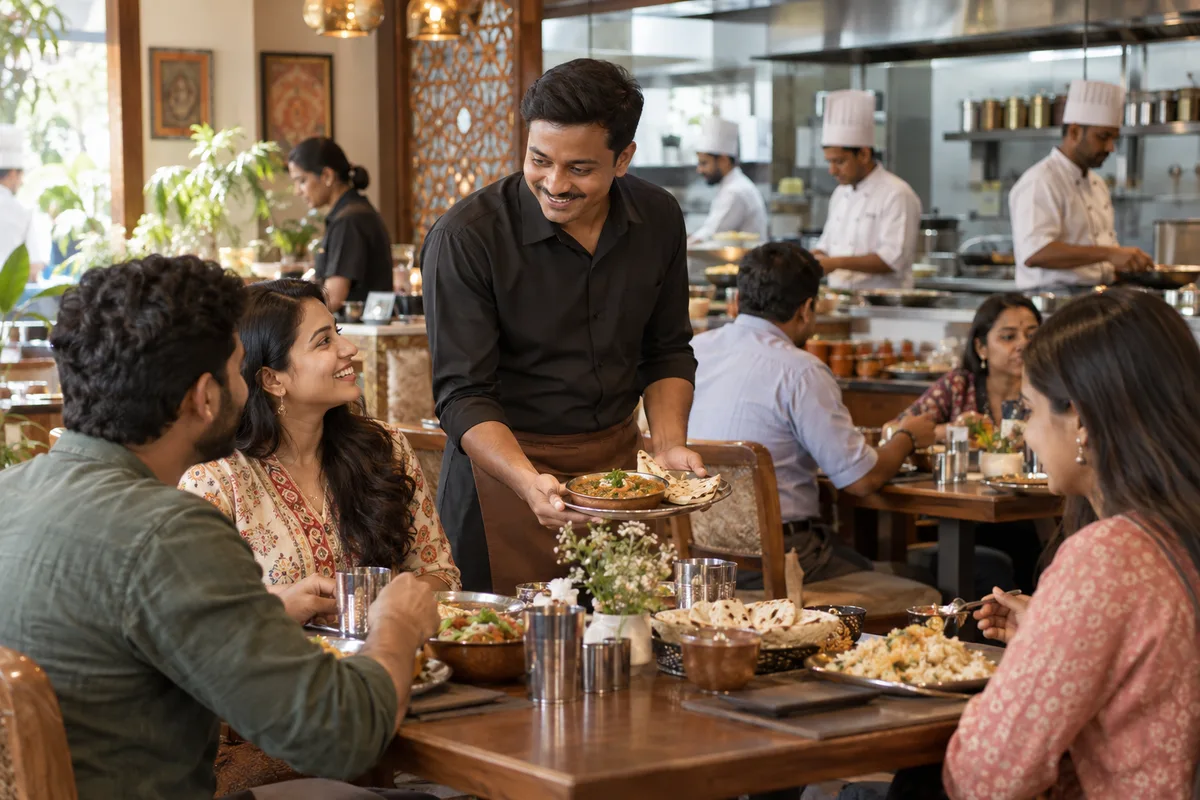
What WhatsApp marketing means
WhatsApp marketing is sending updates, offers and reminders to customers on the app most Indian buyers already check daily. GullySales sets up business WhatsApp, writes the message templates and keeps the list consented and current.
Last updated 5 Oct 2026. Rules for this trade differ by state and professional body, and they change. We describe restrictions in general terms, so check the current position with your own council or adviser before you publish anything.
For restaurants
Where it usually goes wrong, and what we would do.
“The organiser wants a menu and a price in the chat”
A person planning a dinner for a group will not read a long website. They want a picture of the set menu, the per-head rate and a yes on the cake, all in the thread they are already using.
“A personal number is not a business account”
Orders and enquiries on a staff member's own phone vanish when the phone changes hands. A business number with a catalogue, quick replies and labels belongs to the restaurant and stays when staff move on.
“Broadcasting to everyone makes the list stop listening”
A regular who gets the same message as a stranger soon blocks the number. Messages sorted by guest type and sent only to people who agreed keep the channel useful.
“Direct orders need a reason as well as a number”
A card in the delivery bag with a WhatsApp number does nothing alone. The guest needs a clear gain, such as the full menu, a faster reply or a dish not on the app.
What we do
What we deliver for restaurants.
Every deliverable, what it covers for you, and the result it is there to produce. Nothing here is an extra.
A business account set up the way a restaurant uses it
Name, address, hours, menu link and a greeting, on a business number with more than one staff member able to answer.
Result: Guests reach a restaurant account and not a private phone.
A catalogue of your menu and set menus
Dishes and party packages with photographs and prices, kept in step with the printed menu and updated when it changes.
Result: What a guest sees in chat matches the table.
Quick replies for the usual questions
Saved answers for timings, parking, vegetarian options, cake policy and booking steps, written so a busy server can send one in a tap.
Result: The common questions are answered the same way every time.
An opt-in and a rule for who gets what
Consent wording at the bill, lists by guest type, and a plain way to stop messages, with the platform's current rules for business messages checked before any broadcast.
Result: Only people who said yes receive offers.
A direct ordering route for repeat guests
A short flow for takeaway and delivery orders taken in chat, with payment and pickup details set out clearly.
Result: Regulars can order without going through an app.
Labels that mark the stage of each chat
Tags such as new enquiry, quote sent, confirmed and thanked, so nothing is left half-answered.
Result: You can open the account and see where each booking stands.
How the result is measured
- Messages delivered
- Reply rate
- Enquiries from WhatsApp
Recorded as a baseline before work starts, so every later report has an honest comparison.
What to capture or send
Messages and moments a restaurant plans on WhatsApp.
- Opt-in at the table or on the form
- A line asking permission, with the date and outlet recorded. It separates guests who agreed from those who only left a number.
- Set menu sheet for parties
- A saved reply with the party menus and the booking terms. It answers the organiser's first question in the chat.
- Table booking confirmation
- A message with the date, time and headcount. It records the booking so the captain and the owner see the same plan.
- Repeat order message for regulars
- A chat with their usual order and a reply to confirm. It gives a regular a direct route and avoids the app's commission.
- Label for each chat stage
- Enquiry, quoted, booked, past guest. It shows the owner where each chat stands without reading all of them.
Who it is for
This is written for these restaurants.
- Family restaurants and multi-cuisine dining
- South Indian vegetarian restaurants and darshinis
- Biryani, kebab and non-vegetarian specialists
- Regional cuisine restaurants
- Casual dining and bar restaurants
- Quick service restaurants and food courts
- Cloud kitchens and delivery-only brands
- Office canteens and food service operators
- Multi-outlet restaurant groups
Not for
It is not the right fit if.
- The restaurant's number is also the owner's personal phone, so a business setup would not be reachable in practice.
- You hold customer numbers from delivery apps without their permission, so a broadcast would reach people who never agreed.
How it works
How the whatsapp marketing work runs
The work itself, in order. How an engagement starts, from your brief to a written scope, is set out on our method page.
- 1
Read the chats you already have
We read how customers write to you, which questions repeat and where a chat goes quiet. The repeated questions decide what gets automated first.
- 2
Sort the list and the permission
Contacts who asked to hear from you are separated from numbers that only sit in a phone book. We agree the wording new contacts will see before they say yes.
- 3
Choose the app or the API
One phone and a small team can stay on the ordinary app. Several people on one number, templates or a CRM link need the API through a provider, which is its own piece of setup work.
- 4
Write the replies and the plan
The greeting, away message, saved replies and handover rule are written in your words and approved by you. The message plan and its templates follow.
- 5
Connect the record and test
Each link carries its source line and each chat lands in the CRM. We test on real phones, including a customer who asks for a person.
- 6
Read the unanswered questions
A question the first reply could not answer becomes a new saved reply or a fixed handover. Stop requests are watched too, with the number's quality rating where the API is used, since both show a message plan that has gone too far.
Where this fits
Three pieces of sales work, in this order.
This work sits inside sales process design, at stage 0, foundation. The audit comes before it, and sales management keeps it running.
Step 1
Sales audit
Find where deals are being lost and what to fix first.
Start here if you cannot say where orders are lost.
Step 2 · you are here
Sales process design
One written way to sell, from first enquiry to repeat order.
Start here if every salesperson sells differently.
Step 3
Sales management
A target, a review routine and someone who owns the number.
Start here if the team has targets and no routine.
FAQ
Questions owners ask before they call.
Not here? More answers, or ask on WhatsApp.
Do we need the WhatsApp Business API?
Can we message customers from the delivery apps?
What do we say in a first message?
Can the restaurant use WhatsApp to take table bookings?
How much does it cost?
How long is the contract?
How soon will we see results?
Who will actually do the work?
What do you need from us?
What if we are not happy with the work?
From the blog
Further reading for restaurants.
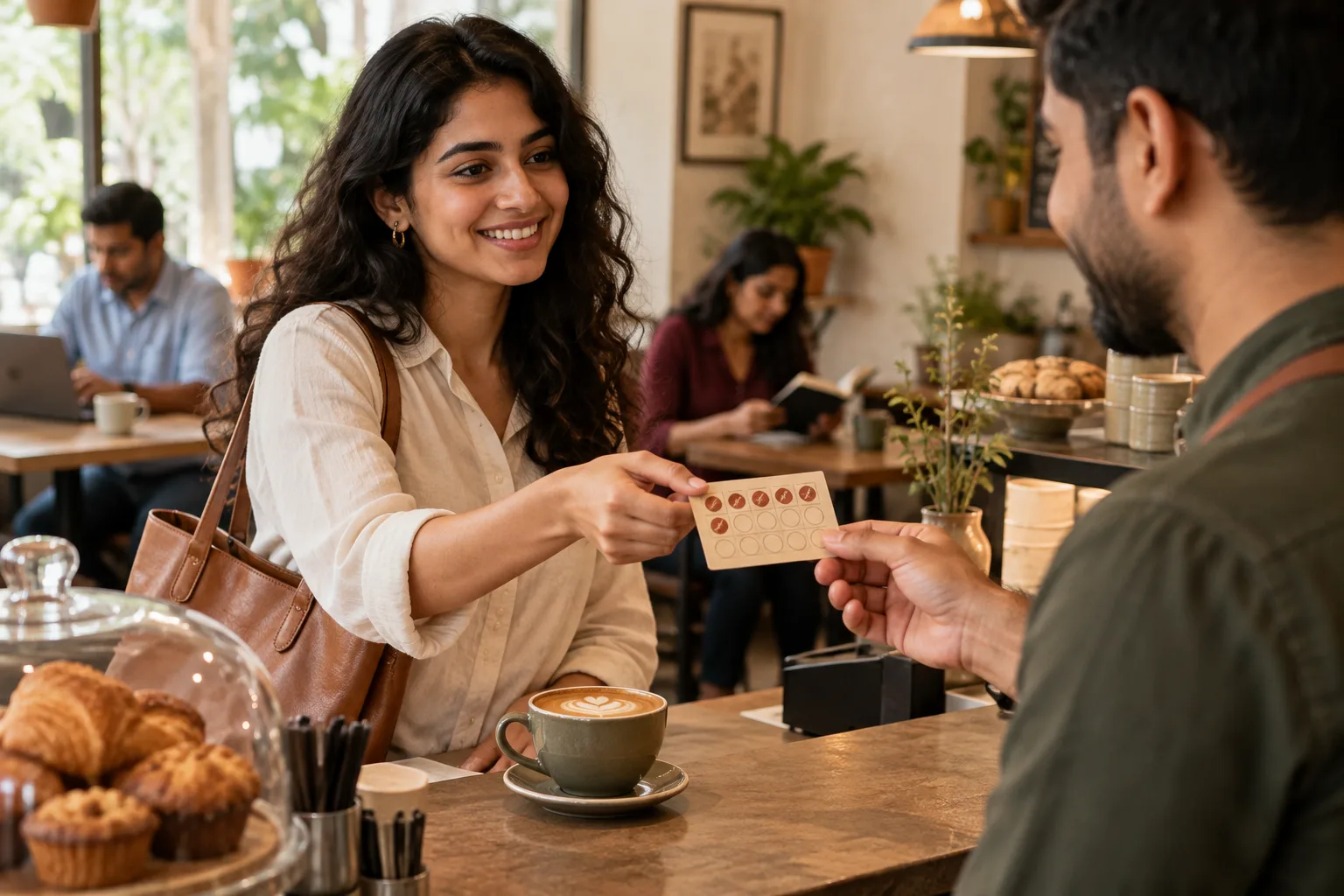 7 min read · 21 May 2026Loyalty ideas for coffee shops that regulars actually useLoyalty ideas for coffee shops work when they live at the counter and need no app: a stamp card, the usual remembered, a weekday reason to come in. Here is what a regular uses and what they ignore.
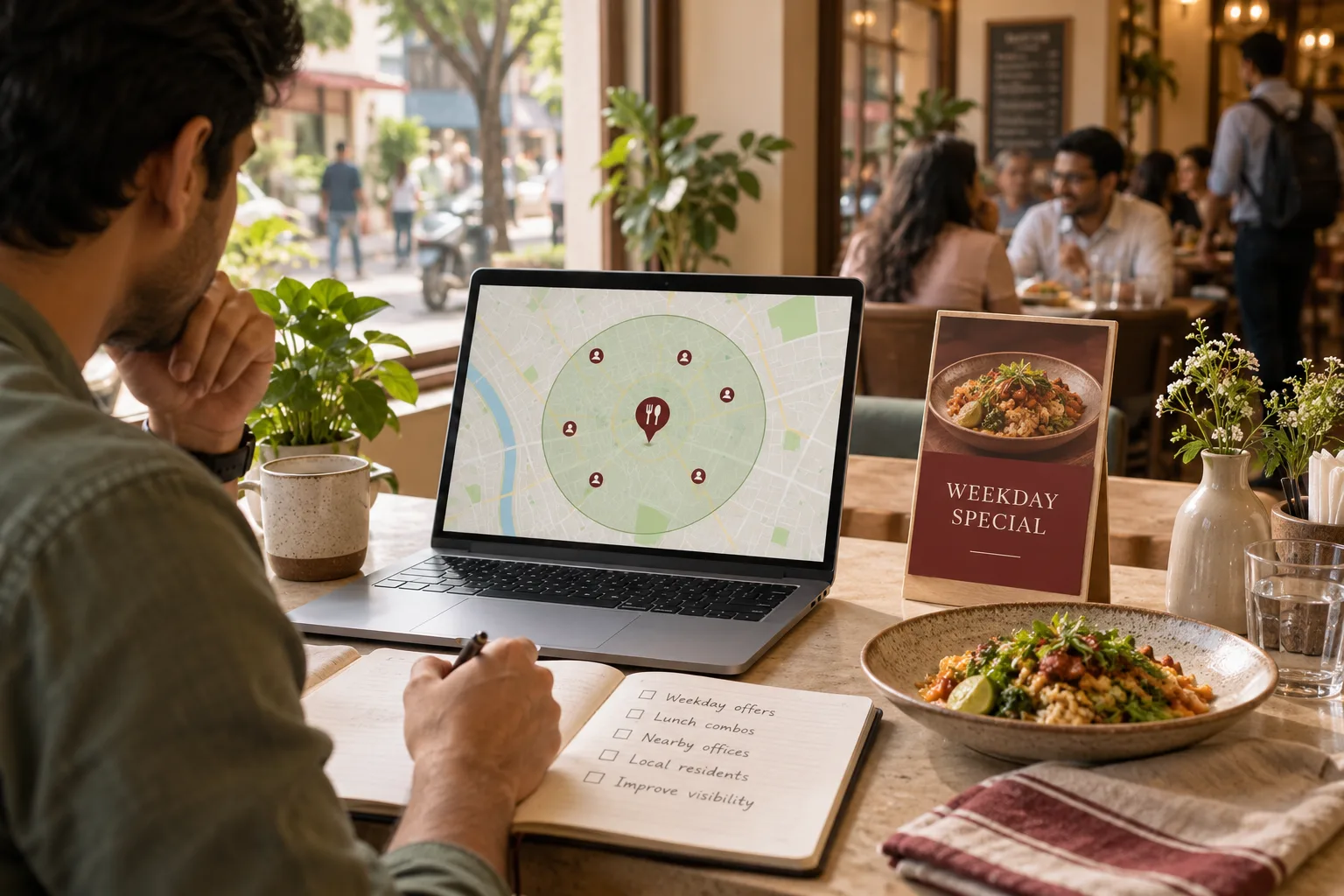 7 min read · 3 Jun 2025How to increase restaurant footfallAlmost everyone who eats at your restaurant lives or works within a few kilometres. Draw that circle, win the Maps search inside it, and give the people already in it a reason to come on a weekday.
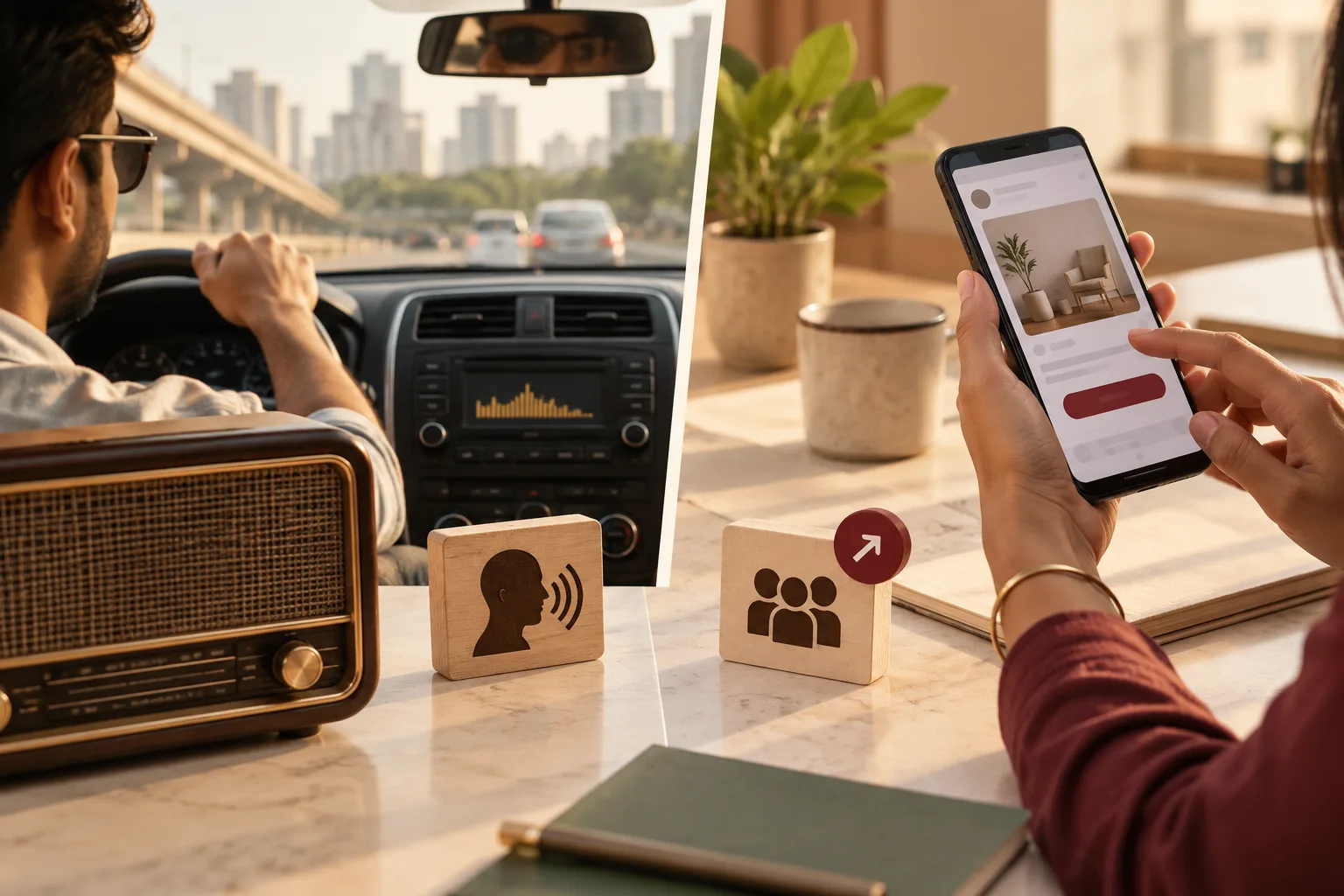 6 min read · 21 Sept 2026Radio advertising vs social media advertising: where should your money go?Radio reaches a driver who cannot click. Social reaches a thumb that can. One buys a name people remember, the other buys the enquiry itself.
More for restaurants
Everything else we would do for you.
Closest to this: messaging and automation
Also for restaurants
Or start from the overview: sales and marketing for restaurants.
Your next practical step
Tell us what you are trying to grow, and we will read it before we call.
Eight short steps, mostly taps. Skip anything you would rather answer on the call.