Packaging manufacturers · Website banner, hero and pop-up design
A packaging site needs a hero that shows the box before it says anything.
Website banner, hero and pop-up design for a packaging manufacturer is the artwork for the first screen, the promotional strips and the pop-ups of a site that sells cartons, pouches and labels to brands. GullySales designs each piece for phone and desktop from your wording and your own product photographs.
Scope, fee, reporting and term are agreed in writing after we have read your brief and spoken to you.
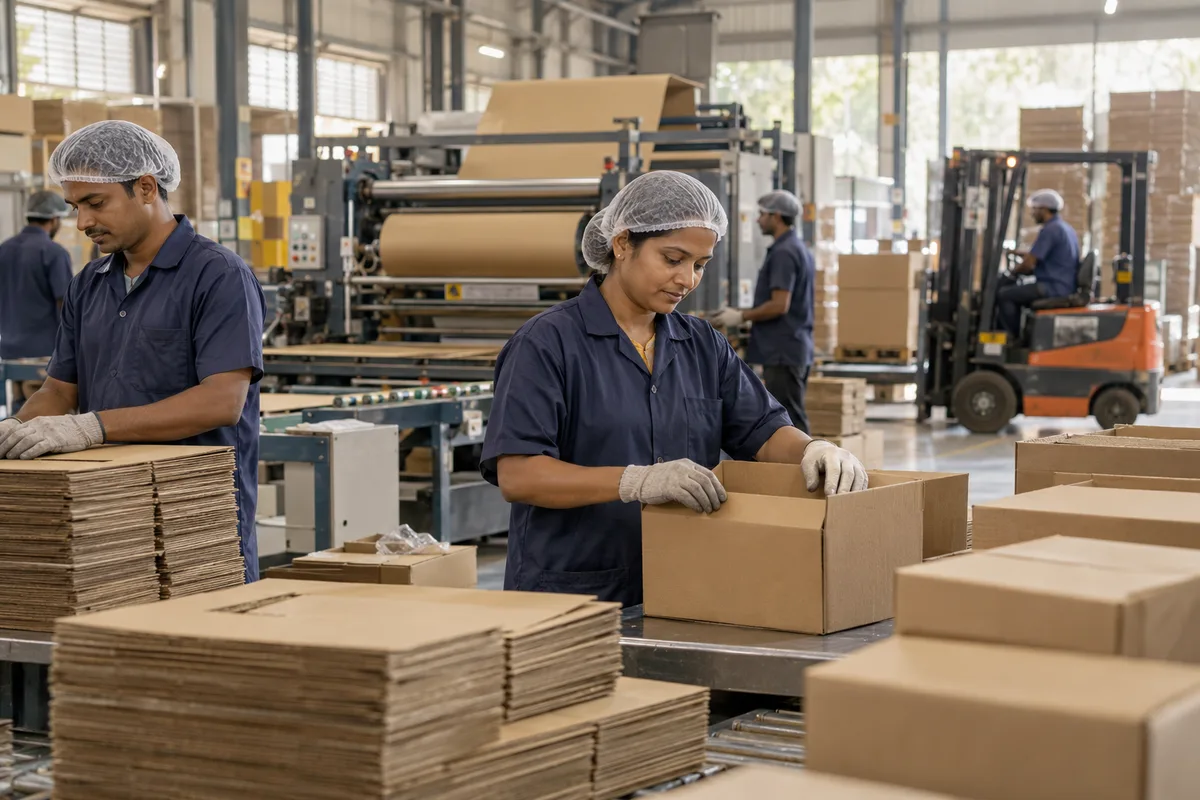
What website banner, hero and pop-up design means
Website banner, hero and pop-up design is the artwork for the parts of a site built to catch a glance: the hero at the top, promotional banners, call-to-action strips, pop-ups and the supporting images around them. GullySales designs each piece for phone and desktop from your wording and identity, and hands over export-ready files.
Also for packaging manufacturers
- SEO for packaging manufacturers
- Local SEO for packaging manufacturers
- Website for packaging manufacturers
- Business directory listings for packaging manufacturers
- PPC ads for packaging manufacturers
- Lead generation for packaging manufacturers
- Digital marketing for packaging manufacturers
- Reputation management for packaging manufacturers
Sales and marketing for packaging manufacturers, the overview.
Last updated 14 Nov 2026.
For packaging manufacturers
Where it usually goes wrong, and what we would do.
“The buyer wants to see a box, not a slogan”
A founder searching for custom boxes, or a brand manager checking a new supplier, lands on the hero and looks for proof that the unit makes what they need. A phrase about quality does nothing. A clear image of a real carton, with the structure named and a button to ask for a quote, answers the visitor's first question in the first glance on a phone.
“Each product line needs its own banner job”
Corrugated boxes, mono cartons, pouches and labels serve different buyers at different moments. One banner trying to speak to all of them speaks to none. Giving each product page a strip with one job, such as sending a dieline or requesting a sample kit, lets a visitor from a search for pouches find the pouch route without reading about cartons.
“Brand packs on the site belong to the brands”
The strongest image a packaging unit has is a customer's finished pack. It is also the image it has least right to use. A banner that shows a brand's carton needs the brand's written permission, and a pack under a confidentiality agreement stays off the site. Where permission is missing, the plant's own stock structures and plain mock-ups carry the hero.
“A pop-up that blocks the quote form costs enquiries”
A catalogue download pop-up that covers the size and quantity form on a phone sends the visitor away. Pop-ups need a visible way out, a trigger that waits for the reader and a rule against appearing on the enquiry page itself. The design states those conditions for the developer, who builds the behaviour, and the owner decides whether the site uses pop-ups at all.
What we do
What we deliver for packaging manufacturers.
The work available for this need. We agree the deliverables and responsibilities for your engagement in writing.
Hero section artwork for the homepage
The opening screen: a headline area, a supporting line, an image of a real structure from your range and the main button, designed for phone and desktop. You review the first screen as a visitor would, before scrolling, and the main button asks for a quote or a sample.
Result: The first screen shows a product, a line and one button at both sizes.
Product line banners
One banner for each line you sell, such as cartons, corrugated, pouches and labels, drawn at the size of its placement and kept in the family of the hero. Each has one job, so a visitor from a pouch search is not asked to read about cartons.
Result: Each product page has a banner with its own single action.
Call-to-action strips
Narrow bands for one prompt, such as sending a dieline, asking for a sample kit or requesting a rate, placed between content sections. They are drawn to be seen without breaking the reading of a specification table or a material guide.
Result: A visitor on any product page can find the quote prompt without scrolling to the top.
Catalogue and sample-kit pop-up designs
The look of the pop-up in its closed, form and thank-you states, with a visible way out. The trigger, the pages where it may appear and the pages where it must not, such as the enquiry form, are specified for your developer, who builds the behaviour.
Result: The developer receives all three states and a list of pages where the pop-up stays off.
Seasonal and trade-event graphics
Banner sets for the periods when your buyers plan a pack: festive gifting, e-commerce shipping peaks or a trade fair stall. They are prepared as separate files so your team can switch them on and off without redrawing, and the dates and offers remain yours to approve.
Result: A seasonal banner can be switched on from a ready file, with no new design brief.
A placement sheet and the source files
A single sheet lists each artwork, where it sits, the platform's current specification for its dimensions and the file name. Layered source files and exported images go with it, so your team can change a line or a date without redrawing.
Result: Your developer and your marketing team work from the same list of files.
How the result is measured
- Clicks on the hero button compared with the previous hero
- Offer redemptions traced back to a banner
- Pop-up closes against pop-up submissions
Recorded as a baseline before work starts, so every later report has an honest comparison.
Who it is for
This is written for these packaging manufacturers.
- Corrugated box and carton manufacturers
- Mono carton and printed folding box makers
- Flexible packaging, laminate and pouch manufacturers
- Label and sticker printers
- Paper bag and paper cup manufacturers
- Rigid box and premium gift packaging makers
- Paper and paper products converters
- Industrial and export packaging suppliers
- E-commerce and courier packaging suppliers
Before you decide
Agree the work. Know how to judge it.
Website banner, hero and pop-up design for packaging manufacturers: use these checks to prepare, choose the scope, and review what changes.
Bring the right evidence
List the pages that support a buying decision and the actions visitors must complete. Keep examples of failed forms, unclear product information, and questions your team answers repeatedly.
Make the scope clear
Agree the page list, content ownership, integrations, and who controls the domain and hosting. Include redirects and existing search traffic in a redesign brief, before changing addresses.
Check the work in use
Complete a real enquiry journey on a phone and a laptop. Check that the confirmation appears, the enquiry reaches the right person, and tracking records the action once.
Know when to change course
If visitors can enquire but the team does not follow up, start with the sales handover. A larger website will not resolve that delay.
These are discussion points, not a fixed package. GullySales confirms the deliverables, responsibilities, fee, and term in writing after reading your brief and speaking with you.
Before we start
What to have ready before the work starts.
The records, access and decisions this work needs from packaging manufacturers. Anything missing is noted in the written scope, with who will supply it.
- A list of placements to cover
- A short list of where banners and pop-ups appear now, or where you want them, with the pages named. Each placement has its own proportions and neighbours. Without the list, we design the hero only and the scope records that the rest is left for later.
- Photographs and mock-ups you may use
- Pictures of your own structures, taken on the floor or in a studio, and written permission for any customer pack you wish to show. Where permission is missing, the banner is drawn with your stock structures or an illustration, and the scope says which.
- Offer wording approved by its owner
- The text, dates and terms of every offer to be shown, signed off by the person accountable for it. Artwork drawn around a draft offer is redrawn when the offer changes. Unapproved wording is treated as a placeholder and marked on the file.
- Access to the live pages
- A link to the live site, or screenshots of each placement on a phone and a laptop. We design in context, and a banner drawn without seeing its neighbours clashes with them. A staging address works as well as the live one.
- A decision on pop-up use
- A clear answer on whether pop-ups belong on your site, and under what rules, such as none on the enquiry form. Without the decision we draw the pop-up, but your developer cannot place it with confidence and the design may sit unused.
How it works
How the website banner, hero and pop-up design work runs
The work itself, in order. How an engagement starts, from your brief to a written scope, is set out on our method page.
- 1
View the site and the product lines
We read your brief and view the pages where the pieces will sit, on a phone and a laptop. We note which structures you want to lead with, what already competes for attention on each page and what the visitor is doing when they arrive there.
- 2
Choose the job of each piece
For every hero, banner and pop-up we write down its one job and its one action: a quote, a sample kit, a dieline upload or a catalogue. A piece with two jobs is split or cut. Your sales head agrees the list before artwork starts, so effort goes where it matters.
- 3
Gather the images you may show
We list the photographs and mock-ups available: the plant's own stock structures, product shots and any customer packs with written permission. Anything without a clear right to use is removed from the plan, and the gaps are filled with illustration or plain graphics named in the scope.
- 4
Set the visual family on the hero
The shared colours, type, image treatment and button style come from your identity and are tested on the hero first. The other pieces inherit from it, so a carton banner and a pouch banner look like one unit's work and not two suppliers.
- 5
Design each piece for phone and desktop
Each artwork is drawn for its placement at both sizes, with the wording you supply. Crops, text size and button position are decided per size and not scaled down from the largest, since buyers open the site on a phone while standing at a stall.
- 6
Review in place, export and hand over
The pieces are shown on your real pages so you judge them next to the surrounding content. After one list of comments, we export the files, complete the placement sheet and brief the person who loads them. Later, the enquiry records are read against the figures noted at the start.
Where this fits
Three pieces of sales work, in this order.
This work sits inside sales process design, at stage 1, prospecting and lead generation. The audit comes before it, and sales management keeps it running.
Step 1
Sales audit
Find where deals are being lost and what to fix first.
Start here if you cannot say where orders are lost.
Step 2 · you are here
Sales process design
One written way to sell, from first enquiry to repeat order.
Start here if every salesperson sells differently.
Step 3
Sales management
A target, a review routine and someone who owns the number.
Start here if the team has targets and no routine.
FAQ
Questions owners ask before they call.
Not here? More answers, or ask on WhatsApp.
Can the hero show a customer's printed pack?
Do you build the pop-up or the slider?
Who writes the banner text?
Will the banners work on a phone?
Can a banner promise a price or a delivery date?
What if our website is being rebuilt?
How long is the contract?
How soon will we see results?
Who will actually do the work?
What do you need from us?
From the blog
Further reading for packaging manufacturers.
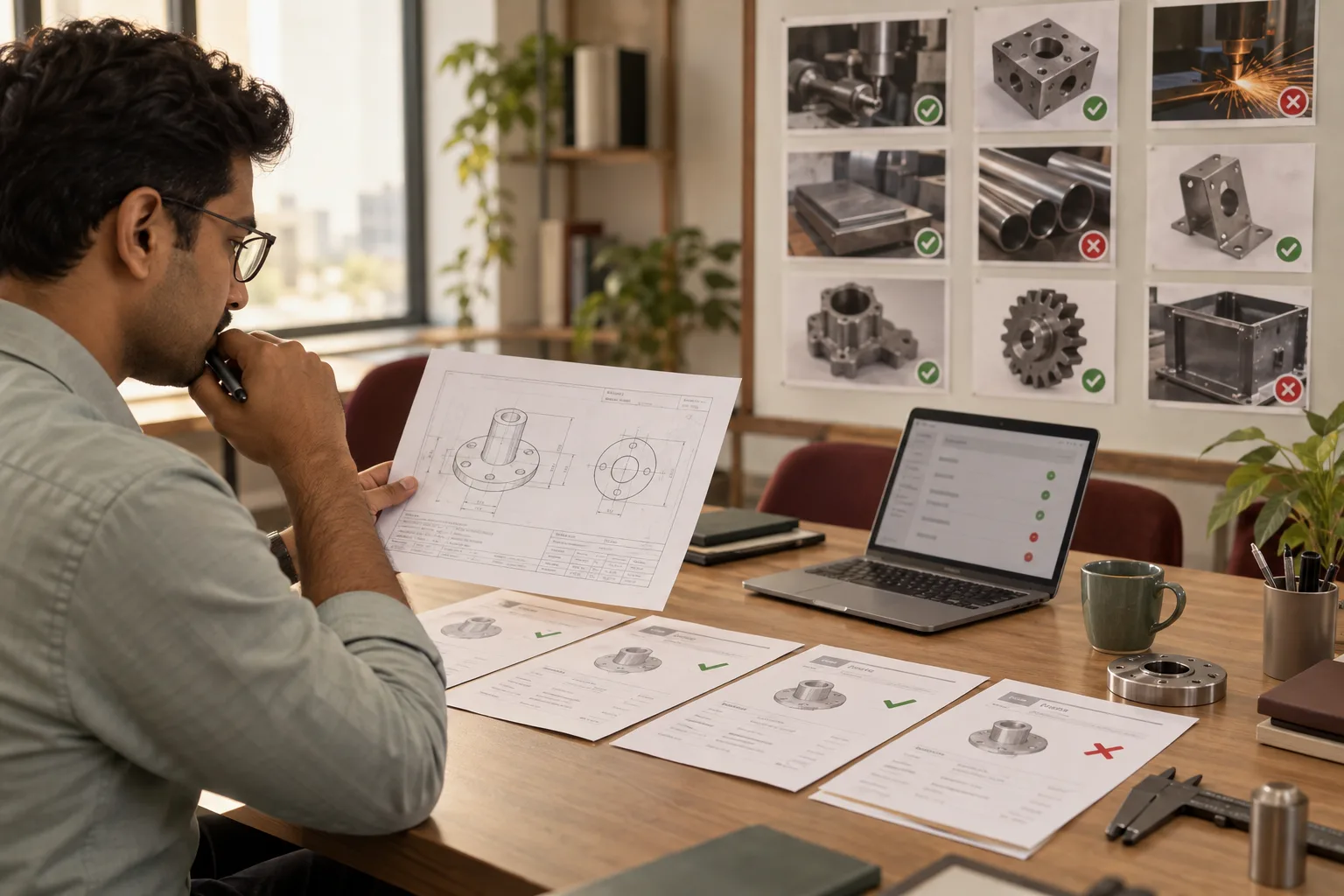 6 min read · 6 Oct 2026How industrial buyers decide which unit gets the RFQWhat industrial buyers check before sending an RFQ, across nine manufacturing trades, and where a unit drops off the shortlist.
 7 min read · 18 Aug 2026How to get printing orders that repeat every monthPrinting orders come from local search, reorder-minded business buyers and fast quotes. Show prices and chase the reorder before stock runs out.
 7 min read · 28 Jul 2026How to convert IndiaMART leads into ordersIndiaMART leads convert when you reply within minutes, qualify with one question, send a real quotation and follow up for weeks.
More for packaging manufacturers
Related work to consider.
Closest to this: search and visibility
Also for packaging manufacturers
Or start from the overview: sales and marketing for packaging manufacturers.
Your next practical step
Tell us what you are trying to grow, and we will read it before we call.
Eight short steps, mostly taps. Skip anything you would rather answer on the call.