Smart home equipment stores · Social media
Post the room reacting, because a feature list never made anyone buy a switch.
Social media marketing for a smart home store means showing devices doing something in a real room, so that a viewer sees the curtain open or the lock release. GullySales works on the scenes, the formats and the replies that turn that interest into a demo visit.
Scope, fee, reporting and term are agreed in writing after we have read your brief and spoken to you.
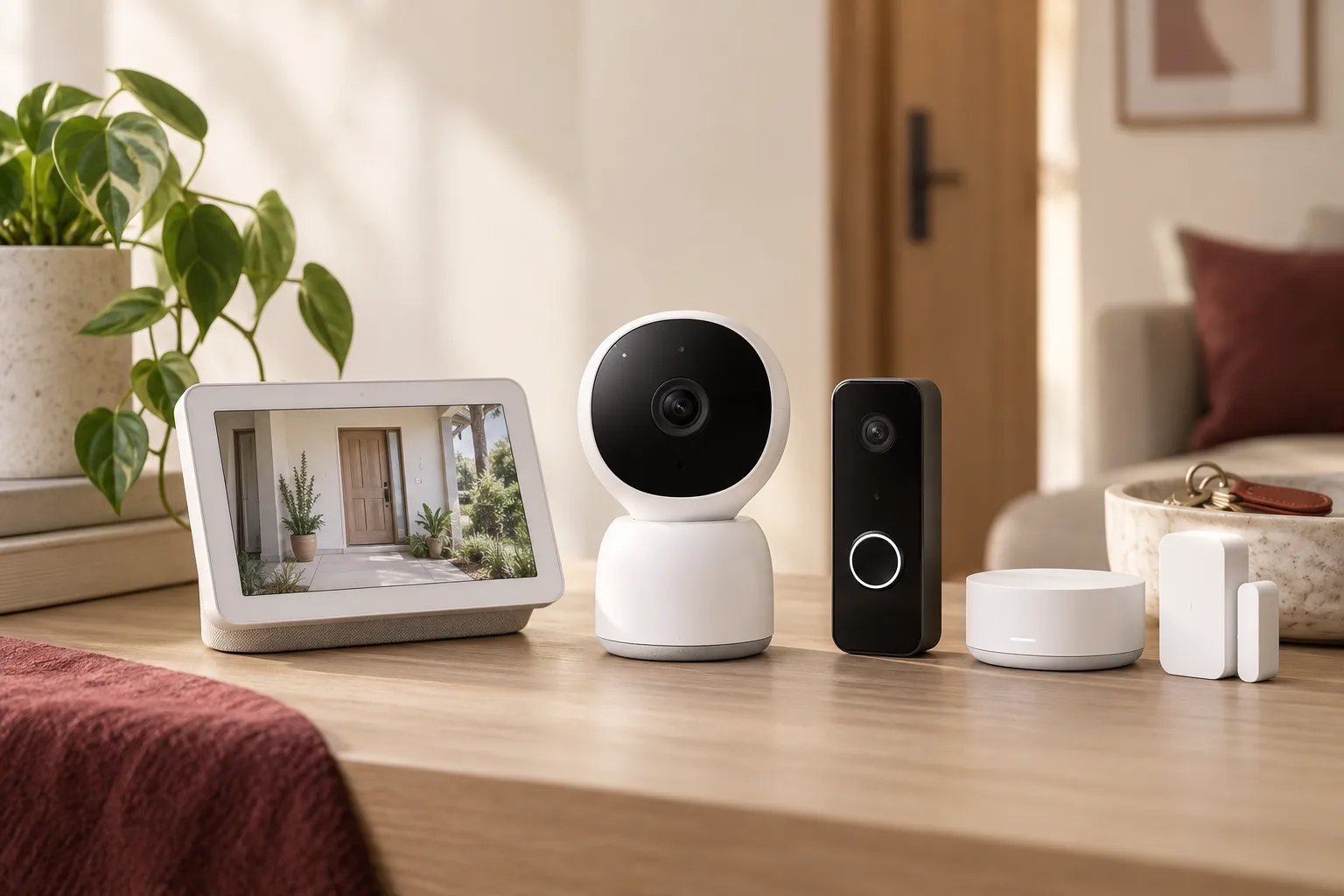
What social media means
Social media is the ongoing posting your business does on platforms such as Instagram, Facebook and LinkedIn to stay visible to customers and prospects between purchases. GullySales plans a posting calendar, writes captions and designs the images so the page looks active and answers what a visitor would ask.
Also for smart home equipment stores
Sales and marketing for smart home equipment stores, the overview.
Last updated 14 Nov 2026.
For smart home equipment stores
Where it usually goes wrong, and what we would do.
“A product shot says nothing about the evening”
A switch on a white background looks like a switch. A short clip of one tap dimming the living room, closing the curtains and starting the television shows what the buyer is paying for.
“Family members watch for different reasons”
The younger member likes the app. The parent wants to know the door opens by hand when the battery dies. Posts that answer both worries reach the whole household that will decide.
“Installer work is the best proof”
A tidy switch box, a labelled panel and a neat cable run show the quality of the work behind the product. Customers rarely see it, so it makes a strong post when the owner allows photographs.
“Comments are enquiries in disguise”
A question under a reel about whether it works with old wiring is a lead. If it waits unanswered, the viewer takes the question to a rival or a forum.
What we do
What we deliver for smart home equipment stores.
The work available for this need. We agree the deliverables and responsibilities for your engagement in writing.
A scene list built from your demo corner
Scenes such as morning, guest arrival and leaving home, each filmed in the demo corner.
Result: You have a stock of posts that show devices in use.
A short-video format for each device type
A repeatable shape for locks, curtains, lights and cameras, so filming is a routine job.
Result: Each device type has a clear way to be shown.
An installer-at-work series
Photographs and clips of finished wiring and panel labelling, posted with the owner's permission.
Result: Visitors see the work before they book.
A comment and message reply guide
Short, accurate answers to the common compatibility and wiring questions, with a prompt to book a demo.
Result: Questions under posts reach a person who answers.
A record of enquiries from social posts
Each message or call from a post logged against the post that prompted it.
Result: You can see which scenes bring visits.
How the result is measured
- Posts published
- Engagement rate
- Enquiries from social profiles
Recorded as a baseline before work starts, so every later report has an honest comparison.
Posts and pieces to plan
Posts a smart home store can plan around a room and a reaction.
- A voice command in the living room
- A clip of lights and a fan responding to the household. Proof needed: it is a real room, with the devices and the wiring shown.
- Before and after a switch panel
- Photographs of the old switchboard and the new panel. Proof needed: a home whose owner agreed to be shown.
- An installer at work
- A short clip of the installer finding the neutral wire. Proof needed: the installer's agreement and a real job.
- What still works by hand
- A post showing the lock opening with a key and the switch pressed by hand. Proof needed: the product itself, tested on camera.
- Show-flat walk-through
- A clip of a builder's flat with the system on. Proof needed: the builder's agreement to be named.
- A setup visit for a stuck online buyer
- A post on how a kit bought elsewhere was made to work. Proof needed: the buyer's consent and the real fix.
Who it is for
This is written for these smart home equipment stores.
- Smart switch and home automation dealers who also install
- Smart lock and video doorbell stores
- Security camera and smart sensor retailers
- Voice assistant, smart speaker and smart plug sellers
- Curtain, blind and motorised shutter specialists
- Home theatre and lighting-control integrators
- Electrical stores that added a smart home counter
- Show-flat and builder package suppliers
Before you decide
When this may not be the right fit.
- The household in the clip has not agreed, and the clip shows the front door and the lock.
- You have no demo corner to film, so every post would use the brand's own images.
- No one answers the comments, and a buyer's question on compatibility would stay in public.
Before you decide
Agree the work. Know how to judge it.
Social media marketing for smart home stores: use these checks to prepare, choose the scope, and review what changes.
Bring the right evidence
Review the posts that produced useful conversations, not only the ones with the most views. Gather buyer questions and decide which team member can contribute credible material.
Make the scope clear
Choose the audience and channel before setting a posting volume. Agree who supplies material, approves posts, and handles messages, including complaints or questions the agency cannot answer.
Check the work in use
Follow a post through to the profile, website, and response. A useful report explains the quality of conversations and enquiries, alongside reach and engagement.
Know when to change course
If publishing takes time away from unanswered buyer messages, fix the response routine first. Do not expand to another channel without a clear reason for being there.
These are discussion points, not a fixed package. GullySales confirms the deliverables, responsibilities, fee, and term in writing after reading your brief and speaking with you.
Before we start
What to have ready before the work starts.
The records, access and decisions this work needs from smart home equipment stores. Anything missing is noted in the written scope, with who will supply it.
- Working devices in the demo corner
- Each device to be filmed must be installed and powered. A corner with devices on a shelf shows nothing, so we plan scenes only for what works on the day we visit.
- Admin access to the shop's pages
- We need access to the Instagram, Facebook and video channel the shop uses, or a decision to start new ones. Pages held by a former agency delay the plan until they are recovered. Tell us also who posts at present and from which phone, so that the plan fits the way the shop already works.
- A customer's agreement for site filming
- Pick a household willing to be filmed at the door, and have them agree in writing. Without a customer's agreement, the series uses the demo corner and the installers' tools alone.
- An installer who can explain on camera
- Name an installer comfortable giving a short explanation. If nobody is, captions carry the words and the clips show hands and devices only.
- The replies the counter already gives
- Share what the counter says to common questions, so that our replies agree with it. Contradictory answers between the page and the shop confuse the buyer.
How it works
How the social media work runs
The work itself, in order. How an engagement starts, from your brief to a written scope, is set out on our method page.
- 1
Choose the scenes from the demo corner
We walk the demo corner with a phone and pick the moments that make sense without a voice: curtains opening on a timer, a lock released by a fingerprint, a hallway light coming on as a hand reaches for it. You decide which devices to show. The first list of scenes is built from what the corner can truly do. We note the light at different hours, the sound of a motor and the position of the phone for each shot, so a clip can be repeated by the counter without us.
- 2
Set the format for each device type
We fix a short format for locks, lights, curtains and cameras, such as a room set-up, the action and a closing shot of the app. You approve the style. A format repeated across posts lets a follower recognise the shop in a feed.
- 3
Film the installers on a real job
With a household's agreement we film an installer fitting a switch plate or setting up a hub, avoiding faces and private rooms. The installer reads the clip for accuracy. The series shows the work behind the box, which is what a doubtful buyer wants to see. We also record the installer saying aloud what is being done at each step, so the clip can be cut into short pieces that each answer one question, such as how deep the box must be.
- 4
Write the answers to the usual comments
We read the comments and messages from earlier posts and write short answers to the questions that return: does it work with my switch, can I fit it myself, is the lock safe. Questions that need a visit are routed to the demo booking. You choose who replies, and the replies are written so that a question about a fitting in a particular wall is passed to an installer before anything is promised.
- 5
Plan the posts for the family members who watch
A son who likes gadgets, a spouse who worries about safety and a parent who wants simple control each look at a different post. We plan a mix that speaks to each in turn, and you approve the order. The feed then has more than one voice.
- 6
Count the enquiries that came from the posts
We compare demo bookings and messages that mention a post with the figures recorded before the work, and read which scenes were saved or forwarded. You see which devices bring visits, and the series is reshaped around them.
Where this fits
Three pieces of sales work, in this order.
This work sits inside sales process design, at stage 0, foundation. The audit comes before it, and sales management keeps it running.
Step 1
Sales audit
Find where deals are being lost and what to fix first.
Start here if you cannot say where orders are lost.
Step 2 · you are here
Sales process design
One written way to sell, from first enquiry to repeat order.
Start here if every salesperson sells differently.
Step 3
Sales management
A target, a review routine and someone who owns the number.
Start here if the team has targets and no routine.
FAQ
Questions owners ask before they call.
Not here? More answers, or ask on WhatsApp.
Which platform matters most?
Is it safe to post customers' homes?
Should we show a customer's security devices?
Do reels help a store with two installers?
Is it safe to show the lock and the cameras on social media?
Will an influencer help a store like ours?
How much does it cost?
How soon will we see results?
Who will actually do the work?
What do you need from us?
More for smart home equipment stores
Related work to consider.
Closest to this: content and social
Also for smart home equipment stores
Or start from the overview: sales and marketing for smart home equipment stores.
Your next practical step
Tell us what you are trying to grow, and we will read it before we call.
Eight short steps, mostly taps. Skip anything you would rather answer on the call.