AR, VR and XR development studios · Digital marketing
Spend where an agency head or a dean is already looking for a demo.
Digital marketing for an immersive studio is the combined use of search, ads, social posts, email and the website to bring buyers to a demo. GullySales sets the plan by buyer, the tracking and the order in which channels are added.
Scope, fee, reporting and term are agreed in writing after we have read your brief and spoken to you.
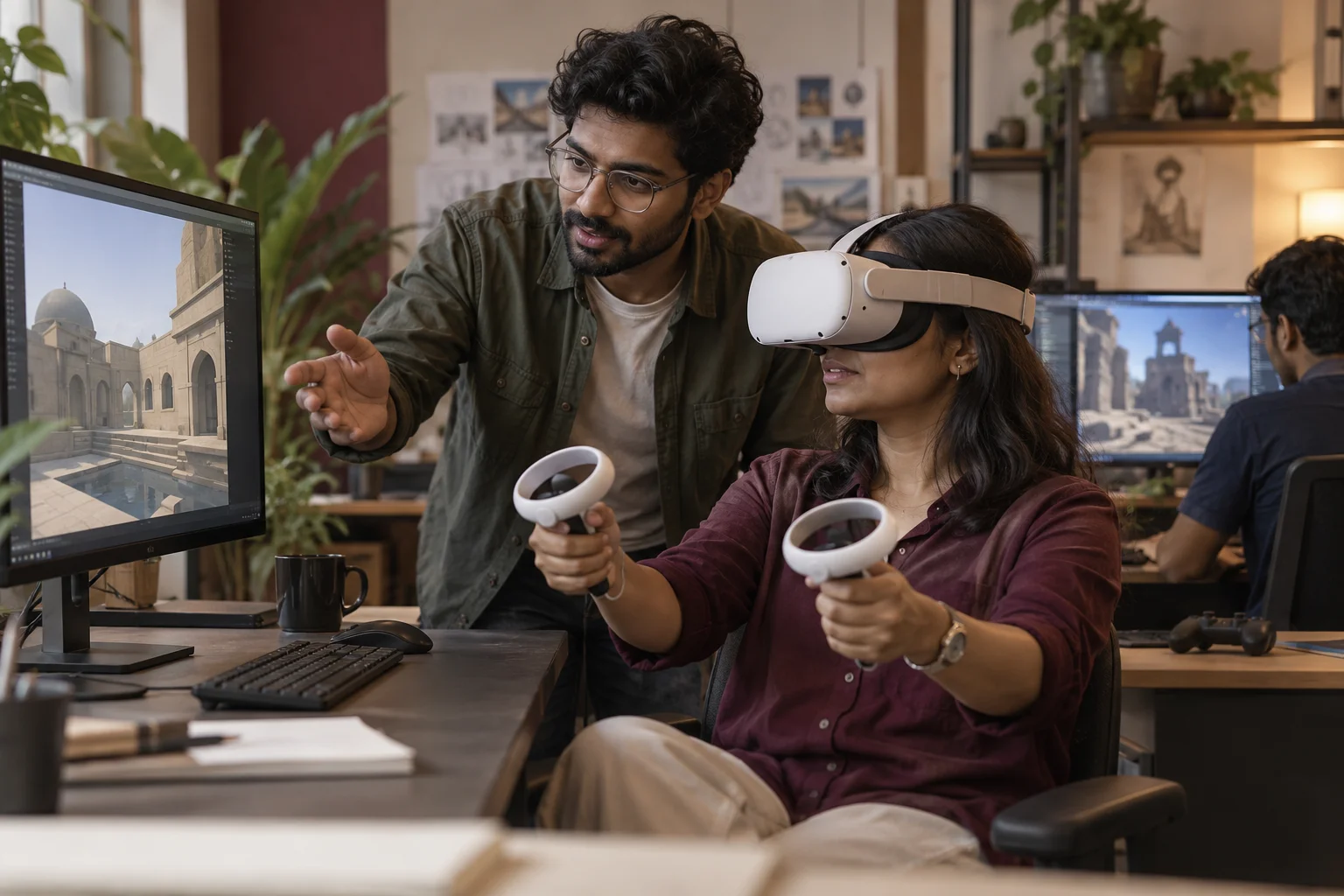
What digital marketing means
Digital marketing is the combined work of search, social media, advertising and website channels running together rather than as separate projects with separate people. GullySales runs these as one connected system so a change in one channel, such as a new offer, is reflected everywhere at once.
Also for AR, VR and XR development studios
- Buyer persona for AR, VR and XR studios
- Lead generation for AR, VR and XR studios
- SEO for AR, VR and XR studios
- Social media marketing for AR, VR and XR studios
- Content marketing for AR, VR and XR studios
- CRM for AR, VR and XR studios
- Follow-up systems for AR, VR and XR studios
- WhatsApp marketing for AR, VR and XR studios
Sales and marketing for AR, VR and XR development studios, the overview.
Last updated 22 Oct 2026.
For AR, VR and XR development studios
Where it usually goes wrong, and what we would do.
“Channels follow the buyer”
Property developers respond to search and property portals, agencies to LinkedIn and referrals, educators to webinars and events. A single channel for all of them wastes spend.
“Paid ads need a landing page that shows a demo”
An ad that leads to the home page loses the click. A page that shows the film, the device and a demo request form keeps it. Spend should wait until that page exists.
“Tracking must separate demos from views”
Counting video views as leads hides the real picture. Tracking should show demo requests, calls and pilots by channel.
“Budget is small and uneven”
Studios sell a few big projects. A short spell of spend with no tracking tells the owner nothing. Plan the budget against the demos it should bring, and review before adding more.
What we do
What we deliver for AR, VR and XR development studios.
Every deliverable, what it covers for you, and the result it is there to produce. Nothing here is an extra.
Channel plan by buyer
A plan assigning search, LinkedIn, events, email and referrals to each buyer type with a reason for each.
Result: Spend follows the buyer.
Demo landing pages
Pages built around a use, with film, device list and a request form.
Result: Ads and posts land on a page that asks for the demo.
Conversion tracking
Tracking set so form fills, calls and WhatsApp clicks are counted by source.
Result: The owner sees which channel brought a demo request.
Search and social ad setup
Campaigns with clear goals and audiences, set up against the platform's current rules.
Result: Ad accounts are tidy and each campaign has a goal.
Email list and notes
A list built from demo consent, with short notes on new builds and lead times.
Result: Past visitors hear from the studio with permission.
Review sheet
A page that compares channels by demos and pilots, with a decision on where to add or cut.
Result: Each decision to spend is backed by a comparison.
How the result is measured
- Enquiries across channels
- Cost per enquiry overall
- Channel mix by contribution
Recorded as a baseline before work starts, so every later report has an honest comparison.
Searches your buyers type
Spend where a buyer is already looking for something to try.
- AR filter agency for product launch
- A search ad that leads to a page with a filter the visitor can open, not to a general home page.
- virtual reality for school science lab
- A landing page for educators with the scenario, the devices supported and a form that asks about the class and the headset.
- 3D walkthrough for apartment project
- A property landing page with a short demo, the platforms it runs on and a request form that asks about the project launch.
- VR safety training for manufacturing
- An industrial page naming the scenario and how a plant would test it, with a call to book a demonstration.
- AR studio for trade show booth
- An event page that shows a previous booth experience, the equipment needed on site and how bookings are scheduled.
Who it is for
This is written for these AR, VR and XR development studios.
- Property developers and real estate marketing teams
- Brand and advertising agencies running launches
- Schools, colleges and ed-tech companies
- Corporate training and skilling teams
- Museums, tourism boards and heritage bodies
- Retail and showroom brands with a product to place at home
- Industrial and manufacturing firms needing equipment walkthroughs
- Event and exhibition organisers
Not for
It is not the right fit if.
- You have no landing page with a demo on it, so paid reach would send people to a showreel that does not convert
- Your pipeline holds more briefs than the team can build, and spending on more attention would only lengthen the wait for each
- You do not track whether an enquiry led to a demo, so spend could not be tied to any decision
How it works
How the digital marketing work runs
The work itself, in order. How an engagement starts, from your brief to a written scope, is set out on our method page.
- 1
Agree the one aim
We settle what the campaign must achieve, such as enquiries for a launch or footfall for an event, and the date it must be live.
- 2
Check what is ready
We list the channels you already run, who runs them, and what each can produce in the time available. Anything that cannot be done properly is left out.
- 3
Write the idea and the message sheet
We draft the one-sentence idea, test it against each planned format, and fix the wording that all channels will copy.
- 4
Brief every channel from the same sheet
Your agency, freelancer or in-house person receives the message sheet and calendar. Their work is checked against the sheet before it goes out.
- 5
Run on the shared calendar
Channels go live together. If the offer changes, every channel is changed on the same day from the same sheet.
- 6
Measure as one campaign
Enquiries and orders are read against the baseline. The reporting schedule is agreed in writing with the scope.
Where this fits
Three pieces of sales work, in this order.
This work sits inside sales process design, at stage 0, foundation. The audit comes before it, and sales management keeps it running.
Step 1
Sales audit
Find where deals are being lost and what to fix first.
Start here if you cannot say where orders are lost.
Step 2 · you are here
Sales process design
One written way to sell, from first enquiry to repeat order.
Start here if every salesperson sells differently.
Step 3
Sales management
A target, a review routine and someone who owns the number.
Start here if the team has targets and no routine.
FAQ
Questions owners ask before they call.
Not here? More answers, or ask on WhatsApp.
Where should a new studio spend first?
Do we need a big budget?
How do we measure success?
Can we measure a view that turned into a pilot?
How long is the contract?
How soon will we see results?
Who will actually do the work?
What do you need from us?
What if we are not happy with the work?
More for AR, VR and XR development studios
Everything else we would do for you.
Closest to this: strategy and research
Also for AR, VR and XR development studios
Or start from the overview: sales and marketing for AR, VR and XR development studios.
Your next practical step
Tell us what you are trying to grow, and we will read it before we call.
Eight short steps, mostly taps. Skip anything you would rather answer on the call.