Notes for owners · Digital marketing
WhatsApp for property sales: what to send and what to leave out
Which messages keep a property buyer's chat open, which ones get your number muted or blocked, and how to run it from one named person using the WhatsApp Business app.
The GullySales team · Updated 17 Oct 2026 · 6 min read
Rules for this trade differ by state and professional body, and they change. Check the current position with your own council or adviser before you act on anything here.
On this page
On WhatsApp a property buyer wants four things: the details they asked for, a person who replies, a clear next step for a visit, and quiet in between unless there is news. Send those. Leave out mass forwards of offers, price drops copied to every contact, and messages to people who never agreed to hear from you. The first keeps the chat open. The second can get your number muted.
Why does a property chat die so fast?
Buying a home is a big, slow decision, and the buyer is often getting the same message from five builders. A chat survives only if it is useful to them and quiet otherwise.
Many chats die the same way. The enquiry comes in, a brochure goes out, there is no reply, and three days later a "limited offer" arrives. The buyer does not know who is writing and does not trust the offer. They mute the chat, and the muted chat stays on the phone for months, invisible to you.
Compare that with a chat where the same person replied in the buyer's language, answered the question they asked and proposed a Saturday visit. Nothing clever; just a person.
What should you send, and when?
Match the message to the stage the buyer is at.
| Stage | Send | Leave out |
|---|---|---|
| Just enquired | A hello with your name, the project, one line answering what they asked, and a question about what they need | The full brochure, five photographs and a price list at once |
| Interested | The floor plan for the unit they asked about, the location pin, the way to reach the site | Details of other towers they did not ask for |
| Visit booked | A reminder the day before with the time, a landmark and the name of who will meet them | A reminder every few hours |
| After the visit | A thank-you, a note on the unit they liked and a plain summary of the next step | A countdown to a deadline you made up |
| Gone quiet | One message when something has changed: a floor now sold, a revised plan, a construction update | "Just checking in" repeated |
| Booked | Payment schedule dates, documents list, a named contact | Nothing promotional |
Notice what is missing from every row: forwarding a general message to everyone on your phone. That is the habit that costs numbers.
Which messages tend to get a number muted or blocked?
- Offers sent to a list of people who never asked for them
- Price offers that contradict what the buyer was told on the phone
- Photographs of a model flat described as the actual unit
- Repeated follow-ups that ignore a "not now"
- Voice notes from five different team members
The last one is easy to miss. A buyer who hears a fresh voice every time cannot tell who is accountable. Name one person for the whole of a buyer's journey, and pass the chat on only with an introduction in the chat itself.
How do you handle consent, and what are the rules?
Start with the simple version: message people who enquired or asked to be contacted, about what they asked. Tell them how to stop. Keep a record of when and how they gave their number.
The legal side is not simple. Rules on consent, promotional messages and personal data differ and change, and property advertising can attract regulator attention. Take your questions to your own legal adviser, and read the current terms of the messaging platform you use. Keep a record of when and how each person gave their number; the legal reading stays with your adviser.
Never buy a phone list and message it. Those are not buyers. They are numbers.
How do you run this without an automation tool?
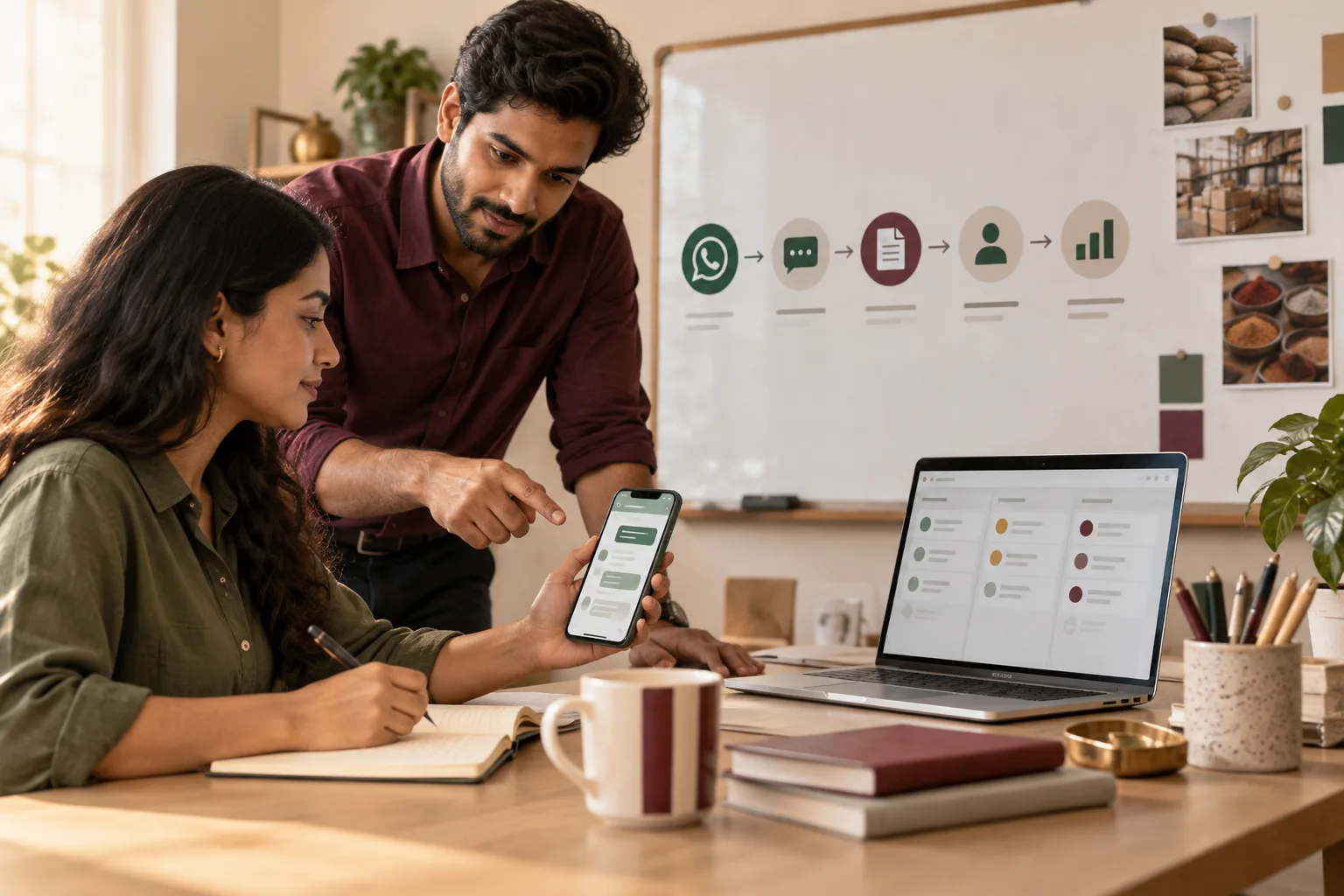
A small project does not need software to start. Use the WhatsApp Business app on one company phone.
- Set up the profile. Project name, address, hours and a short description. Add a greeting message and an away message.
- Create quick replies by hand. Save your five most-used answers (location, unit sizes, payment schedule, visit timing, documents) as shortcuts. Edit them for each buyer before sending.
- Use labels. "New", "Visit booked", "Visited", "Negotiating", "Booked", "Not now". Move each chat as it changes.
- Keep a tracking sheet. Name, number, date of enquiry, source, label, next action and date. Check it each morning.
- Review the labels and write to the "Visited" group with something real, such as a progress update.
A by-hand app has limits. It does not scale to hundreds of chats a day and it needs a person who will actually check labels. When volume outgrows it, talk to someone about the Business API route, which is a different set-up with its own approval and rules.
A festival forward in Warangal (invented)
Take an invented seller of a plotted layout outside Warangal who takes enquiries from a portal and a hoarding. One salesperson, on a personal phone, forwards a "festival offer" image to everyone who ever called. Two people reply "stop". The rest say nothing, and several have muted the chat.
The seller moves to one business number with a named person. Only people who enquired are messaged, and only about the plot sizes they asked about. The offer image goes only to those who asked about price. A weekend visit reminder with a pin and a landmark draws more replies than any forward did.
The list shrinks, and the seller worries that the project now looks quiet. Some contacts never wanted a plot at all, and losing them is an honest filter, but the first month feels like a loss.
One number, one person, this afternoon
Pick the business number and name the person. Write the five quick replies. Then clear your phone of any list you cannot explain how you got. For the questions to ask before a visit, see how to qualify a lead on WhatsApp; the real estate and construction hub has the wider sale. If you want a second opinion on the set-up, or the other route when volume outgrows one phone, see WhatsApp marketing and automation or tell us what you need.