Notes for owners · Websites and conversion
Why your ads bring clicks and no orders: a checklist for online sellers
When ads bring clicks and no orders, work backwards from the order: check tracking, then checkout and payment, delivery and pin code, the price shown and the product page, and only then the ad.
The GullySales team · Updated 17 Oct 2026 · 5 min read

On this page
The ads dashboard says hundreds of people clicked. The store says two orders. The instinct is to change the audience or the creative. Do that last. Work backwards from the order instead: confirm orders are being counted, then walk through payment, checkout, the delivery check, the price on the page and the product page itself, on a phone, the way a buyer would. The step where you hesitate is the step where buyers leave. Only when the store passes do you touch the ad.
Start with the order, not the ad
When people click, the ad has done its job. It made someone curious enough to tap. What happens after the tap belongs to the store. Changing the audience three times while the checkout demands an email address nobody wants to give only brings different people to the same leak.
The backwards checklist
Do this on a phone over mobile data, from the ad itself, delivering to a pin code far from your warehouse.
- Is the order being counted? Place a real order from the ad. It should appear once in the ad platform and once in the store, with the right value. If the store has orders the ad platform cannot see, you have a tracking problem, not a sales problem, and our website analytics and conversion tracking work starts there.
- Does payment work where the buyer is? Pay by UPI from inside the Instagram or Facebook browser. Does it hand over to the UPI app and come back to a confirmation page, or strand the buyer? Is COD shown where you offer it?
- Does checkout ask for too much? A forced account, a password, an email from someone who lives on WhatsApp, a second OTP. Each is a reason to leave. The courier needs a name, a phone number, an address and a pin code.
- Does the buyer see delivery cost and date before the last step? Enter a far pin code on the product page. If the shipping charge, or "COD not available for your pin code", appears only at payment, that is where your carts are dying.
- Is the price on the page the price in the ad? An ad that shows one price and a page that shows a higher one with a code to type is a lost order. So is the size from the reel being out of stock.
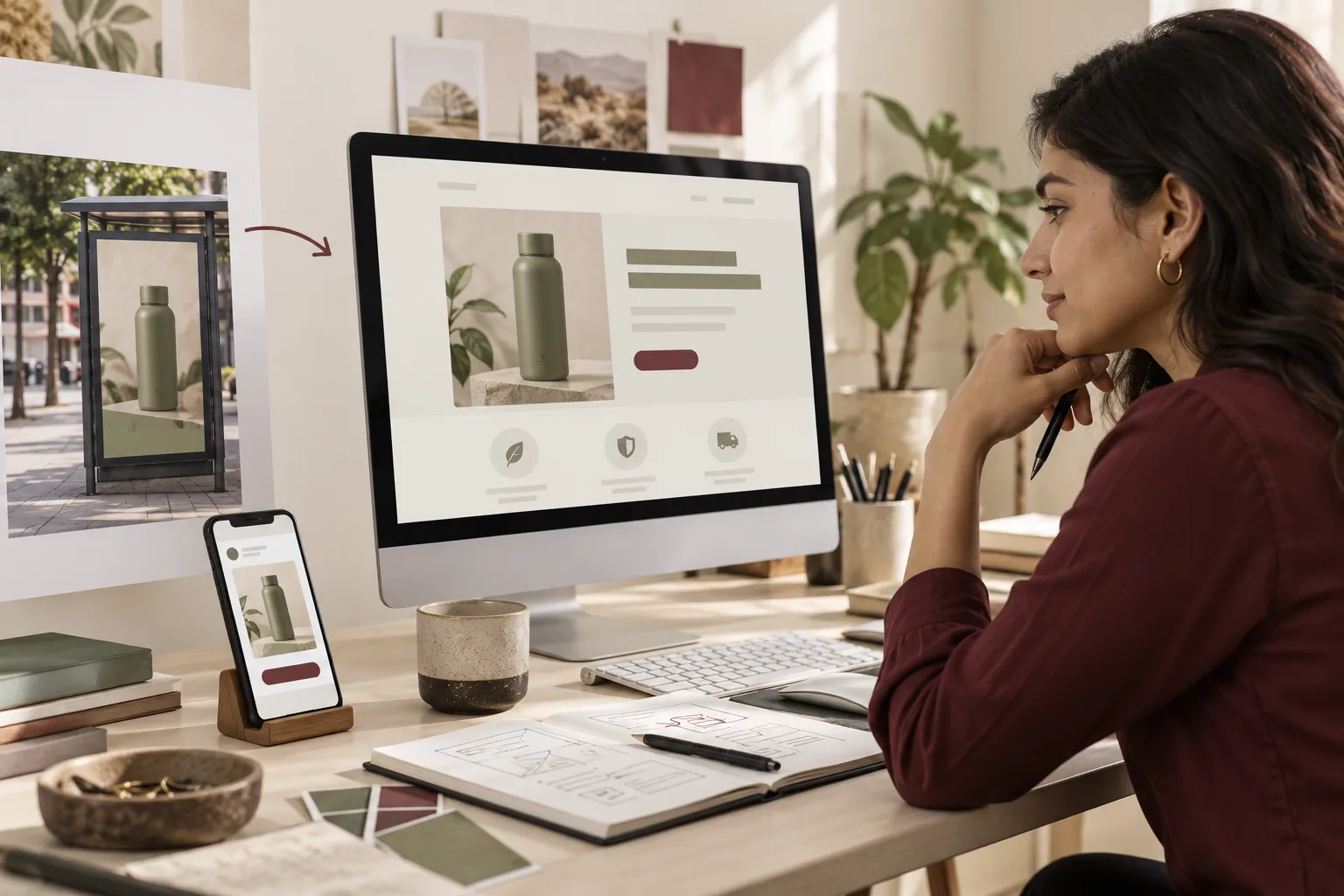
- Does the ad land on the product it showed? Not the home page, not a collection of everything. The exact product, in the colour from the ad, already selected.
- Does the page load on mobile data? The platform counts the click before your page appears. A buyer who gives up at a white screen is a click with no visit. Compare link clicks with landing page views in Meta, or clicks with sessions in your analytics; a wide gap is speed.
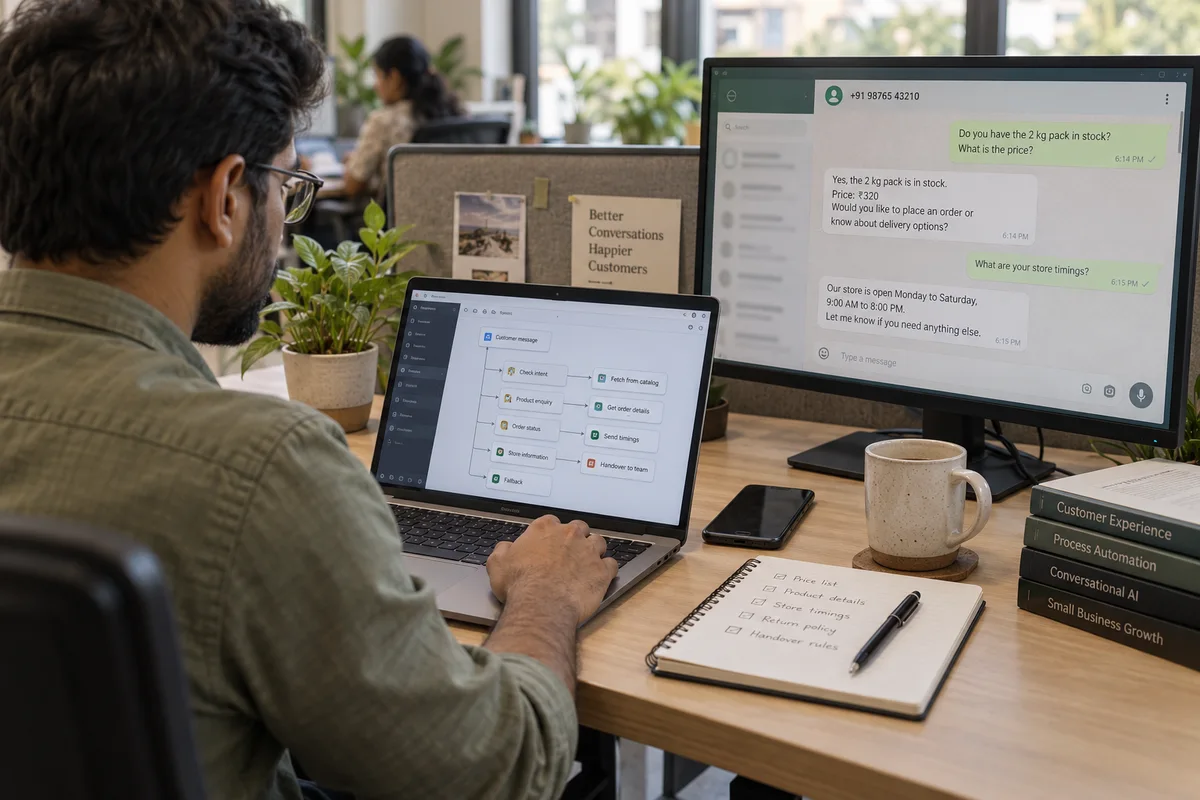
- Does the product page answer the question the ad raised? Read your WhatsApp chats for the question shoppers ask most, size or fabric or returns, and check the page answers it above the fold.
- Only now: is the ad promising something the page does not? "Free shipping" in the ad and a charge at checkout. "Handmade" in the ad and catalogue photos on the page.
If you hesitated anywhere from step 2 to step 5, no change of audience would have helped.
What the buyer sees inside the Instagram browser
Founders build and check their store on a laptop, or in a phone browser where they are logged in and autofill knows the address. The buyer from a reel lands in Instagram's own browser instead: no saved address, no saved card, and a UPI handover that may or may not return to your confirmation page. Copy the link from your ad preview, open it inside Instagram on a phone that has never visited your store, and buy something. Then do it again on an older Android phone.
For example: ceramic mugs from a Bengaluru studio
For example, take a small ceramics studio in Bengaluru selling handmade mugs and planters on its own store, with Instagram ads built on a reel of the glazing. The figures are invented: about 900 clicks and 4 orders in a fortnight, on ₹12,000 of spend.
Clicks were plentiful and orders were not, so the founder changed the audience, then the reel, then the audience again. Nothing moved. The backwards check found three problems in ten minutes. The ad sent people to the home page, where the mug from the reel sat three scrolls down. Shipping, which is heavy for ceramics, appeared only at the payment step. And in the Instagram browser, checkout asked for an email before it showed any payment options, which is exactly where the store's abandoned checkouts were stopping.
The fixes were the ad link pointing straight at the mug, a line on every product page giving shipping by weight, and email made optional. The audience and the reel went back to the first version. Nothing had been wrong with them. Orders rose to about 14 on the same spend, which is still ₹850 an order against a ₹600 margin, so the page needed more work and the ad was not yet paying.
When the ad really is the problem
Sometimes it is the ad. The signs: clicks from placements you did not choose, such as games and apps; visitors from this one ad leaving within seconds while other visitors stay; comments that say "price?" and nothing else; an offer the page cannot honour. A store that sells to visitors from its Instagram profile link and from Google, but not from one ad, has an ad problem. A store that sells to nobody from anywhere has a store problem.
If you are still choosing a platform, Meta ads or Google ads for an online store sets out the order to test them.
What to do next
Run the checklist on your own phone, from your own ad, to a pin code you have never shipped to, and write down the first step where you hesitated. Fix that before you change anything in the ad account. What buyers in each product category check before they pay is covered in the e-commerce sales and marketing section, and conversion rate optimisation is the service that works on the store itself. To have the store and the ads looked at together, tell us what you need.