Home and office automation · Sales enablement
Give your sales team a way to show the finished result, not just describe it.
Sales enablement for home and office automation means quotation templates, project galleries and demonstration material your sales team can use during a showroom visit or a site meeting. The pitch should not rely on memory or improvisation. GullySales builds these tools around your actual product range and past projects.
Scope, fee, reporting and term are agreed in writing after we have read your brief and spoken to you.
What sales enablement means
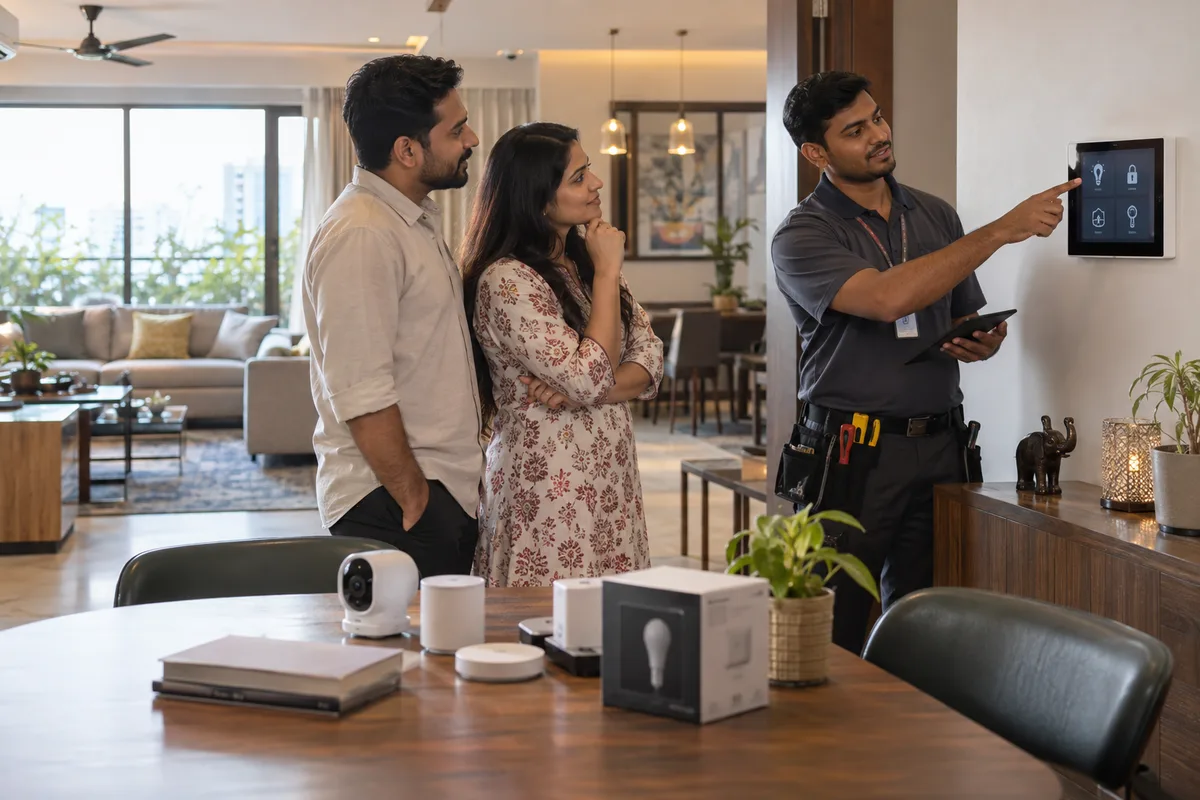
Sales enablement is giving a sales team the tools it needs to sell, such as scripts, brochures, pricing sheets and a working CRM, rather than teaching a skill. GullySales builds and keeps these tools current so a salesperson is never explaining a product from memory alone.
Also for home and office automation
- Sales management for home and office automation companies
- Sales process for home and office automation companies
- Sales training for home and office automation companies
- Branding for home and office automation companies
- Buyer journey for home and office automation companies
- Buyer personas for home and office automation companies
- Content marketing for home and office automation companies
- Digital marketing for home and office automation companies
Sales and marketing for home and office automation, the overview.
Last updated 5 Oct 2026.
For home and office automation
Where it usually goes wrong, and what we would do.
“A quotation that explains, not just prices, closes faster”
A detailed quotation showing what each component does and why it was chosen helps a buyer justify the decision to a partner or a board, not just to themselves.
“A project gallery organised by budget and style speeds up the showroom visit”
A salesperson who can quickly show a comparable past project, matched to the buyer's budget and taste, builds confidence faster than a generic tour of the showroom.
“Objection material should exist before the objection comes up”
Prepared, honest answers to common concerns about cost, maintenance or system reliability let a salesperson respond calmly instead of improvising under pressure.
What we do
What we deliver for home and office automation.
Every deliverable, what it covers for you, and the result it is there to produce. Nothing here is an extra.
Explanatory quotation template
A quotation format that states what each component does and why it was chosen, not just a price list.
Result: A buyer can justify the decision to a partner or a board using the document itself.
Project gallery organised by budget and style
Past projects catalogued so a salesperson can quickly show a comparable example matched to a buyer's own budget and taste.
Result: A showroom visit builds confidence faster with a relevant example on hand.
Prepared objection answers
Written, honest responses to common concerns about cost, maintenance and reliability, ready before a buyer raises them.
Result: A salesperson answers calmly instead of improvising under pressure.
Showroom demonstration script
A structured way to walk a buyer through the showroom's key demonstrations in an order that builds the strongest case.
Result: Every showroom visit covers the points that actually move a decision.
Regular gallery and case update routine
A standing habit of adding each strong new project to the gallery and case examples as it completes.
Result: The material sales uses always shows current, not dated, work.
How the result is measured
- Tools in active use
- Time to onboard a new salesperson
- Consistency of pitch across the team
Recorded as a baseline before work starts, so every later report has an honest comparison.
What your sales team carries
Carry proof of a working home, not a brochure of products.
- Room-by-room scope sheet
- For each room, what is controlled: lights, curtains, AC, lock or cameras, with the brand and protocol such as KNX, Zigbee or Wi-Fi. The design lead fills it per quotation.
- Demo route for the showroom
- A fixed sequence: arrival scene, voice command, phone app and what happens when the internet drops. Staff rehearse it so nothing fails in front of a client.
- Package comparison by budget
- Entry, mid and premium packages with brands, inclusions and exclusions such as wiring, hub or programming. The sales head updates it when an OEM changes its price list.
- Finished project videos
- Short clips of real sites shared with the owner's consent and labelled by budget and style. The site engineer sends the raw files at handover.
- Architect and builder brief
- A one-page note for the designer: conduit and neutral-wire needs, switch positions and the stage at which to call you in. The project head owns it.
- After-sales and warranty note
- Who the client calls, what the OEM warranty covers and what your own support covers. The support lead keeps it current as brands change their terms.
Who it is for
This is written for these home and office automation.
- Residential smart-home integrators
- Office and boardroom automation specialists
- Villa and apartment builder tie-up specialists
- Security and CCTV integration specialists
- Home theatre and AV specialists
- Motorised curtain and gate automation specialists
Not for
It is not the right fit if.
- You have no finished project to record, so a deck or video would show brand images that the dealer could also post.
- Your sales people do not agree on what the package includes, and a tool would carry three different answers.
- Nobody will update a tool when a product line changes, and an old brochure on a showroom tablet misleads a buyer.
How it works
How the sales enablement work runs
The work itself, in order. How an engagement starts, from your brief to a written scope, is set out on our method page.
- 1
Audit what exists
We collect the material from managers, reps, shared drives and chat groups, and mark what is current, outdated or duplicated.
- 2
Organise the library
Assets are grouped by stage of the sale and by buyer type, named by one rule and placed where reps already work.
- 3
Fill the gaps
We interview your best reps and managers and build the missing battle cards, answers and guides.
- 4
Build the onboarding pathway
New hires get a clear order of material to cover, linked to your sales stages and the tools they will use.
- 5
Assign owners and keep it current
Each asset gets an owner and a review rule, and triggers such as a price change or a new competitor prompt an update.
Where this fits
Three pieces of sales work, in this order.
This work sits inside sales management. A target, a review routine and someone who owns the number.
Step 1
Sales audit
Find where deals are being lost and what to fix first.
Start here if you cannot say where orders are lost.
Step 2
Sales process design
One written way to sell, from first enquiry to repeat order.
Start here if every salesperson sells differently.
Step 3 · you are here
Sales management
A target, a review routine and someone who owns the number.
Start here if the team has targets and no routine.
FAQ
Questions owners ask before they call.
Not here? More answers, or ask on WhatsApp.
What tools matter most for a small sales team?
How often should these be updated?
How do we run a demo when the client cannot visit our showroom?
What should our sales person never promise about compatibility?
How much does it cost?
How long is the contract?
How soon will we see results?
Who will actually do the work?
What do you need from us?
What if we are not happy with the work?
From the blog
Further reading for home and office automation.

More for home and office automation
Everything else we would do for you.
Closest to this: sales craft
Also for home and office automation
- Branding for home and office automation companies
- Buyer journey for home and office automation companies
- Buyer personas for home and office automation companies
- Content marketing for home and office automation companies
- Digital marketing for home and office automation companies
- Lead generation for home and office automation companies
Or start from the overview: sales and marketing for home and office automation.
Your next practical step
Tell us what you are trying to grow, and we will read it before we call.
Eight short steps, mostly taps. Skip anything you would rather answer on the call.