Home and office automation · Sales training
Train your team to answer the cost question without losing the sale on the spot.
Sales training for home and office automation means preparing your team for the specific conversations this business faces: cost comparisons against a basic electrician, long decision timelines, and multiple decision-makers. GullySales runs this training around your own products and past deals, not generic sales technique.
Scope, fee, reporting and term are agreed in writing after we have read your brief and spoken to you.
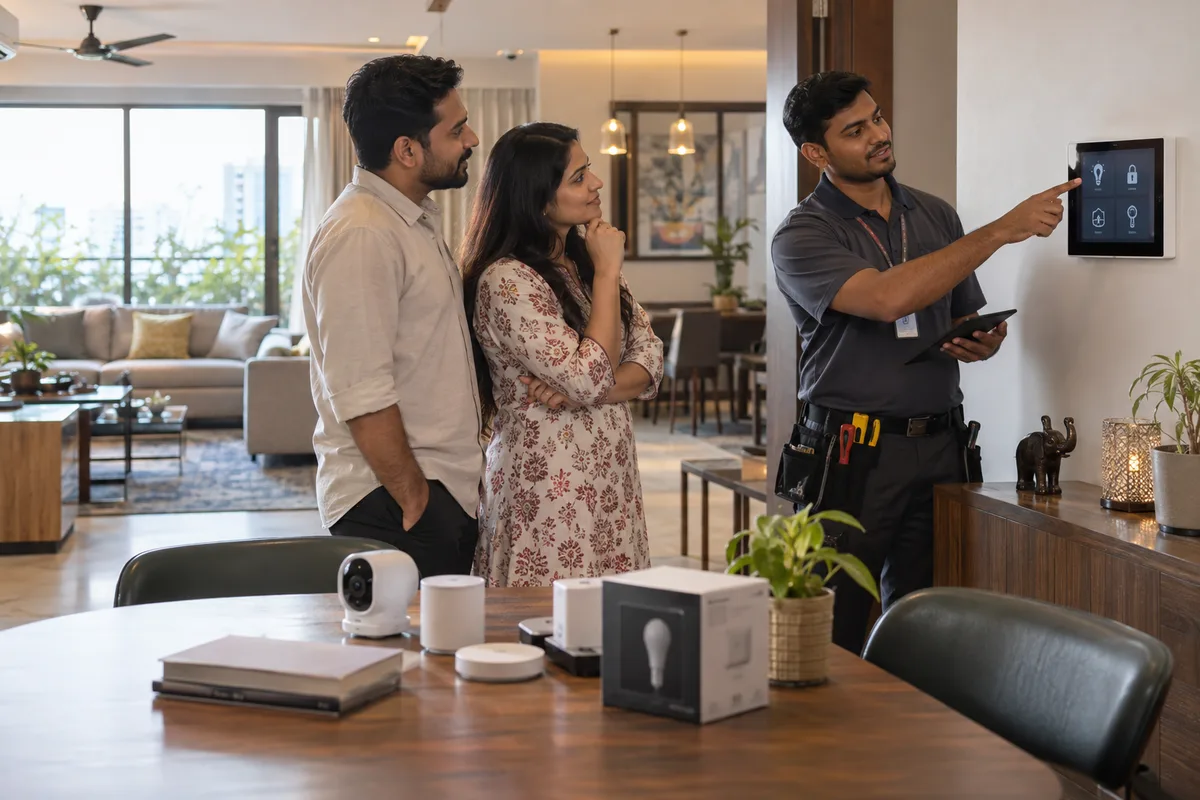
What sales training means
Sales training teaches a sales team a skill it does not yet have, such as handling a specific objection or running a proper site visit, usually through a structured session. GullySales runs these sessions around real objections and calls from your business rather than generic sales theory.
Also for home and office automation
- Sales enablement for home and office automation companies
- Sales management for home and office automation companies
- Sales process for home and office automation companies
- Branding for home and office automation companies
- Buyer journey for home and office automation companies
- Buyer personas for home and office automation companies
- Content marketing for home and office automation companies
- Digital marketing for home and office automation companies
Sales and marketing for home and office automation, the overview.
Last updated 5 Oct 2026.
For home and office automation
Where it usually goes wrong, and what we would do.
“The cost comparison needs a specific, confident answer”
A buyer comparing your quote to a basic electrician's needs to hear clearly what integration, reliability and support actually add, not a defensive reaction to the price gap.
“Handling two decision-makers is a trainable skill”
A salesperson who only ever pitches to whoever is in the room misses the second conversation with a spouse or partner that often decides the outcome.
“Following up without being pushy needs a script”
A long sales cycle tempts a salesperson to either give up too early or push too hard, and a trained, paced follow-up rhythm avoids both.
What we do
What we deliver for home and office automation.
Every deliverable, what it covers for you, and the result it is there to produce. Nothing here is an extra.
Cost comparison response training
Staff trained to explain clearly what integration, reliability and support add, using your own products, when a buyer compares your quote to an electrician's.
Result: A price objection gets a confident answer instead of a defensive one.
Two decision-maker handling practice
Practice pitching to a second decision-maker, a spouse or partner, who was not present for the first conversation.
Result: The salesperson no longer misses the conversation that often decides the outcome.
Paced follow-up script
A written follow-up rhythm for a long sales cycle, so a salesperson neither gives up too early nor pushes too hard.
Result: A slow decision gets steady attention without feeling like pressure.
Training built from your own wins and losses
Sessions built around your own recent deals, not generic sales technique, refreshed as new products or results come in.
Result: The team learns from what actually happens in your own showroom.
How the result is measured
- Skill assessment scores
- Objection handling improvement
- Conversion rate after training
Recorded as a baseline before work starts, so every later report has an honest comparison.
Situations to practise
Six conversations an automation company should practise, and what good looks like.
- My electrician can do this for much less
- Ask what the electrician has quoted and for what. Explain design, programming, warranty and support. Practise a calm comparison without running the electrician down.
- Two decision-makers want different things
- Ask who decides what, speak to both, and send a written summary of what each asked for. Practise this with a couple and with an owner and an architect.
- Can you show me something working
- Plan the demonstration around a scene in a typical room, such as lights, curtains and a scene button. Practise a short demo, not a tour of every product.
- A quote went out and silence followed
- Refer to the room list and the item left open. Offer a revised bill of quantities to the architect. Practise a follow-up that is useful, not a reminder.
- A builder's site manager is at handover stage
- Ask about conduit, pre-wiring and the stage of finishing. Practise asking early, since automation depends on wiring done before the walls are closed.
- An AMC renewal call
- Ask what they use and what has stopped working. Then explain the AMC scope. Practise the call with a list of real customers whose cover has lapsed.
Who it is for
This is written for these home and office automation.
- Residential smart-home integrators
- Office and boardroom automation specialists
- Villa and apartment builder tie-up specialists
- Security and CCTV integration specialists
- Home theatre and AV specialists
- Motorised curtain and gate automation specialists
Not for
It is not the right fit if.
- You have no written answer to what the cost includes, so the trainer would teach each sales person a different one.
- Your sales people are new and have not yet seen a finished project, and the training would be about things they cannot picture.
- You hope training will end a delay that lies in the builder's possession date, not in the sales call.
How it works
How the sales training work runs
The work itself, in order. How an engagement starts, from your brief to a written scope, is set out on our method page.
- 1
Assess current skill levels
We listen to a sample of calls, read CRM records and talk to managers and reps. Each person is placed against the skills map, so we know who needs what.
- 2
Build the curriculum
Content is written around your product, customers and sales cycle. We agree the order of modules with you before any session runs.
- 3
Schedule and deliver
Sessions run on a calendar agreed with you, short enough that reps are not pulled off the phones for a whole day. Each ends with practice.
- 4
Check on the job
Knowledge checks show what was learned. A manager then checks a real call against the skills map, because passing a quiz does not show a rep can sell.
- 5
Review and refresh
The curriculum is revisited when a product, price or competitor changes, and the manager is shown how to keep running short practice sessions after we step back.
Where this fits
Three pieces of sales work, in this order.
This work sits inside sales management. A target, a review routine and someone who owns the number.
Step 1
Sales audit
Find where deals are being lost and what to fix first.
Start here if you cannot say where orders are lost.
Step 2
Sales process design
One written way to sell, from first enquiry to repeat order.
Start here if every salesperson sells differently.
Step 3 · you are here
Sales management
A target, a review routine and someone who owns the number.
Start here if the team has targets and no routine.
FAQ
Questions owners ask before they call.
Not here? More answers, or ask on WhatsApp.
Who should attend this training?
How often should we run this?
Who should lead the practice: our owner or our designers?
Customers ask in English but decide in Hindi or Telugu at home. Does that change the training?
How much does it cost?
How long is the contract?
How soon will we see results?
Who will actually do the work?
What do you need from us?
What if we are not happy with the work?
From the blog
Further reading for home and office automation.

More for home and office automation
Everything else we would do for you.
Closest to this: sales craft
Also for home and office automation
- Branding for home and office automation companies
- Buyer journey for home and office automation companies
- Buyer personas for home and office automation companies
- Content marketing for home and office automation companies
- Digital marketing for home and office automation companies
- Lead generation for home and office automation companies
Or start from the overview: sales and marketing for home and office automation.
Your next practical step
Tell us what you are trying to grow, and we will read it before we call.
Eight short steps, mostly taps. Skip anything you would rather answer on the call.