Cafes and coffee shops · Website
Build a page that answers the catering question before the phone rings.
A website for a cafe needs to show the menu, the seating, a way to enquire about catering or a booking, and a link to the delivery apps. That is what a searcher actually wants before they call. GullySales builds and keeps this current.
Scope, fee, reporting and term are agreed in writing after we have read your brief and spoken to you.
What website means
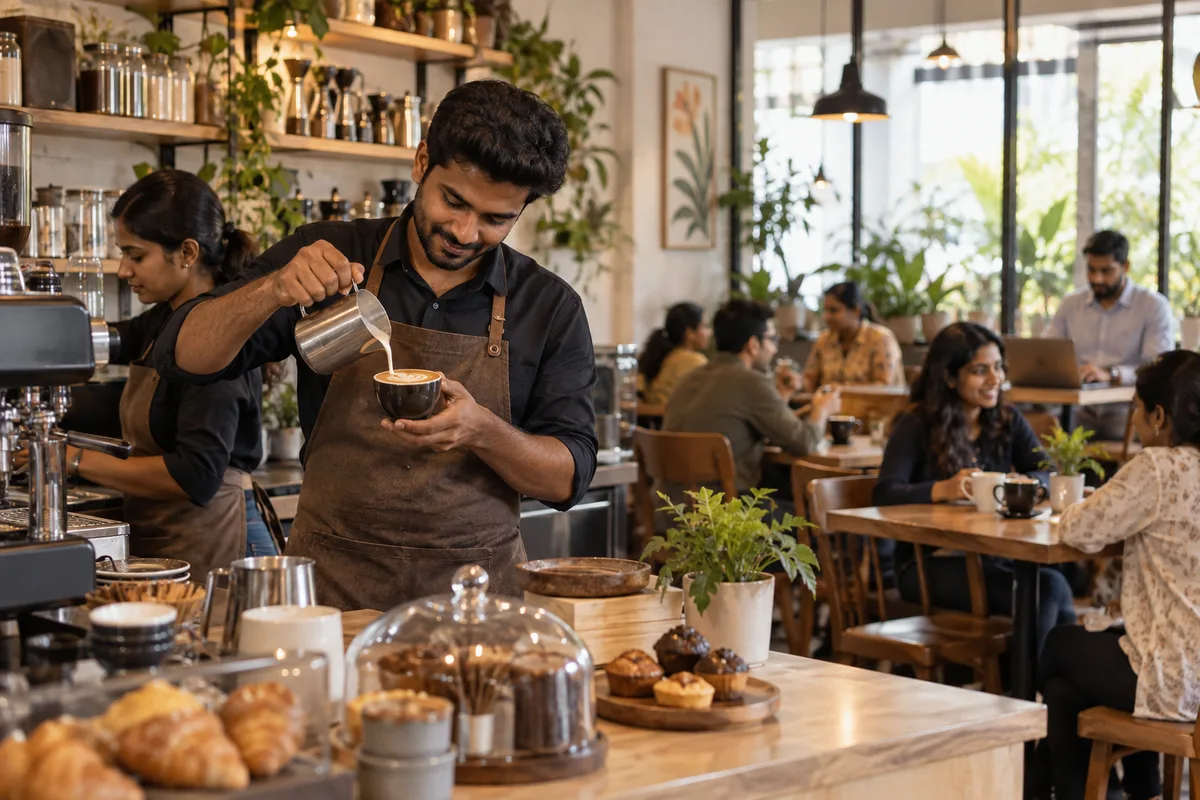
A website is the page a customer lands on after searching, clicking an advert or scanning a code, and it decides whether they call or leave. GullySales builds and maintains sites that load quickly, explain the offer plainly and make the enquiry form or phone number easy to find.
Last updated 8 Nov 2026. Rules for this trade differ by state and professional body, and they change. We describe restrictions in general terms, so check the current position with your own council or adviser before you publish anything.
For cafes and coffee shops
Where it usually goes wrong, and what we would do.
“The menu has to be readable, not a photograph of a printed card”
A blurry photo of the physical menu frustrates a searcher checking prices or dietary options on their phone before deciding to visit.
“A catering page pays for the whole website”
A single well-written page answering quantity, delivery and pricing questions for catering can bring in enquiries worth more than the rest of the site combined.
“Delivery app links belong on the homepage”
A visitor deciding between ordering in or walking down should find the Swiggy and Zomato links immediately, not after searching for them.
What we do
What we deliver for cafes and coffee shops.
Every deliverable, what it covers for you, and the result it is there to produce. Nothing here is an extra.
A readable digital menu
The full menu built as real text on the site, with prices and dietary notes, not a photo of the printed card.
Result: A visitor checks prices and options on their phone without squinting.
Catering and events page
A page answering quantity, pricing and delivery questions for group and office orders.
Result: A catering enquiry arrives with the details already answered.
Delivery app links on the homepage
Visible Swiggy and Zomato links placed on the homepage, not buried in a footer.
Result: A visitor deciding between ordering in or visiting finds the right link at once.
A simple booking or enquiry form
A form or WhatsApp link for table and group bookings, built to work on a phone screen.
Result: A visitor can ask about a booking without picking up the phone.
An update routine for menu and hours
A simple process for updating the menu, prices and hours on the site whenever they change.
Result: A visitor never arrives to find the website was wrong.
How the result is measured
- Page load time
- Bounce rate
- Enquiries from the website
Recorded as a baseline before work starts, so every later report has an honest comparison.
What the page must show
What a cafe's website must show before someone walks in.
- The menu as text, with prices and veg marks
- Type the menu out with prices, veg and non-veg marks and notes on milk alternatives and gluten. A photograph of the printed card is hard to read on a phone and cannot be searched.
- Seating, Wi-Fi and power sockets
- Say how many people the cafe seats, whether there are tables with sockets, if the Wi-Fi is free and any rule on laptop hours. The work-from-cafe crowd decides on exactly these points.
- Opening hours, including the odd days
- Give the hours for each day, the festival closures and the last order time. Make them match the Google Business Profile, since a visitor who finds a closed shutter does not return.
- How to find the door
- Add a map pin, the nearest landmark, which floor or lane the entrance is on, and where to park. Many cafes sit behind a gate or on an upper floor that a first-time visitor cannot see from the road.
- Group, birthday and catering enquiries
- State the smallest group you take, whether a table can be held, what advance is needed and whether outside cakes are allowed. Give a form or WhatsApp link that asks for date, headcount and budget.
- Photographs of the room in daylight and in the evening
- Show the actual seating, the counter and the quiet corners. A guest picking a place to work or meet wants to see the light and the crowd, not only the coffee.
Who it is for
This is written for these cafes and coffee shops.
- Independent single-outlet cafes
- Specialty coffee roasters with a cafe
- Cafes inside co-working spaces
- Bakery cafes
- Cafe chains opening new outlets
- Cloud kitchen and delivery-only cafes
- Cafes attached to bookstores or art spaces
- Late-night and student-area cafes
Not for
It is not the right fit if.
- The cafe has no menu photographs and no stable hours, so a site would show old information.
- You expect the site to replace the Maps listing, when guests will still find you on the map first.
- Nobody can update the menu and catering page, and the site would age as soon as it is built.
How it works
How the website work runs
The work itself, in order. How an engagement starts, from your brief to a written scope, is set out on our method page.
- 1
Confirm structure and content
We agree the page list, what each page must answer, and who supplies the text and photographs, before any design starts.
- 2
Design the templates
The home page, a service page, a location page and the enquiry page are designed first, on phone and desktop, and shown to you.
- 3
Build and test
The site is built and checked on real phones and the common browsers. Every form, call button and WhatsApp link is tested end to end.
- 4
Load real content
Actual copy, images and information replace placeholders. Pages are read through once by you, since you spot wrong details we cannot.
- 5
Check before launch
Tracking, page titles, the sitemap and the privacy page are checked on the staging site. If an old site exists, its addresses are mapped so old links still land somewhere.
- 6
Launch and hand over access
The site goes live and we record the domain, hosting, content login and analytics in your name. The first live enquiry is traced to confirm tracking works.
Where this fits
Three pieces of sales work, in this order.
This work sits inside sales process design, at stage 1, prospecting and lead generation. The audit comes before it, and sales management keeps it running.
Step 1
Sales audit
Find where deals are being lost and what to fix first.
Start here if you cannot say where orders are lost.
Step 2 · you are here
Sales process design
One written way to sell, from first enquiry to repeat order.
Start here if every salesperson sells differently.
Step 3
Sales management
A target, a review routine and someone who owns the number.
Start here if the team has targets and no routine.
FAQ
Questions owners ask before they call.
Not here? More answers, or ask on WhatsApp.
Does a small cafe need a website at all?
How often does it need updating?
Should the website menu match the delivery app prices?
How do we show a menu that changes with the season?
How long is the contract?
How soon will we see results?
Who will actually do the work?
What do you need from us?
What if we are not happy with the work?
From the blog
Further reading for cafes and coffee shops.
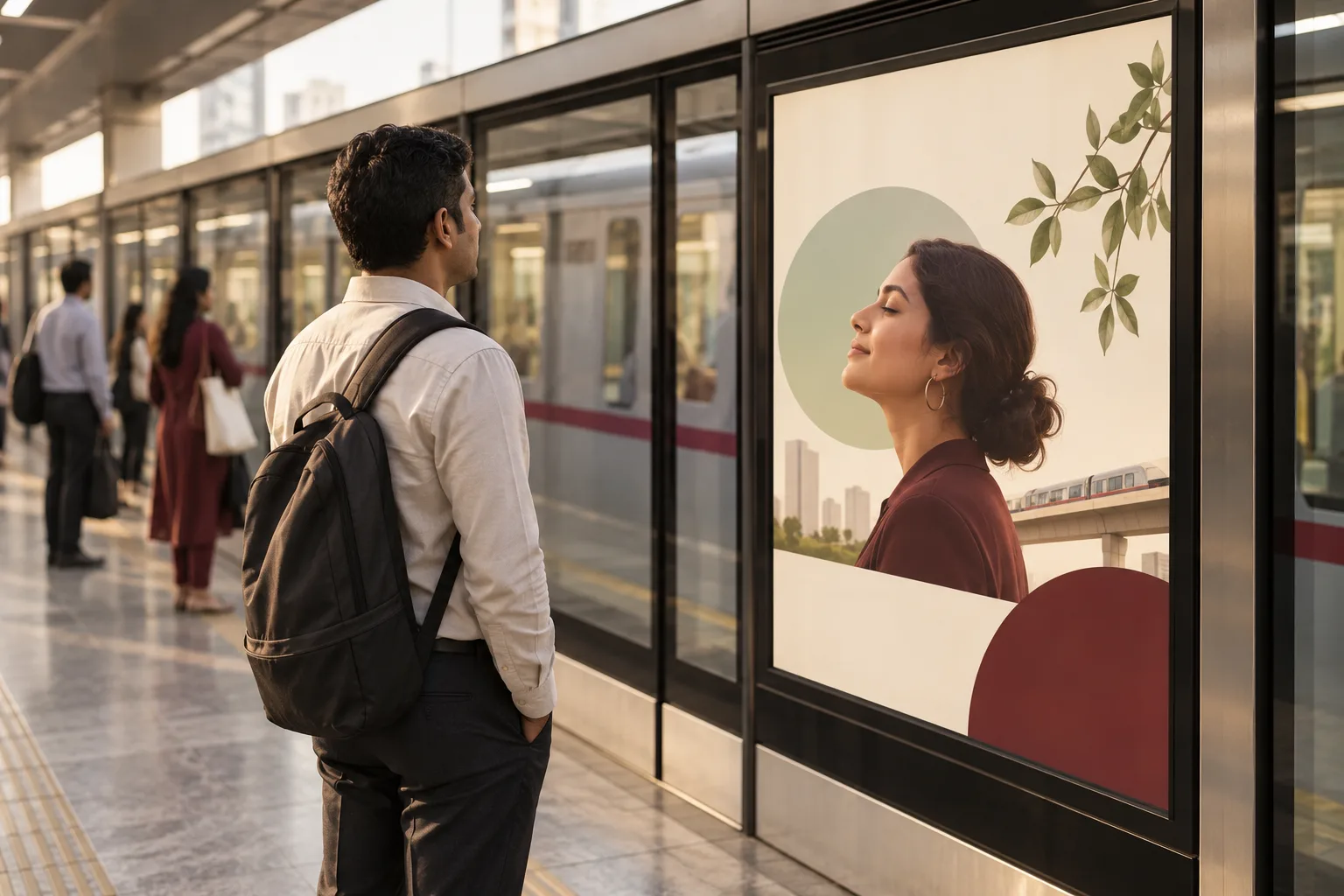 7 min read · 21 Sept 2026How to design metro and transit advertisingA commuter stands still in front of a platform panel for four minutes and passes the same one twice a day for a month. Design for the sixth viewing.
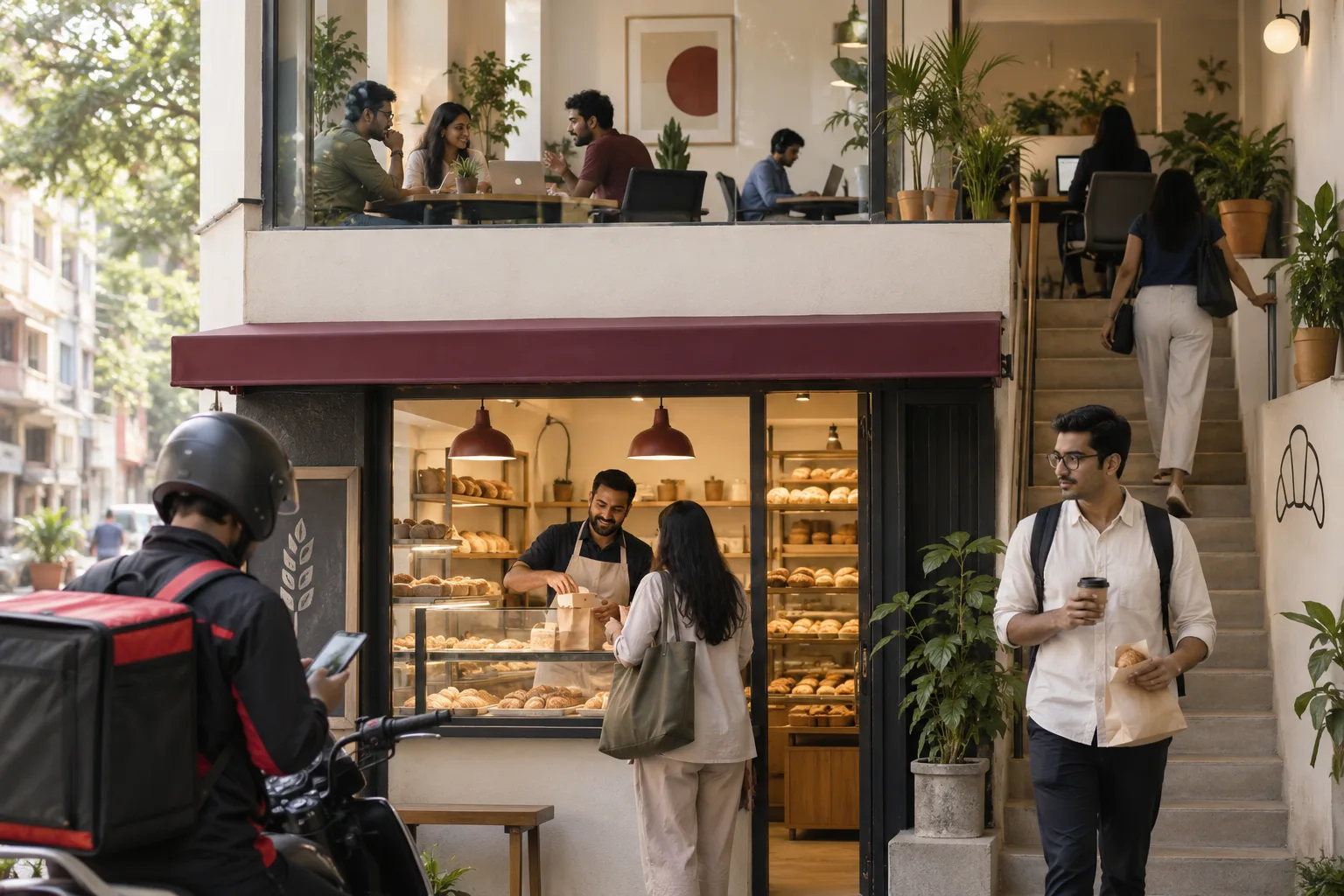 7 min read · 21 Sept 2026How to advertise to startup employeesThere is no tech park to buy. A forty person company sits above a bakery, so the audience is the neighbourhood, the delivery app and the coworking floor.
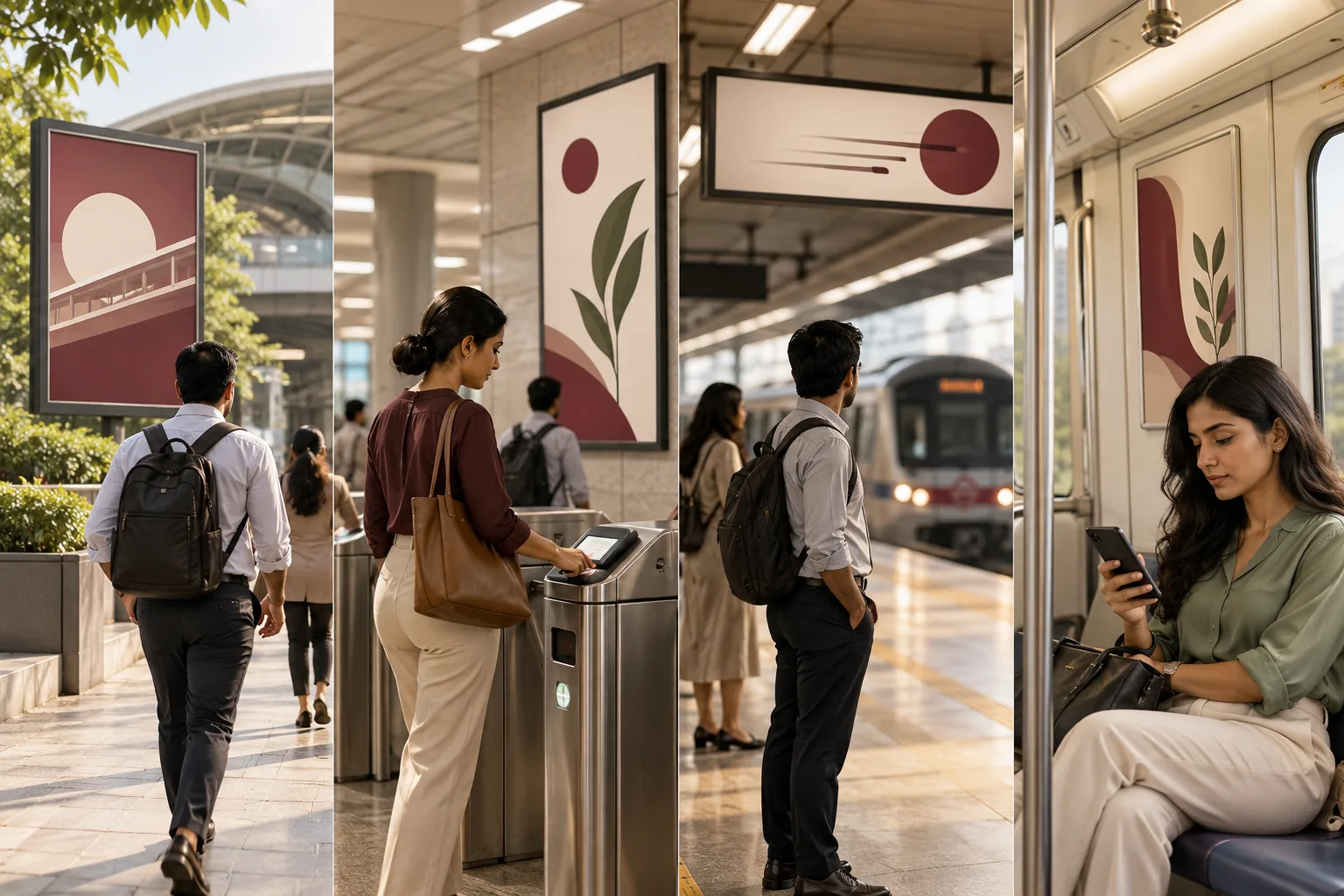 7 min read · 21 Sept 2026How to advertise to metro commutersA commuter is a mode, not a person. The journey has four still moments and each one takes different creative, which is why one design across a station never performs.
More for cafes and coffee shops
Everything else we would do for you.
Closest to this: search and visibility
Also for cafes and coffee shops
Or start from the overview: sales and marketing for cafes and coffee shops.
Your next practical step
Tell us what you are trying to grow, and we will read it before we call.
Eight short steps, mostly taps. Skip anything you would rather answer on the call.