Restaurants · Email signature design
The party quote reaches the office admin with a signature that says nothing.
Email signature design for a restaurant is the closing block on every message the dining room, the events desk and the accounts office send, carrying outlet name, booking line, address and links. GullySales designs one layout, builds it for the mail apps your staff open, and works from your menu, your outlets and the kinds of enquiry you answer.
Scope, fee, reporting and term are agreed in writing after we have read your brief and spoken to you.
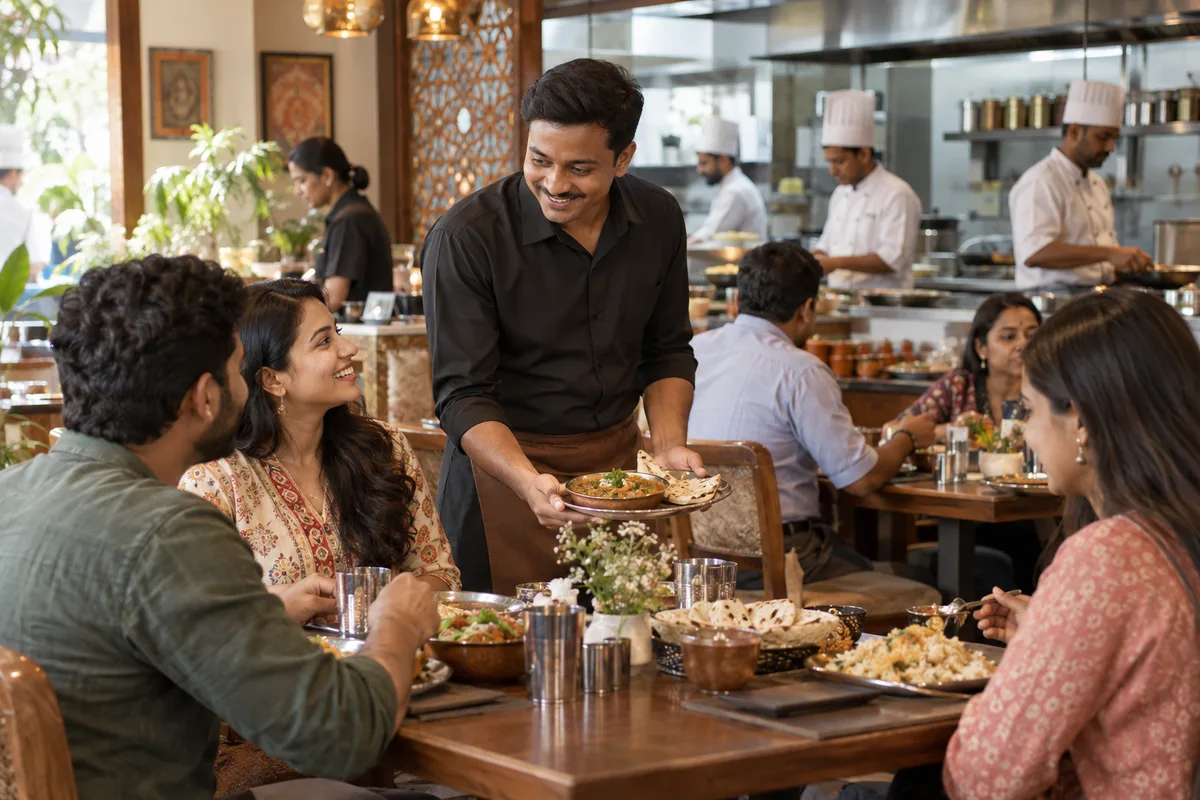
What email signature design means
An email signature design is the block of name, role, contact details, logo and links that closes every message a business sends. GullySales designs one signature layout from your identity, builds it for the mail clients your team uses, and hands over installable files with a short guide for staff.
Also for restaurants
- Branding for restaurants
- Crisis communications for restaurants
- Sponsorship marketing for restaurants
- Brand perception research for restaurants
- Tagline and slogan writing for restaurants
- Founder and leadership profile writing for restaurants
- Brand colour palette and typography system design for restaurants
- Business card, letterhead and stationery design for restaurants
Sales and marketing for restaurants, the overview.
Last updated 14 Nov 2026. Rules for this trade differ by state and professional body, and they change. We describe restrictions in general terms, so check the current position with your own council or adviser before you publish anything.
For restaurants
Where it usually goes wrong, and what we would do.
“Two readers, one signature”
A restaurant writes to a diner asking about a Friday table, and also to an office admin planning a team lunch, an organiser pricing a birthday dinner for twenty, a wedding planner and a supplier. The diner wants the address and a booking line. The organiser wants the set menu and a name to call. A signature that holds only a logo and a mobile number serves neither, and the reply comes back as a question.
“Shared mailboxes sign as nobody”
Bookings, events and accounts run from shared addresses that several people answer. The signature on those messages names the manager who left, or carries a different layout on each person's phone. The reader cannot tell who replied or whom to ask for next time. A signature for a shared mailbox should name the desk and the role, with a person's name added only where one person owns the thread.
“Outlets that look like strangers”
A group with two or three outlets finds each kitchen writing its own address block, with a different spelling of the brand and a different phone line for reservations. A buyer comparing quotes cannot tell whether the branch name belongs to the same business. One layout with a clear outlet line, filled in per site, keeps the brand and the address straight.
“The logo that never appears”
Guests read mail on a phone, and the mail app can hold back images until the reader allows them. A signature built as one picture shows a grey box, and the booking number inside it cannot be tapped or copied. The working version keeps the name, role, address and links as real text, with the logo as a small extra that can fail without losing anything.
What we do
What we deliver for restaurants.
The work available for this need. We agree the deliverables and responsibilities for your engagement in writing.
Dining room and booking desk signature
The layout for the people who answer table enquiries: restaurant name, desk or person, booking line, outlet address with a landmark guests recognise, and a link to the menu. Type sizes are set so the block reads on a phone held in one hand, in the gap between serving tables.
Result: A guest can tap the booking line and the menu link from the signature on a phone.
Events and catering variant
A second layout for the messages that carry quotes: the events desk name, the set menu or catering menu link, a line for private area and group size, and a way to reach the person handling the thread. It shares the typeface and colours of the first, so both read as one restaurant.
Result: An organiser opening a quote finds the set menu link and a named desk without scrolling up.
Outlet address blocks
For groups, a fill-in structure for each outlet: the exact name guests see on the board, street address, nearest landmark, parking note where it matters and the reservation line for that site. The brand line above it never changes, so the outlets are plainly one business.
Result: Each outlet's block can be checked against its Google Maps listing, line by line.
Build files for the mail apps you use
The signature is built and tested for the mail apps your staff actually use, such as Gmail, Outlook and the phone mail apps. Links are real text, the logo carries a text fallback, and the layout holds when images are blocked. Each version is supplied as an installable file.
Result: The signature installs in each named mail app and still reads with images switched off.
Link and button set
The links the signature carries are chosen with you and checked: the menu, the booking page or WhatsApp line, the Maps listing and the events enquiry page. Each is set as a short readable link, and anything that breaks later is easy to find in one list.
Result: Every link in the signature opens the page you named when tapped.
One-page staff guide
A short guide the manager can hand to the floor, bar and office staff: how to install the signature on a computer and on a phone, which version belongs to which mailbox, what must never be edited, and who to ask when a link changes. It uses screenshots from your own mail apps.
Result: A new staff member can install the right signature from the guide alone.
How the result is measured
- Staff signatures that match the approved layout
- Mail clients and devices tested before handover
- Signatures with a current direct line and role
Recorded as a baseline before work starts, so every later report has an honest comparison.
Who it is for
This is written for these restaurants.
- Family restaurants and multi-cuisine dining
- South Indian vegetarian restaurants and darshinis
- Biryani, kebab and non-vegetarian specialists
- Regional cuisine restaurants
- Casual dining and bar restaurants
- Quick service restaurants and food courts
- Cloud kitchens and delivery-only brands
- Office canteens and food service operators
- Multi-outlet restaurant groups
Before you decide
Agree the work. Know how to judge it.
Email signature design for restaurants: use these checks to prepare, choose the scope, and review what changes.
Bring the right evidence
Describe how the contact list was collected, what people asked to receive, and which messages are currently sent. Include opt-outs and replies when reviewing campaign performance.
Make the scope clear
Agree the audience, message purpose, sending system, and response owner. Separate promotional communication from order or service updates, and check current platform requirements before launch.
Check the work in use
Test the message with a small appropriate audience before wider use. Check links, reply handling, opt-outs, and whether the response leads to a relevant conversation or order.
Know when to change course
Do not use an unexplained contact list as a shortcut to demand. If recipients do not expect the message, resolve the permission and relevance questions before sending.
These are discussion points, not a fixed package. GullySales confirms the deliverables, responsibilities, fee, and term in writing after reading your brief and speaking with you.
Before we start
What to have ready before the work starts.
The records, access and decisions this work needs from restaurants. Anything missing is noted in the written scope, with who will supply it.
- A sample of sent and received mail
- Forward or export a spread of real messages: a table enquiry, a group quote, a supplier order and a complaint reply. They show what readers actually ask for and what your current signatures leave out. Without them the layout is drawn from guesswork about your guests.
- The list of senders and mailboxes
- Every person and shared address that sends mail for the restaurant, with the role each holds and the outlet each belongs to. Without this list the signature names people who have left, and some mailboxes are missed when the files are installed.
- Logo and brand files
- The logo in its editable and image versions, the brand colours and the typeface names. If the logo exists only as a photograph of the board, say so early, because the signature needs a clean version and the fix may sit with logo work.
- The links you want guests to use
- The menu file, the booking page or WhatsApp line, the Maps listing and the events enquiry page, each confirmed as current. A link to last season's menu in every outgoing mail is worse than no link.
- Outlet details and any required lines
- Exact outlet names, addresses and reservation lines, plus any line your own adviser says must appear on business mail, such as registration details. Rules about what a food business must show differ by place and change, so check with your own adviser; we place the line, you supply and approve its wording.
How it works
How the email signature design work runs
The work itself, in order. How an engagement starts, from your brief to a written scope, is set out on our method page.
- 1
Read the enquiries already in the inbox
We start with a sample of messages your restaurant has sent and received: table enquiries, party quotes, supplier orders, aggregator onboarding mail. We note who writes, what they ask for and what each reply lacked. This record, taken before any drawing, is what we compare the finished signature against at the end.
- 2
List the desks and mailboxes that send
We write down every address that sends mail for the restaurant: reservations, events, accounts, the owner, the head chef, the outlet managers. For each we agree who the signature names, the role it shows and whether a person or a desk owns the thread. Missing names are decided here, not left to staff.
- 3
Draw the layout against the menu card
The first draft is set in your brand typeface and colours, using the same spacing logic as your menu and your board outside. We draw the dining room version first, then the events version, and mark which lines drop away on a narrow phone screen.
- 4
Choose and test the links
We agree which links earn a place, open each on a phone, and set the booking route you prefer to receive, whether WhatsApp, the booking page or the phone line. Links that lead to a closed page or an old menu file are fixed or removed before the build.
- 5
Build and try it on the staff phones
The signature is built for each mail app and sent as a real message to phones the floor and office staff carry, with images on and off. We check the logo fallback, the tap targets and the way the block sits under a long forwarded quote, then correct what breaks.
- 6
Install, then read it against the record
We help the manager install the signature on each mailbox and walk the staff through the guide. Later we compare new enquiries and replies with the starting record: fewer questions asking for the address or the menu is the sign the block is doing its work.
Where this fits
Three pieces of sales work, in this order.
This work sits inside sales process design, at stage 1, prospecting and lead generation. The audit comes before it, and sales management keeps it running.
Step 1
Sales audit
Find where deals are being lost and what to fix first.
Start here if you cannot say where orders are lost.
Step 2 · you are here
Sales process design
One written way to sell, from first enquiry to repeat order.
Start here if every salesperson sells differently.
Step 3
Sales management
A target, a review routine and someone who owns the number.
Start here if the team has targets and no routine.
FAQ
Questions owners ask before they call.
Not here? More answers, or ask on WhatsApp.
Do restaurant staff really need a designed email signature?
Can one signature work for the dining room and the events desk?
What do we do with several outlets?
Will the signature show on a phone with images blocked?
Should the signature carry a food licence or hygiene detail?
Who installs the signature and keeps it current?
How much does it cost?
How soon will we see results?
Who will actually do the work?
What do you need from us?
From the blog
Further reading for restaurants.
 6 min read · 21 Sept 2026Radio advertising vs social media advertising: where should your money go?Radio reaches a driver who cannot click. Social reaches a thumb that can. One buys a name people remember, the other buys the enquiry itself.
 7 min read · 21 Sept 2026Local audience targeting strategyThree people are local to you: the one who lives near, the one who works near and the one searching near. The settings that reach each differ.
 6 min read · 21 Sept 2026Influencer marketing vs social media advertising: which one should you pay for?An ad is a message you control, shown to people you choose. A creator post is a recommendation you do not control, shown to people who chose the creator.
More for restaurants
Related work to consider.
Closest to this: brand and design
- Branding for restaurants
- Crisis communications for restaurants
- Sponsorship marketing for restaurants
- Brand perception research for restaurants
- Tagline and slogan writing for restaurants
- Founder and leadership profile writing for restaurants
- Brand colour palette and typography system design for restaurants
- Business card, letterhead and stationery design for restaurants
Also for restaurants
Or start from the overview: sales and marketing for restaurants.
Your next practical step
Tell us what you are trying to grow, and we will read it before we call.
Eight short steps, mostly taps. Skip anything you would rather answer on the call.