Restaurants · Social media cover and banner design
The guest opens your Page and sees an old festival, not tonight's table.
Social media cover and banner design for a restaurant is the large artwork at the top of the Facebook Page, the LinkedIn company page and the YouTube channel, the first thing a visitor sees after a search. GullySales designs it for each platform you use, supplies the agreed versions with the editable file, and checks how it looks on a phone and a screen.
Scope, fee, reporting and term are agreed in writing after we have read your brief and spoken to you.
What social media cover and banner design means
Social media cover and banner design is the artwork at the top of a business profile, page or channel, the first large image a visitor sees after finding you. GullySales designs it for each platform you use, supplies the agreed versions with the editable file, and checks how it looks on a phone and a desktop screen.
Last updated 14 Nov 2026. Rules for this trade differ by state and professional body, and they change. We describe restrictions in general terms, so check the current position with your own council or adviser before you publish anything.
For restaurants
Where it usually goes wrong, and what we would do.
“The page people check before they book”
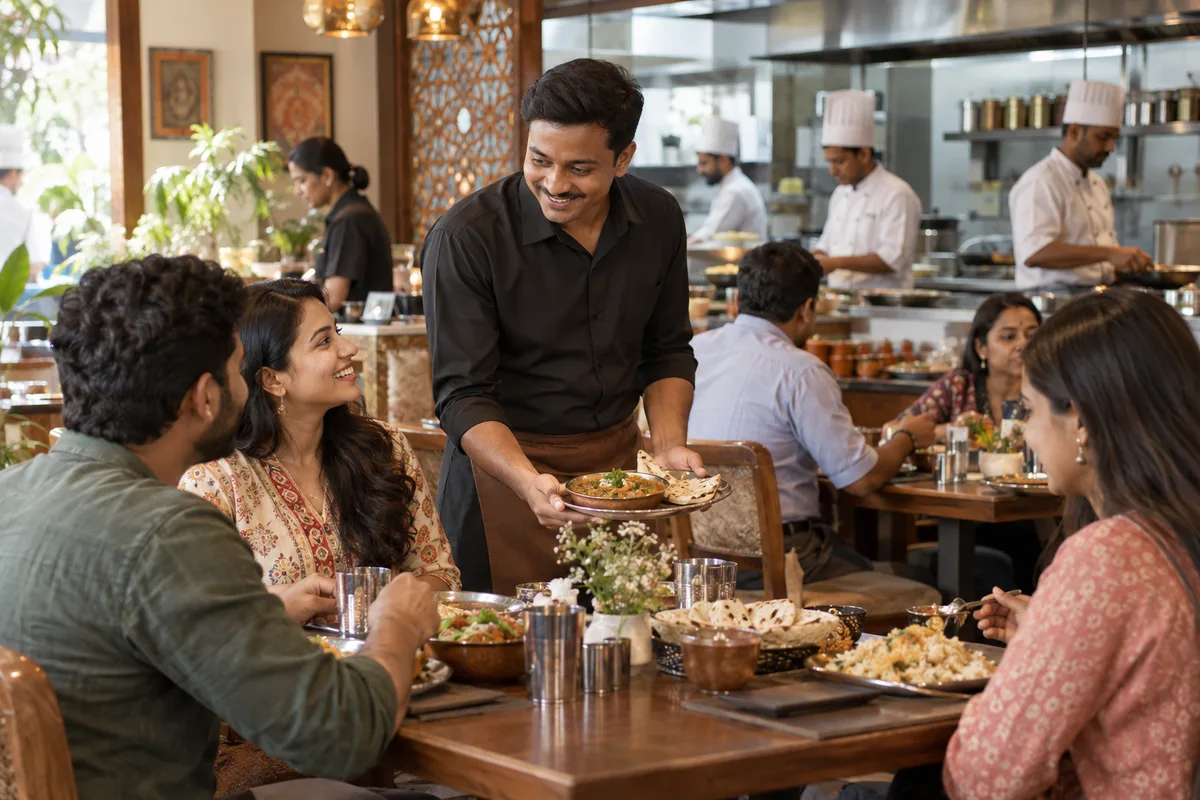
A guest hears about the restaurant from a colleague or a post, then looks up its page to see whether it suits the occasion. The cover is the first large image. If it shows an old festival offer, a cropped logo or a blurred crowd, the guest decides the place is not looked after. A cover that shows the room, the signature dish and the name tells them they can book.
“Every platform crops differently”
The Facebook cover, the LinkedIn banner and the YouTube channel art each use a different shape, and phones crop them differently from computers. The profile picture and the buttons sit over the image. A single picture dropped into all three loses the restaurant name behind a round photo on one and the phone number behind a button on another.
“A cover that was right for one week”
Restaurants change covers for a festival menu, a season or a new outlet, and rarely change them back. The old festival image stays for months, advertising a menu the kitchen no longer serves. Cover artwork needs a plan for replacement, with the next version prepared before the date, so the page matches the menu a guest will be handed.
“Outlets, offers and claims on the cover”
A group with several outlets puts all of them in one cover and makes it unreadable, or names none and leaves the guest unsure where to go. An offer on the cover is also a promise that must hold on the day. Rules for food advertising differ by place and change, so check with your own adviser before placing any claim.
What we do
What we deliver for restaurants.
The work available for this need. We agree the deliverables and responsibilities for your engagement in writing.
Facebook Page cover
A cover cut to the Page's current frame, with the restaurant name, the dish or room that best shows the place, and one line that says what you are known for. Margins keep the name clear of the profile picture and buttons, on a phone and a computer.
Result: The restaurant name is fully visible on the Page on both a phone and a computer.
LinkedIn company banner
A banner for the company page, aimed at the readers who book lunches, events and catering: office admins, planners and corporate buyers. It shows the events side of the restaurant, with the private area or the catering offer, set in the same type as the menu.
Result: A corporate buyer opening the page sees the events offer in the banner.
YouTube channel art
Channel art cut for the television, desktop and phone views, with the key content kept inside the area every view shows. It carries the restaurant name, the kind of videos on the channel and a link prompt where the platform allows one.
Result: The name and the channel's purpose appear in the phone view without cropping.
Seasonal and festival cover set
Prepared covers for the dates you plan around, each in the same frame, so a change is a swap and not a redesign. Each carries its own end date in the file name, which tells staff when to replace it.
Result: Each seasonal cover has a named swap date recorded with the files.
Outlet variants for groups
For a group, one cover frame with a version per outlet, each showing that outlet's own room or entrance and its name. The brand frame stays fixed, so the pages are clearly related while each guest sees the right address.
Result: Each outlet's page shows its own name and a photograph of its own room.
Editable files and a swap guide
The layered files, the fonts named and checked for use, the exports for each platform and a short guide on how to upload and check the cover on a phone. The guide says what staff may change and what must stay.
Result: A staff member can swap in the next cover and check the phone view from the guide.
How the result is measured
- Profiles whose banner matches the current offer
- Platforms on which the cover has been checked on a phone
- Profile visits that lead to a contact or enquiry
Recorded as a baseline before work starts, so every later report has an honest comparison.
Who it is for
This is written for these restaurants.
- Family restaurants and multi-cuisine dining
- South Indian vegetarian restaurants and darshinis
- Biryani, kebab and non-vegetarian specialists
- Regional cuisine restaurants
- Casual dining and bar restaurants
- Quick service restaurants and food courts
- Cloud kitchens and delivery-only brands
- Office canteens and food service operators
- Multi-outlet restaurant groups
Before you decide
Agree the work. Know how to judge it.
Social media cover and banner design for restaurants: use these checks to prepare, choose the scope, and review what changes.
Bring the right evidence
Review the posts that produced useful conversations, not only the ones with the most views. Gather buyer questions and decide which team member can contribute credible material.
Make the scope clear
Choose the audience and channel before setting a posting volume. Agree who supplies material, approves posts, and handles messages, including complaints or questions the agency cannot answer.
Check the work in use
Follow a post through to the profile, website, and response. A useful report explains the quality of conversations and enquiries, alongside reach and engagement.
Know when to change course
If publishing takes time away from unanswered buyer messages, fix the response routine first. Do not expand to another channel without a clear reason for being there.
These are discussion points, not a fixed package. GullySales confirms the deliverables, responsibilities, fee, and term in writing after reading your brief and speaking with you.
Before we start
What to have ready before the work starts.
The records, access and decisions this work needs from restaurants. Anything missing is noted in the written scope, with who will supply it.
- Access to the pages
- Admin access, or a person with admin access present, for each page and channel. Covers must be uploaded and checked on the live page. Without access we can only send files, and a crop problem shows up after the guest has seen it.
- Photographs of the room and the dishes
- Recent, high-resolution photographs of the dining room, the signature dishes and the entrance. A cover is large, so a small phone photo looks soft. If the interior was redone, older photographs should be set aside.
- Logo, colours and typeface
- The logo in editable form, the colours and the typeface used on the menu and the board. The cover must look like the menu a guest will be handed, and a mismatch is noticed at once.
- The offers and dates you want shown
- Any festival menu, event or seasonal offer, with exact dates. A cover that advertises an offer without an end date stays up long after it ends. We set the end date in the file name, so we need it.
- A name for who approves wording
- One person who approves the words on the cover, including any claim about the food or the place. Advertising rules for food differ by place and change, so check with your own adviser before approving any claim about health, origin or ranking.
How it works
How the social media cover and banner design work runs
The work itself, in order. How an engagement starts, from your brief to a written scope, is set out on our method page.
- 1
Look at the pages as a guest sees them
We open each page on a phone and a computer, as a guest would, and note what the cover says, what it hides and what sits over it. We also look at neighbouring restaurants' pages. This view, recorded before any drawing, is the starting record for the work.
- 2
Choose the picture that carries the place
We choose with you the one image that tells a guest what the restaurant is: the dining room, the signature dish, the kitchen pass, the outdoor seating. We favour your own photographs and say if the ones you have will not enlarge to a cover size.
- 3
Set the safe area for each platform
We draw the safe area for each platform's current frame, noting where the profile picture and the buttons fall, then place the restaurant name and the one line inside it. Because platforms change their frames, we check the current specification at the time of the work.
- 4
Draw, then view on three screens
We draw each cover and view it on a phone, a tablet and a computer by uploading a test version where the platform allows it. Where a crop cuts the name or the line, we move the elements and not the guest's reading order.
- 5
Check wording and claims with you
We go through every word on the covers with you: the offer, the opening line, any claim about the food. Where a word touches food rules, you check with your own adviser. An offer is dated, with an end date written into the file name.
- 6
Upload, then compare with the record
We help you upload the covers and look at the pages again on a phone, comparing them with the starting record. We then fix any crop that does not match the test, and hand over the swap guide for the next seasonal cover.
Where this fits
Three pieces of sales work, in this order.
This work sits inside sales process design, at stage 1, prospecting and lead generation. The audit comes before it, and sales management keeps it running.
Step 1
Sales audit
Find where deals are being lost and what to fix first.
Start here if you cannot say where orders are lost.
Step 2 · you are here
Sales process design
One written way to sell, from first enquiry to repeat order.
Start here if every salesperson sells differently.
Step 3
Sales management
A target, a review routine and someone who owns the number.
Start here if the team has targets and no routine.
FAQ
Questions owners ask before they call.
Not here? More answers, or ask on WhatsApp.
What should a restaurant's cover image show?
Do you design one cover or one per platform?
Can the cover announce an offer or a festival menu?
How do you handle several outlets?
Will the cover look right on a phone?
Do you also write the page text or run the accounts?
How much does it cost?
How long is the contract?
How soon will we see results?
Who will actually do the work?
From the blog
Further reading for restaurants.
 6 min read · 21 Sept 2026Radio advertising vs social media advertising: where should your money go?Radio reaches a driver who cannot click. Social reaches a thumb that can. One buys a name people remember, the other buys the enquiry itself.
 7 min read · 21 Sept 2026Local audience targeting strategyThree people are local to you: the one who lives near, the one who works near and the one searching near. The settings that reach each differ.
 6 min read · 21 Sept 2026Influencer marketing vs social media advertising: which one should you pay for?An ad is a message you control, shown to people you choose. A creator post is a recommendation you do not control, shown to people who chose the creator.
More for restaurants
Related work to consider.
Closest to this: content and social
Also for restaurants
Or start from the overview: sales and marketing for restaurants.
Your next practical step
Tell us what you are trying to grow, and we will read it before we call.
Eight short steps, mostly taps. Skip anything you would rather answer on the call.