Restaurants · Social media template design
Let whoever is on shift post the special without redrawing the layout.
For a restaurant, social media template design means a fixed set of post, story and carousel layouts for the dish of the day, a closure notice, a table offer and a new menu, which the floor team fills in on a phone. GullySales designs the layouts, locks the brand parts and marks the zones that change.
Scope, fee, reporting and term are agreed in writing after we have read your brief and spoken to you.
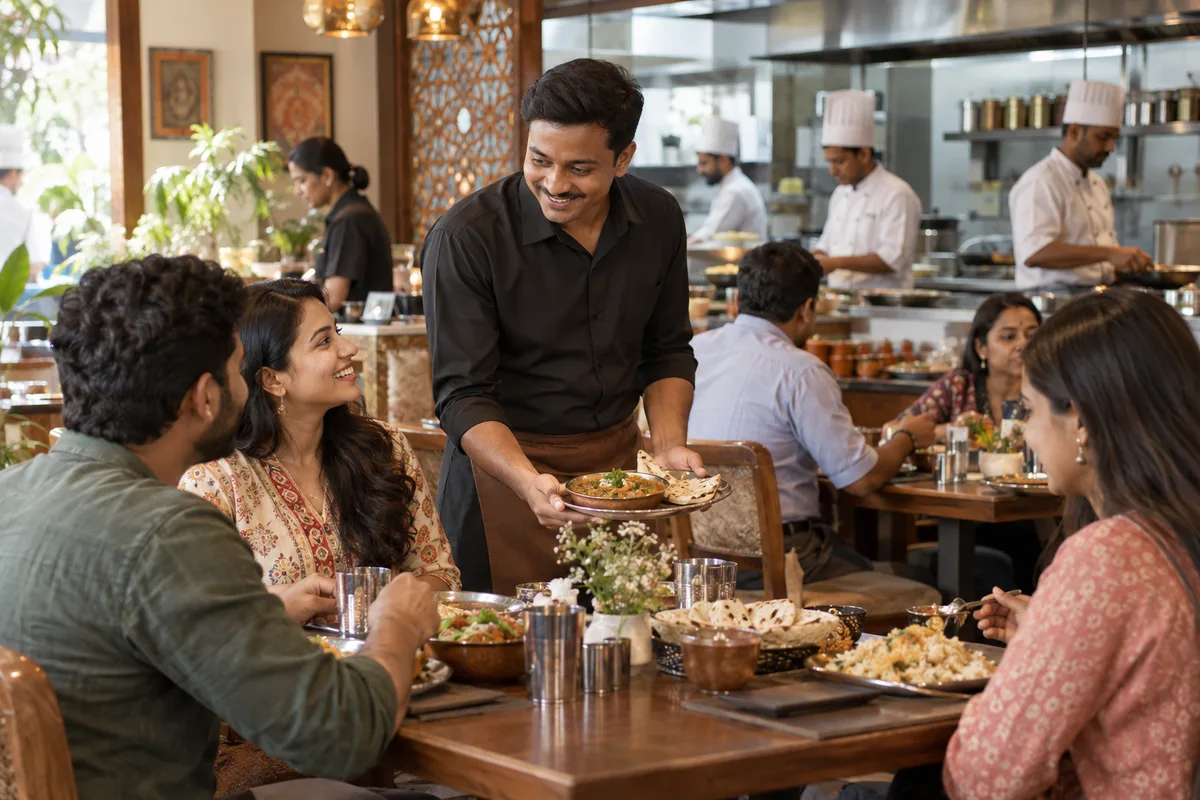
What social media template design means
Social media template design is a set of reusable post, story and carousel layouts that your team fills with new words and pictures instead of drawing each post again. GullySales designs the layouts from your brand rules, locks what must stay fixed, marks what may change, and hands over the working files with a short guide for whoever posts.
Last updated 14 Nov 2026. Rules for this trade differ by state and professional body, and they change. We describe restrictions in general terms, so check the current position with your own council or adviser before you publish anything.
For restaurants
Where it usually goes wrong, and what we would do.
“The poster is whoever has a spare minute”
In a dining room the person posting is a captain, a cashier or a cousin of the owner, standing near the pass with a phone and a plate going cold. Nobody has a design tool open or the time to choose a font. A template removes those choices, so the dish photograph goes in one zone, the name and price go in another, and the post matches the one before it.
“The menu changes faster than the artwork”
A dish sells out at nine, a seasonal item arrives, a supplier changes the fish, and the printed card is already out of date. Social posts need the same flexibility. A good template has a ready place for a sold-out stamp, a new-on-the-menu flag and a price line, so the correction takes seconds of typing and never a call to a designer.
“A plated dish is a difficult picture to frame”
Food photographed on a phone has steam, a bright rim, a dark table and a busy background. Layouts that crop square cut off the garnish or the side bowl that makes a thali look generous. We design photograph zones for the shapes a plate actually takes, from the overhead spread to the close shot of a single kebab, and mark where text must stay clear.
“Rules about what a post may say sit with you”
Menu posts carry allergen notes, vegetarian and non-vegetarian marks, hygiene ratings and offer terms, and food advertising answers to rules that differ by place and change. We leave a clearly labelled line for each of those and design nothing that states a claim for you. Your own council or adviser decides the wording that goes into it.
What we do
What we deliver for restaurants.
The work available for this need. We agree the deliverables and responsibilities for your engagement in writing.
Dish of the day post
A single layout built around one photograph, with a zone for the dish name, a price line and a small mark for the meal period it belongs to. The logo and the colour behind the text are fixed, so the post looks like yours whoever places the photograph.
Result: The floor team posts a new dish by changing two text fields and one photograph.
Sold out and back on the menu stamps
Two small overlays the team can lay on any dish post when an item runs out or returns. They sit in a fixed corner, away from the logo and the price, and they use a colour from your palette rather than a warning red that clashes with the photograph.
Result: An outdated post can be marked sold out without rebuilding it.
Closure and timing notice
A plain, text-led layout for a festival closure, a private booking day, revised kitchen hours or a power cut. It carries the date line, the reopening line and the address in set positions, and it stays calm in tone so a serious notice never looks like an offer.
Result: A notice goes out in the same typeface and colours as every other post.
Table offer and set menu post
A layout for a party set menu, a lunch combination or a family platter, with a price per head zone, a list of up to five dishes and a booking line. The text zone is built to hold a long dish list without shrinking the type below a readable size.
Result: A set menu can be advertised with its dishes and booking route in a single frame.
Story and reel cover frames
Vertical versions for stories, with the booking button area, the sticker zones and the top profile bar kept clear of the logo and the dish name. We add a matching cover frame so a reel grid on your profile reads as one set instead of random thumbnails.
Result: Story and reel frames follow the platform's current safe areas, which we mark on each file.
Usage guide and editable files
The working files in the design tool your team opens on a phone, with fonts, colours and image zones set up as reusable parts, and a short guide written for a captain or a cashier. It shows what may be changed, what is locked, and which photograph shapes work.
Result: A new team member can post from the guide on the first shift without asking the designer.
How the result is measured
- Posts published from a template instead of a blank canvas
- Staff who can produce an on-brand post without asking a designer
- Posts that break a locked brand element
Recorded as a baseline before work starts, so every later report has an honest comparison.
Who it is for
This is written for these restaurants.
- Family restaurants and multi-cuisine dining
- South Indian vegetarian restaurants and darshinis
- Biryani, kebab and non-vegetarian specialists
- Regional cuisine restaurants
- Casual dining and bar restaurants
- Quick service restaurants and food courts
- Cloud kitchens and delivery-only brands
- Office canteens and food service operators
- Multi-outlet restaurant groups
Before you decide
Agree the work. Know how to judge it.
Social media template design for restaurants: use these checks to prepare, choose the scope, and review what changes.
Bring the right evidence
Review the posts that produced useful conversations, not only the ones with the most views. Gather buyer questions and decide which team member can contribute credible material.
Make the scope clear
Choose the audience and channel before setting a posting volume. Agree who supplies material, approves posts, and handles messages, including complaints or questions the agency cannot answer.
Check the work in use
Follow a post through to the profile, website, and response. A useful report explains the quality of conversations and enquiries, alongside reach and engagement.
Know when to change course
If publishing takes time away from unanswered buyer messages, fix the response routine first. Do not expand to another channel without a clear reason for being there.
These are discussion points, not a fixed package. GullySales confirms the deliverables, responsibilities, fee, and term in writing after reading your brief and speaking with you.
Before we start
What to have ready before the work starts.
The records, access and decisions this work needs from restaurants. Anything missing is noted in the written scope, with who will supply it.
- Your current menu and price list
- Layouts are drawn around real dish names and prices, and a menu with long names behaves very differently from one with short names. If the menu is still being changed, we design for the longest names you expect and tell you which fields need the closest care.
- Photographs from the kitchen pass
- Send ten or so dish photographs taken the way your team really takes them, including the poor ones. We design the photograph zones for those shapes. Without real samples the templates are tested on studio images your staff will never produce, and the first week of posts looks worse than the mock-ups.
- A list of who posts and on what phone
- Names or roles of everyone who will post, and the phone and design tool each one uses. A cashier on an older phone needs lighter files than a manager on a new one. If this is missing, the templates may be built for an application nobody on the floor can open.
- Your allergen and offer wording
- The lines your business already uses for allergen notes, vegetarian marks, offer terms and any hygiene display, as approved by your own adviser. We place them in fixed zones but do not write them. Without them, the template leaves a blank that staff fill with whatever they remember.
- One person who approves layouts
- A named owner, manager or marketing lead who accepts the layouts and the rules for using them. When approval is shared between partners or between outlets with no final voice, small disagreements about the colour behind a price hold up the handover.
How it works
How the social media template design work runs
The work itself, in order. How an engagement starts, from your brief to a written scope, is set out on our method page.
- 1
Read the menu and the last season of posts
We begin with your current menu, a set of posts you have already published and the awkward ones, such as the blurred photograph or the long dish name. We note the post types you really repeat, a handful in all, and the ones your team skips because they take too long to make.
- 2
Agree who posts from which outlet
We list the people who will fill the templates, from the owner to the shift captain, and the phones and design tool each one has. An outlet manager who posts three times a day needs different choices from a head office team, and a group with several outlets needs a way to show the outlet name.
- 3
Draw the layouts from your brand rules
We build each layout with your logo, colours, type and spacing fixed. If your rules are silent on something that matters to a menu, such as how to show a vegetarian mark or a price, we propose a choice and mark it for your decision instead of guessing.
- 4
Test with dishes that break layouts
We fill every template with the longest dish name on your menu, a photograph taken in poor light, a dish with no photograph, a name in a second script and a price with a note beside it. Layouts that break are redrawn before you see them.
- 5
Build the files and write the guide for the floor
We set up the working files so that the dish name, price, stamp and photograph are reusable zones, then write the guide against the files themselves. We follow our own steps on a clean copy, the way a new captain would on a first shift.
- 6
Hand over and read it against your first posts
We hand over the files and the guide, then compare the posts your team makes with the templates against the ones recorded before the work began. We look at consistency and effort, and no result in followers or covers is promised.
Where this fits
Three pieces of sales work, in this order.
This work sits inside sales process design, at stage 1, prospecting and lead generation. The audit comes before it, and sales management keeps it running.
Step 1
Sales audit
Find where deals are being lost and what to fix first.
Start here if you cannot say where orders are lost.
Step 2 · you are here
Sales process design
One written way to sell, from first enquiry to repeat order.
Start here if every salesperson sells differently.
Step 3
Sales management
A target, a review routine and someone who owns the number.
Start here if the team has targets and no routine.
FAQ
Questions owners ask before they call.
Not here? More answers, or ask on WhatsApp.
Do restaurant templates stop the feed looking repetitive?
Can one set of templates serve several outlets?
Will the templates work on a phone during service?
Do you write the captions and choose when to post?
Who decides what an allergen or hygiene line says?
What if we change our logo or menu style later?
How long is the contract?
How soon will we see results?
Who will actually do the work?
What do you need from us?
From the blog
Further reading for restaurants.
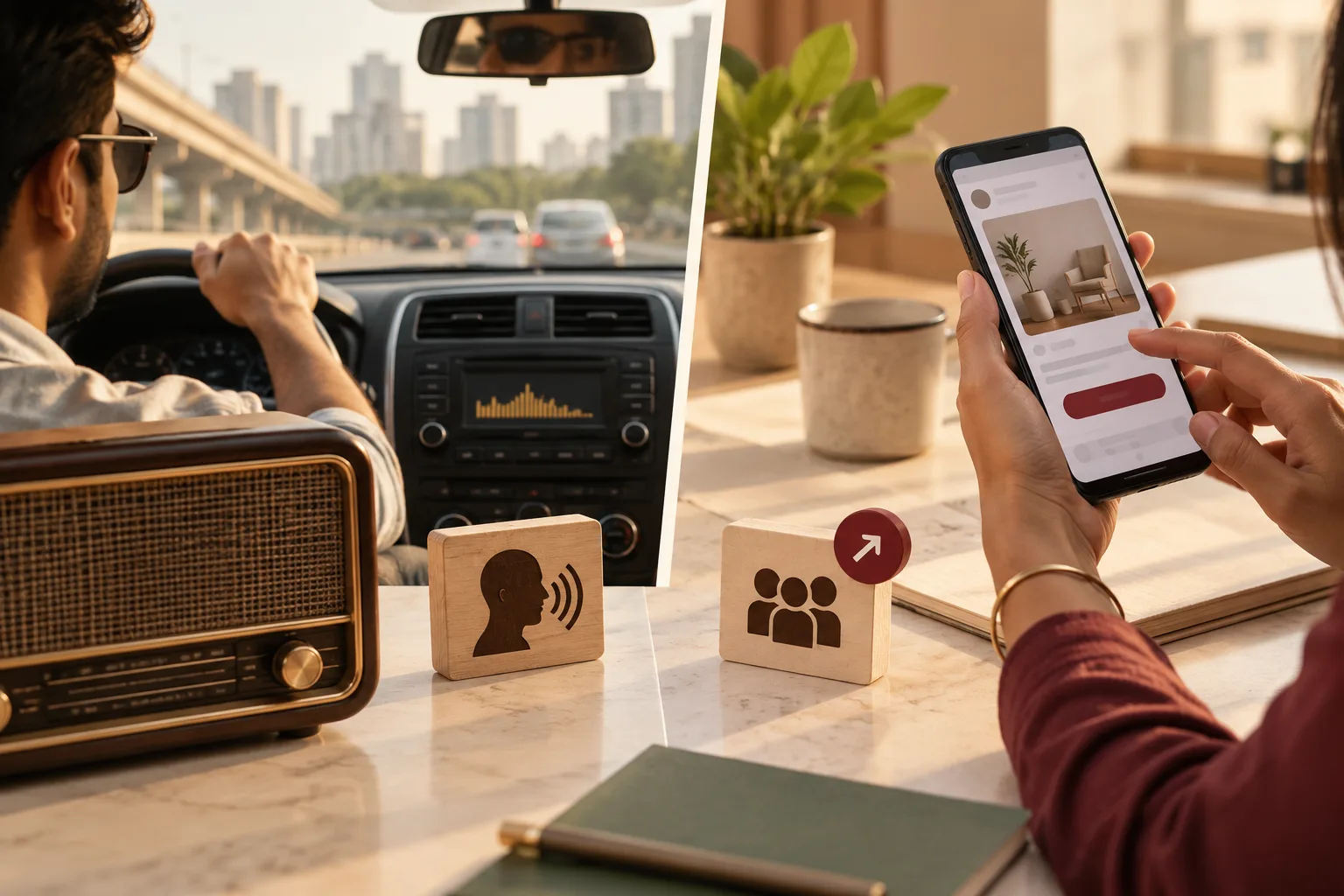 6 min read · 21 Sept 2026Radio advertising vs social media advertising: where should your money go?Radio reaches a driver who cannot click. Social reaches a thumb that can. One buys a name people remember, the other buys the enquiry itself.
 7 min read · 21 Sept 2026Local audience targeting strategyThree people are local to you: the one who lives near, the one who works near and the one searching near. The settings that reach each differ.
 6 min read · 21 Sept 2026Influencer marketing vs social media advertising: which one should you pay for?An ad is a message you control, shown to people you choose. A creator post is a recommendation you do not control, shown to people who chose the creator.
More for restaurants
Related work to consider.
Closest to this: content and social
Also for restaurants
Or start from the overview: sales and marketing for restaurants.
Your next practical step
Tell us what you are trying to grow, and we will read it before we call.
Eight short steps, mostly taps. Skip anything you would rather answer on the call.