Door and window dealers · CRM
Keep every enquiry, measurement visit and quote in one record the whole team can read.
A CRM for a door and window dealer is the single record of each enquiry, site visit, quote and order. GullySales sets up the fields and stages around how you really sell, and a tool such as Zoho CRM or a shared sheet is used only if it fits your team.
Scope, fee, reporting and term are agreed in writing after we have read your brief and spoken to you.
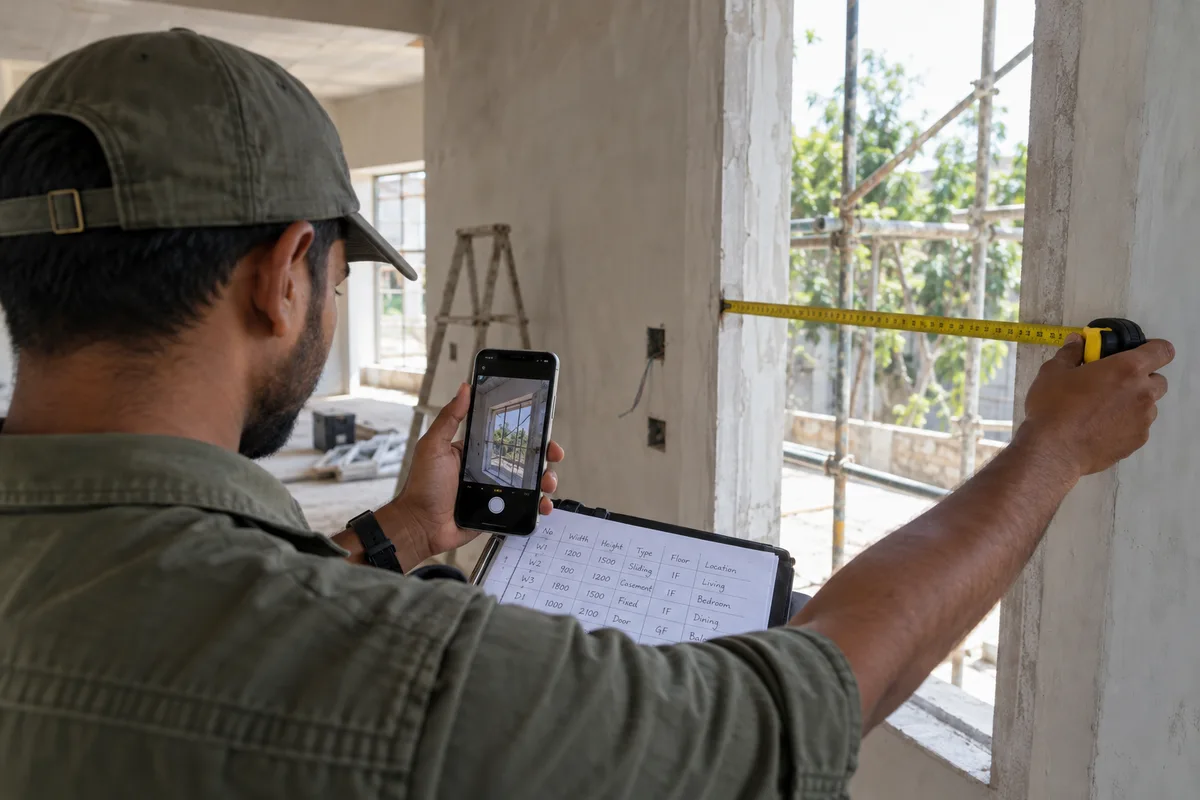
What CRM means
A CRM is the record where every enquiry, call and quote is kept against a customer, replacing separate notebooks, spreadsheets and memory. GullySales sets up or cleans an existing CRM and reports from it by enquiry outcome rather than by activity logged.
Also for door and window dealers
- Lead generation for door and window dealers
- Follow-up systems for door and window dealers
- SEO for door and window dealers
- Local SEO for door and window dealers
- Social media marketing for door and window dealers
- Content marketing for door and window dealers
- Buyer persona for door and window dealers
- WhatsApp marketing for door and window dealers
Sales and marketing for door and window dealers, the overview.
Last updated 14 Nov 2026.
For door and window dealers
Where it usually goes wrong, and what we would do.
“The showroom owner holds the pipeline in memory”
The owner remembers which family waits for a quote and which contractor awaits a rate. When the owner is at a site, the front desk cannot answer. A record the whole team reads removes that dependence.
“The stage names must match the sale”
A generic pipeline of new, contacted and won misses what matters: visit booked, visit made, quote sent, revised, order confirmed, fitted. A record built on these stages shows exactly where a deal waits.
“Projects need a different record from homes”
A family order has one address and a few openings. A builder project has a drawing, a schedule, revisions and a delivery stage. Putting both in the same simple list hides what each needs.
“After-sales belongs in the same record”
A sticking window reported next season is easier to handle when the original order, the fitter and the product are visible. A separate notebook for service loses the history that reassures the customer.
What we do
What we deliver for door and window dealers.
The work available for this need. We agree the deliverables and responsibilities for your engagement in writing.
A pipeline built on your stages
Stages from enquiry to fitted, with a name and a date against each move.
Result: Every open deal shows its stage and its owner.
A site visit field set
Address, opening count, visit date, who goes, and notes taken at the visit.
Result: The visit record travels with the enquiry.
A project view for builders
Drawing, rate, revision and delivery stage per project and named contact.
Result: A purchase manager's question is answered from one screen.
A service log
Complaints and service visits attached to the original order.
Result: Past work is visible when the customer calls again.
Team training and a rule of use
A short guide on who enters what, and when, with the owner reviewing open items.
Result: The team knows the record is the source, not memory.
How the result is measured
- Enquiries logged in the CRM
- Data completeness
- Reports generated from CRM data
Recorded as a baseline before work starts, so every later report has an honest comparison.
Fields worth keeping
The record follows one opening from the first call to the fitting and after.
- Site address and stage
- Entered at the first call. Decides whether the visit is for measuring or for a decision, and lets the team sort the visits by area.
- Openings list with sizes and material
- Filled by whoever measures. Becomes the base of the itemised quote and prevents a size being lost between visit and showroom.
- Quote lines: frame, shutter, hardware, glass
- Entered by the quoting person. Lets the buyer compare line by line and lets the owner see which lines lost the order.
- Source: mason, walk-in, search or builder
- Chosen at the first call. Shows which tradespeople send orders so they can be thanked and kept close.
- Service request and fitting date
- Added after the sale. Keeps after-sales calls from reaching the factory, since the dealer holds the fitting record.
Who it is for
This is written for these door and window dealers.
- Wooden and flush door dealers
- UPVC window and door dealers
- Aluminium window and sliding door dealers
- Door and window dealers who also sell frames and hardware
- Dealers supplying builders and contractors
- Showrooms for premium teak and imported doors
- Dealers who work with a fabricator or manufacturer
- Dealers selling security doors and fire-rated doors
Before you decide
When this may not be the right fit.
- Your enquiries are written in notebooks by three people and nobody agrees to enter them, so a CRM would hold a fraction of the picture.
- You fit a few orders a month, and a sheet with the openings list would carry the same record at less effort.
Before you decide
Agree the work. Know how to judge it.
CRM for door and window dealers: use these checks to prepare, choose the scope, and review what changes.
Bring the right evidence
List the records your team uses and show how an enquiry becomes an order today. Bring examples of duplicate entries, missing owners, and reports that require manual correction.
Make the scope clear
Agree the stages, required fields, access roles, and integrations before configuring the system. Separate software subscriptions from setup, data work, and training.
Check the work in use
Ask the people who will use the CRM to complete a real handover and find the next action without help. Check that the management report can be traced back to individual records.
Know when to change course
If the process is unclear, buying a more complex CRM adds more places for confusion. Start with the minimum fields and rules the team can use consistently.
These are discussion points, not a fixed package. GullySales confirms the deliverables, responsibilities, fee, and term in writing after reading your brief and speaking with you.
Before we start
What to have ready before the work starts.
The records, access and decisions this work needs from door and window dealers. Anything missing is noted in the written scope, with who will supply it.
- The notebook and quote file as they stand
- Where enquiries and quotes live now, even if on loose sheets. Bring them as they are. Without them we cannot map the sale, and the stages may fit a different dealer.
- A list of open builder projects
- Projects with the builder, the number of openings and the status. A sheet is acceptable. Missing, the project view cannot be tested and builder work stays in memory.
- One owner for the record
- A person who says how it is used and corrects entries. It may be you or the senior salesperson. Without one, the tool fills with partial entries and the figures cannot be trusted.
- Your service complaints from last season
- Cases where a window stuck or a lock failed and a visit was needed. Notes are acceptable. Without them, the service log is untested, and after-sales stays outside the record.
- A rule on who sees customer details
- Decide which staff may see addresses, phone numbers and payment notes. A short list is acceptable. Missing, everything is open to everyone, which exposes private details when staff change.
How it works
How the CRM work runs
The work itself, in order. How an engagement starts, from your brief to a written scope, is set out on our method page.
- 1
Trace one house from enquiry to fitting
We take a recent order and follow it through your notebook, chats and quote file: the first call, the visit, the measurement, the quote, the order, the delivery, the fitting and any service. Your salesperson points out where each piece is written. What exists is a map of the sale as it really runs, including the points where a detail is written only on a slip of paper, such as the measurement taken on site or the finish chosen at the counter. We mark each point where a record was lost or typed twice, because those are the places the stages and fields must protect.
- 2
Name the stages in your own words
Generic stage names do not fit a dealer. With you we agree stages such as measurement booked, measurement taken, quote sent, order confirmed, delivered and fitted. You approve the names and what moves a record from one to the next.
- 3
Set the fields for a visit and a project
A visit record needs the address, the stage of the house, the openings and the photographs. A builder project needs a schedule of openings and the rate asked. You strike fields the team will not fill. The result is two short field lists. The visit list carries the address, the locality, the stage of the house, the material and a link to the photographs. The project list carries the builder, the schedule of openings, the rate quoted and the delivery plan for the site. We cut any field the counter does not fill during a trial.
- 4
Let the counter try a tool with real records
We show your team a shared sheet and one or two simple CRM tools, and enter five real enquiries in each. The salesperson chooses what is quickest to use. You decide on the tool and who pays, and we try free options before any paid plan, because a tool the counter finds slow goes unused, and the entries then return to the notebook within a few weeks.
- 5
Write who updates what and when
A record is useful only if someone owns it. We write a one-page rule: who enters a call, who marks a measurement, who records a delivery and a service. You approve and tell the team, and each person tries it on a live case.
- 6
Read the pipeline against the old notebook
After the team has used the tool on live enquiries, we compare its counts with the notebook figures taken at the start. You see enquiries, visits, quotes and orders by stage and source, and you decide which fields to change and when the notebook closes. We also look at the stage where records pile up, since a stack of quotes sent with no reply shows a gap in follow-up, and a stack of measurements not booked shows a gap in the fitter's calendar that no message can repair.
Where this fits
Three pieces of sales work, in this order.
This work sits inside sales management. A target, a review routine and someone who owns the number.
Step 1
Sales audit
Find where deals are being lost and what to fix first.
Start here if you cannot say where orders are lost.
Step 2
Sales process design
One written way to sell, from first enquiry to repeat order.
Start here if every salesperson sells differently.
Step 3 · you are here
Sales management
A target, a review routine and someone who owns the number.
Start here if the team has targets and no routine.
FAQ
Questions owners ask before they call.
Not here? More answers, or ask on WhatsApp.
Do we need paid CRM software?
Who should update the record?
Should a builder project sit in a separate list?
What does the team need to see when a customer rings?
Can we keep using the notebook alongside the tool?
How do we record a service visit after fitting?
How much does it cost?
How long is the contract?
How soon will we see results?
Who will actually do the work?
More for door and window dealers
Related work to consider.
Closest to this: leads and follow-up
Also for door and window dealers
Or start from the overview: sales and marketing for door and window dealers.
Your next practical step
Tell us what you are trying to grow, and we will read it before we call.
Eight short steps, mostly taps. Skip anything you would rather answer on the call.